 Snipe
Snipe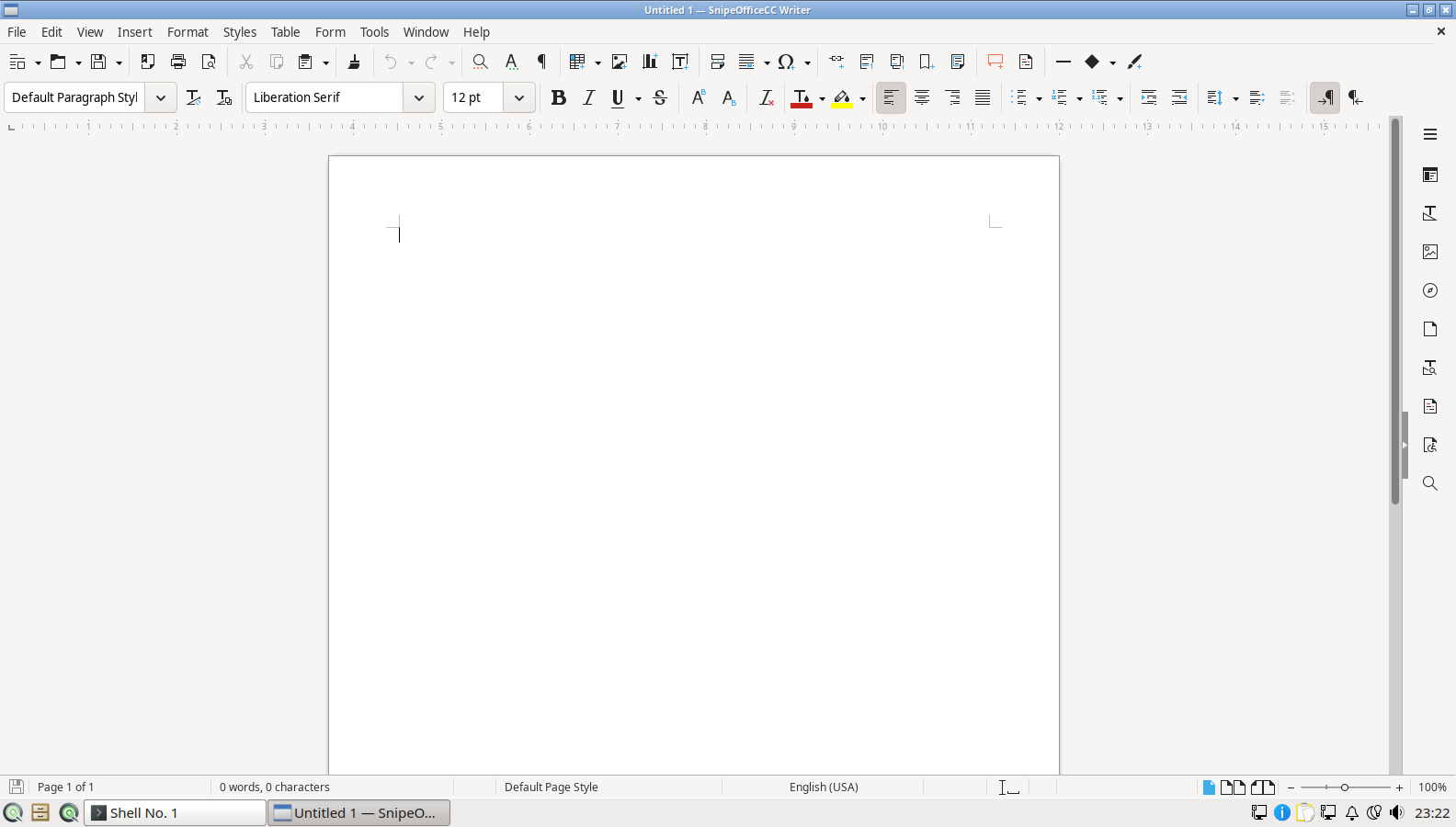
SnipeOffice for Office work
Documents, spreadsheets, presentations, and a database front end. DOCX, XLSX, and PDF interchange for the people still sending Microsoft formats. BOM-first CSV when lists cross languages.

SnipeOS
For Windows migrants
Familiar application equivalents already installed, plus a working Windows compatibility layer for the tools that still only ship as .exe. End of Windows 10 support hit in October 2025; the migration wave is already moving.
Warning: This page is for SnipeOS 26. If you are using SnipeOS 13D, please click here.
SnipeOS is a creator-class Linux desktop on Lubuntu 26.04 LTS. For people leaving Windows, especially Windows 10 after end of support, it softens the two hardest edges of the move: familiar apps and the odd Windows-only holdout.
SnipeOffice covers Writer, Calc, Impress, Draw, Math, and Base with solid Microsoft-format interchange. GIMP and Krita replace everyday image work. Thunderbird is real mail and calendar. VLC plays what you throw at it. Snipe Browser handles the modern web without a Google or Microsoft account baked into the desktop.
When something has no native equivalent, Wine and Winetricks arrive preconfigured: wineserver on the PATH, quiet first run, a finished tool rather than a science project. Steam and Proton cover the games question. Support tracks Lubuntu 26.04 LTS through April 2029.
What you already know how to do, with apps waiting on first login.
Documents, spreadsheets, presentations, and a database front end. DOCX, XLSX, and PDF interchange for the people still sending Microsoft formats. BOM-first CSV when lists cross languages.
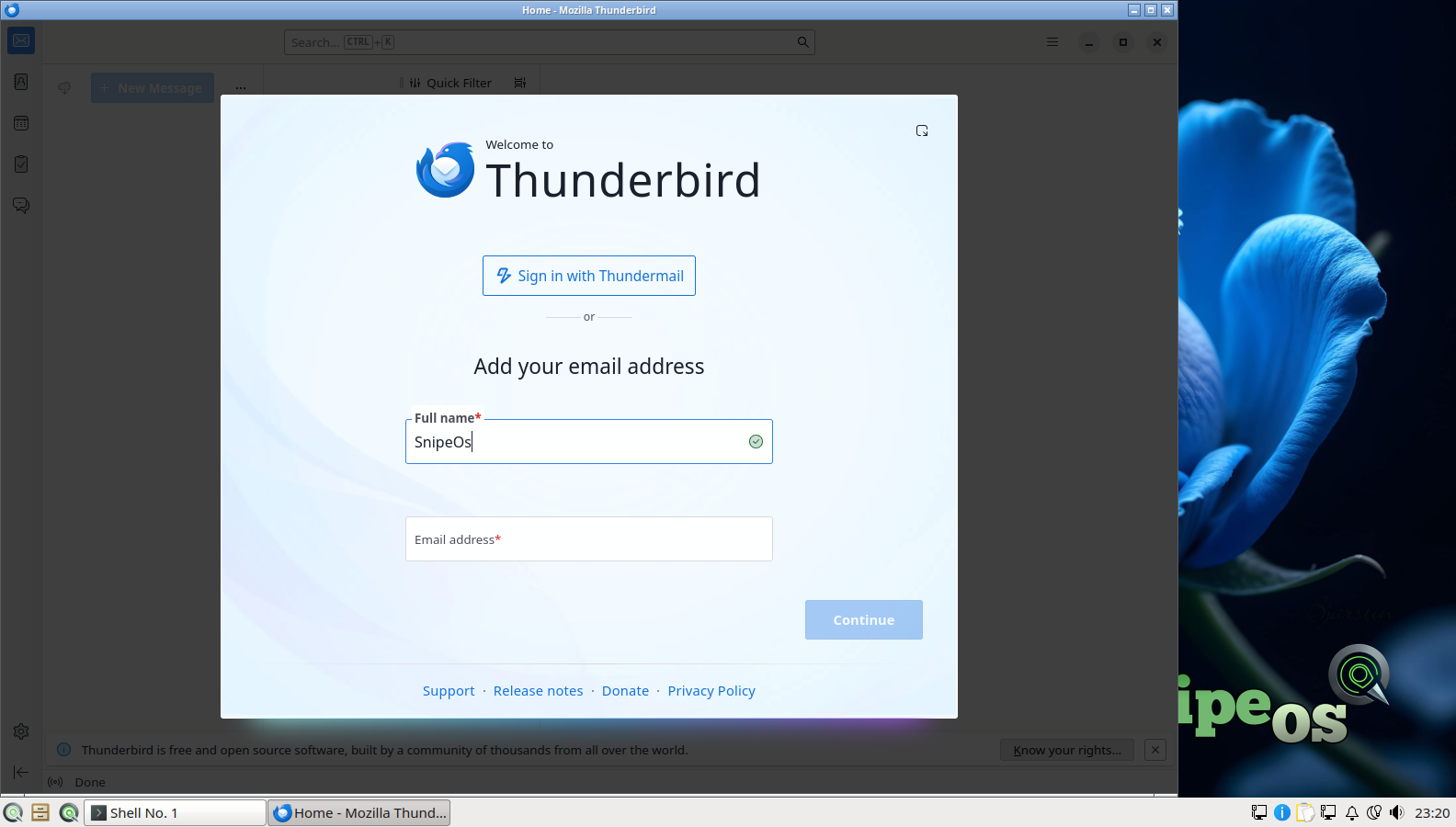
Real Mozilla email and calendar without a webmail-only trap. GIMP covers photo and screenshot work; VLC plays the formats that used to need a codec pack.
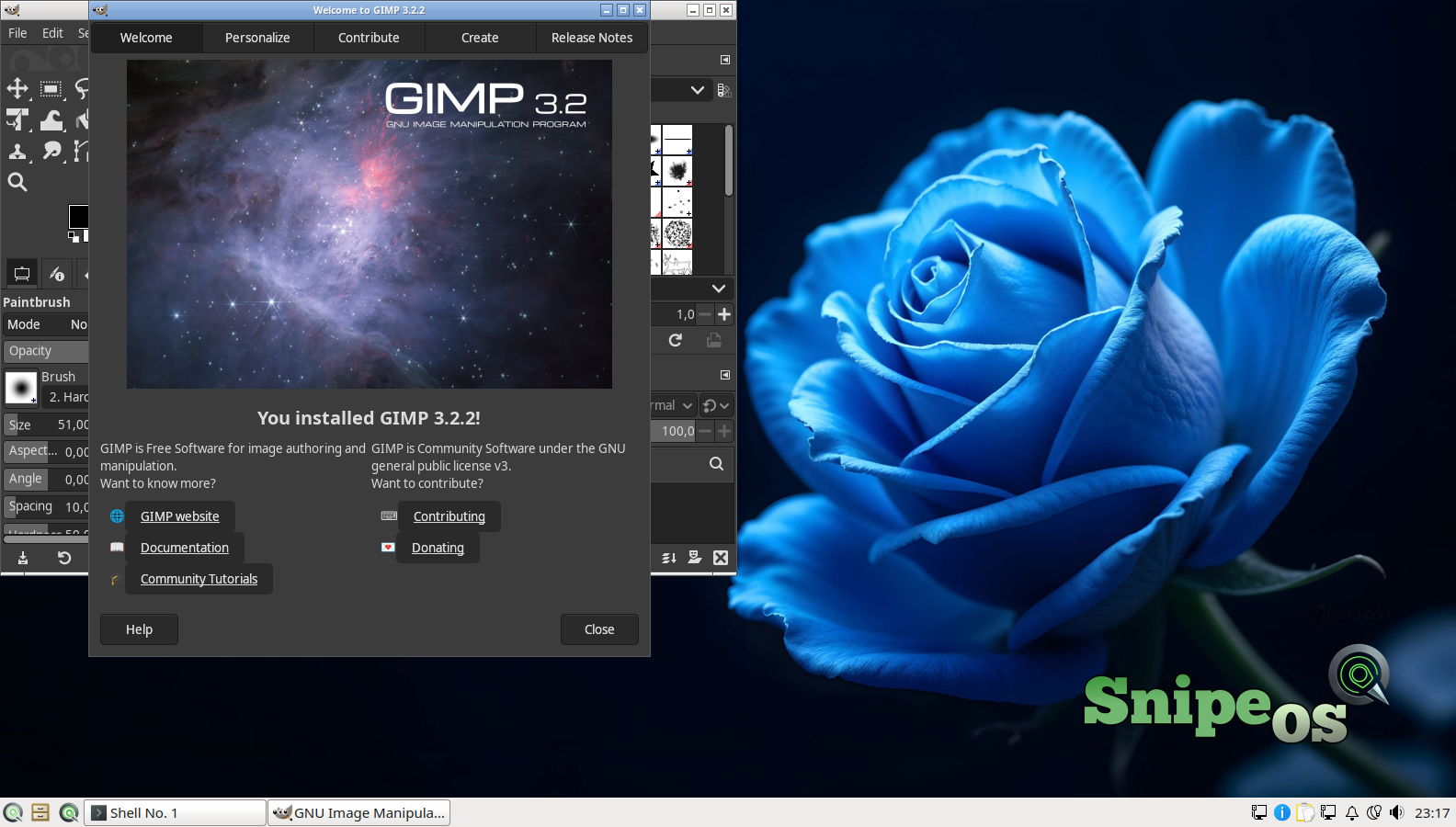
Everyday photo edits, screenshots, and graphics without hunting a Paint replacement. Krita is there when you need a dedicated paint app.
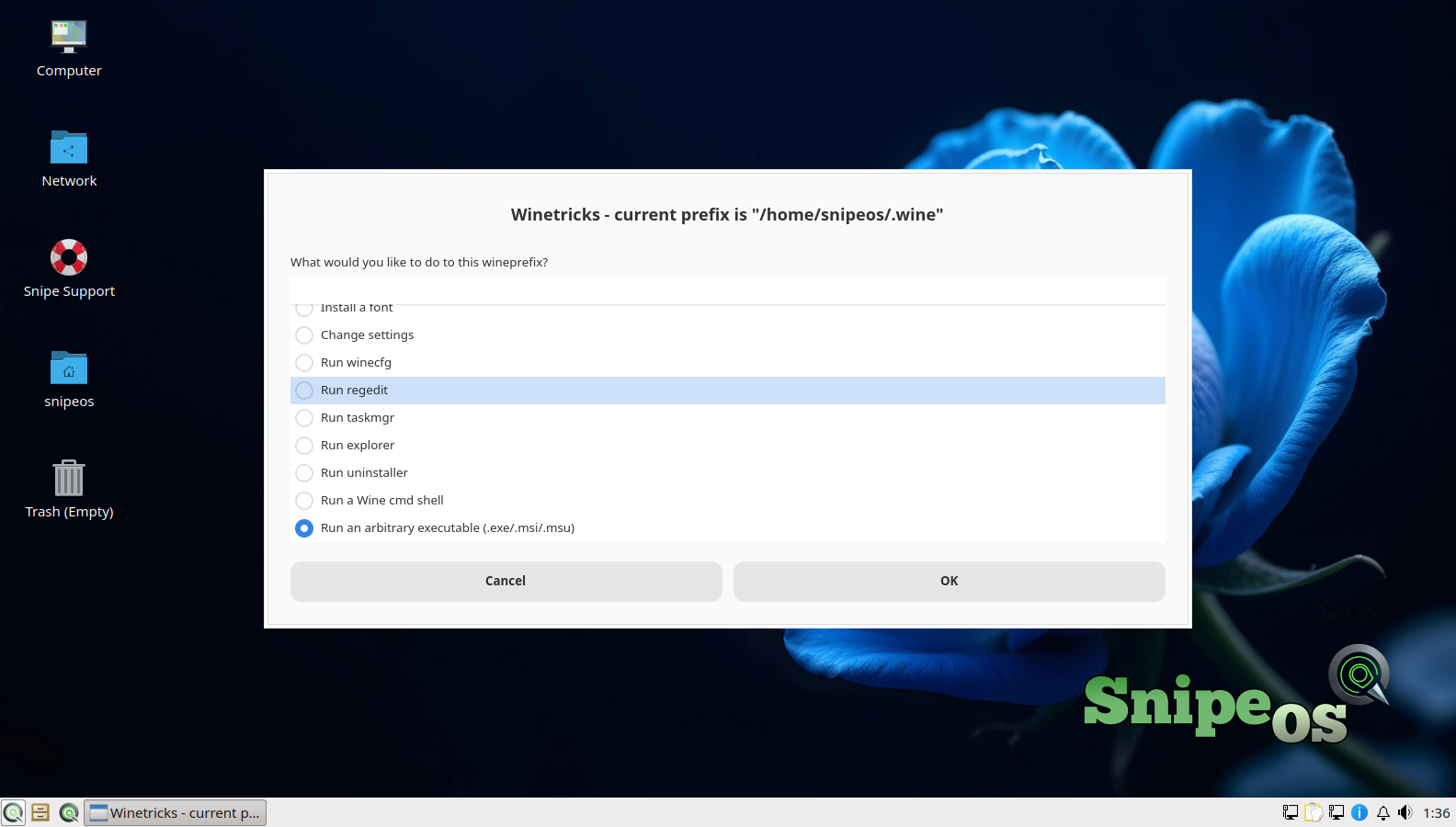
Preconfigured Wine and Winetricks so Windows-only utilities and legacy apps get a real chance. No virtual machine tax for the one supplier tool that never shipped a Linux build.
Windows 10 end of support does not have to mean a forced hardware refresh. SnipeOS runs as an everyday desktop from 2 GB, on amd64 machines that still power on. See also older hardware.
Steam is preconfigured when games are part of the move. Privacy-minded migrants: see Privacy for the local-first stack story.
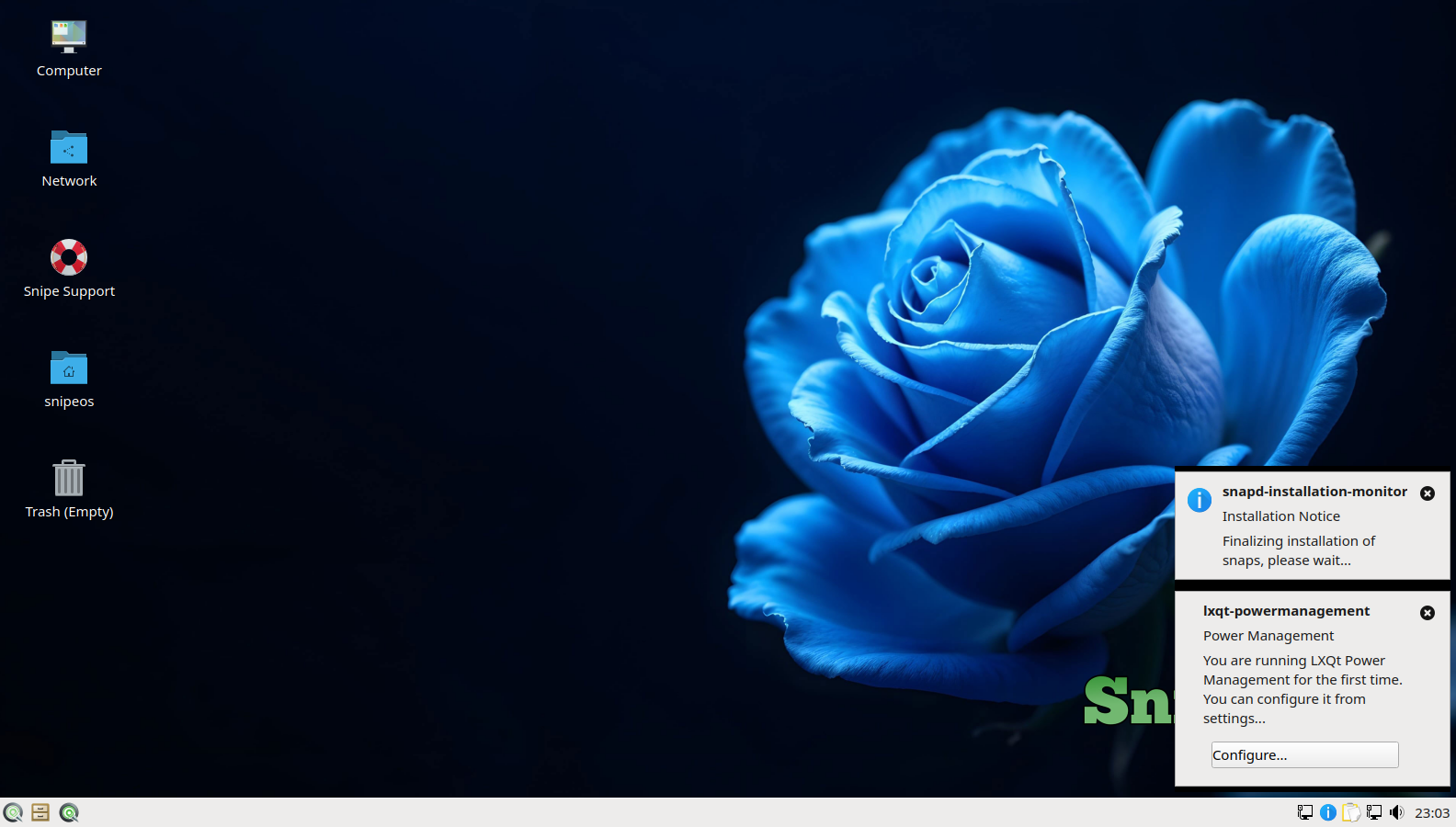
Not identical clones. Capable defaults that cover the same jobs.
| On Windows | On SnipeOS |
|---|---|
| Microsoft Office | SnipeOffice (Writer, Calc, Impress, Base, …) |
| Outlook / Mail | Thunderbird |
| Edge / Chrome | Snipe Browser |
| Paint / Photos edits | GIMP (Krita for painting) |
| Windows Media Player / codec packs | VLC |
| Windows-only .exe | Wine + Winetricks |
| Steam games | Steam with Proton (preconfigured) |
Everyday office, mail, browser, and light image work after the move.
| Item | Requirement |
|---|---|
| RAM | 2 GB or more |
| CPU | 2 cores OK |
| Storage | SSD preferred; HDD still works |
| Disk space | 20 GB recommended |
| Graphics | Integrated GPU fine |
| Architecture | amd64 |
| Firmware | UEFI or legacy BIOS; offline UEFI install supported |
Back up first. Dual-boot or try the live USB before wiping the only Windows install. See the install guide and hardware tiers.
Windows 10 is past end of support. Staying put means unpaid security debt. Moving should not mean starting from zero.
Windows 10 mainstream support ended in October 2025. Machines still on it are outside the free security update window unless you bought extended cover. SnipeOS rides Lubuntu 26.04 LTS updates through April 2029.
SnipeOS does not require a vendor account to install or use the desktop. Office, mail, browser, and passwords work locally. You choose when anything goes online.
The migration tax is usually package hunting. SnipeOS ships the familiar equivalents and the Wine bridge already integrated, so day one is work and play, not a dependency safari.
Get the ISO, write it with Rufus on Windows, try the live desktop, then install when you are ready.
SnipeOS is not affiliated with Microsoft Corporation. Windows is a trademark of Microsoft Corporation.