 Snipe
Snipe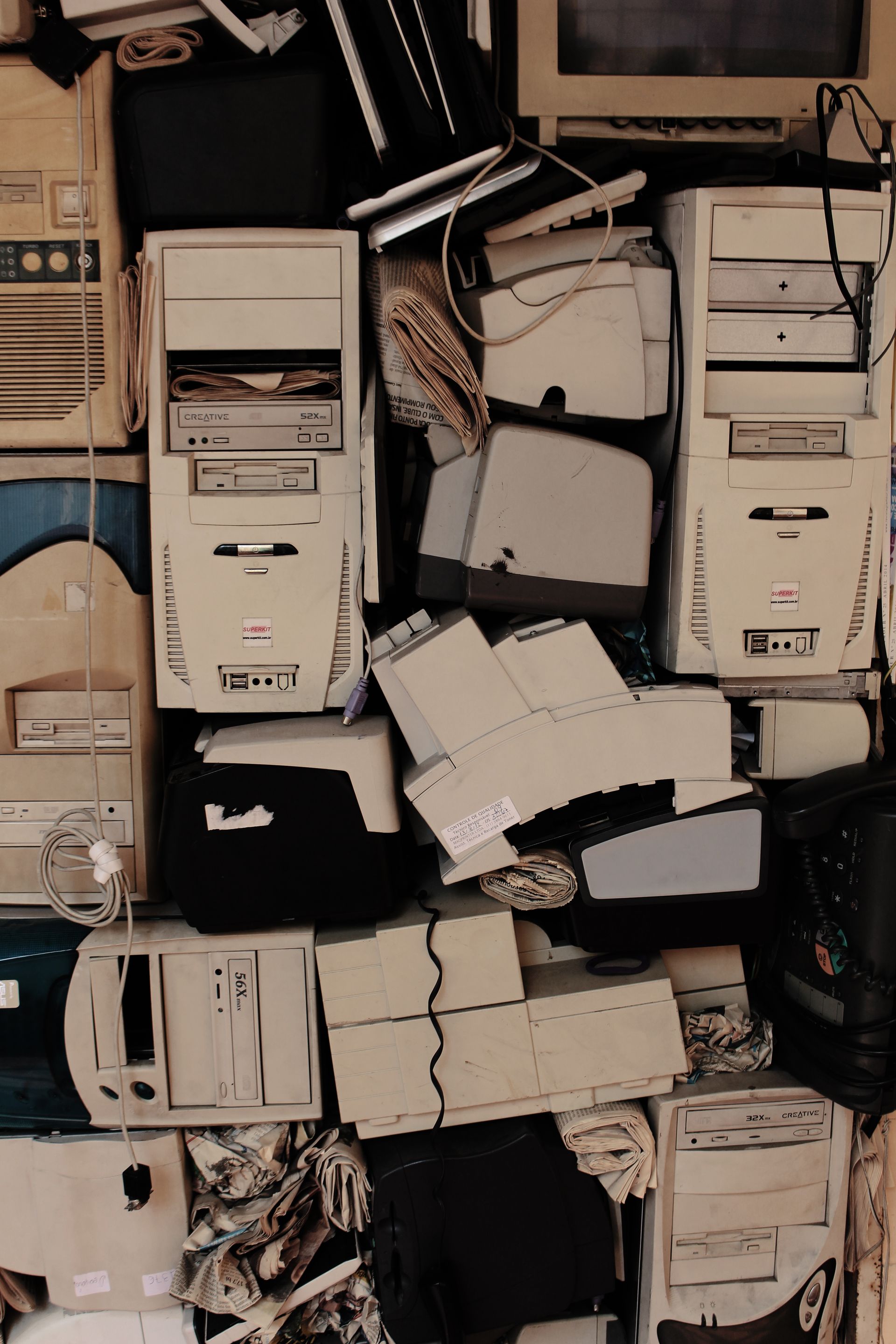
Out of the cupboard, onto a desktop
Write the ISO, install, and land on LXQt. You get a full menu of real apps, not a kiosk skin pretending to be an operating system. If the box is amd64 and still powers on, it is in scope.

SnipeOS
For older and modest hardware
Not a stripped toy OS. A light Linux desktop for machines the industry abandoned, so homework, browsing, office work, and retro games do not require hardware you cannot afford.
Warning: This page is for SnipeOS 26. If you are using SnipeOS 13D, please click here.
SnipeOS is a creator-focused Linux desktop on Lubuntu 26.04 LTS. For owners of older or modest hardware, that means a real working desktop on machines most vendors treat as landfill.
Hundreds of millions of these PCs are still in cupboards, schools, small shops, and spare bedrooms. Their owners are often stuck on insecure, collapsing operating systems that crawl, nag for accounts, and stop receiving security fixes. Buying a new machine is not an option. Living on a broken one should not be the only alternative.
SnipeOS has been installed and run on a spread of older amd64 machines, including full offline UEFI installs. It has been proven booting from roughly 512 MB of RAM. The install footprint is about 8 GB. At 2 GB you get a genuine everyday desktop: browser, office, mail, light editing. That footprint is the point. Any old machine that still powers on can become homework, paperwork, email, the web, or a light business starter kit without waiting for money you do not have.
Escape the dead OS. Keep the hardware. Do the work.
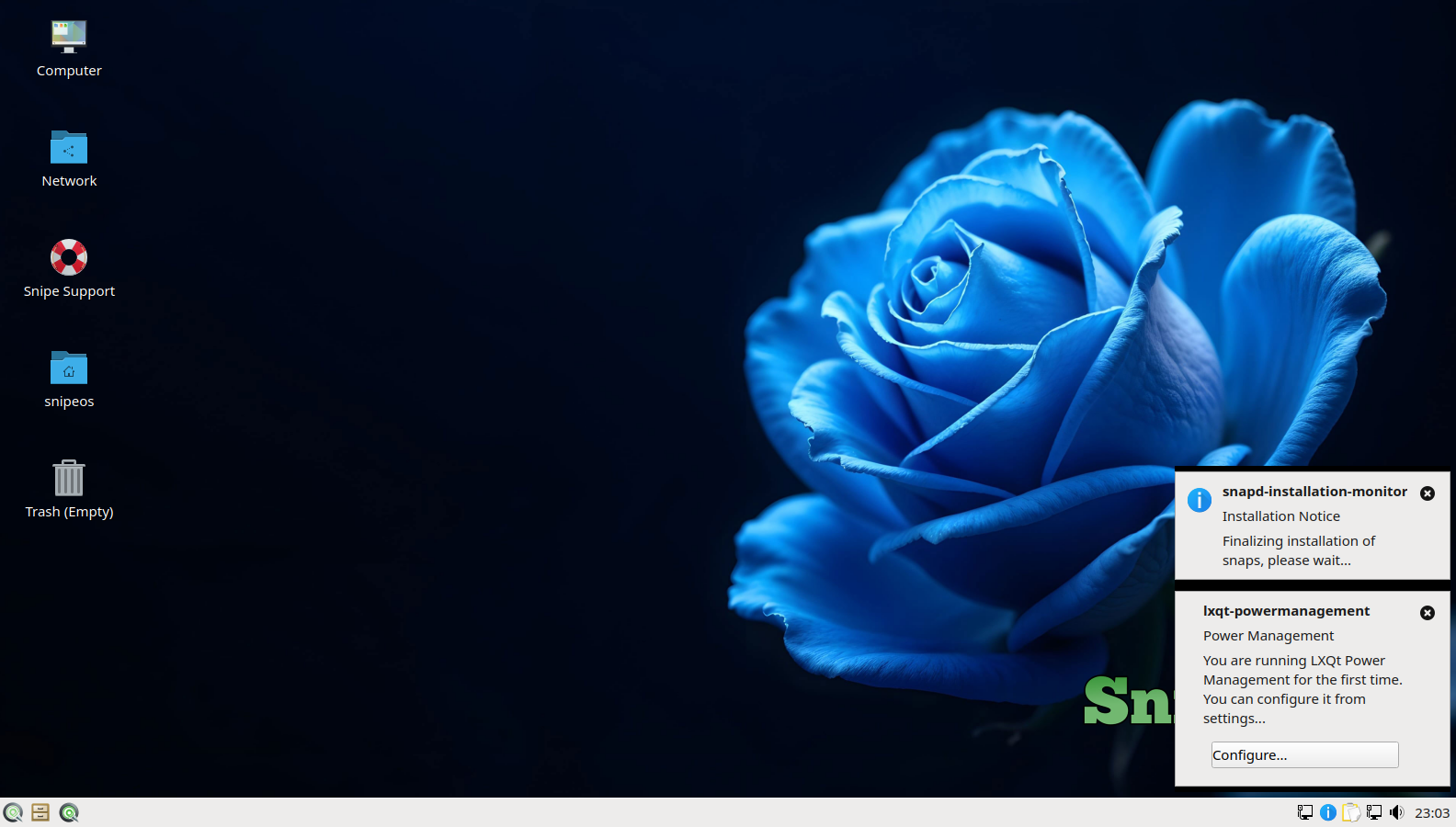
Write the ISO, install, and land on LXQt. You get a full menu of real apps, not a kiosk skin pretending to be an operating system. If the box is amd64 and still powers on, it is in scope.
SnipeOffice, Snipe Browser, and Thunderbird ship ready. Kids can write essays and research. You can invoice, email clients, and file paperwork. The machine already in the house is enough to start.
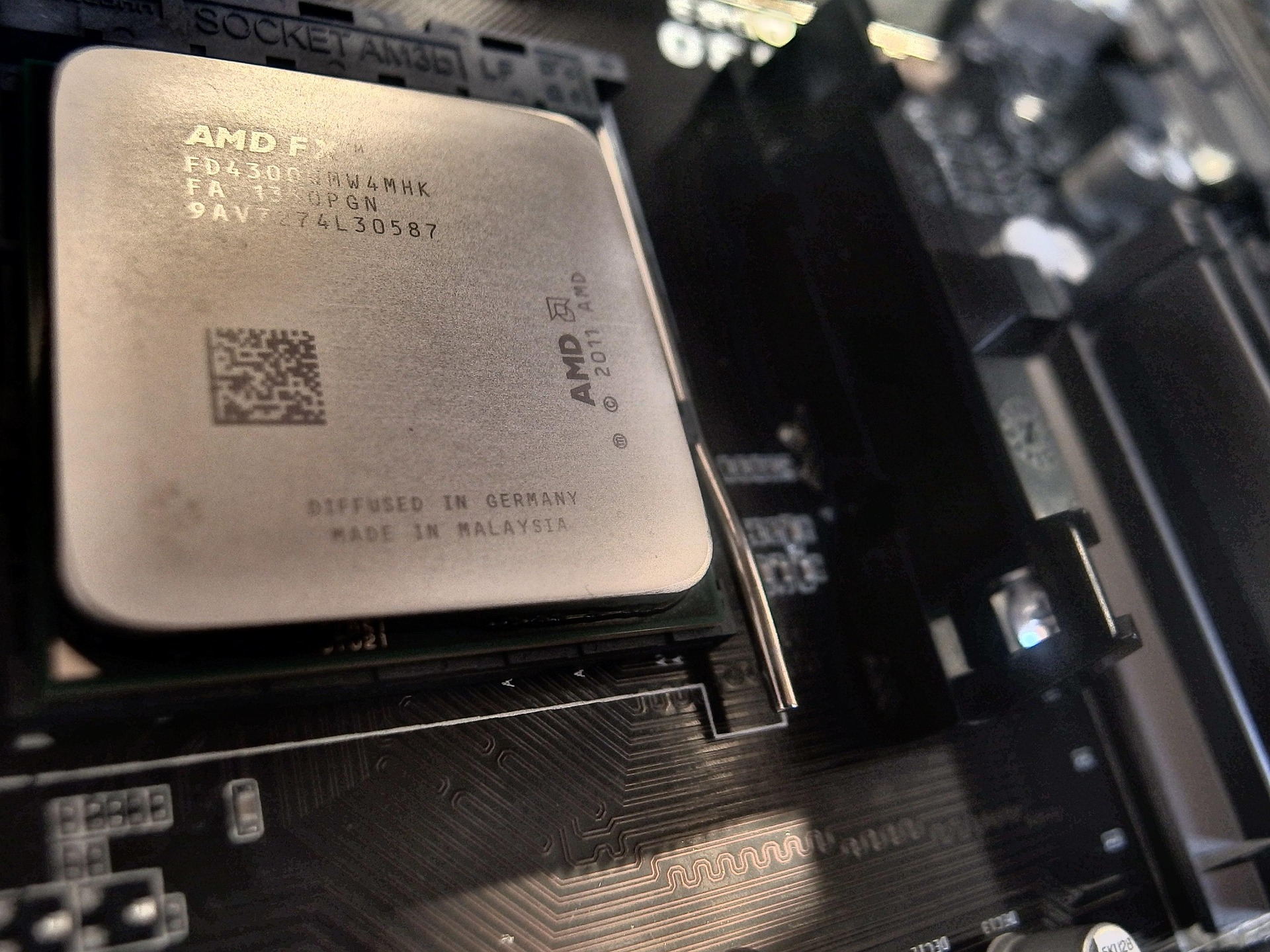
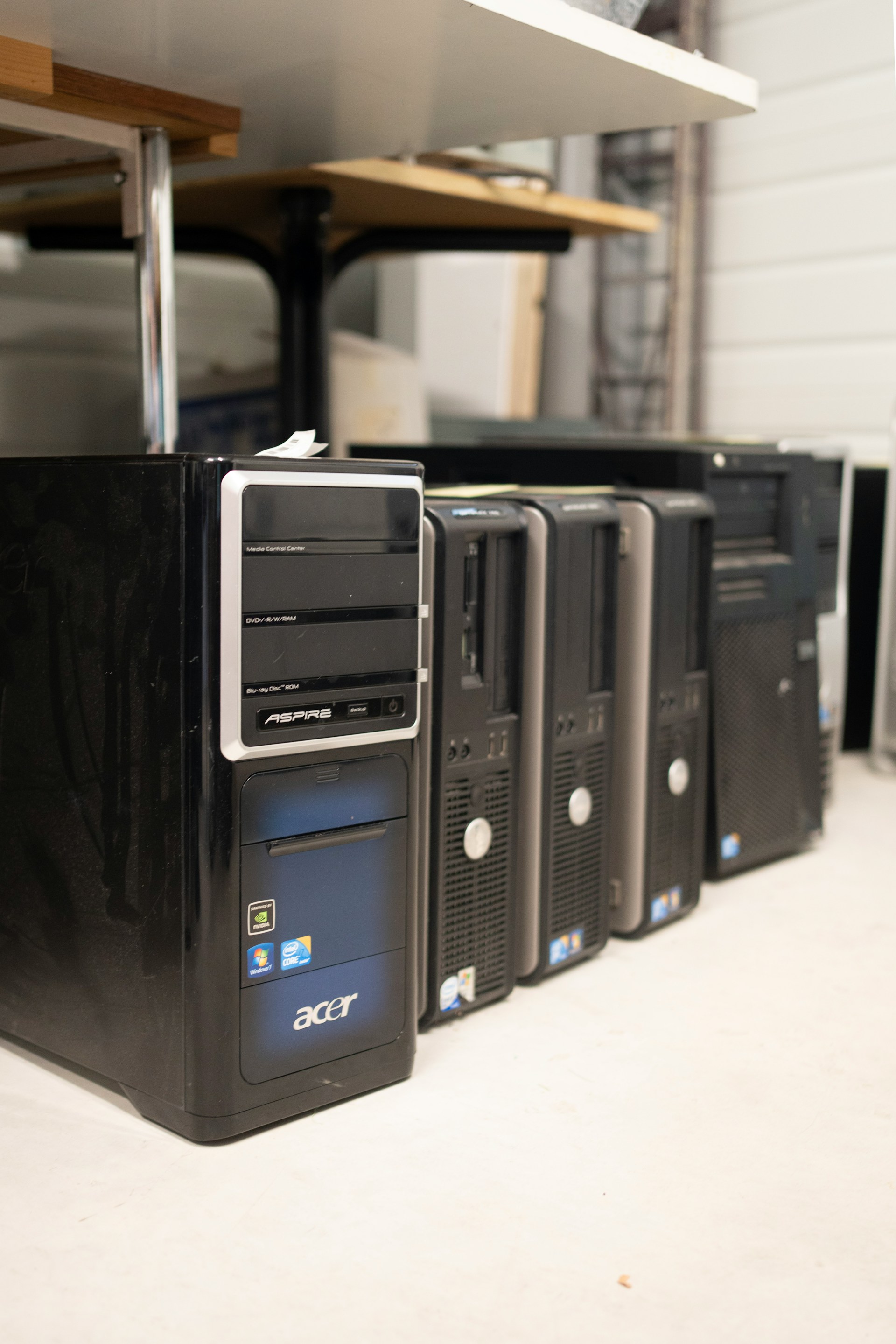
We have run installs on machines going back roughly two decades, as long as they are amd64. Boots from about 512 MB. Support tracks Lubuntu 26.04 LTS through April 2029.
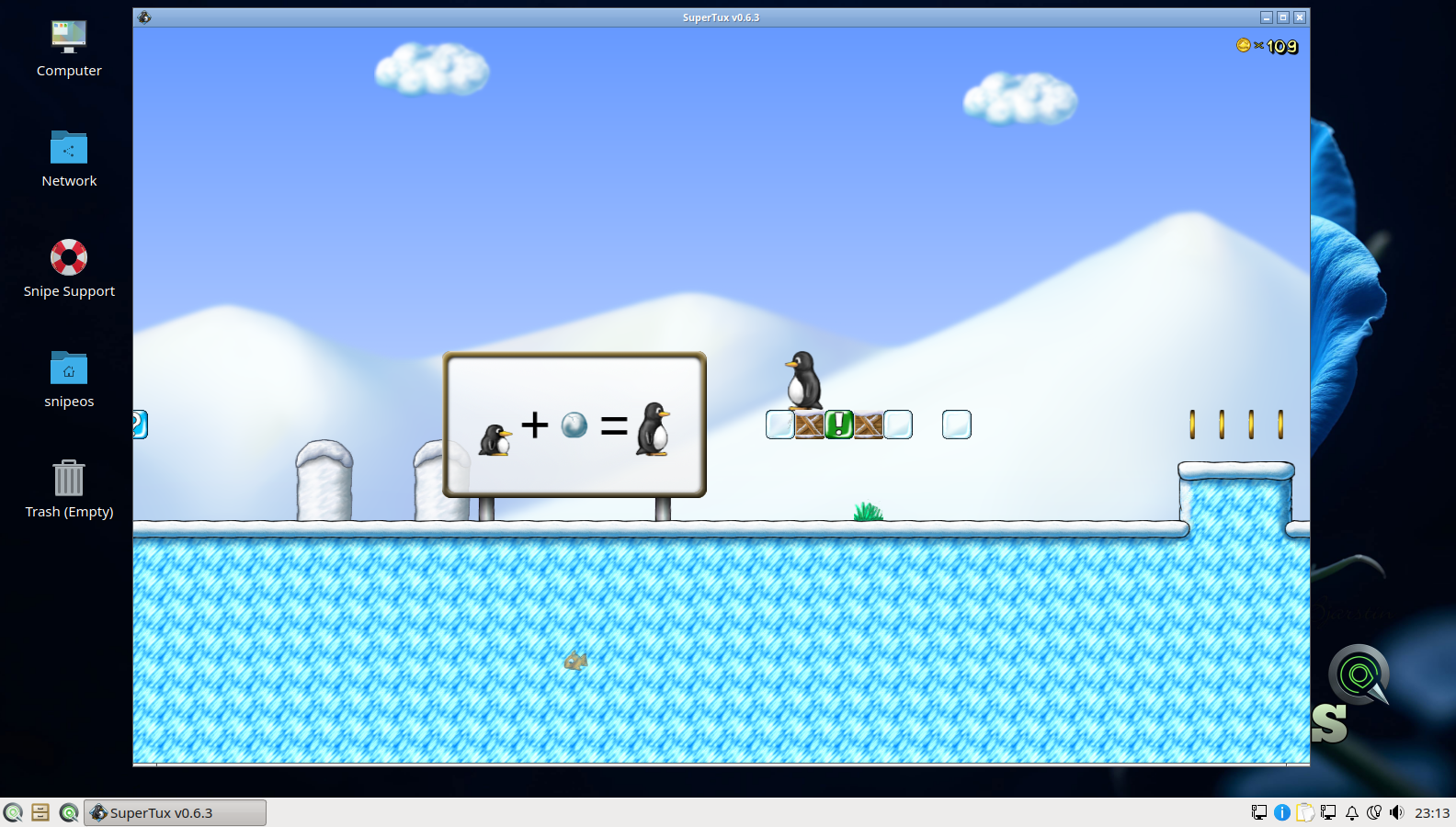
SuperTux and Frozen Bubble are on the image. Steam and Wine are preconfigured for indie and classic titles that fit older GPUs. A cupboard PC is a fine retro box; it does not need to run this year’s AAA release.
Modern desktops often waste the last of an old machine on telemetry, cloud sync, and background assistants. SnipeOS reclaims memory when you close an app, keeps Snipe flagships free of leftover helpers, and leaves the disk for your documents and games.
That is both a humanitarian and a practical commercial fact: hundreds of millions of working PCs are already paid for. Giving them a secure, usable desktop is cheaper than replacing them, and kinder than leaving people on expired Windows.
What it takes to boot a desktop and use light tools. Figures in brackets are the recommended minimum for a more pleasant everyday machine.
| Item | Requirement |
|---|---|
| RAM | About 512 MB proven (recommended minimum: 2 GB) |
| CPU | 1 core (recommended minimum: 2 cores) |
| Storage | Mechanical HDD acceptable (recommended: SSD) |
| Disk space | ~8 GB install footprint (recommended minimum: 20 GB with swap and documents) |
| Graphics | Integrated GPU fine |
| Architecture | amd64 (x86-64). Consumer 64-bit PCs arrived around 2003 with AMD64; Intel followed soon after. 32-bit-only boxes are out of scope. |
| Validated | Tested on a range of older amd64 boxes up to about 20 years old, including offline UEFI installs |
At absolute minimum expect swapping and slow launches. Heavy creative work wants the 4 GB tier. See the full hardware tiers.
Old hardware is often stuck on software that is no longer safe or usable. SnipeOS is an exit ramp.
Machines that cannot run a supported Windows release are still online every day: banking tabs, school portals, small-business email. An unsupported OS is a standing invitation for malware and a drag on every click.
SnipeOS rides Lubuntu 26.04 LTS security updates through April 2029. Same class of hardware, a maintained kernel and archive, and a desktop that still feels like a desktop.
Newer proprietary desktops lean on accounts and sync as if the PC cannot stand alone. On a cupboard machine that often means login walls, storage you did not ask for, and uploads of homework or business files you never meant to send.
SnipeOS has no default sync service and no forced cloud account. Documents stay on the disk until you choose otherwise.
Background reporters and “improve the product” helpers hurt hardest on the slowest machines. They steal RAM and disk from the browser tab or Writer document you actually opened.
Snipe flagship apps do not leave that channel open. Close an app and the memory comes back. On 2 GB that is the difference between usable and reboot-every-afternoon.
Get the ISO, write it with Rufus, try the live desktop on the old machine, then install when you are ready.