 Snipe
Snipe
One-click Steam that actually works
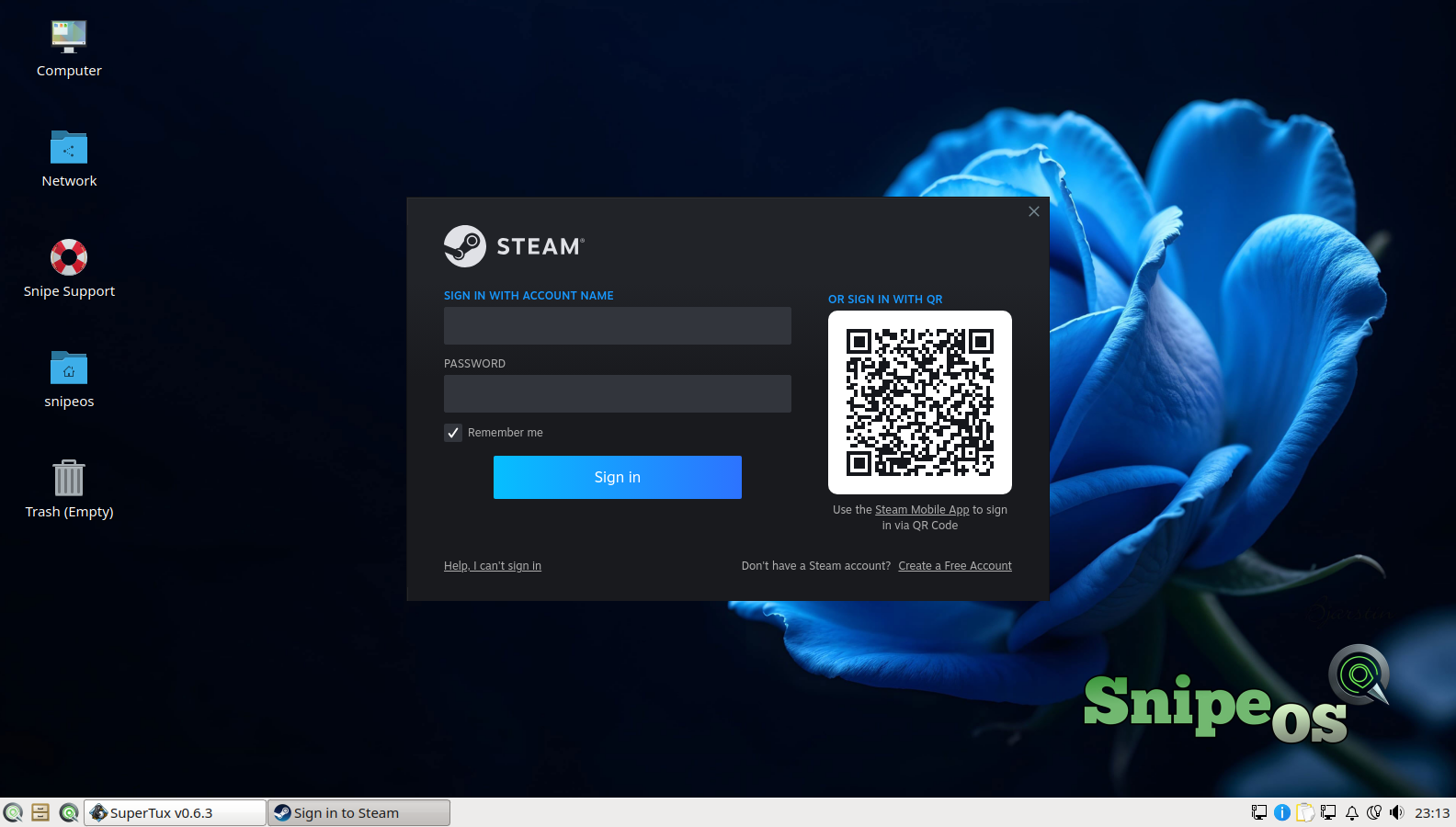
i386 enabled, steam-libs and Mesa Vulkan drivers seeded for amd64 and i386. The installer prompt and sign-in flow reach login instead of a wall of unmet dependencies.

SnipeOS
For gamers on a budget
A light Linux desktop where the gaming layers are preconfigured: one-click Steam, Proton for the Windows catalogue, free games on the shelf, and a desktop that leaves RAM for the game.
SnipeOS is a creator-class Linux desktop on Lubuntu 26.04 LTS. For gamers on a budget, the differentiator is the preconfigured Steam and Wine stack on machines that cost less than a new console.
On stock Linux, Steam is the dependency trap that kills first nights: i386 libraries, Vulkan drivers, unmet packages before you ever see a login screen. SnipeOS seeds that tree on the image. Wine arrives with wineserver on the PATH and the first-run dialog spam silenced. From finished install to a signed-in Steam client or a Windows .exe is minutes of clicking, not an evening of forensics.
The desktop stays light so every megabyte it does not use is a megabyte the game gets. Support tracks Lubuntu 26.04 LTS through April 2029. Be honest about titles: indie and classic games fit older boxes; current AAA sets its own bar.
The layers that usually fail on Linux, already done.
i386 enabled, steam-libs and Mesa Vulkan drivers seeded for amd64 and i386. The installer prompt and sign-in flow reach login instead of a wall of unmet dependencies.
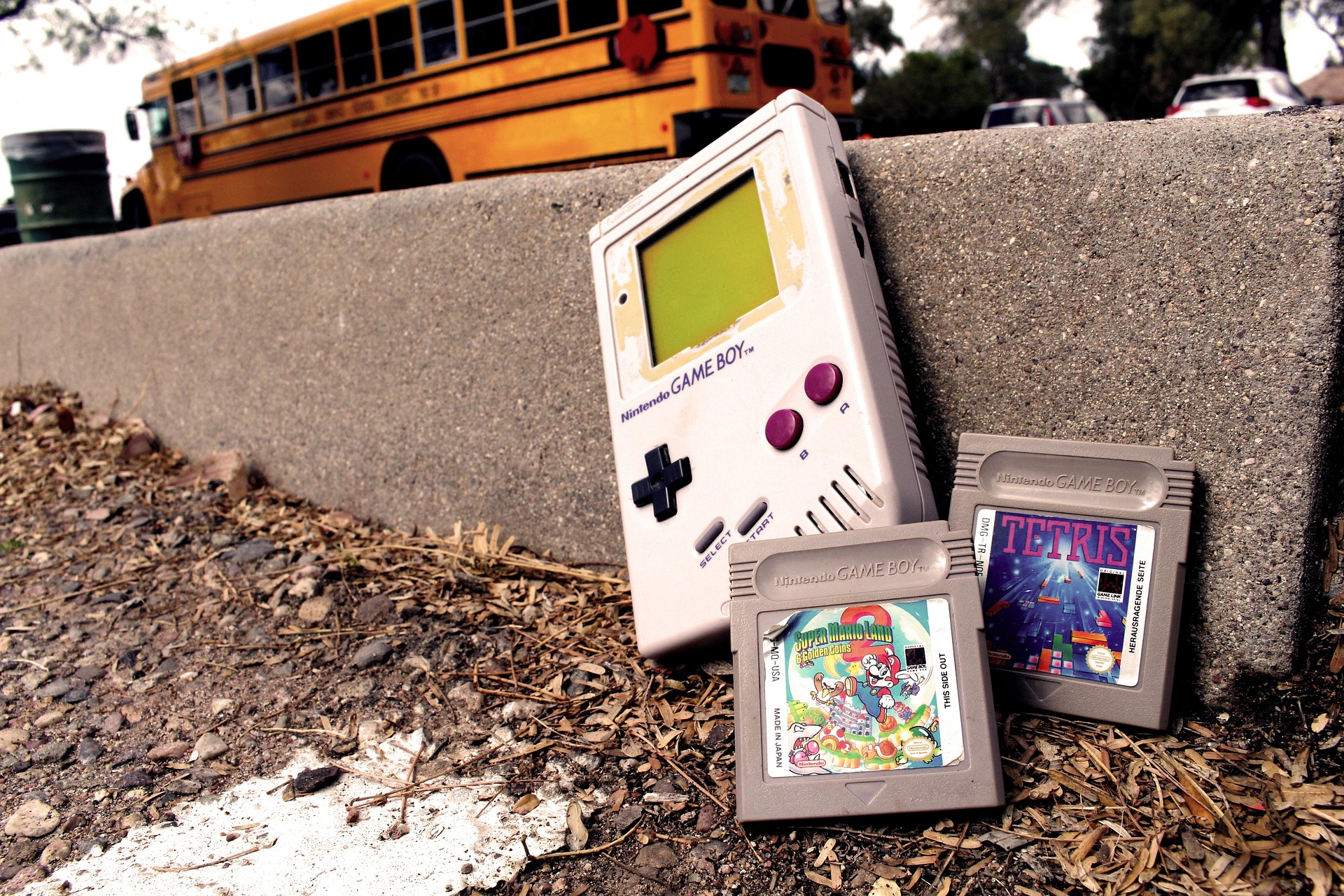
With Steam running, Valve’s Proton layer opens a large share of Windows titles on Linux. Wine and Winetricks cover the Windows-only tools and older .exe games that never saw a Steam page.
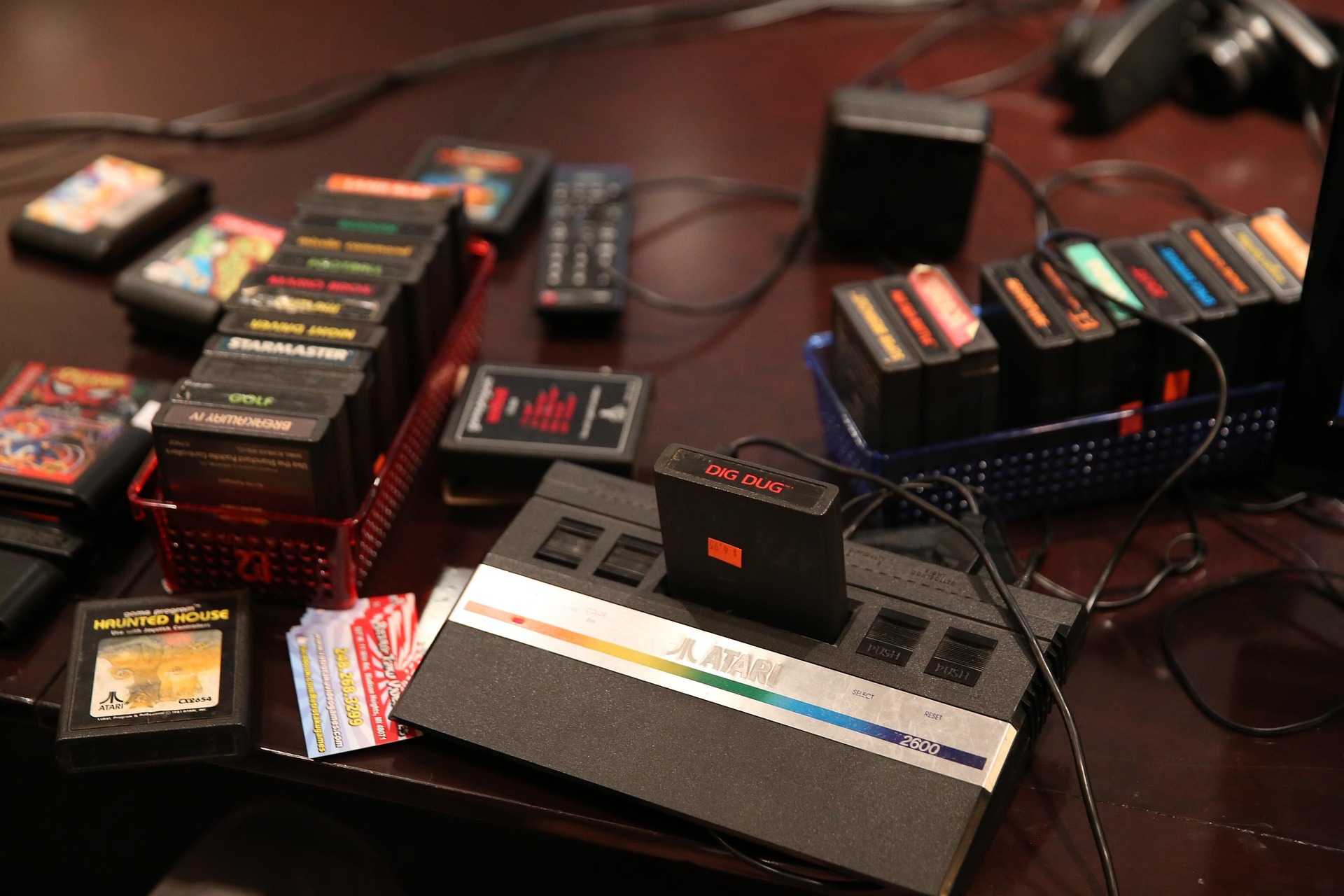
SuperTux and Frozen Bubble ship on the image from first login. No store account required to play something tonight while Steam finishes downloading.
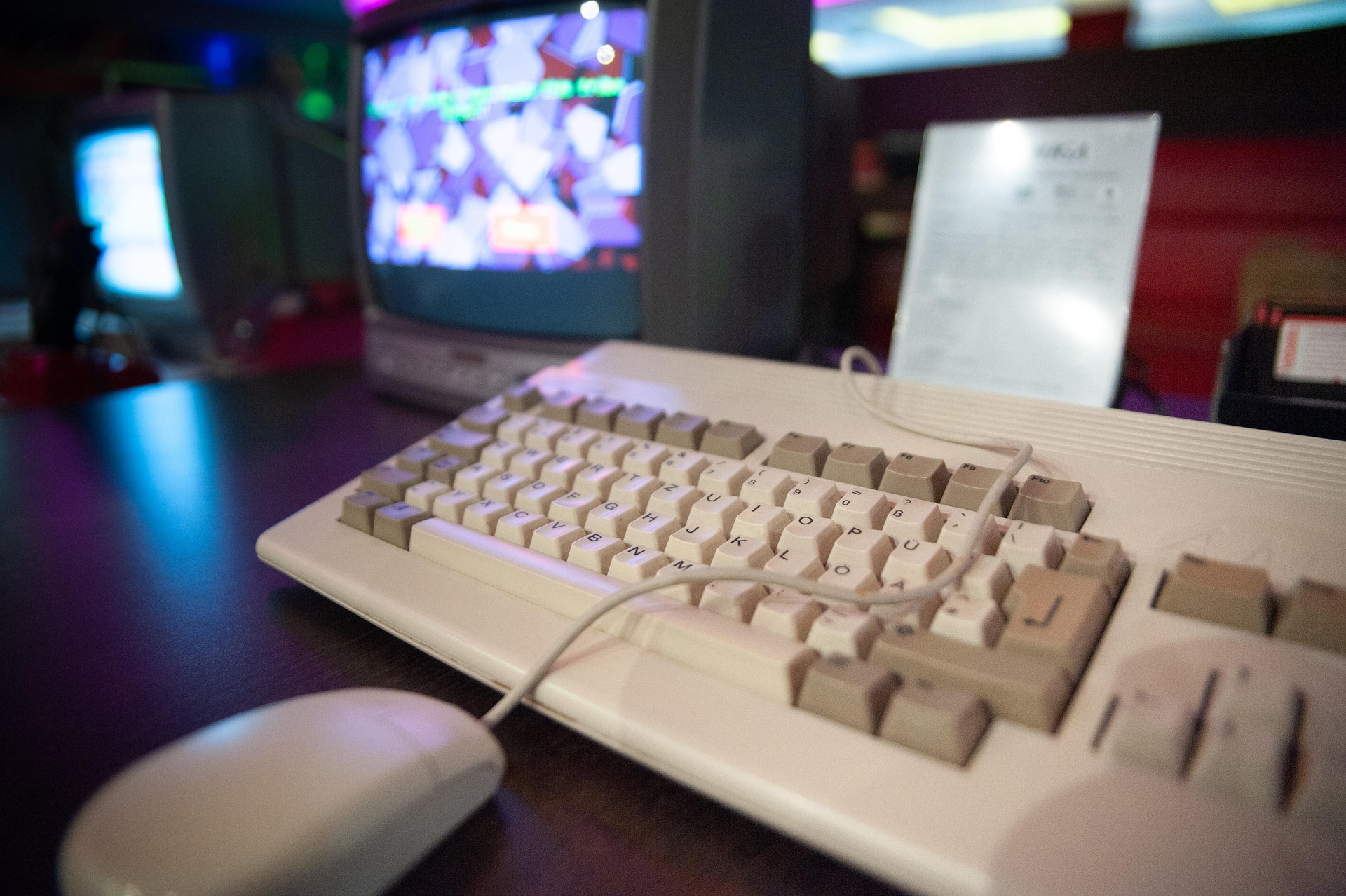
A second-hand amd64 PC plus SnipeOS is a dedicated play box without console pricing. LXQt stays out of the way so CPU and RAM go to the game, not the desktop chrome.
The Games menu Steam entry leads to a stable installer path, then Steam sign-in. Proton handles a large Windows catalogue. Native Linux titles run beside them. Kodi is there if the same machine doubles as a couch media box.
Streaming your play? See Twitch streamers Windows migrants for OBS and encode headroom. This page is for playing.
Steam itself and light titles are fine here. Individual games set their own bar; older and indie catalogues fit modest iron best.
| Item | Requirement |
|---|---|
| RAM | 2 GB or more (4 GB preferred once libraries and modern titles stack up) |
| CPU | 2 cores OK for light play; 4 cores nicer for heavier Proton titles |
| Storage | SSD preferred; games and Steam downloads hate spinning disks |
| Disk space | 20 GB+ beyond the ~8 GB install; Steam libraries grow fast |
| Graphics | Integrated OK for many indie and classic titles; discrete GPU helps newer 3D |
| Architecture | amd64 |
SuperTux and Frozen Bubble run at the bottom of the SnipeOS range. See hardware tiers and Games.
Budget gaming dies when the OS eats the session or the install weekend. SnipeOS is built to avoid both.
Steam and Wine are the two layers that usually fail on fresh Linux installs. SnipeOS ships them preconfigured and validated so first play is a sign-in, not a forum thread.
Heavy desktop chrome and background telemetry steal the same cores the game needs. LXQt stays light, Snipe apps reclaim memory when closed, and idle helpers stay out of the flagships.
A used amd64 machine you already own, or a cheap second-hand box, is enough to start. The OS install footprint is about 8 GB; the rest of the drive is for games.
Get the ISO, write it with Rufus, try the live desktop, then install when you are ready.