 Snipe
Snipe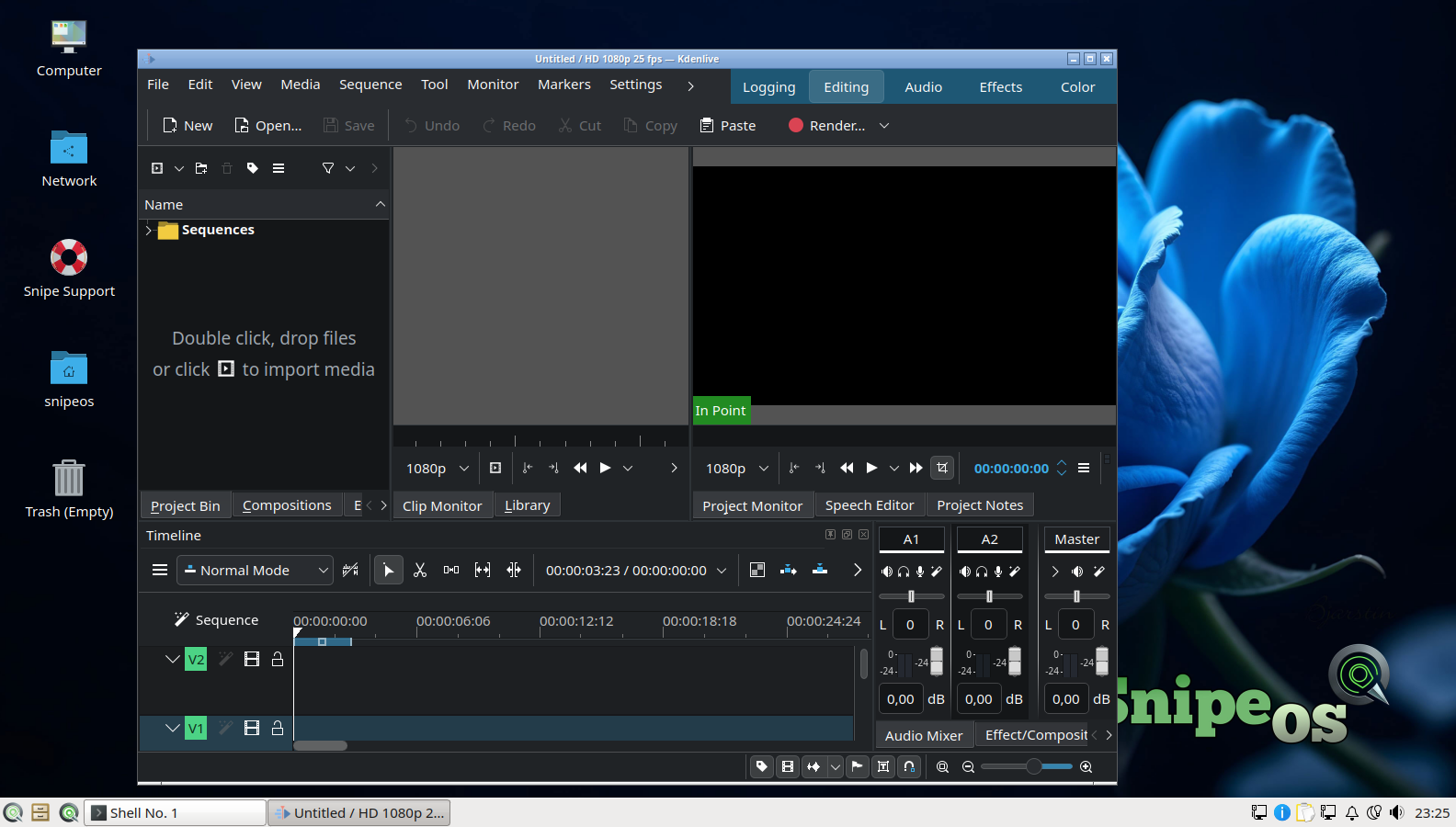
Kdenlive
Primary non-linear editor on MLT: multi-track cuts, proxies for older hardware, titles, and wide export profiles. Shotcut and OpenShot ship beside it when you want a lighter or beginner-friendly path.

SnipeOS
For content creators
A light Linux desktop that ships the creative stack ready from first login: video, graphics, photo, audio, 3D, and a browser that stays out of your project files.
SnipeOS is a creator-focused Linux desktop on Lubuntu 26.04 LTS. The point is not another afternoon of PPAs and missing libraries. It is a machine you can trust to open Kdenlive, OBS, Blender, and Ardour on day one.
Creator work is serial and heavy: develop a shoot, paint an asset, cut a promo, mix a voiceover, then stream. On systems that reclaim memory lazily, each app leaves residue and by mid-afternoon you are swapping. SnipeOS reclaims resources when you close an app, and Snipe flagship tools do not leave background helpers resident. The fifth heavyweight of the day starts with the same headroom as the first.
Support tracks Lubuntu 26.04 LTS through April 2029. Steam, Wine, and Blender carry the dependency fixes that usually eat an evening on other installs. No forced cloud account, no telemetry in the Snipe flagships.
The tools you reach for when the brief is video, art, photo, audio, or 3D.
Primary non-linear editor on MLT: multi-track cuts, proxies for older hardware, titles, and wide export profiles. Shotcut and OpenShot ship beside it when you want a lighter or beginner-friendly path.
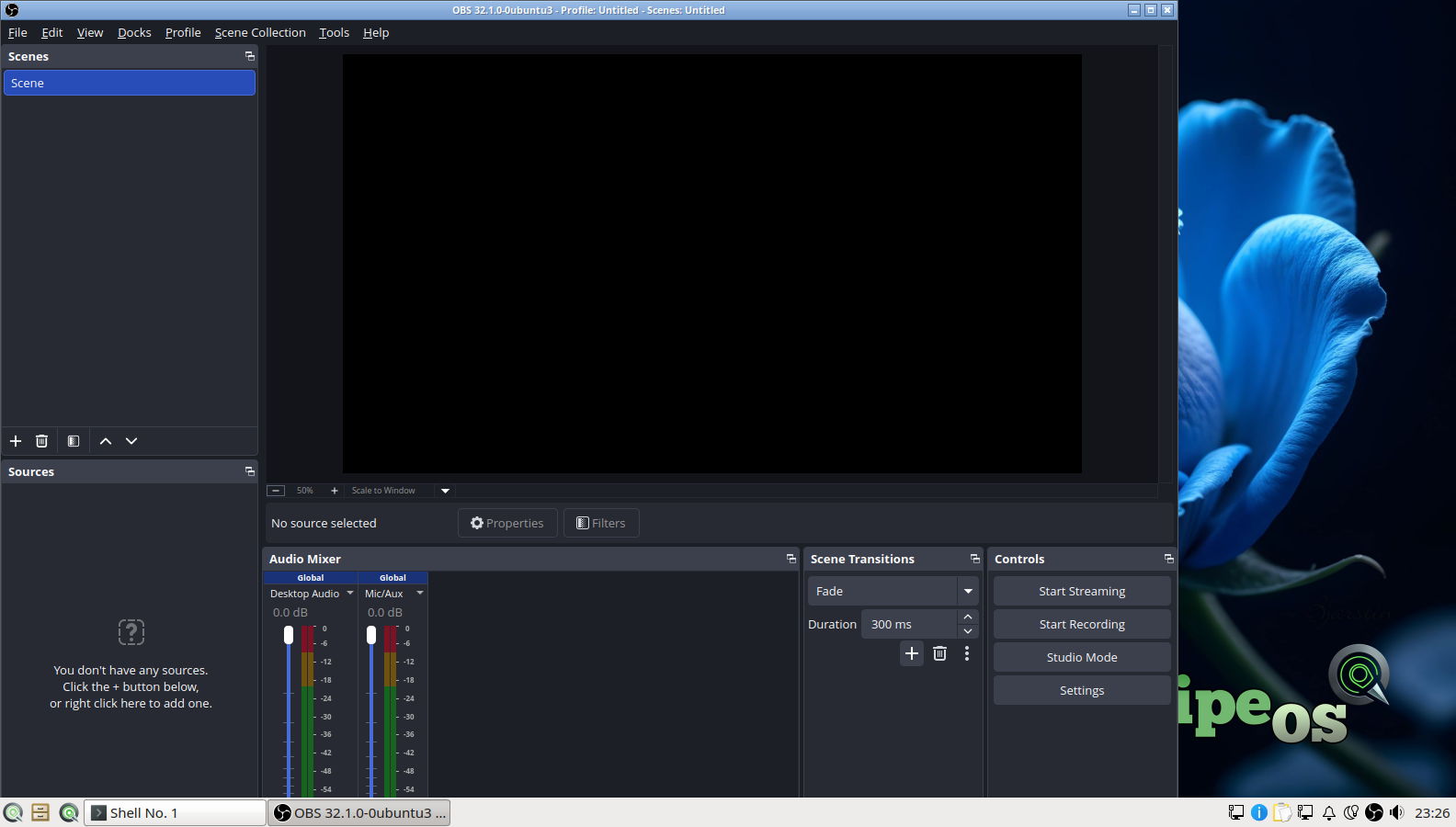
Record tutorials, capture gameplay, and stream to Twitch or YouTube. The autoconfig wizard is validated on a fresh install so first stream setup is honest about what the machine can sustain.
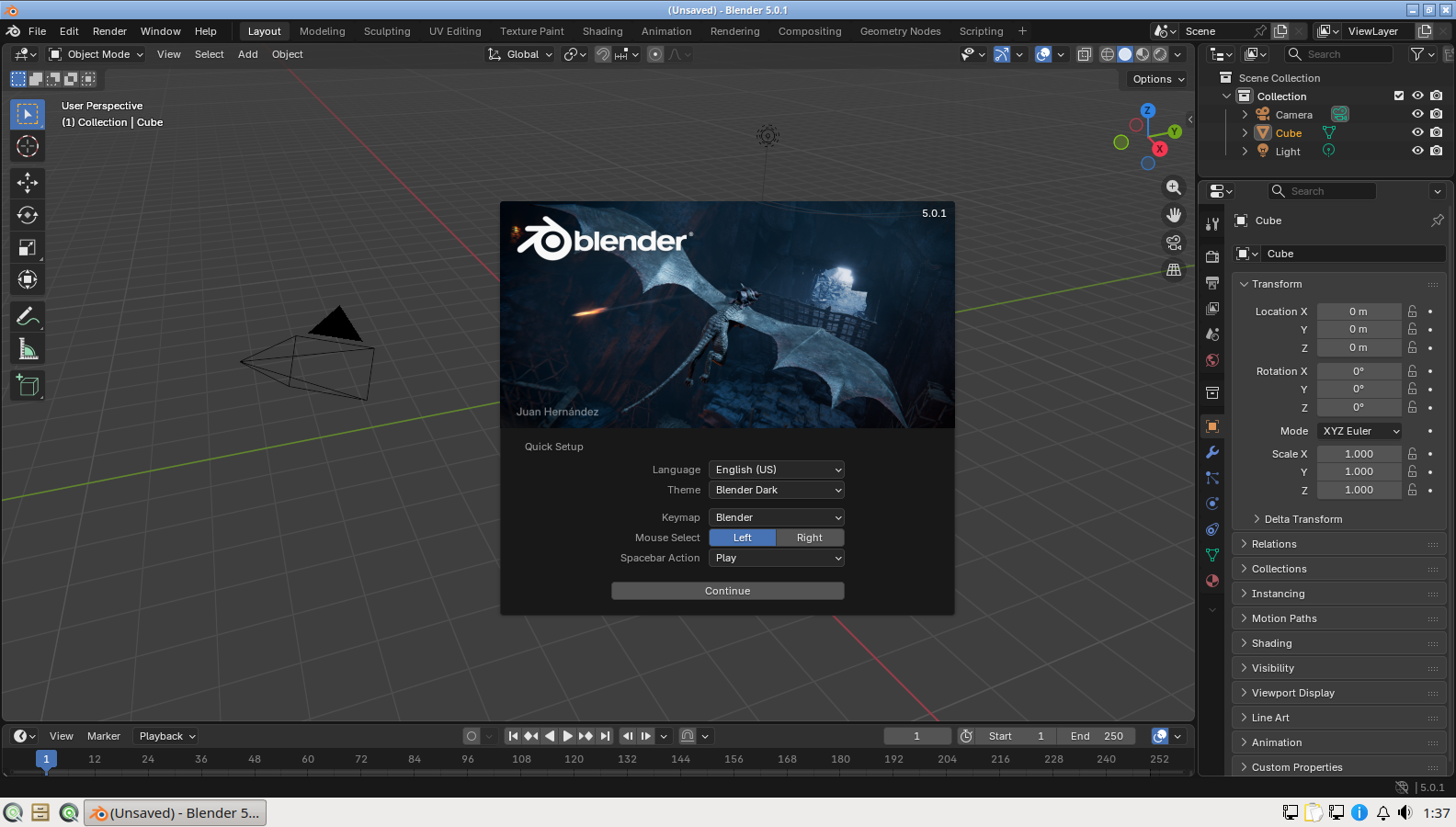
Modelling, Grease Pencil, Eevee, and Cycles on an image where the dependency chain was debugged during beta. It launches on a fresh install because the missing library that broke early builds is seeded and checked.
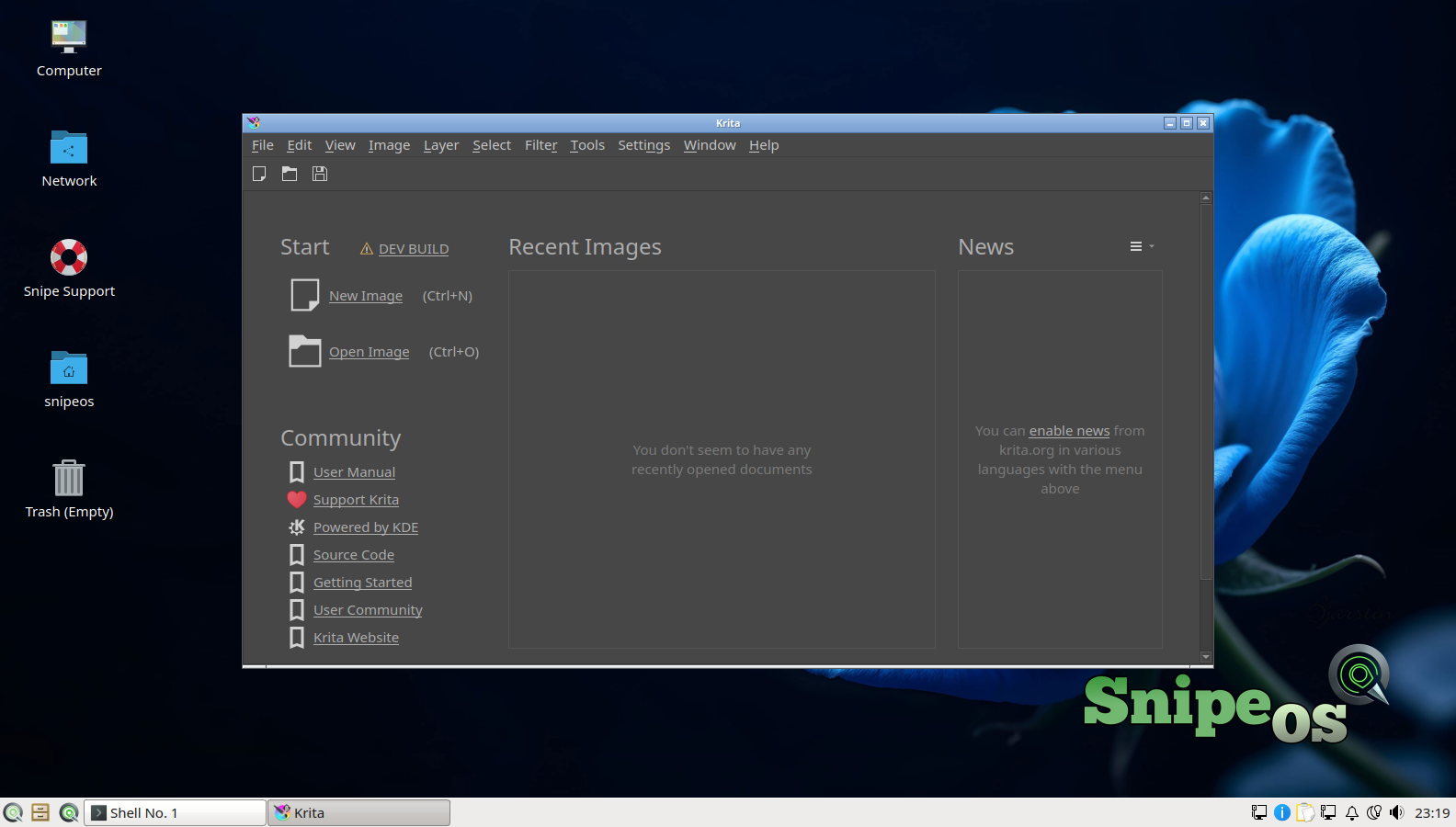
Digital painting with a deep brush engine, comic and animation workflows, and tablet pressure support. Paired with Inkscape for vectors and GIMP for everyday raster cleanup.
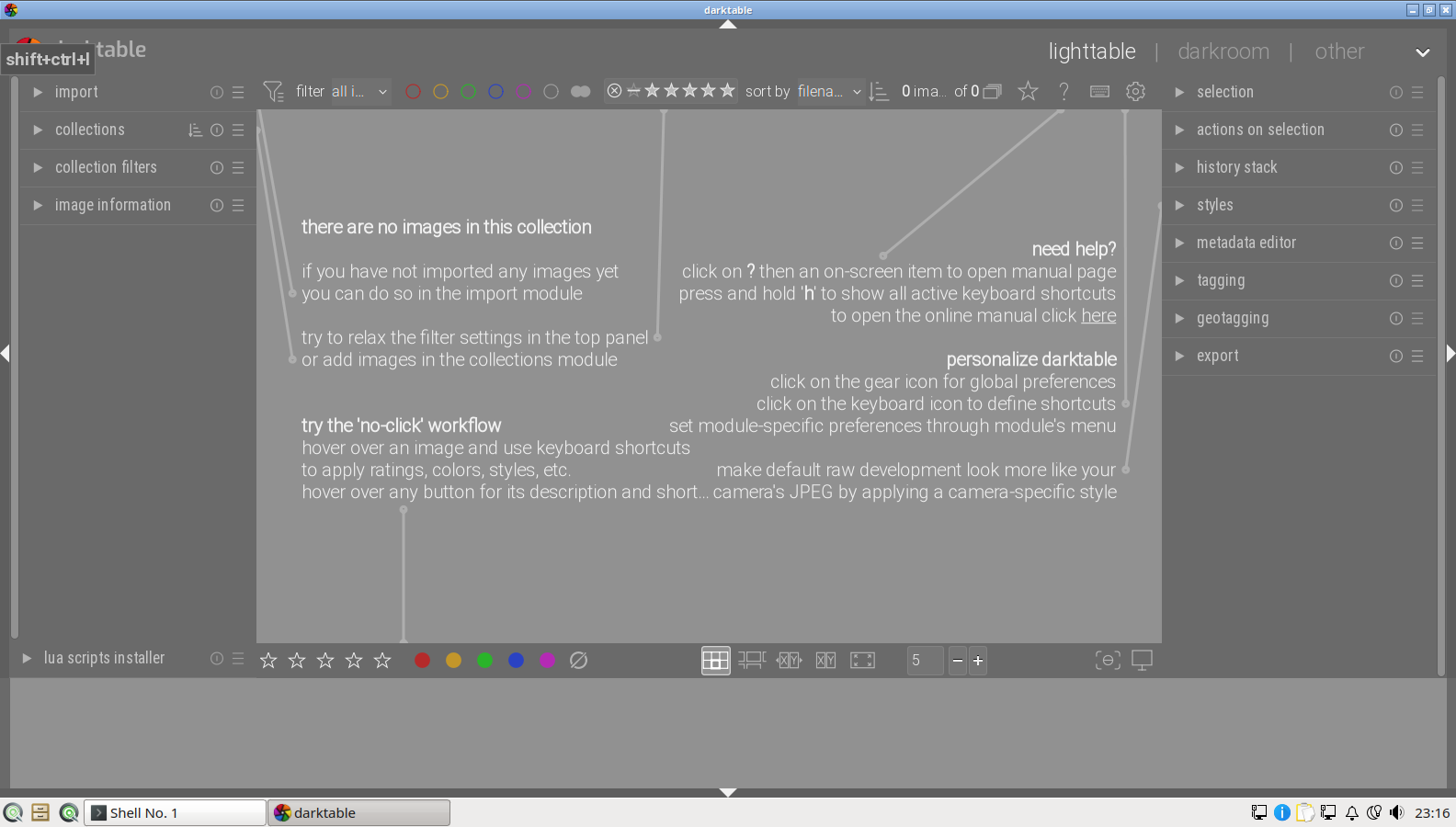
RAW develop and lighttable workflow for camera cards: non-destructive modules, batch export, and a path from import to finished JPEG or TIFF without leaving the default install.
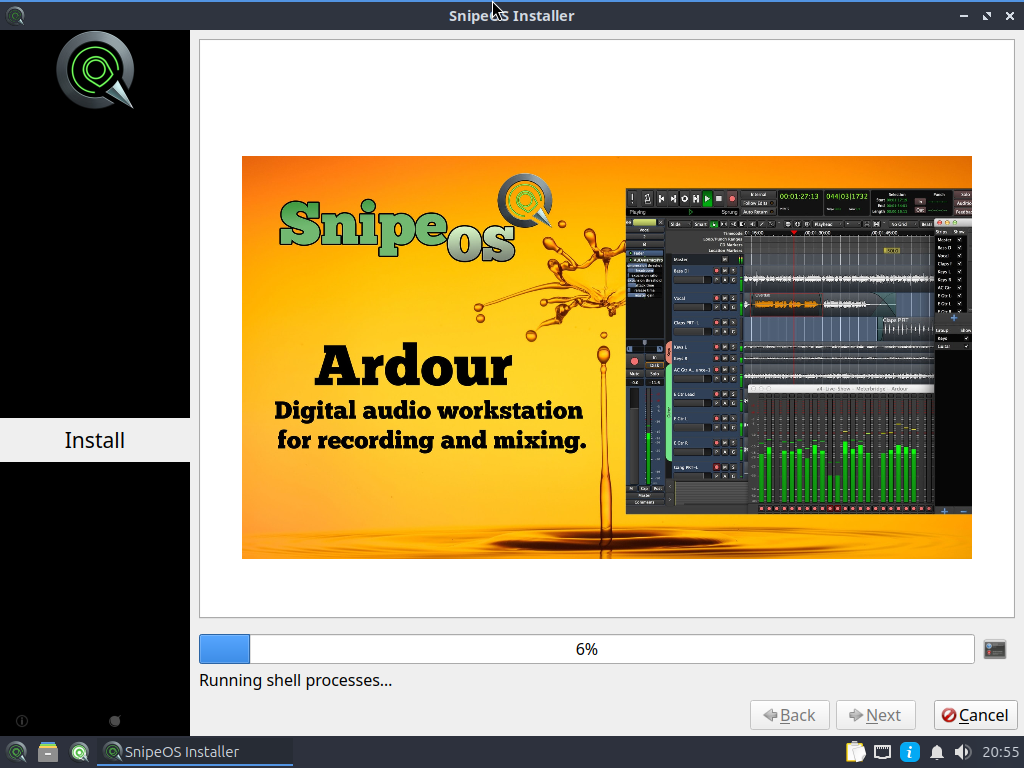
A full DAW for multitrack podcasts, scores, and dialogue, with Audacity for the five-minute waveform jobs. First-run ALSA setup is part of the validated gallery.
Footage, layered PSD-adjacent work, and unfinished cuts live as ordinary files on disk. There is no default cloud sync sweeping Documents into a vendor account, and Snipe Browser does not phone home with browsing or password vaults.
Inkscape, Scribus, Trelby, and SnipeOffice round out titles, print layouts, scripts, and delivery docs. Steam and Wine are preconfigured when you need a Windows-only plugin or game capture target.
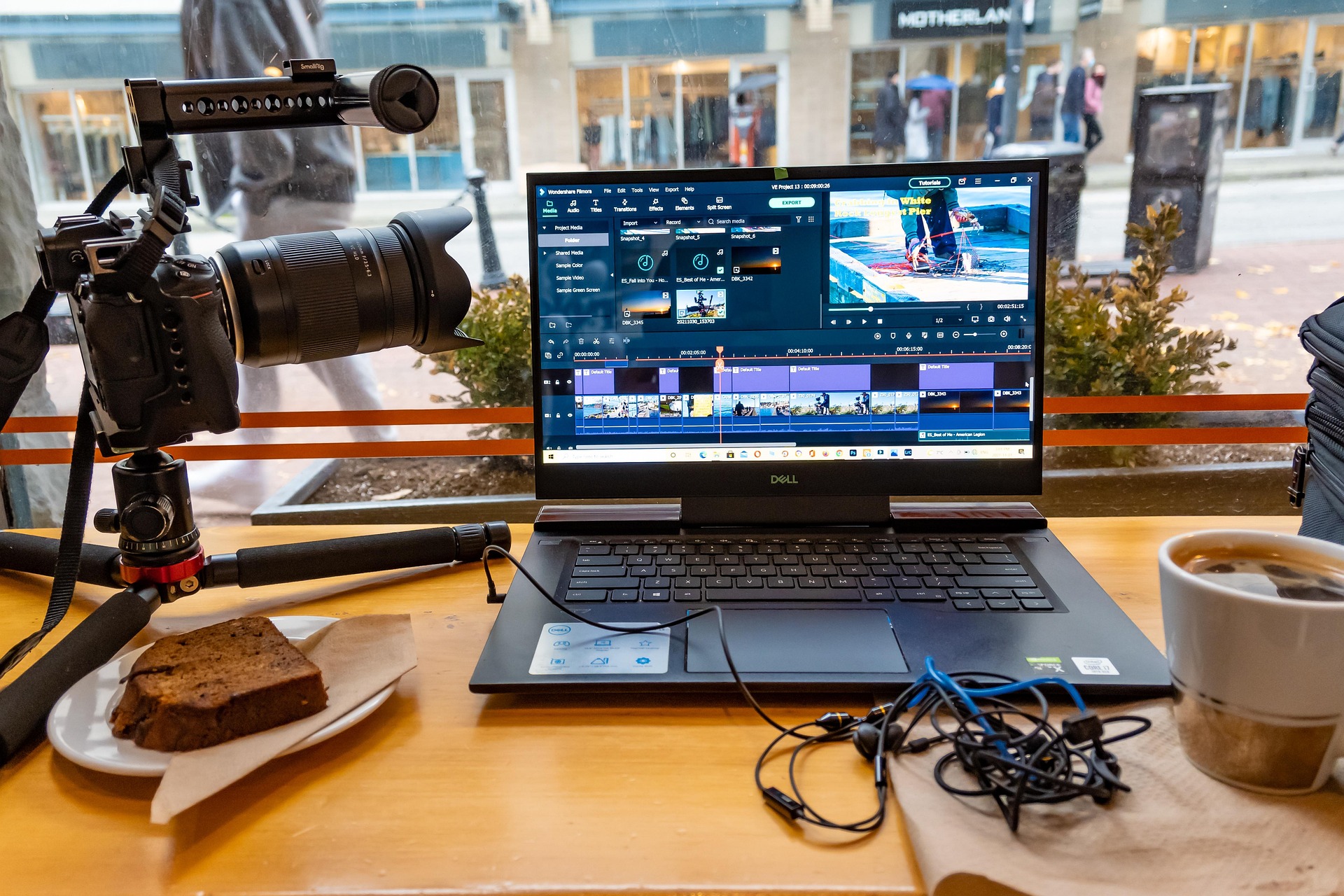
From camera card to upload, the default install covers the jobs creators actually chain together.
Import stills in Darktable, browse cards in the file manager, and drop clips into Kdenlive or Shotcut without hunting codecs first.
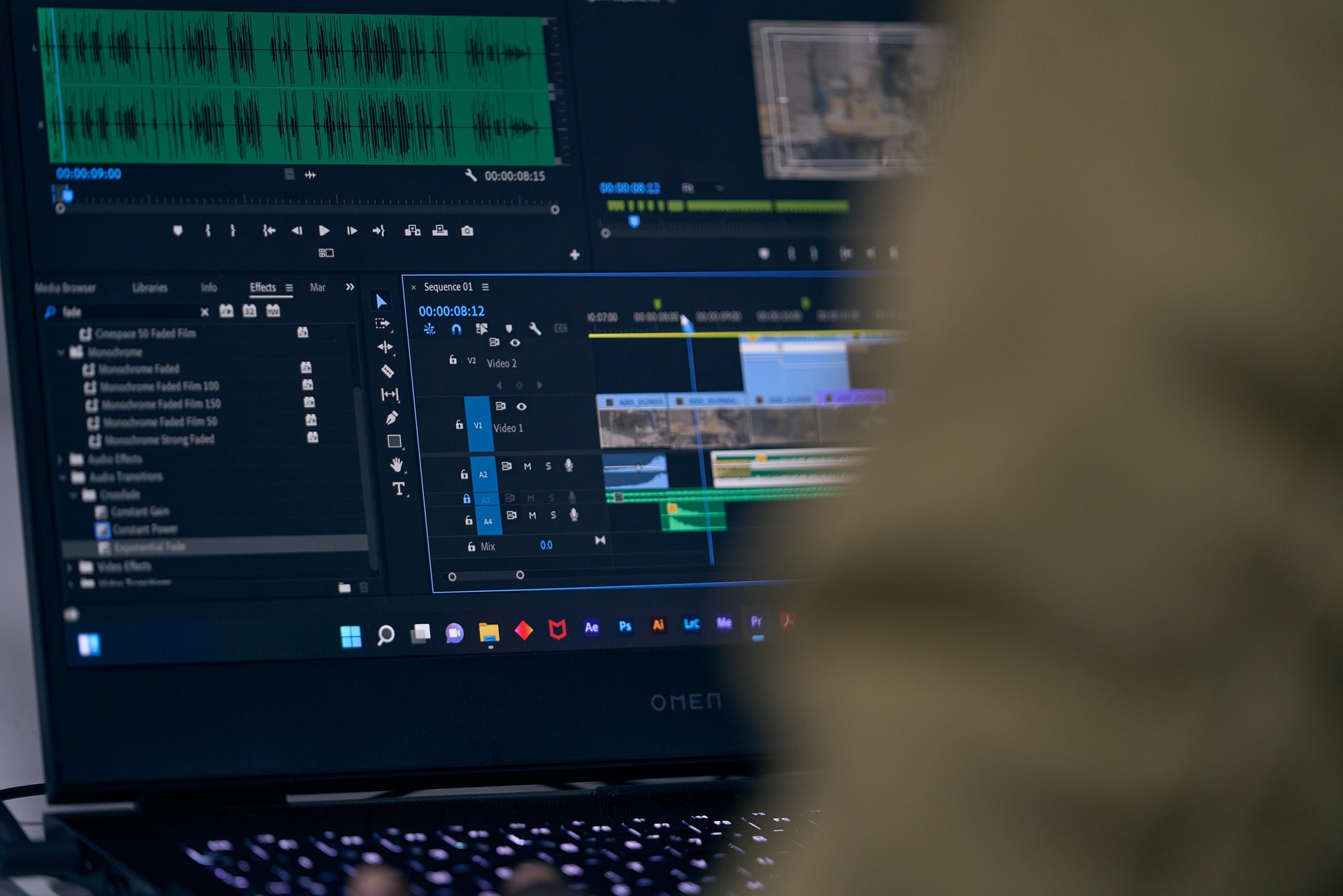
Cut in Kdenlive, paint in Krita, draw in Inkscape, lay out in Scribus. Assets move between tools as normal files, not locked cloud blobs.
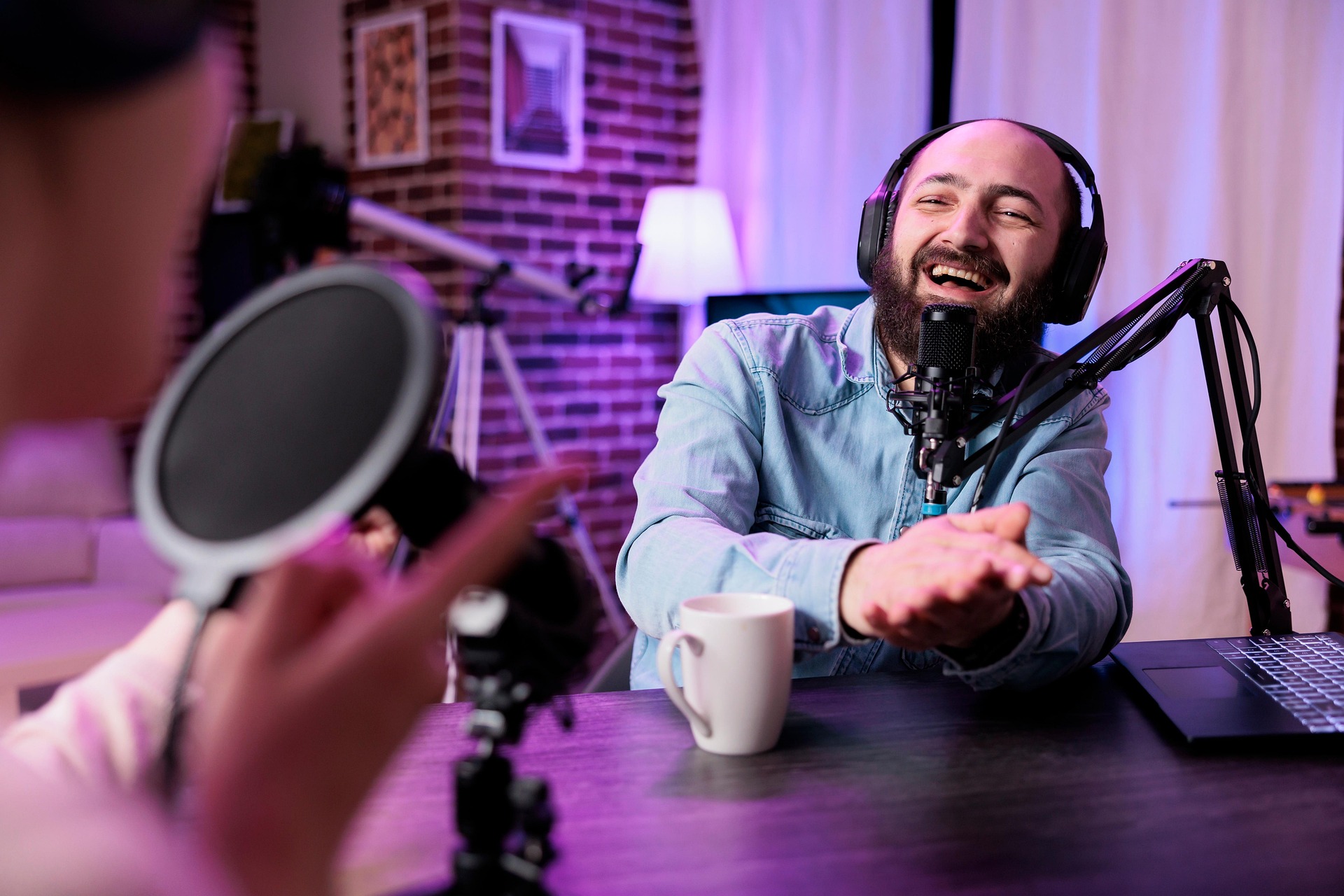
Record and mix in Ardour or Audacity, go live with OBS, then hand off finished masters. Thunderbird and Snipe Browser cover delivery and promotion.
The tier where Blender, Kdenlive with proxies, OBS, Ardour, Krita, and Darktable become practical. An SSD matters as much as the RAM.
| Item | Requirement |
|---|---|
| RAM | 4 GB or more |
| CPU | 4 cores recommended for video, 3D, and streaming |
| Storage | SSD strongly recommended |
| Disk space | 20 GB+ free beyond the ~8 GB install for projects and temp files |
| Graphics | Integrated OK for many tasks; discrete GPU nicer for Blender and Cycles |
| Architecture | amd64 |
Everyday writing and browsing can run on the 2 GB recommended minimum. Power-user work with large libraries prefers 8 GB and a 256 GB drive. See the full hardware tiers.
Creator machines hold unfinished films, client comps, and private drafts. SnipeOS leaves the usual desktop traps off by design.
Other operating systems ship assistants and screen-capture features that can read what is on your display, in your documents, and on your clipboard. The Windows Copilot / Recall class of tools is built to process what you are looking at, and product terms often put that material in scope for model training.
For a creator, that can mean unfinished cuts, client artwork, and voice sessions becoming someone else’s training data. SnipeOS has no integrated AI assistant, no recall-style capture layer, and no training pipeline. Your project stays a file on disk, not a feed into a model.
Many desktops turn on cloud sync by default. Documents and Downloads quietly copy to a vendor so files appear everywhere. For creators that often means multi-gigabyte project trees, cache folders, and private drafts leaving the machine without a deliberate upload.
SnipeOS has no default sync service. Renders and libraries stay local until you choose where they go: an external drive, a host you trust, or a platform you actually signed up for.
Telemetry is not only a privacy issue. Background reporters, crash uploaders, and “improve the product” services burn RAM and disk on the same machine you need for proxies and renders. They also send usage and sometimes content-adjacent data to a vendor with no agreement covering your clients.
Snipe flagship apps do not open that channel. Close Kdenlive or Blender and the memory comes back for the next job instead of feeding a helper you never launched.
Get the ISO, write it with Rufus, try the live desktop, then install when you are ready.