 Snipe
Snipe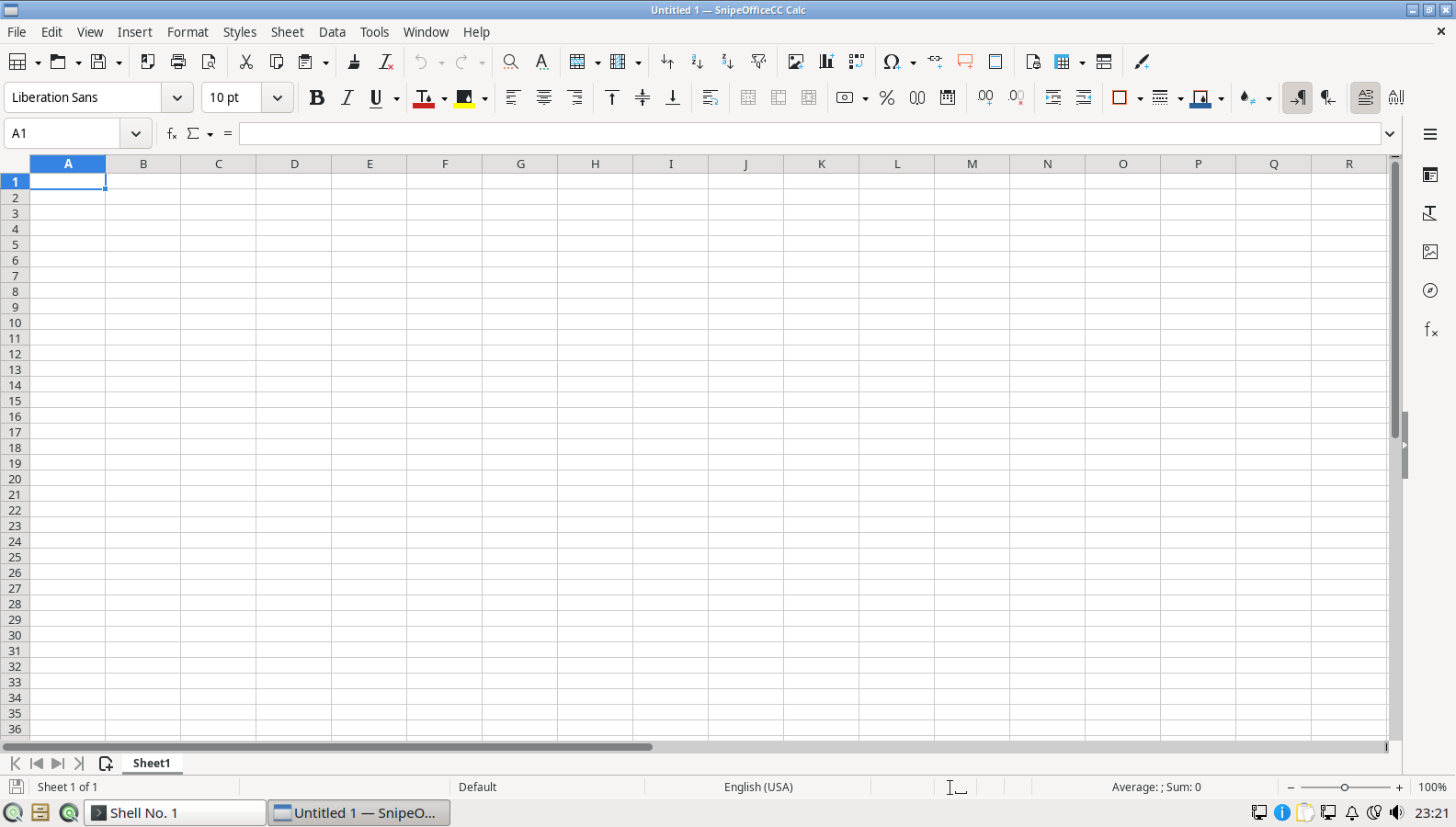
Snipe Calc
Full spreadsheet engine for ledgers, reconciliations, and budgets. BOM-first CSV export keeps multilingual client data intact through website imports and bank tools.

SnipeOS
For accountants
A light Linux desktop for practices and bookkeepers who need Calc, Writer, and mail without cloud lock-in or a heavy OS chewing through old office PCs.
Warning: This page is for SnipeOS 26. If you are using SnipeOS 13D, please click here.
SnipeOS is a creator-class Linux desktop on Lubuntu 26.04 LTS. For accountants, that means a full office suite, real email, and a privacy-first browser on hardware your firm already owns.
Year-end packs, client CSVs, invoice PDFs, and correspondence still run on spreadsheets, documents, and email. SnipeOS ships SnipeOffice, Mozilla Thunderbird, and Snipe Browser ready from first login. Applications exit cleanly and reclaim memory, so a long day of open workbooks does not leave ghost processes draining a 2 GB machine.
Support tracks Lubuntu 26.04 LTS through April 2029. Stable base, no forced cloud account, no telemetry in the Snipe flagship apps.
The pieces you actually use for ledgers, client lists, filings, and correspondence.
Full spreadsheet engine for ledgers, reconciliations, and budgets. BOM-first CSV export keeps multilingual client data intact through website imports and bank tools.
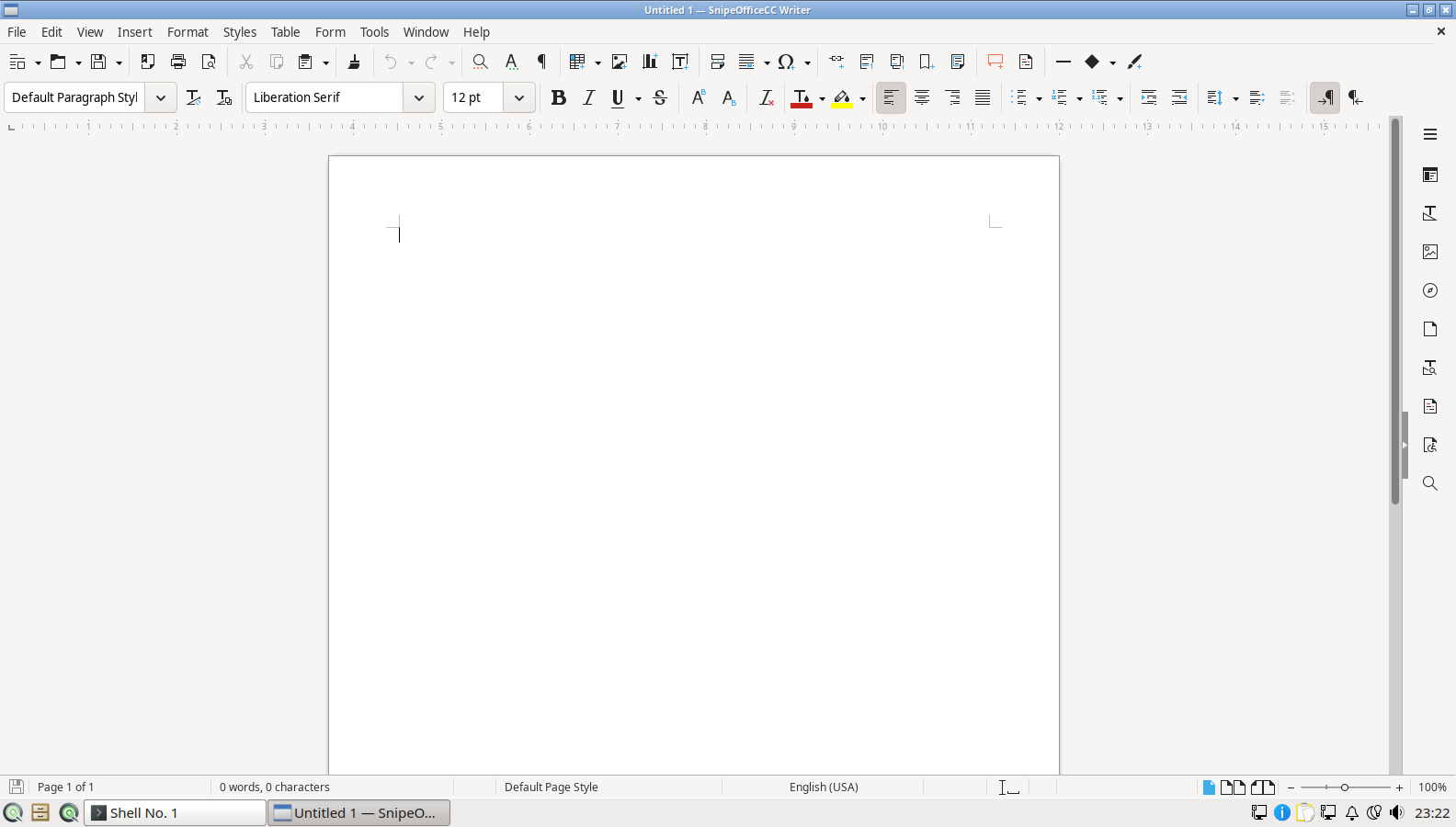
Letters, engagement notes, and mail merge from a client database. PDF and DOCX export for delivery.

Guided databases for client registers, job lists, and structured data that has outgrown a sheet.
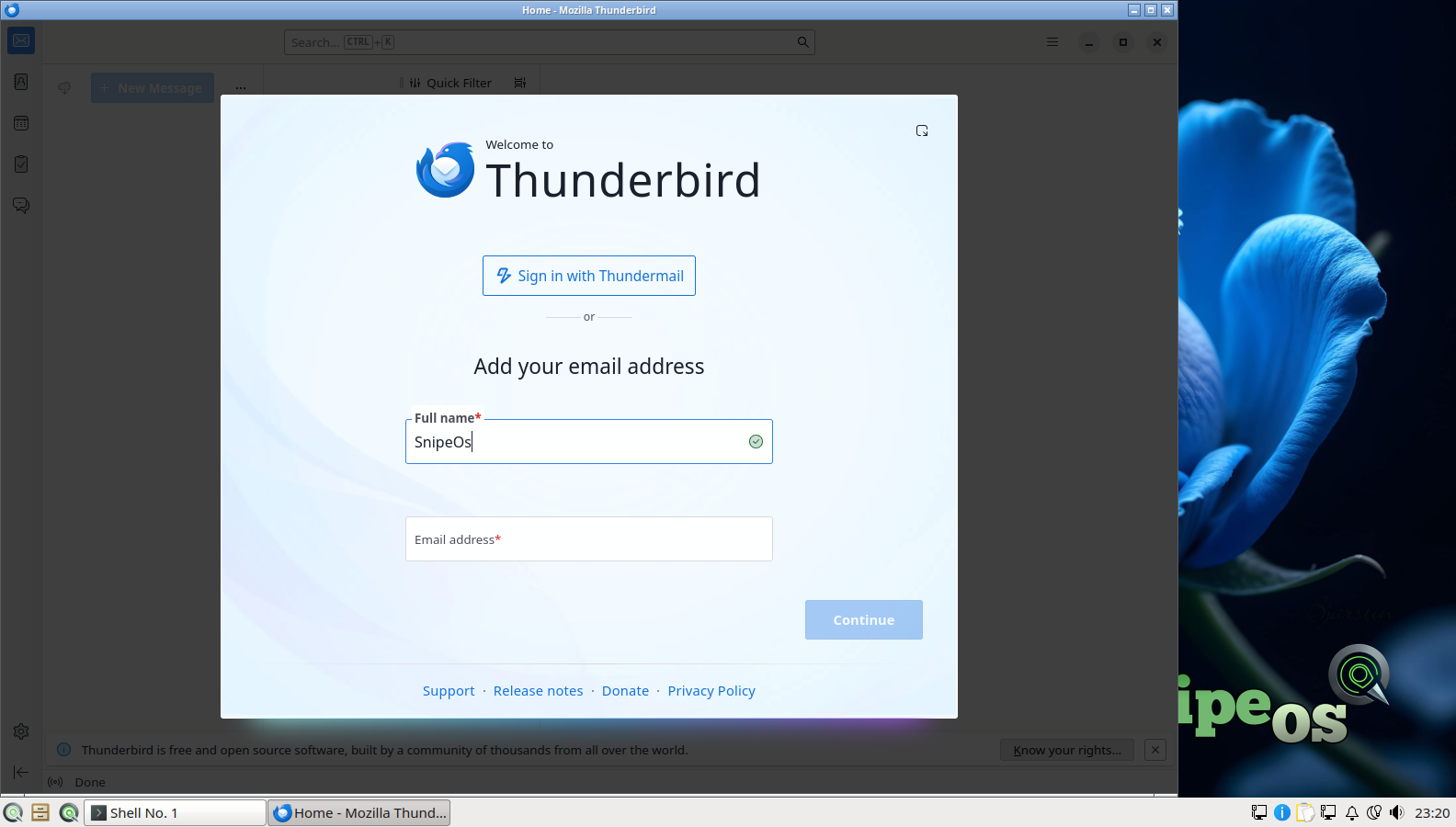
Real Mozilla email, calendar, and contacts. Not a snap stub. Contracts and client threads stay in a proper desktop client.
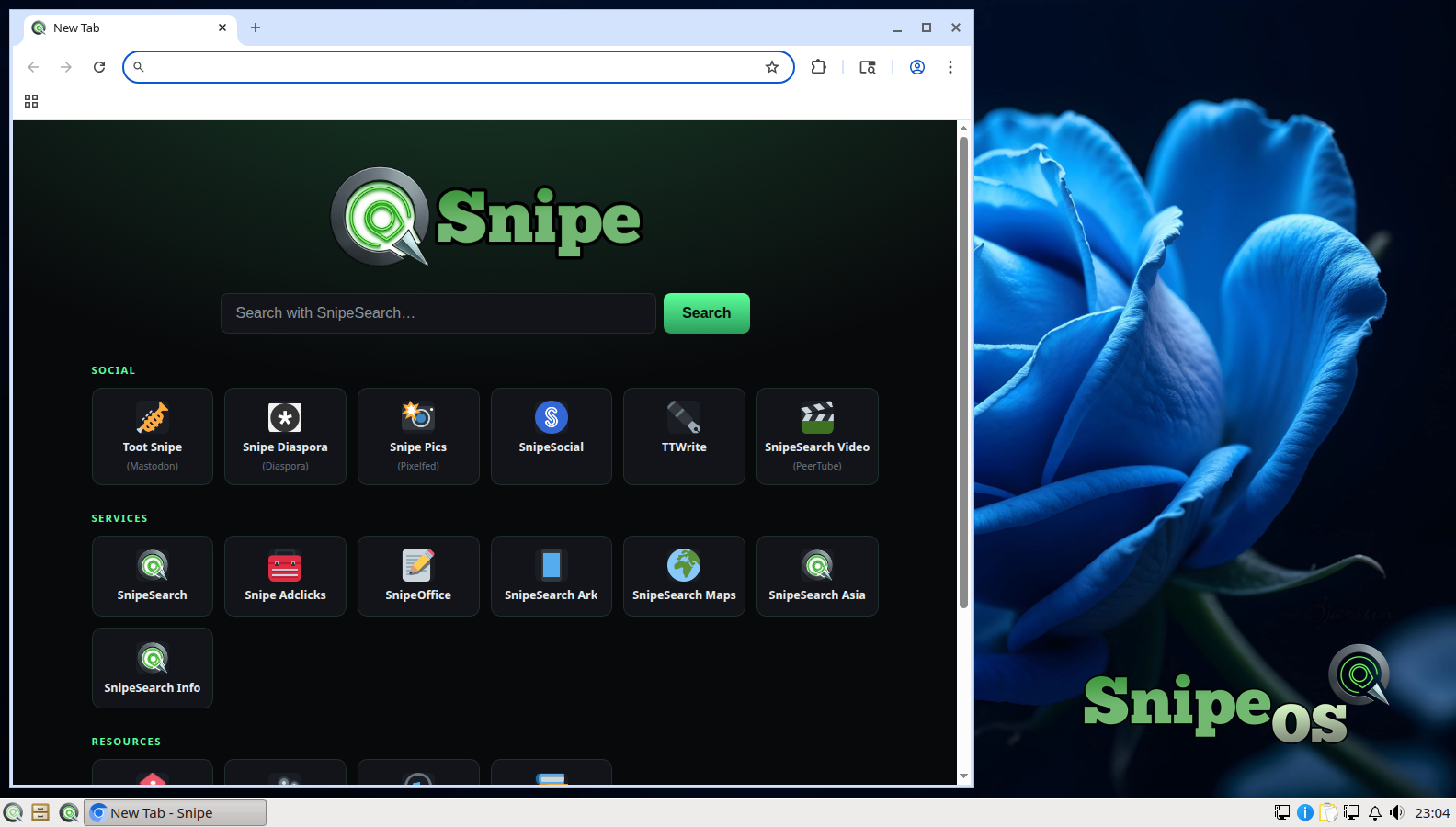
Ungoogled Chromium with uBlock built in and local-only passwords. Tax portals and bank sites without Google services in the binary.

Fast PDF reading for returns and packs. Simple scanning for receipts and paper invoices into the digital workflow.
Snipe Browser stores passwords encrypted on the machine. QtPass covers everything else with GPG-encrypted files. Notes in nobleNote live as ordinary files you can back up. Nothing in the default desk requires a vendor cloud account to function.
For practices that cannot treat client records as someone else’s SaaS problem, that local-first posture is the point.
The everyday desktop floor for office work. Enough for Calc, Writer, mail, and the web on a typical practice PC.
| Item | Requirement |
|---|---|
| RAM | 2 GB or more |
| CPU | 2 cores OK |
| Storage | SSD preferred; HDD still works |
| Disk space | 20 GB recommended (swap and temp headroom) |
| Graphics | Integrated GPU fine |
| Architecture | amd64 |
Need more detail? See the full hardware tiers.
On many other desktops, compliance exposure is built into features you never asked for. SnipeOS leaves those risks off the machine.
Other operating systems now ship assistants and screen-capture features that can read what is on your display, in your documents, and on your clipboard. The Windows Copilot / Recall class of tools is the clearest example: they are designed to process what you are looking at so the OS can “help,” and product terms often include “improve our AI” language that puts that material in scope for model training.
For an accountant, that is not a theoretical worry. Client ledgers, tax workings, and identity details sitting open on screen become someone else’s processing, often without a clear processor agreement for those clients. Under GDPR that is a straightforward unlawful-processing problem. SnipeOS has no integrated AI assistant, no recall-style capture layer, and no training pipeline. Client work on the machine is not swept into a model by the operating system.
Many desktops turn on cloud sync by default. Documents, Desktop, and Downloads quietly copy to a vendor’s servers so the same files appear on every device. For personal photos that can be convenient. For client files it creates an unrecorded processor, a possible international transfer, and a remote copy that still exists after you delete the local folder and think the matter is closed.
SnipeOS does not ship a default sync service. Local files stay local unless you deliberately choose a tool and a destination. That is the inverse of “deletion you control”: you also avoid copies you never meant to make.
“Zero telemetry” sounds like a privacy slogan until you ask what telemetry actually sends. On other systems it can include usage metrics, crash dumps, diagnostic logs, and sometimes snippets of what was on screen or being typed. That material leaves the machine and is processed by a vendor. For a practice handling client personal data, that is third-party processing with no processor agreement covering those clients.
Snipe flagship apps do not open that channel. There is no background service quietly shipping office or browser behaviour to improve a product somewhere else. What happens on the workstation stays on the workstation unless you send it.
Get the ISO, write it with Rufus, try the live desktop, then install when you are ready.
How SnipeOS helps with UK GDPR / DPA 2018, EU GDPR Article 32, the US FTC Safeguards Rule, and IRS Pub 4557 for digital processing on the PC. Retention schedules and written security plans stay your responsibility.
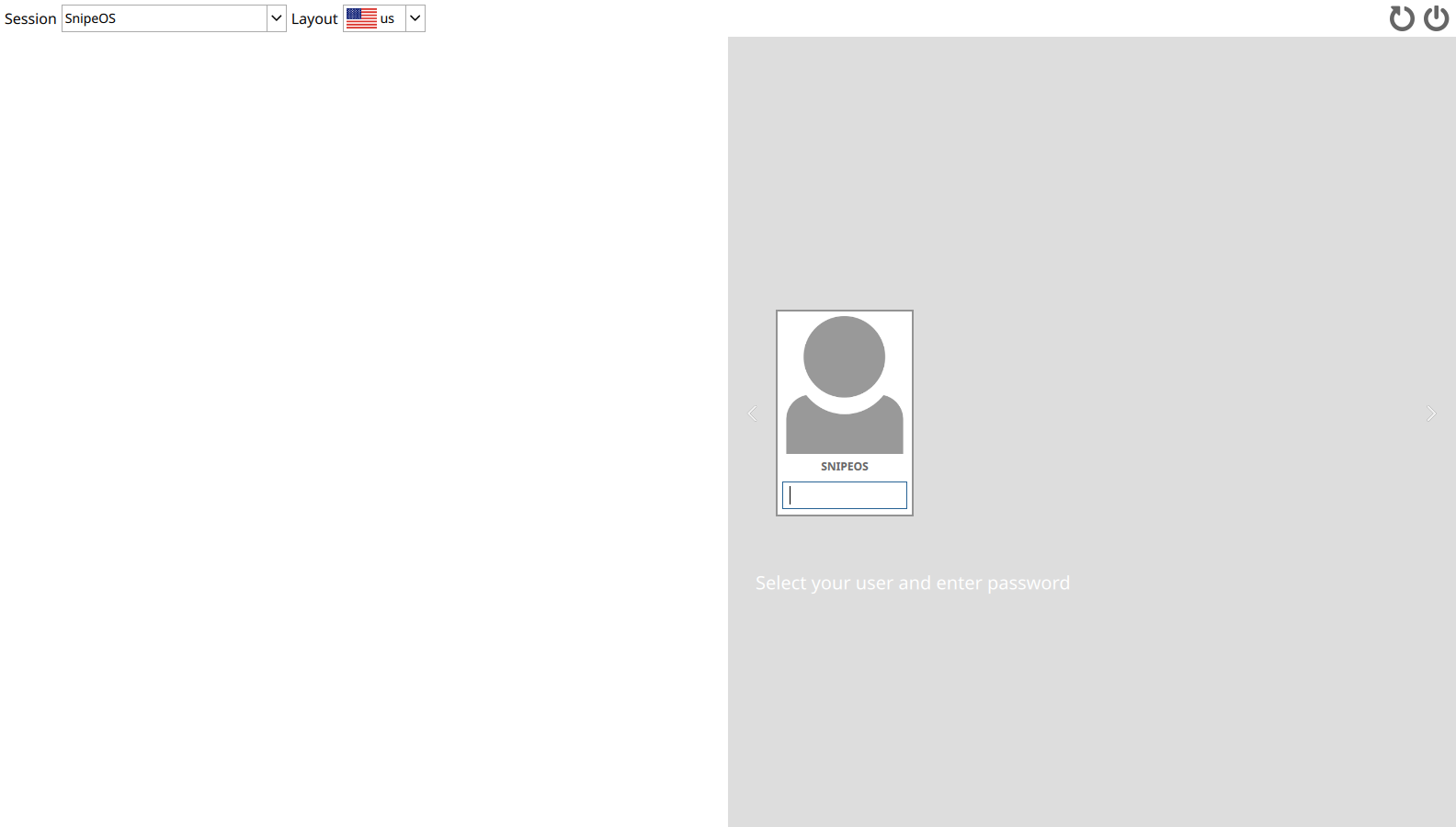
Calamares offers full-disk encryption at install. A stolen laptop with LUKS is a non-event instead of a reportable breach. Client files, mail, and browser profiles are protected when the machine is off.
Snipe Browser does modern TLS. Thunderbird ships OpenPGP built in. Banking, HMRC, IRS, and client portals ride encrypted connections by default.

No browser telemetry, local-only passwords, no cloud sync of client data by default. QtPass keeps credentials GPG-encrypted on disk. Deletion you control is real deletion.
Also out of the box: LTS security updates through April 2029 via SnipeOS Update; BOM-first CSV from SnipeOffice so multilingual client data survives export; Sage, Xero, FreeAgent, QuickBooks Online, HMRC, and Companies House work in Snipe Browser over TLS with no plugins.
Honest gaps against the strictest reading of Safeguards and Article 32. Each remedy is free in the Ubuntu 26.04 archive SnipeOS already uses.
| Gap | Install | Why |
|---|---|---|
| MFA at login | libpam-u2f or libpam-google-authenticator |
Hardware key or TOTP second factor for OS login and sudo (hard Safeguards requirement for US tax work). |
| Backup and restore tests | deja-dup (or vorta / borgbackup, or restic) |
Scheduled encrypted backups; Article 32 expects tested restore. Add timeshift for system snapshots. |
| Secure destruction | bleachbit, secure-delete; nwipe for retired disks |
Secure shred and free-space wipe when retention ends. Pair with a client / tax-year folder layout and a cron or systemd timer. |
| Access audit (multi-staff) | auditd and acl |
Watch rules and per-folder ACLs on the client tree. AppArmor is already active from Ubuntu. |
libpam-u2f or libpam-google-authenticator).deja-dup or equivalent), point at an encrypted external drive, schedule, and test restore quarterly.bleachbit and secure-delete; keep a structured client archive for retention sweeps.auditd and acl on the client tree; record the stack in your written security plan / WISP.Technical capability, not legal advice. Confirm retention, breach procedures, and professional-body rules with your regulator.