 Snipe
Snipe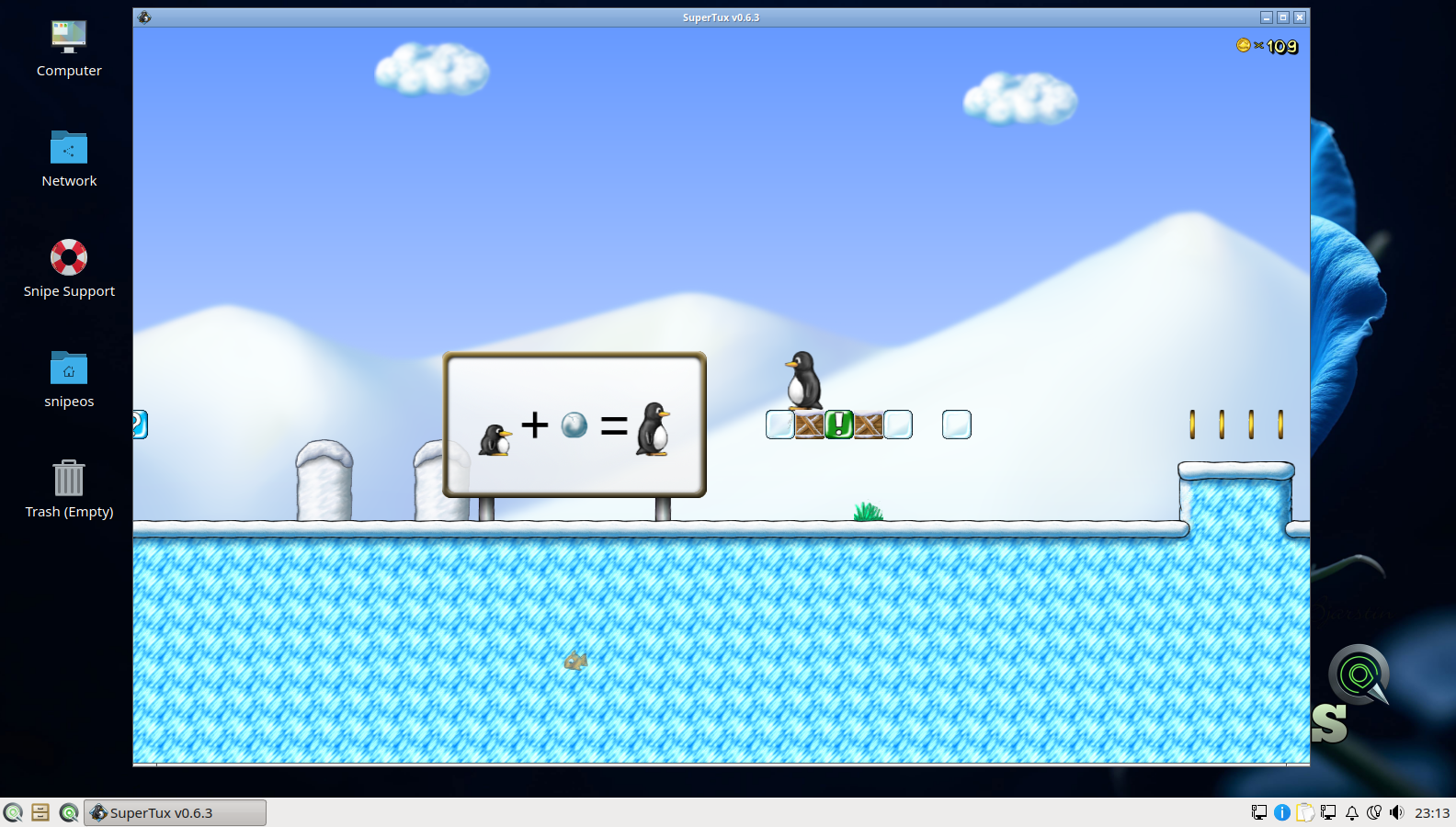
Games for children from minute one
SuperTux and Frozen Bubble ship on the image. No store account and no purchase to put something fun on the machine the same evening it is installed.

SnipeOS
For households and family machines
Games and a blocked browser for children, office tools and Thunderbird for adults, Kodi for the TV. LTS security updates without anyone managing the machine every week.
Warning: This page is for SnipeOS 26. If you are using SnipeOS 13D, please click here.
SnipeOS is a creator-class Linux desktop on Lubuntu 26.04 LTS. For households, the same install covers beginners, schoolwork, adult email, and couch media without stacking separate products.
A younger user gets SuperTux, Frozen Bubble, OpenShot’s tutorial, and Snipe Browser with ads and trackers blocked from the core. An adult gets SnipeOffice, Thunderbird, and a light desktop that does not nag for a cloud account. Point Kodi at the film and music folders and the same box becomes a living-room player. The person who set it up once gets security updates through April 2029.
Separate user accounts keep profiles apart on a shared machine. LXQt was selected as default because family PCs are often older hand-me-downs; a light desktop keeps homework and mail usable on hardware the household already owns.
What each person on the sofa actually opens.
SuperTux and Frozen Bubble ship on the image. No store account and no purchase to put something fun on the machine the same evening it is installed.
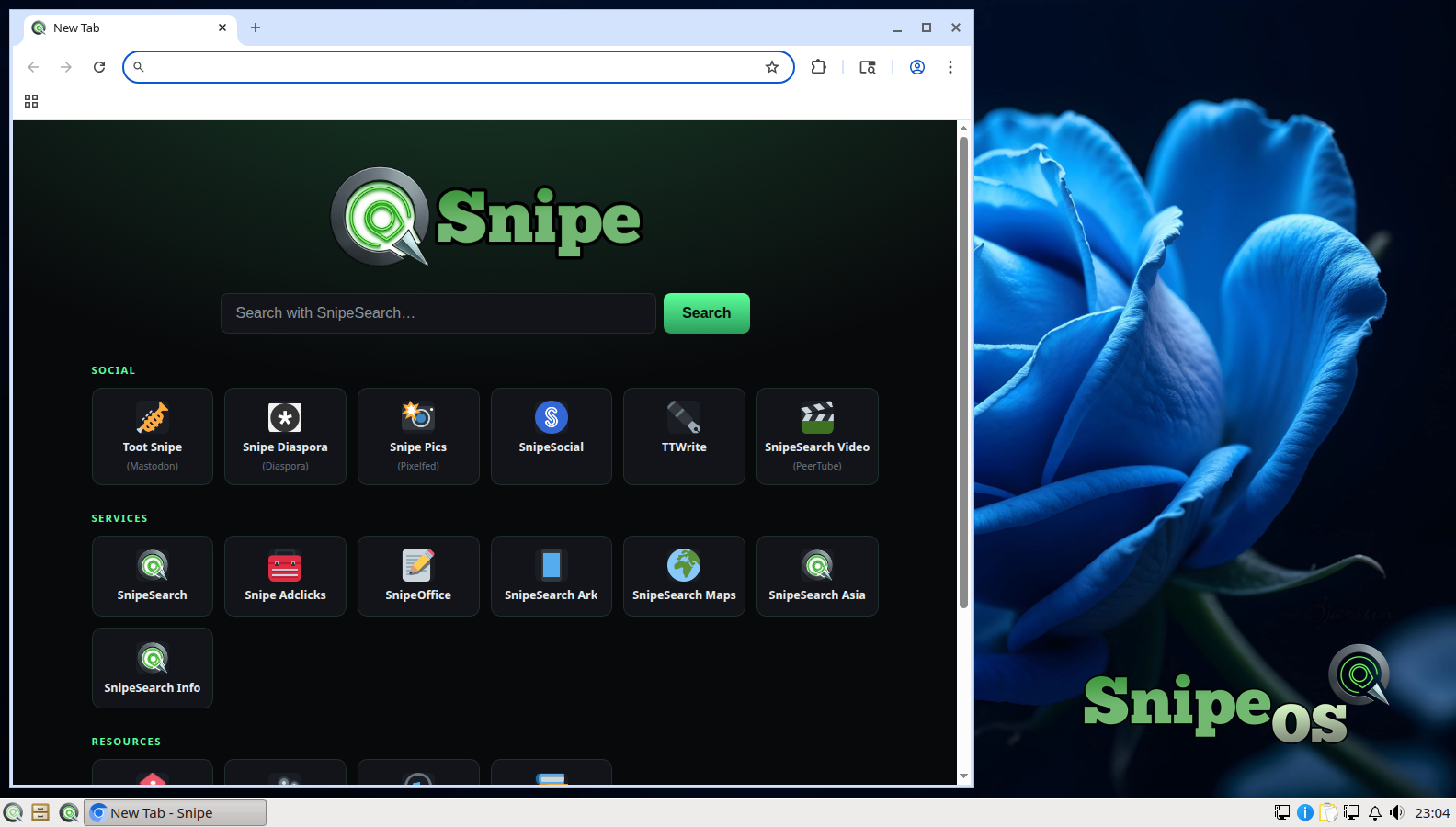
Snipe Browser strips telemetry at the binary and compiles uBlock Origin into the core. Ads and trackers are cut by default, which is a quieter starting point for shared family browsing.
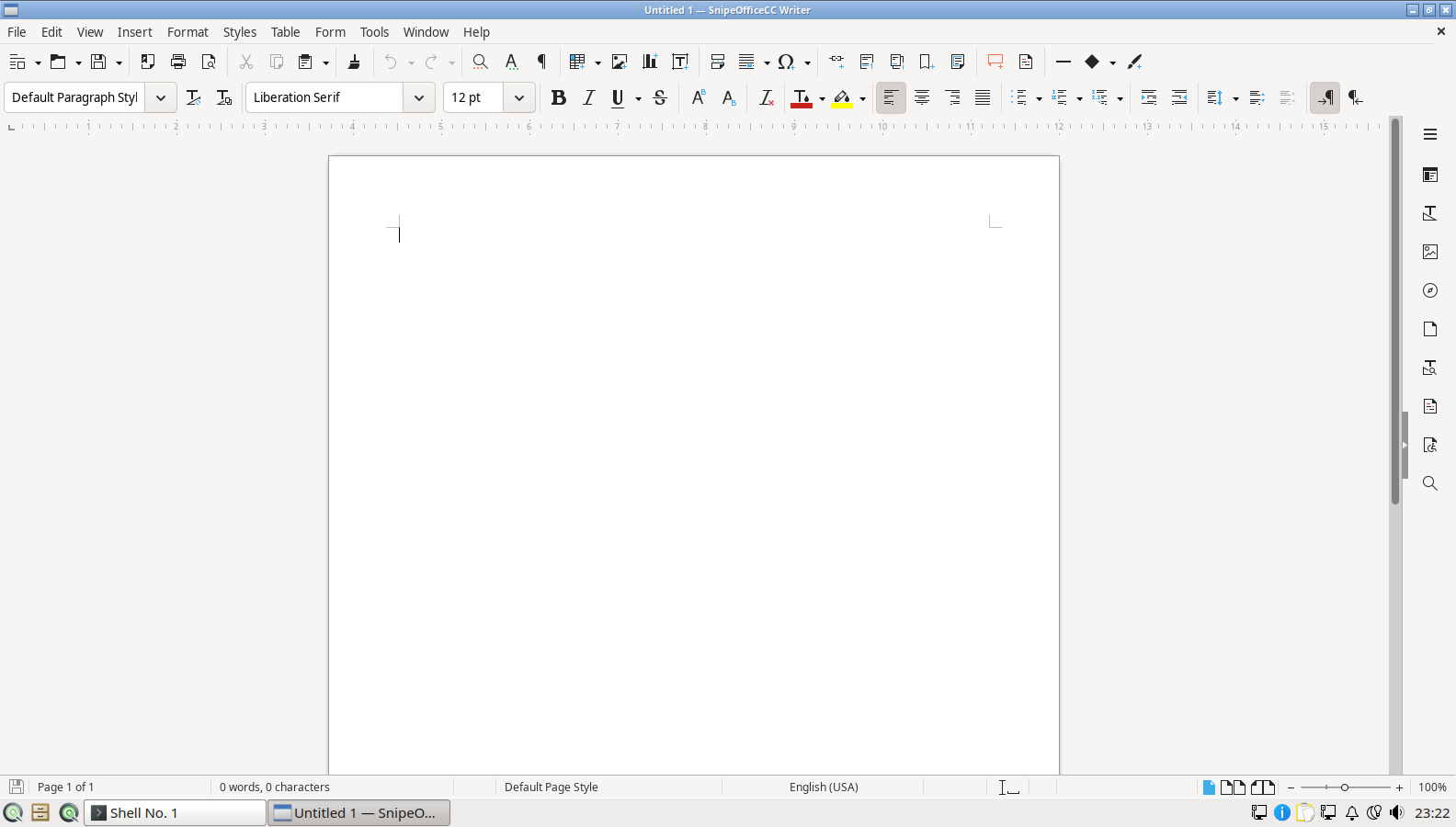
SnipeOffice for letters, budgets, and school forms. Thunderbird for real email and calendaring. Homework and household paperwork share the same install without a subscription suite.

A ten-foot media centre for films and music on the same machine. Point it at your folders and the living-room session stays on the household PC instead of another rented box.
Support tracks Lubuntu 26.04 LTS through April 2029. SnipeOS Update pulls security fixes on the same archive path as the rest of the stack. Nobody has to babysit weekly package archaeology for the family PC to stay current.
Teenagers who outgrow the beginner tools already have Krita, Blender, and OBS on the image. See Students when coursework is the main use, or Privacy when local-first is the priority.
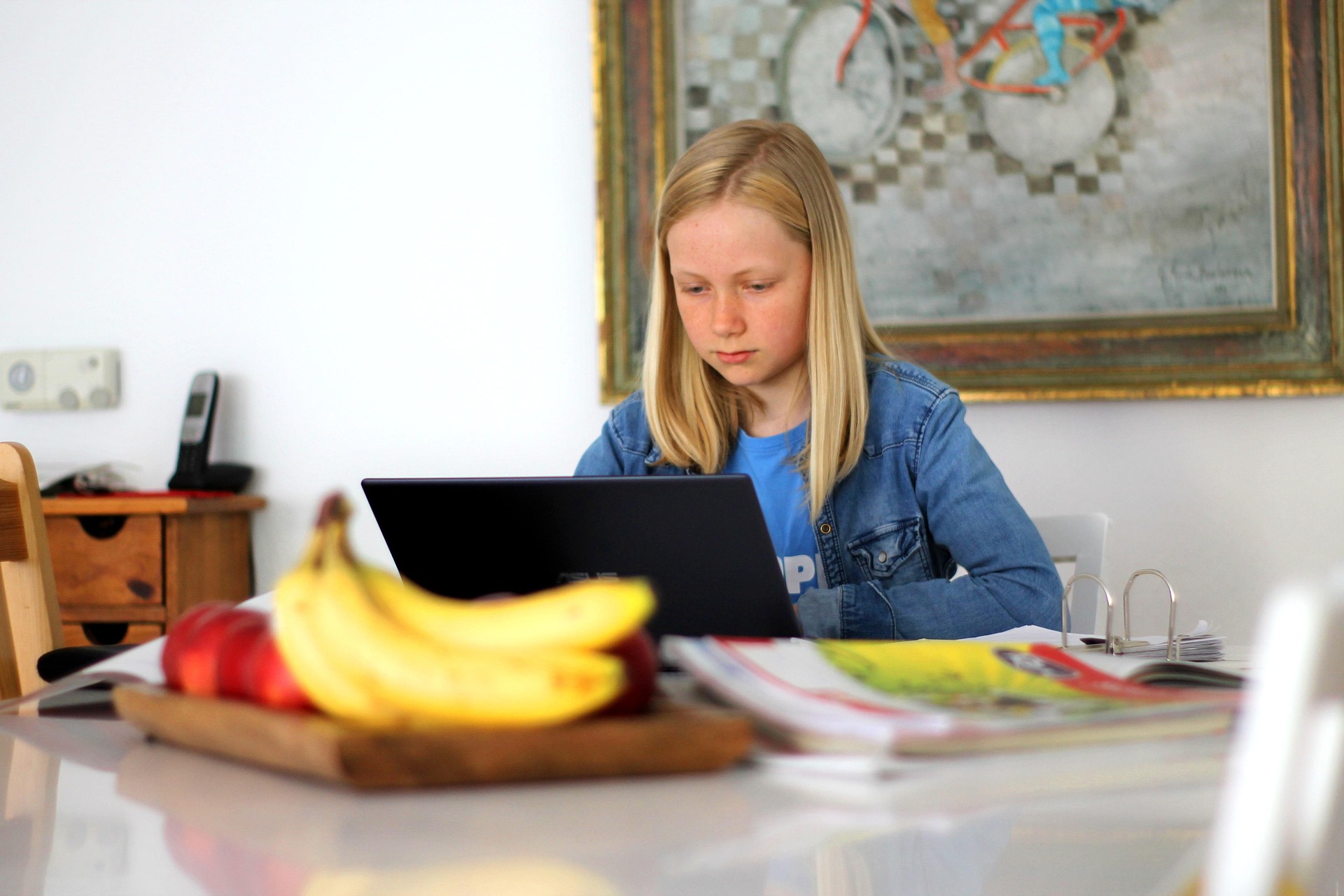
Everyday browsing, office, mail, light games, and Kodi on a shared desktop.
| Item | Requirement |
|---|---|
| RAM | 2 GB or more |
| CPU | 2 cores OK |
| Storage | SSD preferred; HDD fine for office and light media |
| Disk space | 20 GB recommended; more if the media library lives on the same drive |
| Graphics | Integrated GPU fine for Kodi and light games |
| Architecture | amd64 |
Hand-me-down boxes: see older hardware. Full tiers on hardware.
Shared PCs collect accounts, ads, and leftover helpers. SnipeOS leaves those off the everyday stack.
SuperTux and Frozen Bubble are already there. Younger users are not stuck behind a payment wall or a parent’s credit card on first evening.
Writer, mail, and the browser work without signing the household into a vendor identity. Files stay on the machine unless you choose otherwise.
LTS updates through April 2029 cover the family PC after install. That is the difference between a machine you maintain and one that quietly goes stale.
Get the ISO, write it with Rufus, try the live desktop, then install when the household is ready.