Free games on the image from minute one, plus a Steam path that actually survives dependency reality.
SuperTux
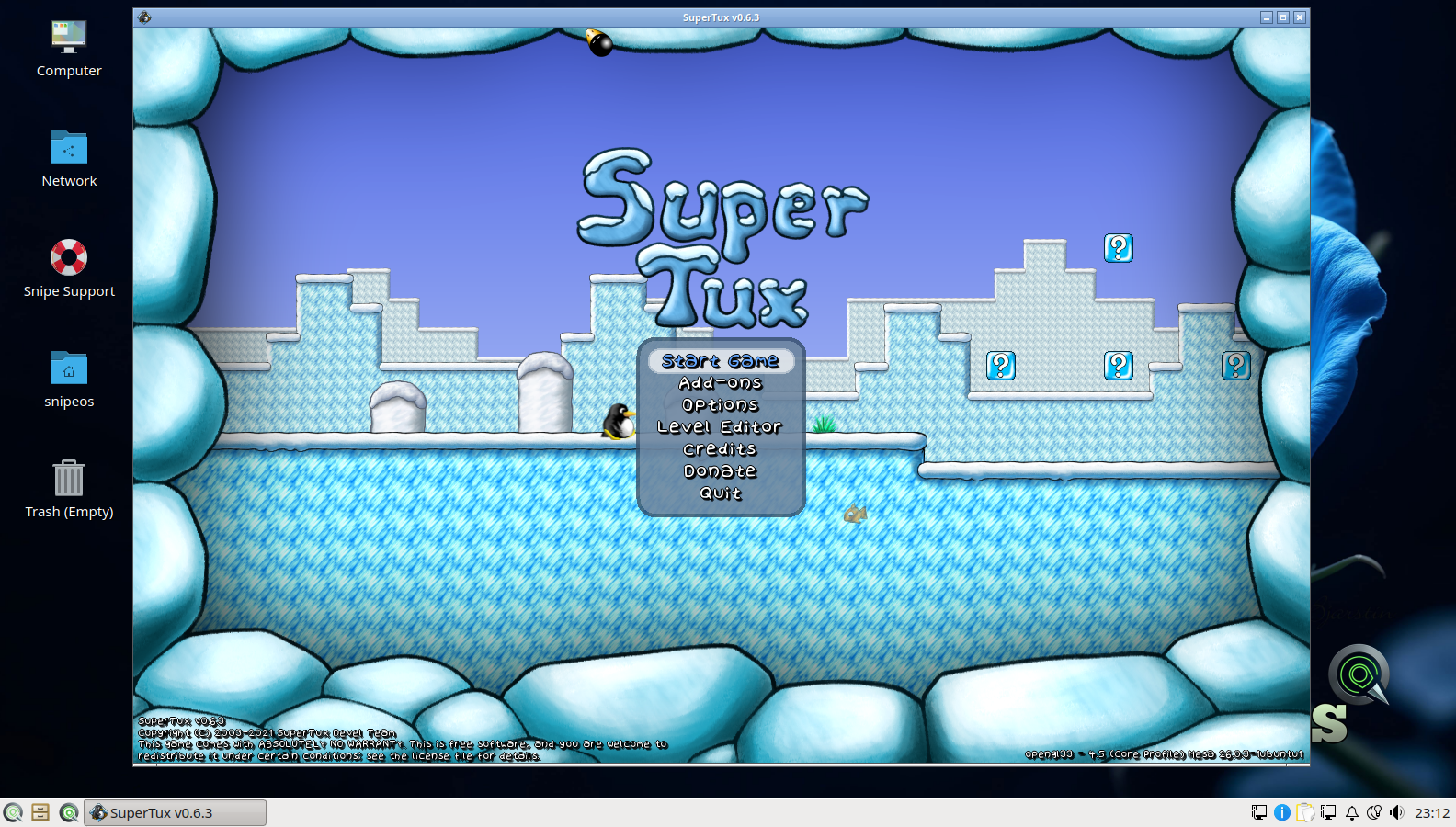
SuperTux is the free software world’s beloved answer to classic 2D platformers, starring Tux the Linux penguin running, jumping, and sliding through the icy worlds of Antarctica. It is a polished, complete game with dozens of levels across full world maps, power-ups, secret areas, boss fights, and a built-in level editor that lets players design and share their own stages. The Antarctica intro sequence and ice-world gameplay are part of the SnipeOS validated gallery, because on this distribution even the games get QA.
SuperTux ships as a hard dependency of the SnipeOS desktop metapackage, which is a deliberate statement: a family or classroom machine should have something genuinely fun installed from minute one, with no store, no account, and no purchase. It runs beautifully on the entire SnipeOS hardware range, including machines at the very bottom of it, and its level editor doubles as a first taste of game design for younger users.
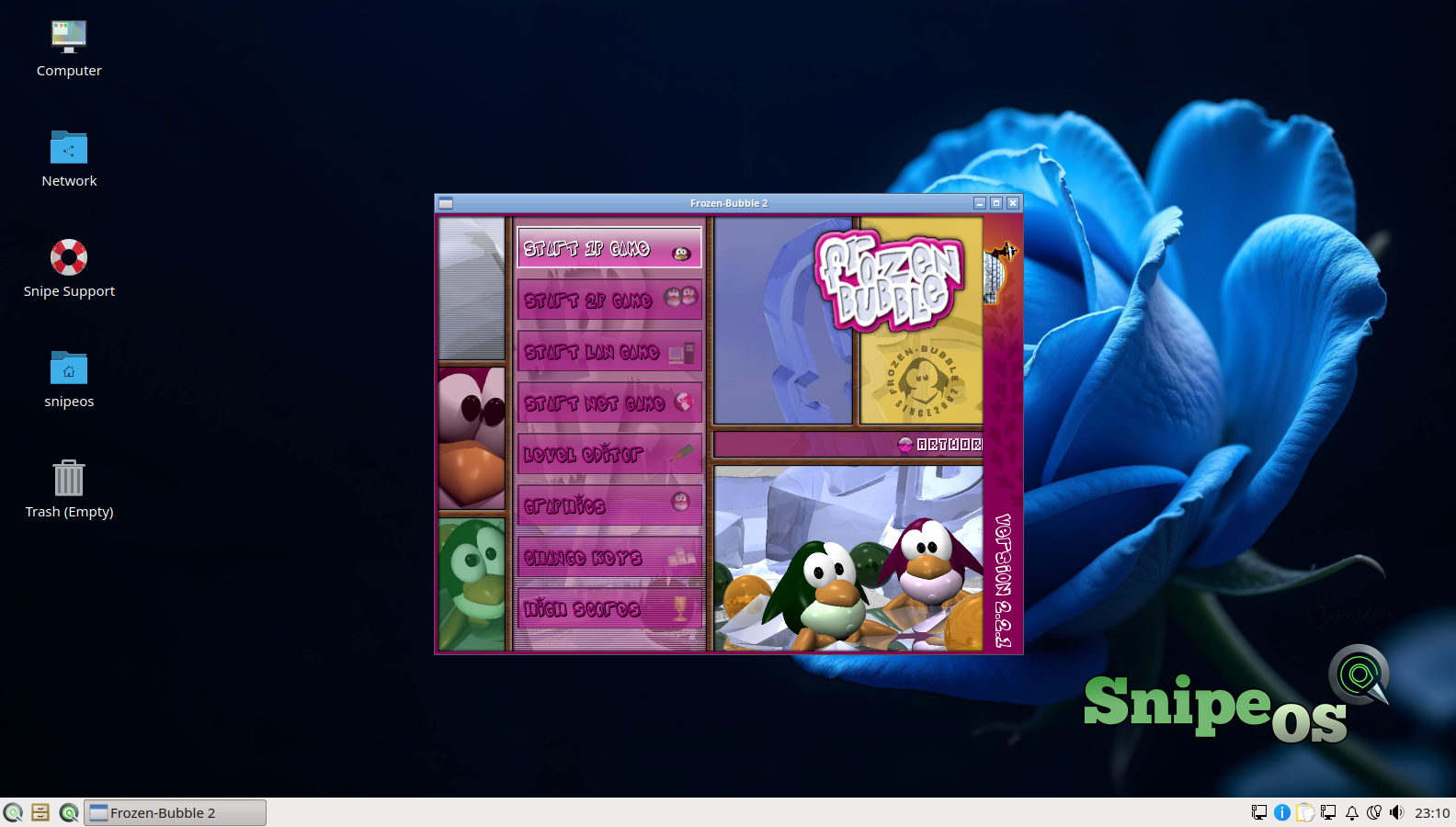
Frozen Bubble is a legendary open source puzzle game in the bubble-shooter tradition: aim, fire, match three or more colours, and clear the board before the ceiling descends, across a hundred single-player levels plus two-player duel modes. Its hand-drawn penguin artwork and chiptune soundtrack have made it an icon of Linux gaming for two decades, and its difficulty curve (gentle start, genuinely fierce later levels) gives it far more longevity than its cheerful appearance suggests.
Like SuperTux, Frozen Bubble is a hard dependency of the SnipeOS desktop, always present on the image, and its main menu, level one, and winner screens are in the validated gallery. It is the perfect five-minute game for any hardware SnipeOS boots on, and its two-player mode on one keyboard is a small, sociable pleasure that modern gaming has largely forgotten.
Steam is the gateway to the largest games catalogue in the world, and on Linux it has historically been the single most dependency-fragile application a user can attempt to install: it is a 32-bit application at heart, requiring the i386 architecture to be enabled and a deep tree of 32-bit libraries, Mesa Vulkan drivers among them, before it will even reach its login screen. On stock systems, that one-click “steam-installer” package routinely collapses into a wall of unmet dependencies, and it is precisely the experience that convinces newcomers Linux gaming is not for them.
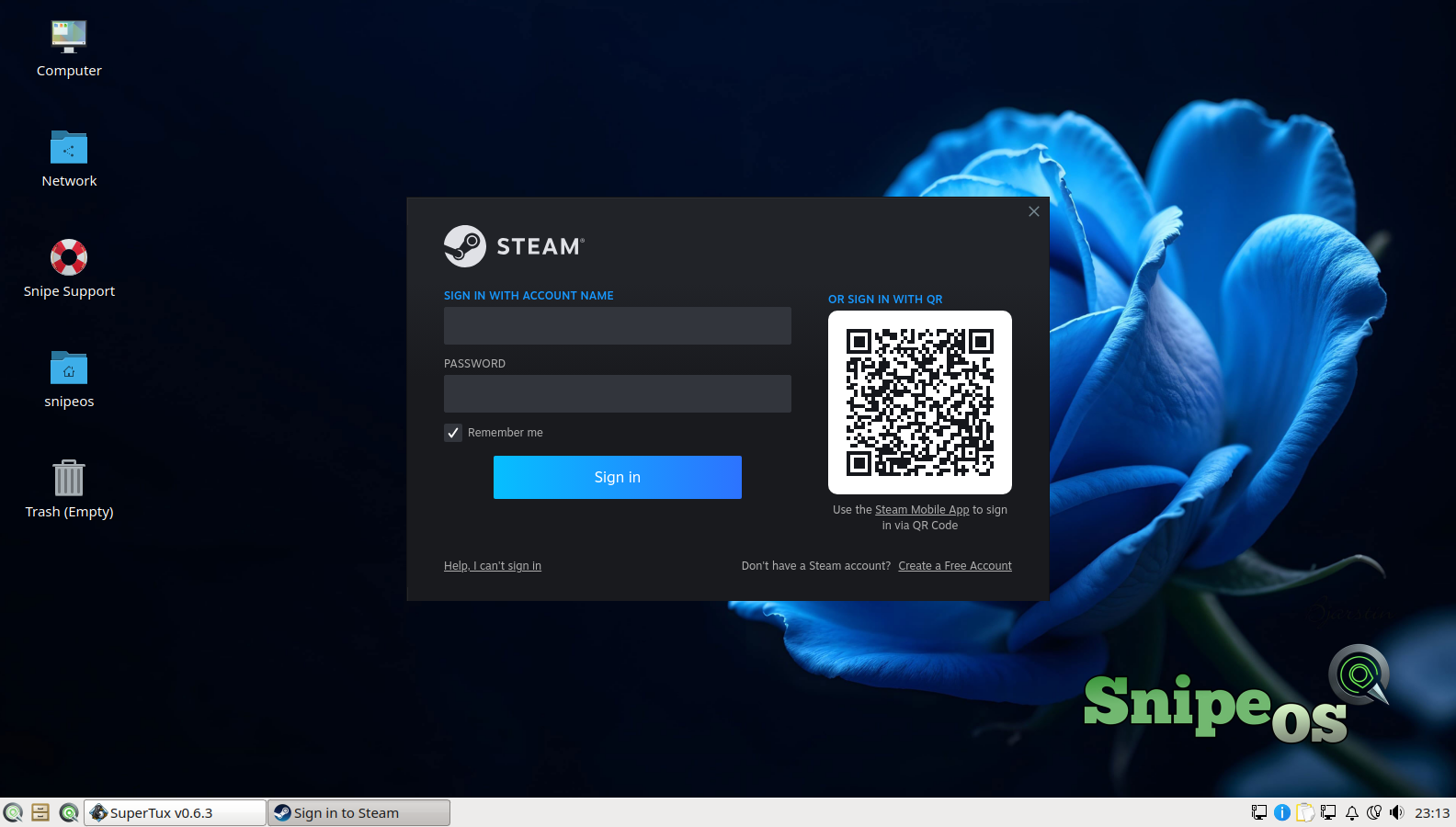
SnipeOS makes the one-click Steam install actually stable, and this is a genuine engineering claim, not marketing. The image ships with the i386 architecture already enabled and the complete Steam dependency stack preconfigured: the 32-bit library tree, the steam-libs foundation, and Mesa Vulkan drivers for both amd64 and i386 are seeded onto the system during image construction, debugged and validated during the beta after early builds shipped Steam bones with no usable dependency tree. When you launch the Steam entry from the Games menu, the installer prompt and sign-in flow proceed cleanly, as documented step by step in the validated success gallery. With Steam running, Valve’s Proton compatibility layer opens a large share of the Windows catalogue on top of the native Linux library. Do respect the hardware reality: Steam itself runs fine across the SnipeOS range, but the games you install through it set their own requirements, and a 2012 laptop is a machine for indie and classic titles rather than current AAA releases.
If the shortcut disappears after a reset (account permissions), follow the fix in Troubleshooting: remove steam.desktop, rewrite it, chmod, refresh, restart.
 Snipe
Snipe