 Snipe
Snipe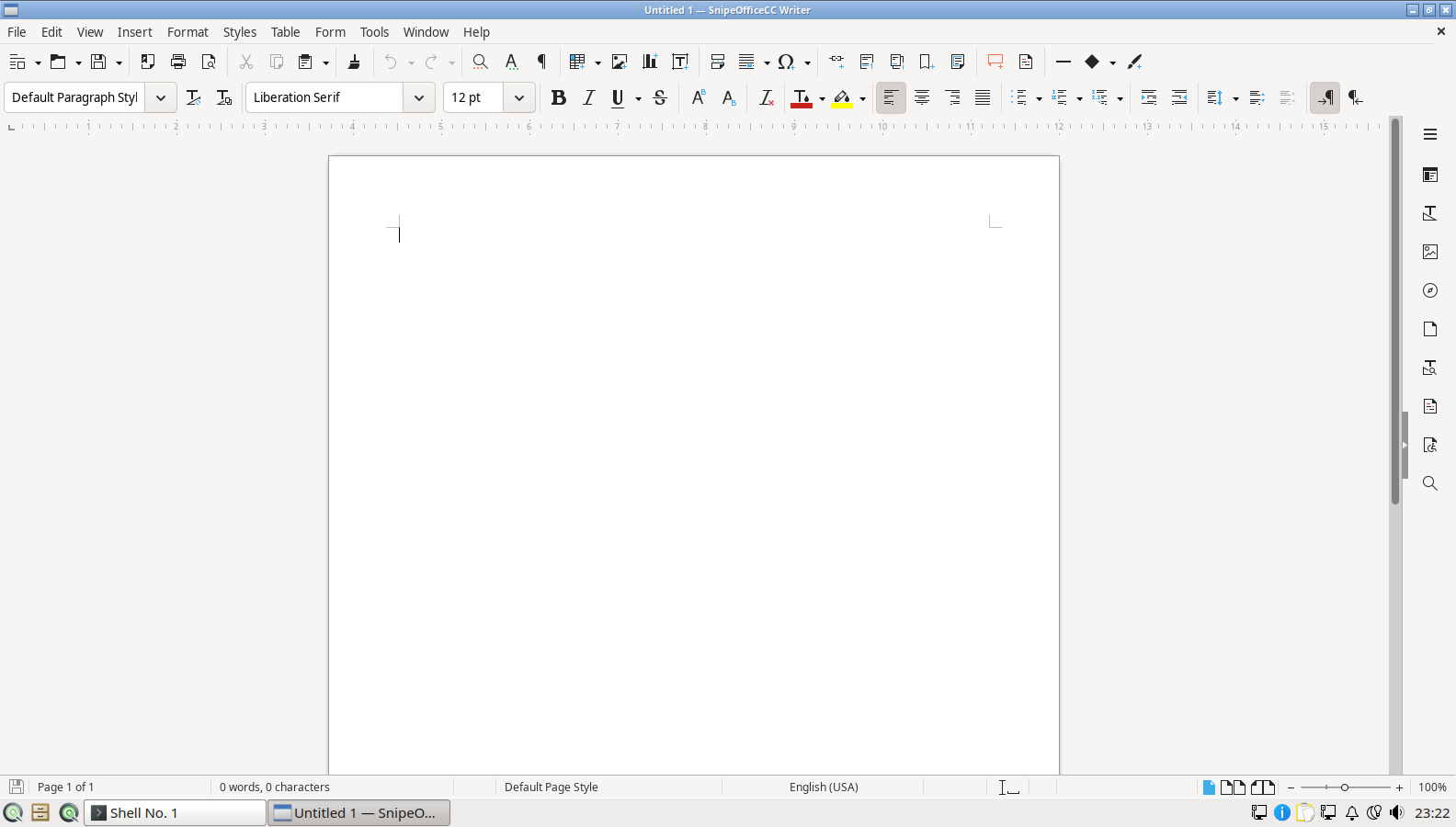
SnipeOffice for coursework
Writer, Calc, and Impress for essays, spreadsheets, and presentations. Microsoft-format interchange for hand-ins and shared templates. BOM-first CSV when class data crosses languages.

SnipeOS
For students and educators
A full office suite, Snipe Math, Scribus, Trelby, Blender, GIMP, and Krita already installed. LXQt keeps the same image usable on whatever the school or student actually has.
Warning: This page is for SnipeOS 26. If you are using SnipeOS 13D, please click here.
SnipeOS is a creator-class Linux desktop on Lubuntu 26.04 LTS. For students and educators, that means coursework tools and creative apps on the same ISO, without a store account or a lab rebuild every term.
A beginner gets OpenShot’s tutorial, SuperTux, and a browser with ads already blocked. A student gets the full SnipeOffice suite, Snipe Math for notation, and Qalculate. An ambitious learner grows into Krita, Blender, Scribus, Trelby, and OBS without a single download. The person who administers the lab gets LTS updates through April 2029.
LXQt was selected as default because institutional machines are rarely new. A light desktop keeps essays and slides responsive on the PCs schools already own. See also older hardware when the lab fleet is ancient.
The apps you reach for for essays, STEM notation, publishing, and creative modules.
Writer, Calc, and Impress for essays, spreadsheets, and presentations. Microsoft-format interchange for hand-ins and shared templates. BOM-first CSV when class data crosses languages.
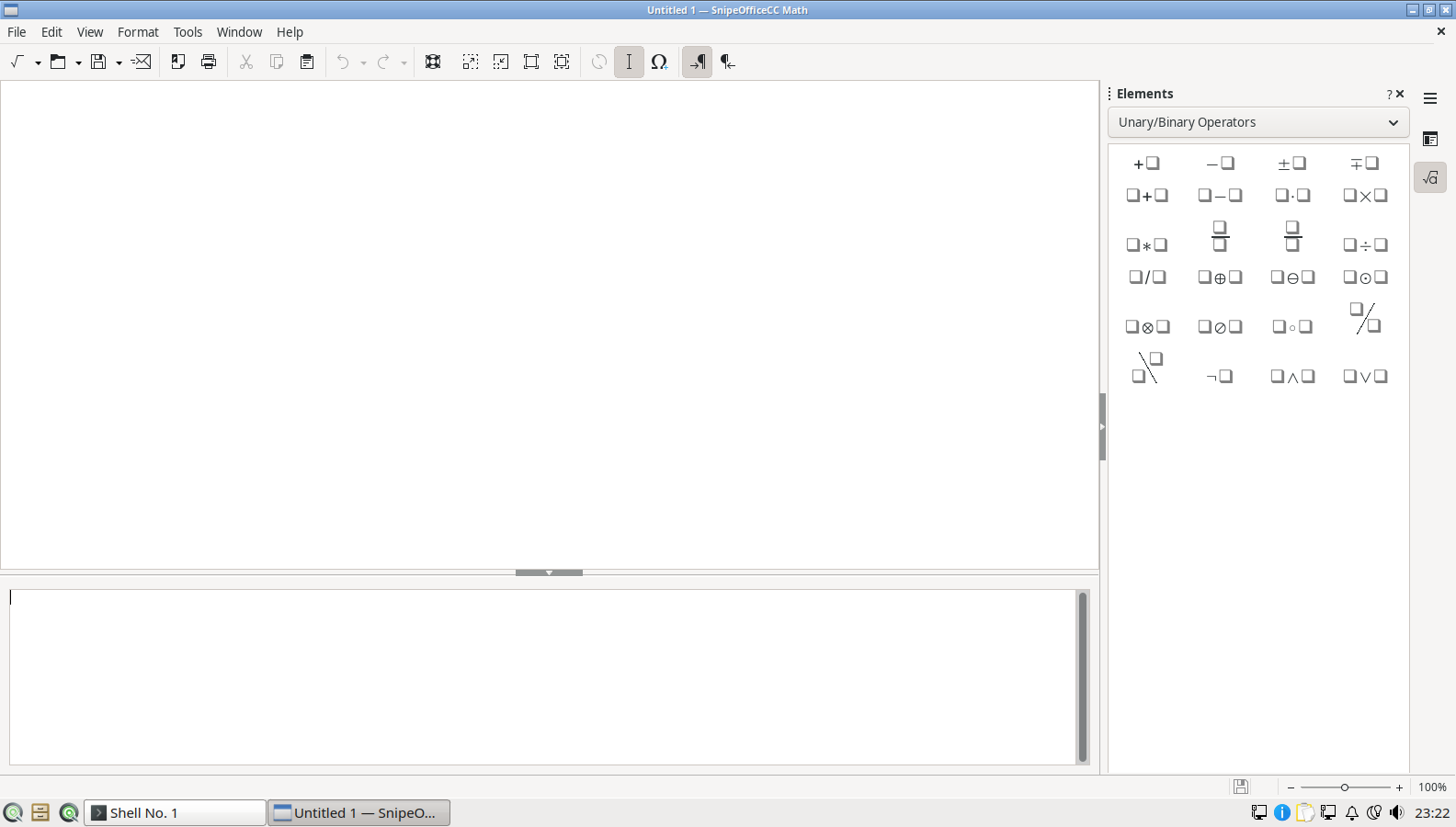
Fractions, integrals, matrices, and scientific symbols as editable objects inside Writer and Impress. No ASCII approximations and no pasting equation screenshots.
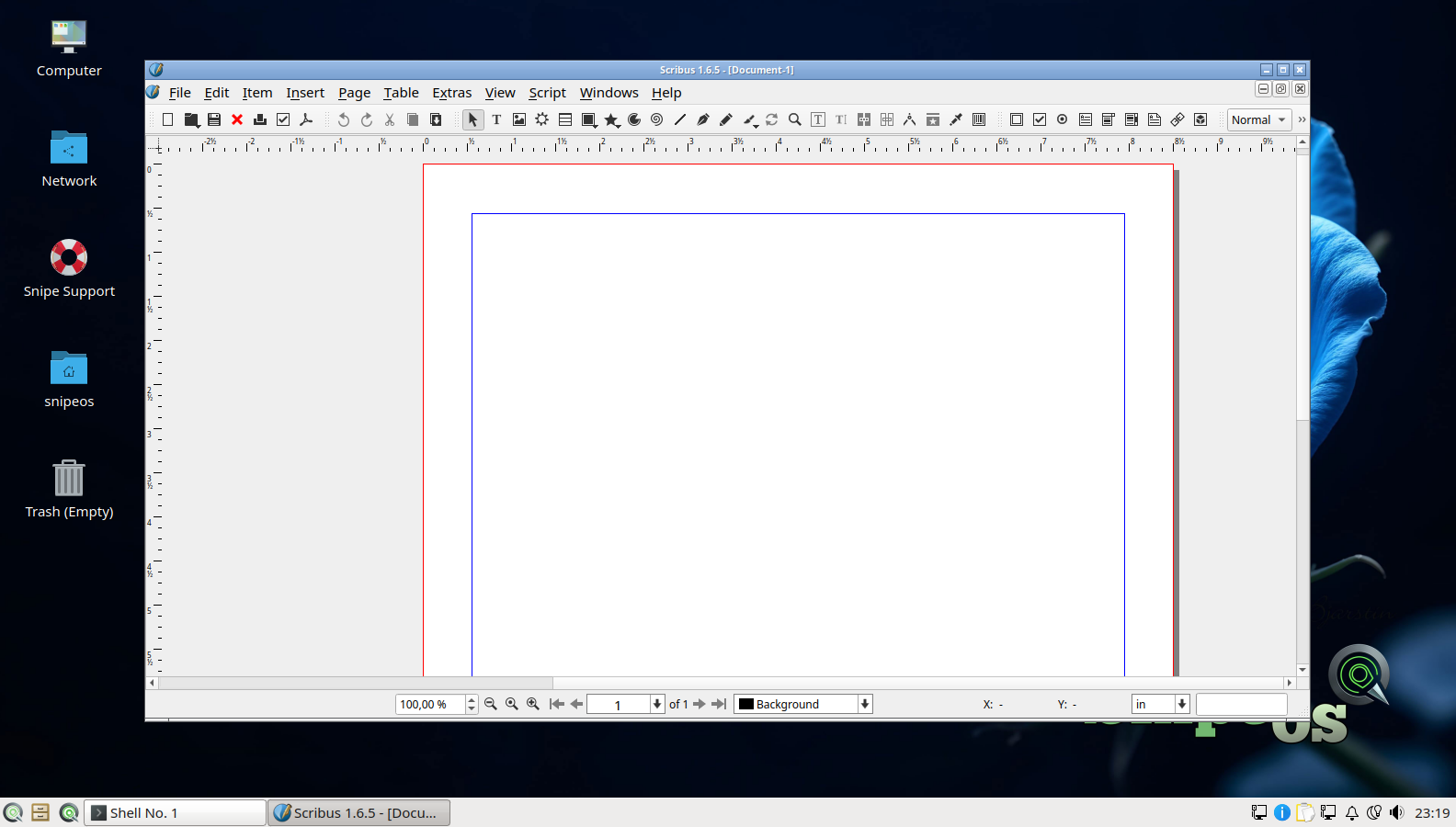
Desktop publishing for posters, zines, and yearbook layouts in Scribus. Trelby for screenwriting modules and media courses that need proper script format.
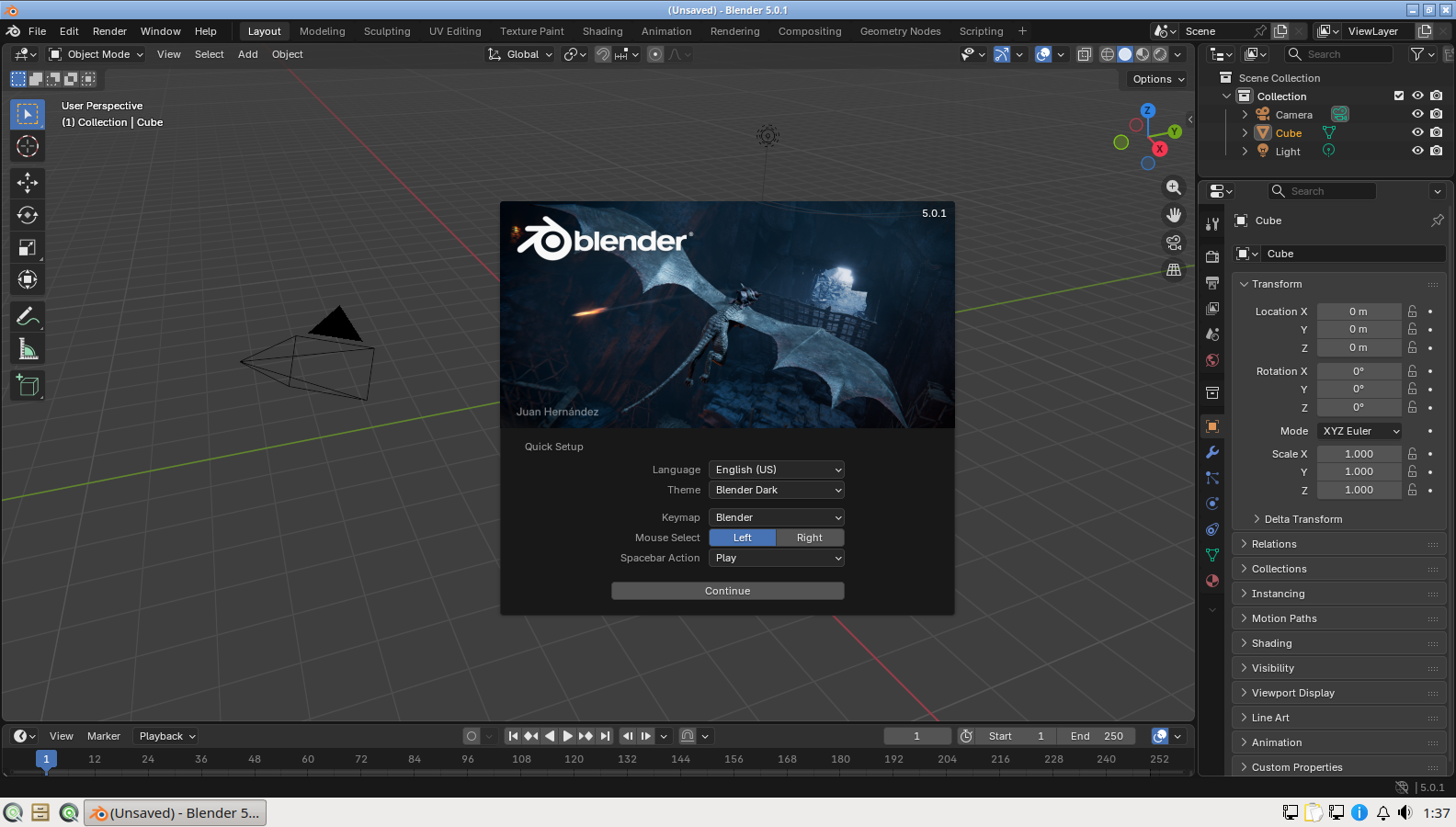
3D, Grease Pencil, and Cycles when the brief is ambitious. GIMP for image edits and Krita for digital painting, already on the image so art and design modules do not wait on IT.
No forced cloud account to open Writer. No telemetry in the Snipe flagships. Separate user accounts keep student work apart on a lab PC. SuperTux and Frozen Bubble are there when younger classes need a break that does not need a store.
Impress pairs cleanly with Inkscape diagrams and Calc charts for teaching decks. OpenShot stays the on-ramp when video is new; Shotcut and Kdenlive are ready when ambition grows.
Everyday essays, slides, and light creative work. Heavier Blender and video modules prefer the 4 GB creative floor.
| Item | Requirement |
|---|---|
| RAM | 2 GB or more (4 GB preferred for Blender, Krita, and video) |
| CPU | 2 cores OK; 4 cores nicer for 3D and editing |
| Storage | SSD preferred on lab fleets; HDD still works for office work |
| Disk space | 20 GB recommended beyond the ~8 GB install |
| Graphics | Integrated GPU fine for most coursework |
| Architecture | amd64 |
See the full hardware tiers. Creative coursework detail lives under Applications.
Licensing nags, account walls, and desktops that need more RAM than the lab has.
Blender, GIMP, Krita, Scribus, and the office suite ship on the image. Art, media, and STEM modules do not wait on purchase orders for the same tools every other open campus already uses.
SnipeOS does not require a vendor login to use Writer, mail, or the browser. Student files stay local unless the school deliberately chooses a sync tool.
LXQt and memory reclaim keep older lab PCs in service. A light desktop is the difference between a working class set and a room full of spinning wait cursors.
Get the ISO, write it with Rufus, try the live desktop on a spare lab machine, then image when you are ready.