Applications

Office and writing

SnipeOffice 25.8 is the flagship suite: full LibreOffice-class editing with BOM-first multilingual export and no leftover daemons. Trelby covers screenplays. FeatherPad and nobleNote handle quick text and durable notes.

FlagshipSuite

SnipeOffice

SnipeOffice is the default office suite of SnipeOS and its most visible flagship. It is a full-strength fork of LibreOffice, which means it inherits the complete document engine of the world’s leading open source office suite: mature word processing, spreadsheets, presentations, vector drawing, formula editing, and database tooling, with support for the major document formats you will encounter, including DOCX, XLSX, PPTX, ODT, ODS, and more. On SnipeOS it fully replaces LibreOffice; the stock LibreOffice applications are purged from the image while the LibreOffice-class runtime libraries they need are retained, so SnipeOffice launches instantly and works offline from the first boot.

SnipeOS ships the stable 25.8 fork. The fork carries performance work alongside its headline encoding features. It is tweaked for lower resource usage than its LibreOffice parent, and it honours the system-wide Snipe rule that applications do not leave background tasks resident in memory: no quickstarter daemon, no lingering helper processes, a clean exit that returns every byte to the system the moment you close a document. On the hardware SnipeOS targets, an office suite that is genuinely gone when closed is a real feature.

What makes SnipeOffice a fork rather than a reskin is its BOM-first file export strategy. Most office suites quietly corrupt multilingual data on export: a spreadsheet full of Chinese ideograms, Japanese kana, or Cyrillic text looks perfect on screen, then the exported CSV opens elsewhere as question marks and empty squares. SnipeOffice solves this at the root by defaulting to a Byte Order Mark on CSV and text-based exports, so the character encoding travels with the file. A BOM-encoded CSV from Snipe Calc opens correctly in plain text editors, imports cleanly into websites and databases, and survives round trips through other applications. The same principle extends to the text tools, which produce BOM-first UTF-8 output, a genuine advantage for subtitle creators exporting .srt and .stl files in multiple languages.

Early beta builds shipped the suite without its LibreOffice-class dependency tree, and it refused to launch over a missing libxml2.so.2. The finished image ships a libxml2 compatibility link and the full runtime library set (NSS, CUPS, ICU, OpenGL, and the rest), so the suite is stable on both the live session and the installed system. Each component gets its own menu entry under Office, branded Snipe Writer, Snipe Calc, and so on.

Standalone builds and more detail: snipeoffice.org.
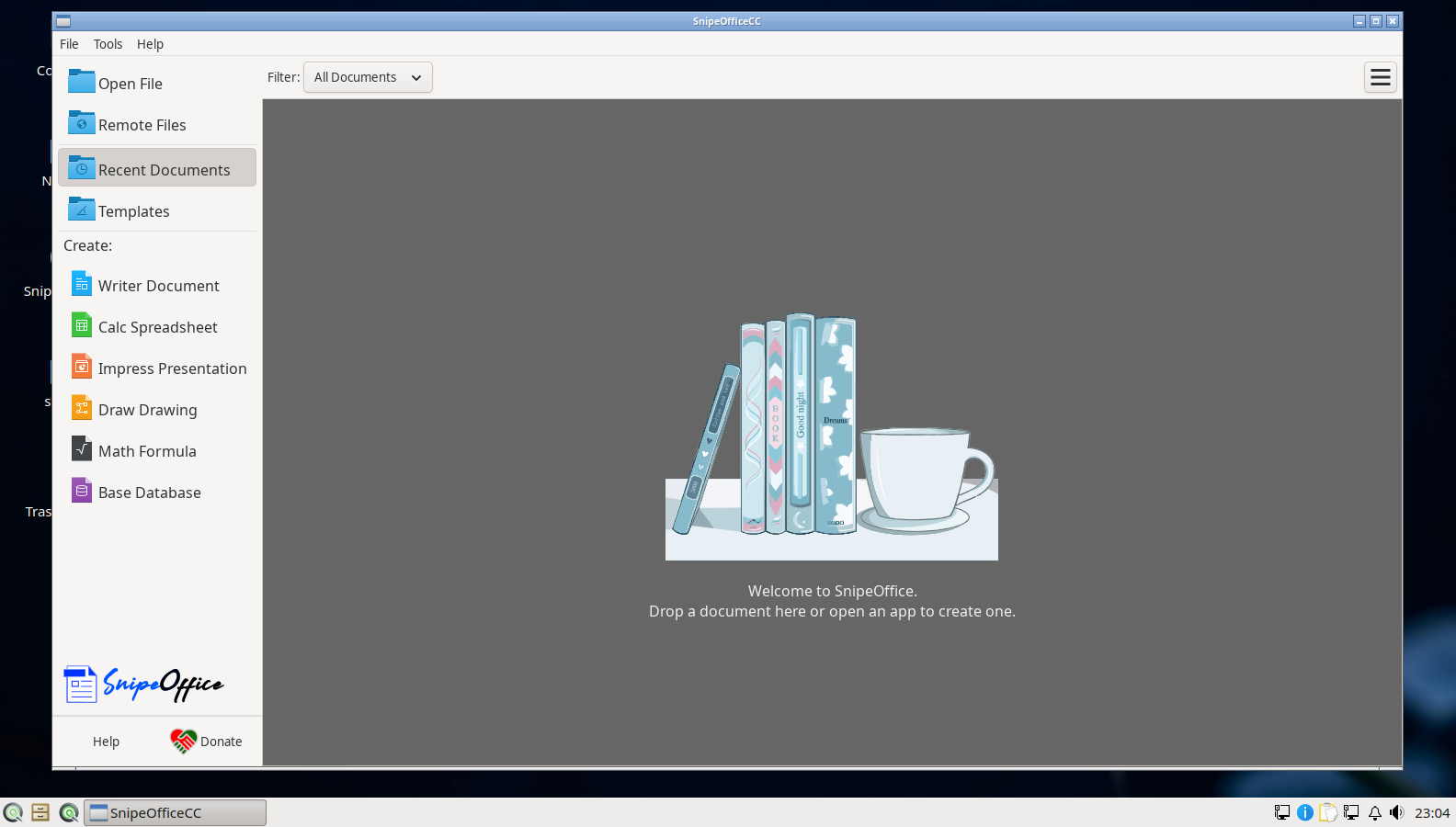
SnipeOffice on SnipeOS

Snipe Writer

Snipe Writer is the word processor, and for most users it is the front door of the suite. It carries the complete feature set expected of a serious writing tool: styles-based formatting, master documents for long projects, tables of contents and indexing, tracked changes and comments for collaborative editing, mail merge, footnotes and cross-references, and export to PDF alongside DOCX and ODT. Anyone coming from Microsoft Word or LibreOffice Writer will be productive immediately, and documents exchanged with those suites keep their formatting to the high standard the LibreOffice engine is known for.

Where Writer earns its Snipe name is in text handling for international work. Because the fork’s UTF-8 exports are BOM-first, plain-text output from Writer is safe for multilingual content by default, without hunting through encoding dialogs. For writers who deliver work as text, for teams sharing content across languages, and especially for subtitle and caption workflows, that default removes an entire category of silent corruption. On SnipeOS, Writer opens quickly even on modest hardware, and it is a comfortable everyday tool on a 2 GB machine.

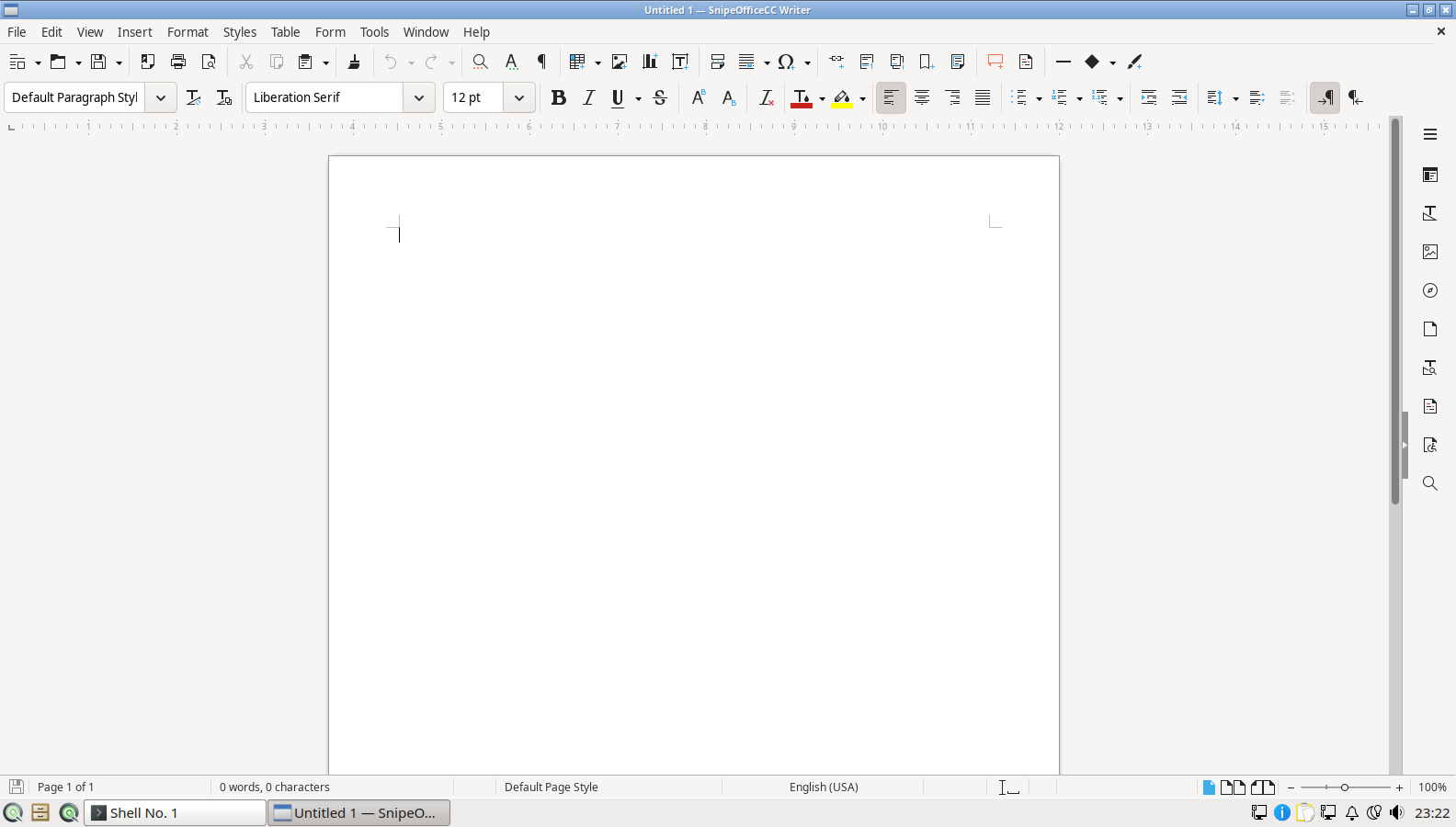
Snipe Writer blank document

Snipe Calc

Snipe Calc is the spreadsheet component, built on one of the most capable open source calculation engines available. It handles large sheets, pivot tables (DataPilot), charting, hundreds of functions covering statistics, finance, engineering, and text processing, conditional formatting, data validation, and solid XLSX interchange with Excel. For everyday budgeting, invoicing, data cleanup, and analysis, it is a complete tool with no add-ons required.

Calc is also the component where SnipeOffice’s founding purpose is most concrete. The fork exists because real users working with partners on datasets containing Chinese text watched mainstream suites corrupt every CSV export. Snipe Calc’s default BOM-encoded CSV export means the file you hand to a website importer, a database loader, or a colleague on another platform contains exactly the characters you typed. If your work touches multilingual data at all, this single default is worth the whole suite; if it does not, you still get a first-class spreadsheet that runs light on LXQt.

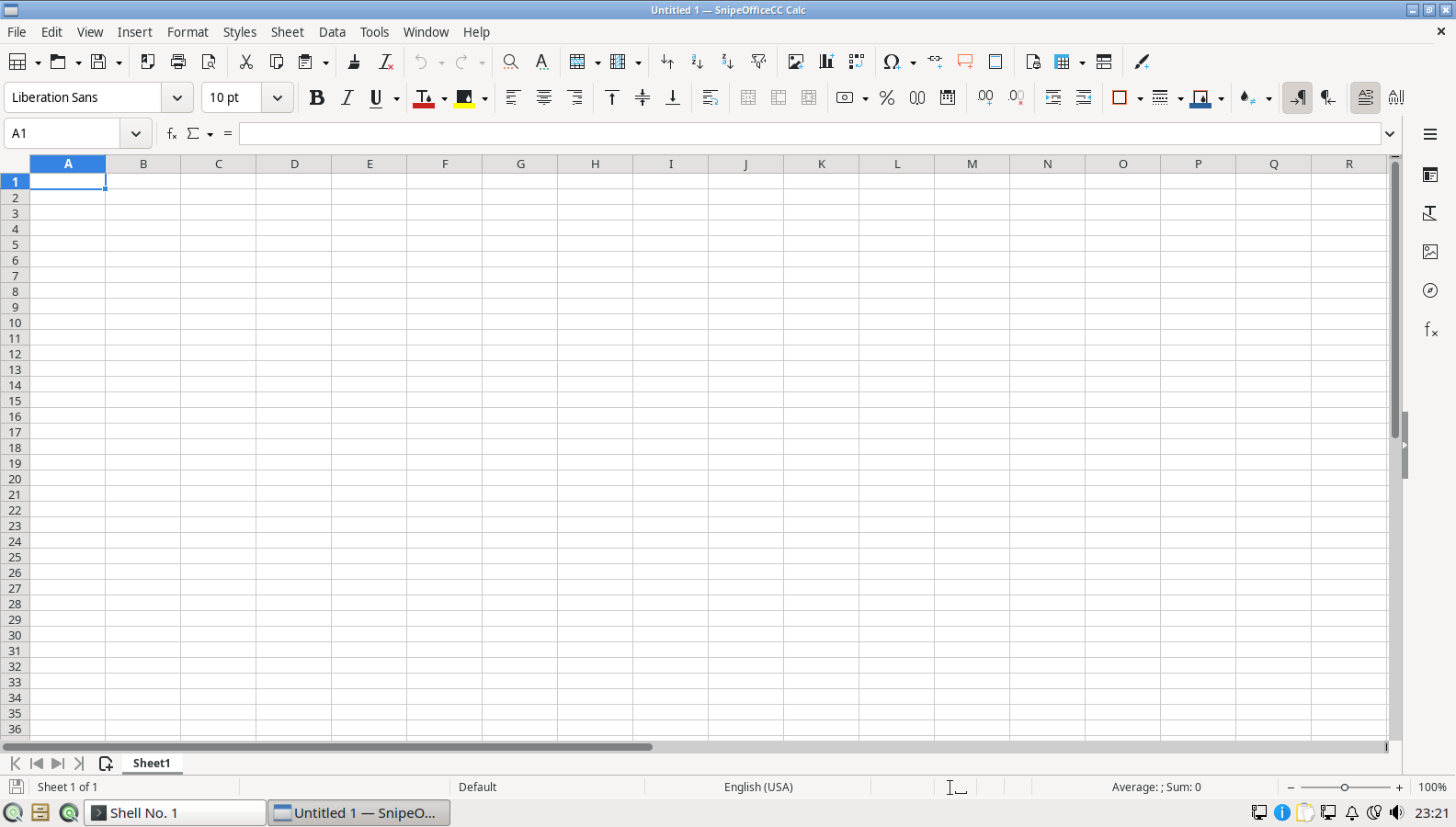
Snipe Calc blank spreadsheet

Snipe Impress

Snipe Impress is the presentation tool, covering the full slide workflow: layouts and master slides, transitions and animations, presenter console with notes and next-slide preview, embedded media, and export to PDF or PPTX for sharing with PowerPoint users. Template support is built in, and the SnipeOS install includes the standard template selection so you can start from a designed deck rather than a blank page.

On SnipeOS, Impress benefits from the same runtime stability work as the rest of the suite and pairs naturally with the creative stack: diagrams drawn in Inkscape or Snipe Draw drop straight into slides, charts come across from Calc, and screen recordings of a finished deck can be captured with OBS Studio from the same menu. For educators, small businesses, and anyone presenting from older hardware, Impress on LXQt is dependable in a way heavier desktop stacks on the same machines are not.

Snipe Impress template selection

Snipe Draw

Snipe Draw is the suite’s vector drawing and diagramming tool. It excels at structured graphics: flowcharts, network diagrams, floor plans, technical illustrations, posters, and multi-page drawings, with connectors that stay attached as shapes move, layers, dimension lines, and precise positioning. It also doubles as a capable PDF editor for light work, opening PDF files page by page for annotation and correction.

Draw occupies a different niche from Inkscape, which also ships on SnipeOS. Inkscape is the artist’s SVG tool; Draw is the office diagramming tool that lives inside your document workflow, sharing styles and clipboard fidelity with Writer, Calc, and Impress. Having both means SnipeOS covers everything from a quick org chart pasted into a report to a full illustration project, without either tool being forced outside its strengths.

Snipe Draw tip of the day

Snipe Math

Snipe Math is the formula editor, a focused tool for composing mathematical, chemical, and scientific notation. It uses a readable markup language to build equations (fractions, integrals, matrices, operators, Greek symbols, and layered scripts) and renders them as clean, scalable objects. Students, teachers, and technical writers use it to put real notation into documents without wrestling with images or ASCII approximations.

Math is rarely run standalone; its natural home is embedded inside the other components. An equation object created in Math sits inline in a Writer document, on an Impress slide, or in a Draw diagram, and remains editable in place. On SnipeOS this makes the Office menu a complete academic writing environment out of the box, which pairs well with the distribution’s suitability for older laboratory and classroom hardware.

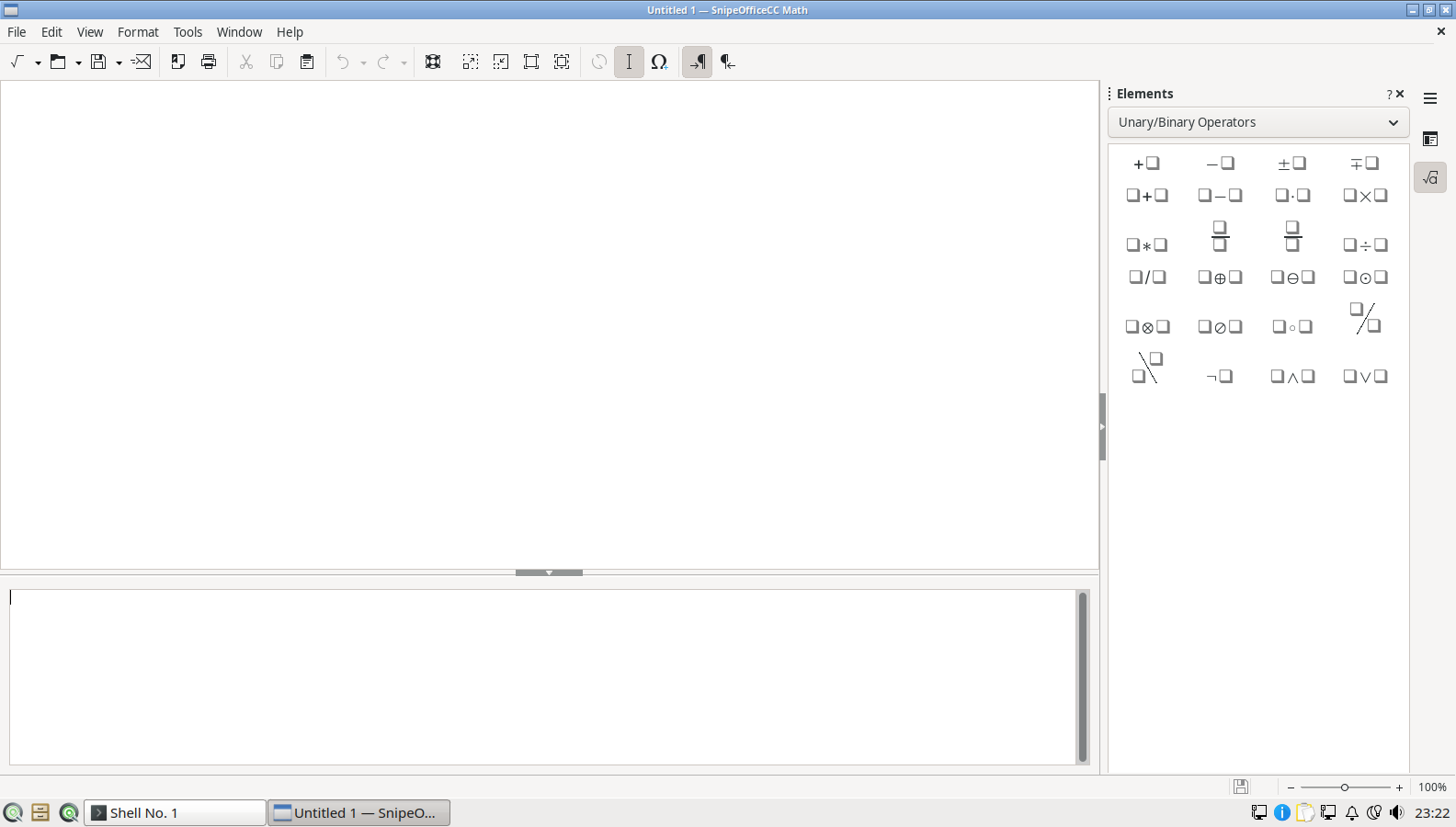
Snipe Math blank formula

Snipe Base

Snipe Base is the database front end of the suite. It provides a guided database wizard, table design, queries (both visual and SQL), forms for data entry, and reports, using an embedded database engine for self-contained files and connectors for external sources. For a club membership list, an inventory, a customer register, or any structured data that has outgrown a spreadsheet but does not justify a database server, Base is the right-sized tool.

Base also acts as the suite’s data bridge. Its registered data sources feed mail merge in Writer and can serve data into Calc, so a single well-kept database can drive letters, labels, and analysis without duplication. On SnipeOS it ships ready to run, wizard and all; the first-launch database wizard is part of the validated success gallery.

Snipe Base database wizard
Vendored

Trelby

Trelby is a dedicated screenwriting application, and its presence on the default install says a lot about who SnipeOS is for. Screenplays have rigid industry formatting rules (scene headings, action, character names, dialogue, parentheticals, transitions, all at exact margins), and Trelby enforces them automatically as you type, the way Final Draft does on commercial platforms. It offers screenplay-aware editing, character name autocompletion, scene navigation, reports (scene, character, dialogue statistics), a name database for characters, and comparison of script drafts. It imports and exports the formats that matter to working writers, including Final Draft XML, Fountain, and formatted PDF output, so a script written in Trelby can go straight into a production pipeline.

Trelby on SnipeOS is a vendored package with its Python dependency stack (wxWidgets bindings, cryptography, lxml, reportlab) shipped and wired correctly. That sentence exists because the beta proved the opposite is what you get by default: early builds shipped a Trelby that crashed on launch with a missing module error, and the Python path and reportlab dependencies were debugged and sealed into the image across several builds. The result is a screenwriting tool that launches and prints on the live session and the installed system alike, no pip commands and no PPA hunting, which for a niche application on Linux is rarer than it should be.

Trelby open on SnipeOS

FeatherPad

FeatherPad is the lightweight graphical text editor of the LXQt world, and it fills the essential role of the fast, always-ready editor for notes, configuration files, scripts, and quick edits. Despite its tiny footprint it is a real editor: tabs, syntax highlighting for a long list of languages, search and replace with regular expressions, session saving, line numbers, spell checking, and drag-and-drop between windows. It opens instantly even on the lowest-end hardware SnipeOS targets.

On SnipeOS, FeatherPad complements rather than competes with the heavier tools. Writers draft in Snipe Writer, developers may live in vim, but FeatherPad is what you reach for to peek at a log, tweak a config, or paste and clean a block of text. It is also a sane default handler for plain text files from the file manager, which keeps the everyday desktop snappy.

FeatherPad open on SnipeOS

nobleNote

nobleNote is a simple, tidy note-taking application built around a notebook-and-note structure. Notes are organised into notebooks, support rich text formatting, and are stored as ordinary files on disk rather than in an opaque database, which means your notes are durable, greppable, and trivially backed up or synced with any file-level tool you like. Search across notes is built in, and the interface is deliberately calm: two panes, your notebooks, your notes, and nothing demanding an account.

Within the SnipeOS stack, nobleNote covers the gap between a scratch file in FeatherPad and a full document in Writer. Meeting notes, project logs, story ideas, and research snippets have a durable home that opens in a heartbeat. Its file-based storage philosophy also matches the distribution’s general stance: local-first, no cloud dependency, no telemetry, your data in your hands.

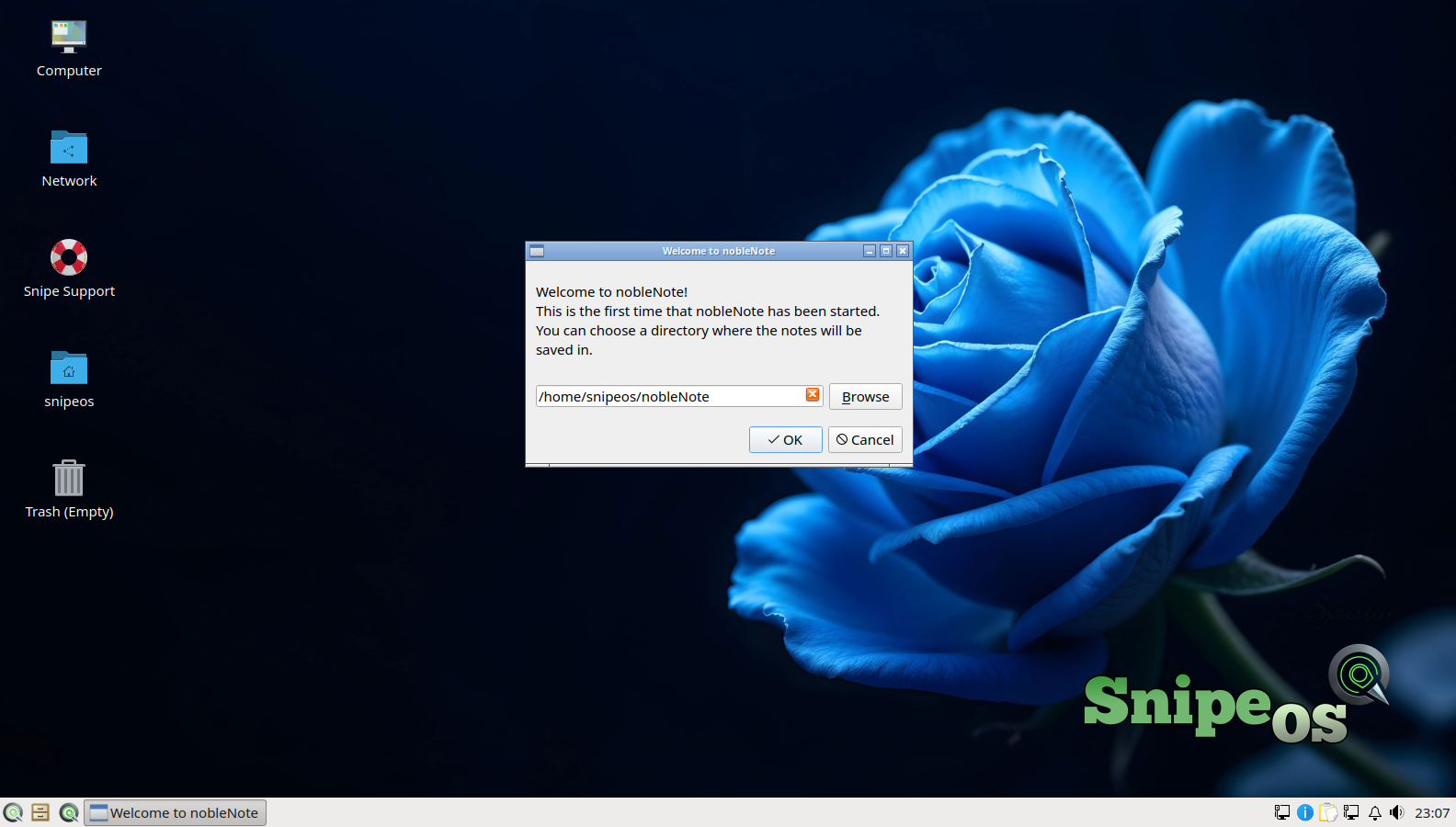
nobleNote welcome dialog on SnipeOS