 Snipe
Snipe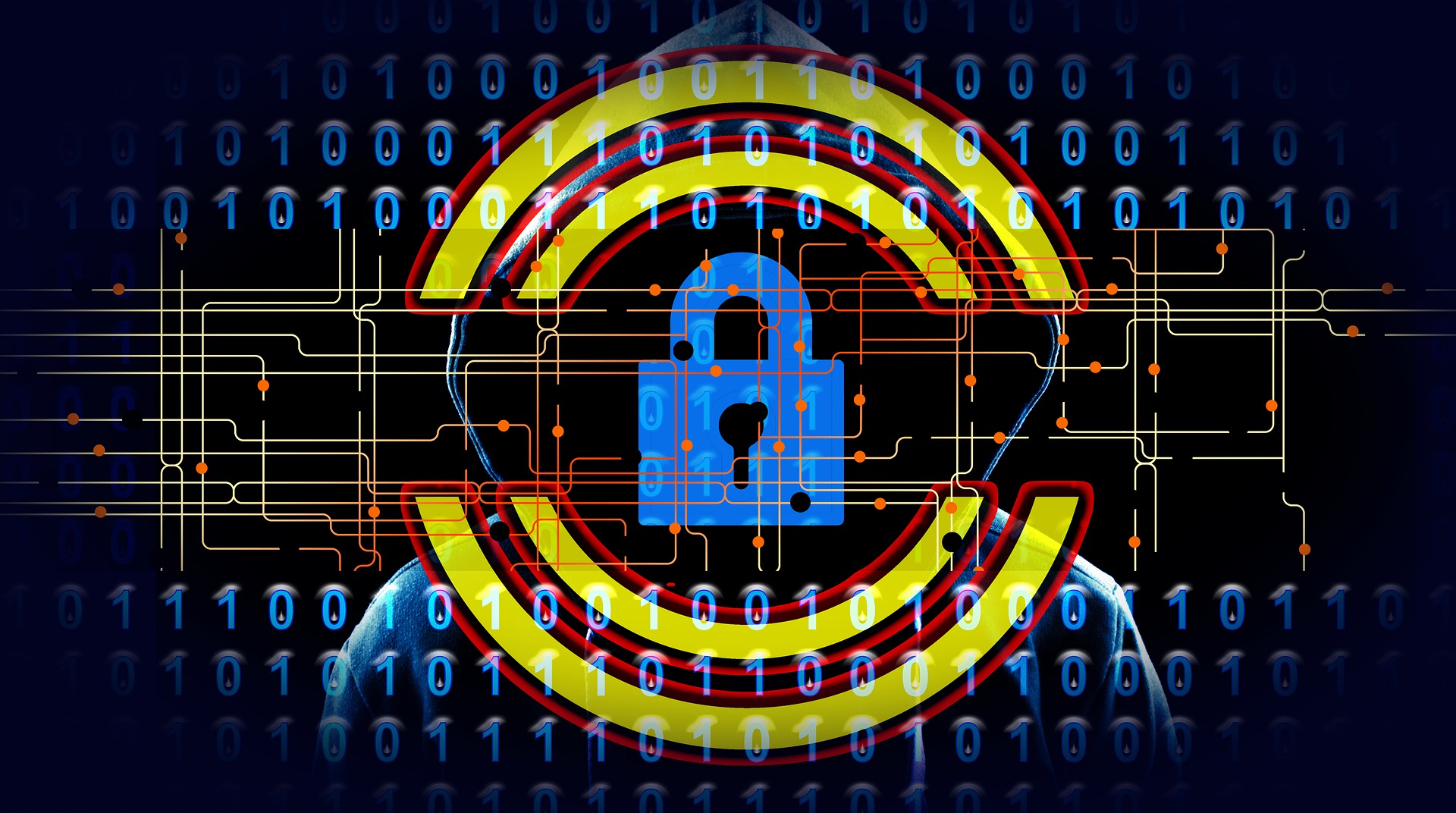
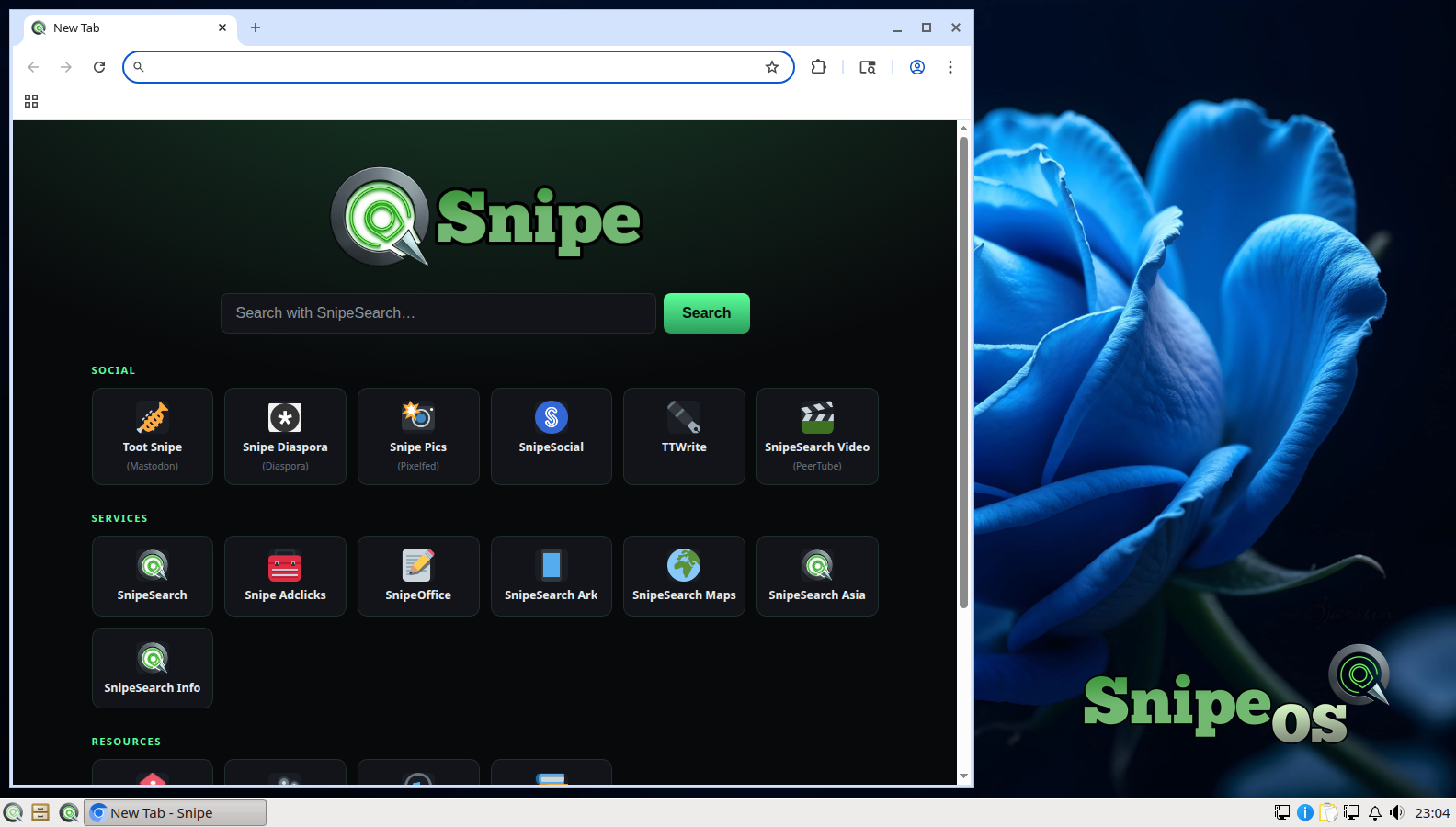
Snipe Browser, Ungoogled at the core
Telemetry, sync engines, and Google services removed from the binary. uBlock Origin compiled into the core. Passwords stay on the device. An idle tab is genuinely idle, not feeding background pipelines.

SnipeOS
For privacy-conscious users
Browser, office, email, and passwords that do not phone home. No Microsoft account. No Google account. No telemetry baked into the stack you use every day.
SnipeOS is a creator-class Linux desktop on Lubuntu 26.04 LTS. For privacy-conscious users, the point is coherence: the whole everyday stack leans local and quiet by design, not because you spent a weekend hunting toggles.
People who have actively decided they do not want Microsoft, Google, or anyone else processing their activity need more than a private browser on a leaky desktop. Snipe Browser strips telemetry at the binary level. SnipeOffice does not leave helper daemons resident. Thunderbird is the real Mozilla package, not a snap stub. QtPass keeps credentials GPG-encrypted on disk. nobleNote stores notes as local files. Nothing on the default desktop requires an account to function.
Support tracks Lubuntu 26.04 LTS through April 2029. The privacy posture is also a performance posture: features that phone home, index, suggest, and “assist” all bill CPU and RAM continuously. Snipe applications simply do not carry them.
The stack you use when browsing, writing, mailing, and unlocking accounts should not be a data source.
Telemetry, sync engines, and Google services removed from the binary. uBlock Origin compiled into the core. Passwords stay on the device. An idle tab is genuinely idle, not feeding background pipelines.
SnipeOffice for documents without leftover helpers. Thunderbird for real email and OpenPGP. nobleNote for local notes as ordinary files. No cloud account is required to open a letter or a ledger.
QtPass extends local-first credentials beyond the browser: GPG-encrypted password stores on disk you control. Pair with full-disk encryption at install when the laptop leaves the house.
Other desktops ship AI assistants, recall-style capture, default cloud sync, and telemetry you are invited to “manage.” Managing means the pipeline was already there. SnipeOS leaves those channels out of the flagship apps.
VLC asks before network access instead of assuming it. Winetricks statistics were opted out on the reference systems. The default desktop does not treat you as a data source that happens to own a keyboard.
The reasons privacy-conscious people leave mainstream desktops. SnipeOS does not reintroduce them under a friendlier logo.
Assistants and screen-capture features on other operating systems can read what is on your display, in your documents, and on your clipboard. Product terms often put that material in scope for model training.
SnipeOS has no integrated AI assistant, no recall-style capture layer, and no training pipeline. What you type and view stays on the machine unless you send it.
Many desktops turn on cloud sync by default so Documents and Downloads quietly copy to a vendor. That creates a remote copy you may never have intended, and a processor you never contracted with.
SnipeOS does not ship a default sync service. Local files stay local until you choose a tool and a destination.
Telemetry is not only a privacy slogan. Background reporters, crash uploaders, and “improve the product” services send usage and sometimes content-adjacent data off the machine while burning RAM and CPU.
Snipe flagship apps do not open that channel. Privacy and a light idle session are the same design decision.
Everyday browsing, office, and mail on a light desktop. Privacy does not require a new workstation.
| Item | Requirement |
|---|---|
| RAM | 2 GB or more |
| CPU | 2 cores OK |
| Storage | SSD preferred; HDD still works |
| Disk space | 20 GB recommended |
| Graphics | Integrated GPU fine |
| Architecture | amd64 |
Full-disk encryption at install is available in Calamares when you want the laptop protected at rest. See hardware tiers.
Get the ISO, write it with Rufus, try the live desktop, then install when you are ready.