Privacy-first browsing with Google services removed from the binary, real Mozilla email (not a snap stub), and a light BitTorrent client for large downloads.
Flagshipfrom ~23 MB
Snipe Browser
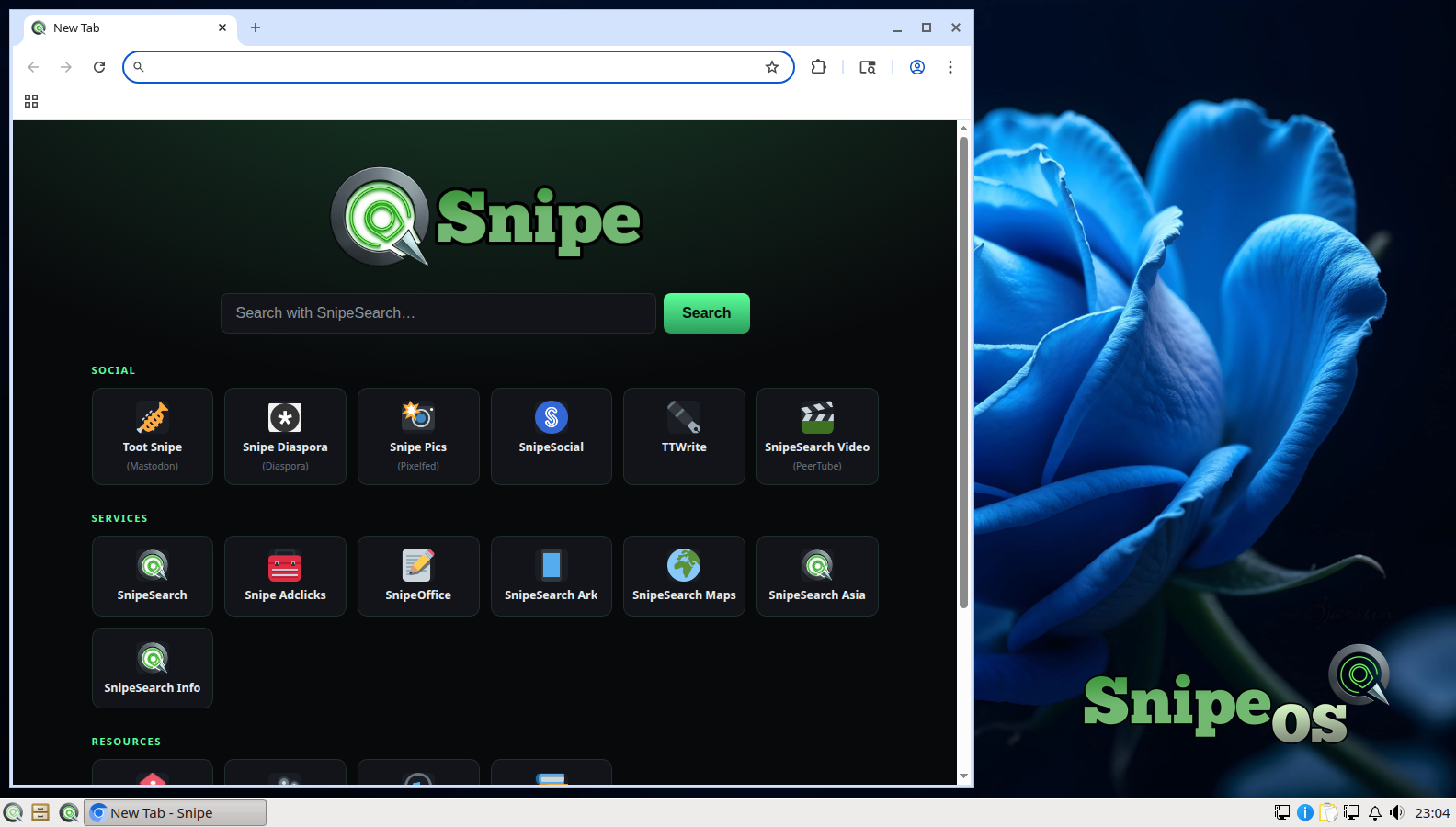
Snipe Browser is the default web browser of SnipeOS and the second pillar of the Snipe application family. It is built on Ungoogled Chromium, which means it renders the modern web with full Chromium engine compatibility while having every Google service stripped out of the binary itself, not merely toggled off in settings. There are no background calls, no profiling, no silent data collection, and no account requirement. The distinction between removed and disabled matters: a setting can be flipped back by an update, but a component that is not in the binary cannot phone home. The result is a browser that can use as little as roughly 23 MB, depending on the page, dramatically leaner than stock Chrome, precisely because the middleware, preloaders, and sync engines that never worked for the user have been deleted rather than hidden.
Three design decisions set Snipe Browser apart even among privacy browsers. First, uBlock Origin is compiled into the browser, so blocking is active from the first page load. Second, the password manager is local-only: credentials are stored encrypted on your machine and nowhere else, on the reasoning that a cloud vault is a single point of failure where one server breach exposes everything at once. Third, Ruffle is built into the stack for Flash-era games and content, running inside the modern sandbox so two decades of interactive web history still play. There are no AI features, no forced updates, and no bolted-on cloud “safe browsing” service duplicating filtering your ISP and router already perform while exporting your history to do it.
The browser’s philosophy is that no user is an acceptable loss, and that shows in its reach. Upstream, Snipe ships builds across an almost absurd range of platforms, from current Windows and Ubuntu releases back through Windows 7, Vista, Server 2003, and Windows XP, plus Android. On SnipeOS, Snipe Browser is wired in as the system default and as the x-www-browser alternative, so every link on the system (desktop shortcuts, installer links, application help buttons) opens in it correctly. That wiring was a multi-build QA item during the beta and is now solid. Sometimes the taskbar label looks like generic Chromium; that is a fork quirk documented in Troubleshooting.
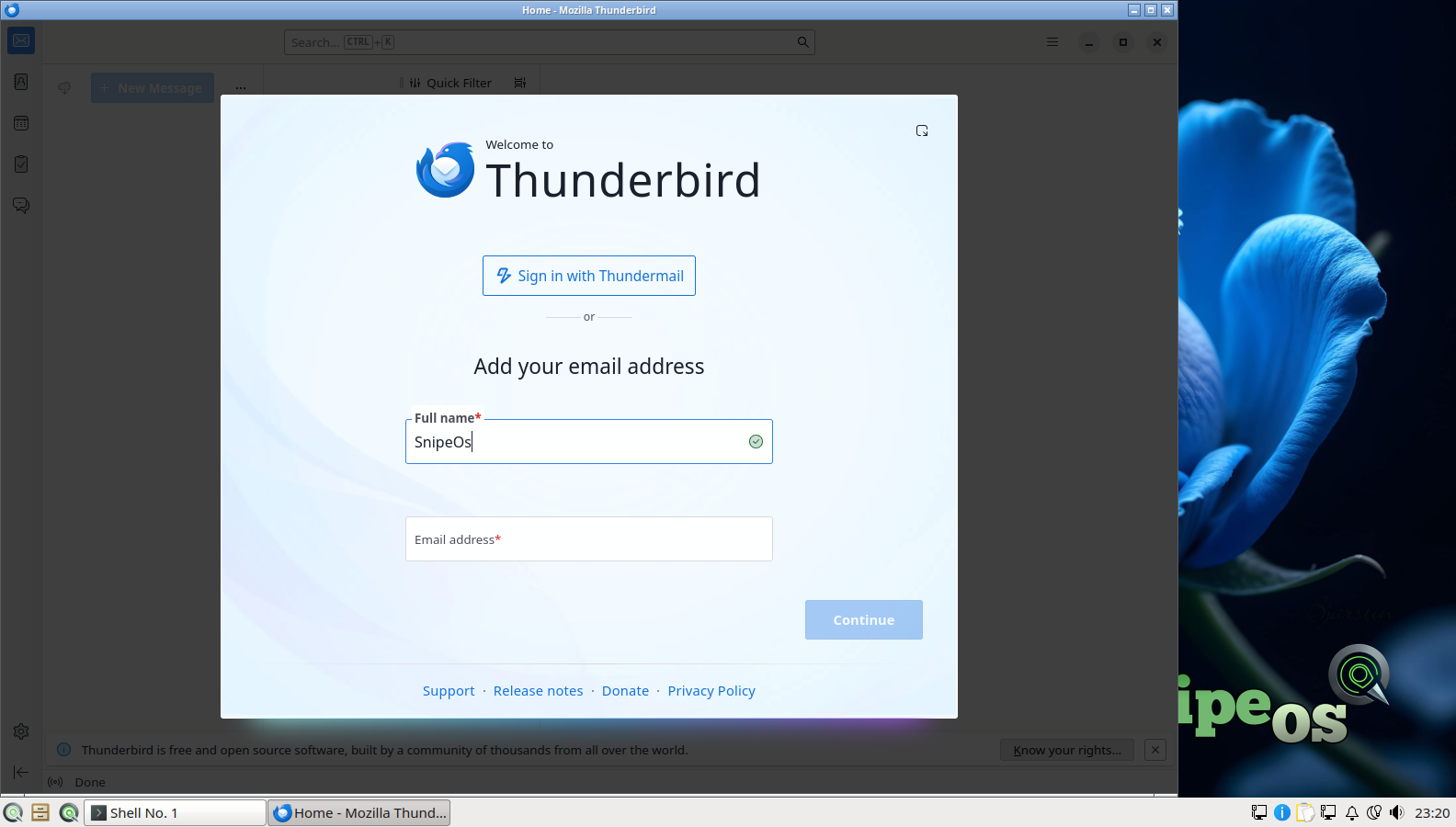
Thunderbird is the email client, and on SnipeOS it is the real thing: the genuine Mozilla .deb package, not the snap stub that Ubuntu 26.04 ships in its archive. That distinction is practical, not ideological. The snap stub adds a containerised indirection layer that costs startup time and memory on exactly the class of hardware SnipeOS targets, and it complicates native theming and file dialogs. The vendored Mozilla package starts fast, integrates with the LXQt desktop normally, and updates on Mozilla’s release channel. Its account setup wizard is part of the validated install gallery: launch it, enter your address, and its autoconfiguration finds the right IMAP, POP, and SMTP settings for most providers automatically.
As an application, Thunderbird remains the most complete open source communication suite available. It handles multiple accounts across providers, unified folders, powerful search and filtering, OpenPGP encryption built in, a full calendar with invitations and tasks, contact management, RSS feeds, and newsgroup support, with an extension ecosystem for everything else. For a creator-focused distribution, real email matters more than it gets credit for: contracts, client proofs, collaboration threads, and delivery of finished work still run on email, and SnipeOS treats it as core infrastructure rather than pointing users at a webmail tab.
Transmission
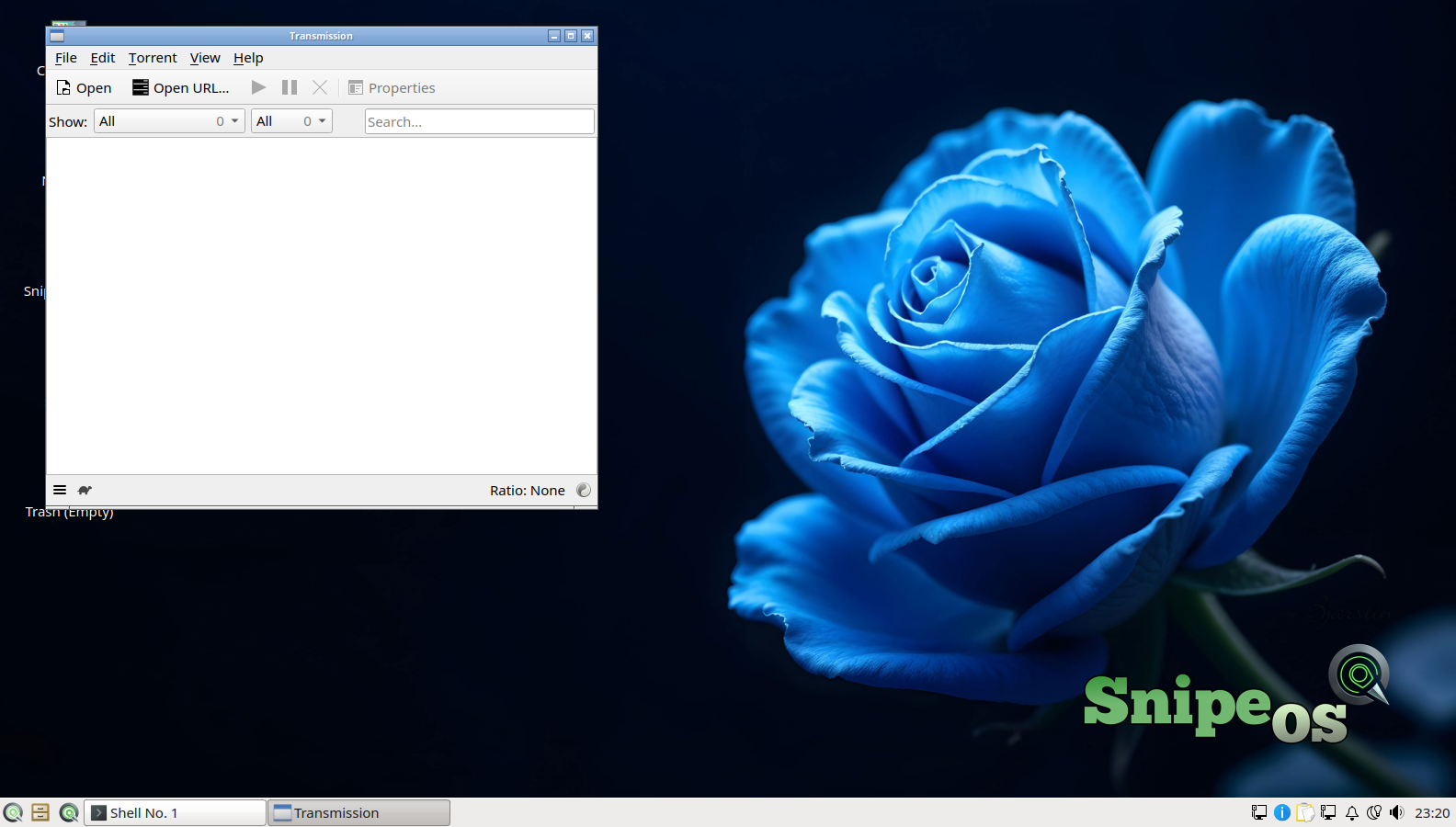
Transmission is the BitTorrent client inherited from the Lubuntu foundation, and it is the ideal fit for this desktop: famously light, famously simple, and complete where it counts. The main window is an uncluttered list of transfers with the controls you actually use, while the depths hold everything a power user needs, including encryption, selective file download within torrents, speed scheduling and limits, port forwarding, watch folders, and a web interface for controlling a headless machine.
On SnipeOS, Transmission earns its place for entirely legitimate and increasingly common workloads: Linux distributions themselves are best downloaded over BitTorrent, as are large open datasets, public domain media archives, and game content distributed by independent developers. On low-bandwidth or metered connections, its scheduling and limit controls let large downloads run politely in the background of a working desktop without starving the browser or an upload in OBS.
 Snipe
Snipe