SnipeOS

For developers and the technically curious

An installer engineered like the product mattered.

Whiteout-safe unpack. EFI verified before success. A twelve-year origin closed on real hardware. Underneath: a standard Ubuntu-family system your skills already know.

The interesting part is not the wallpaper

SnipeOS is a creator-class Linux desktop on Lubuntu 26.04 LTS. For developers and technically curious Linux users, the story is how it got there: an installer that survives remaster reality, and a base that does not invent its own universe.

In June 2014 the project began as Snipesearch OS on a ~2002 laptop. The system worked. The installer did not. That failure sat unresolved for twelve years. When the project returned, the beta’s hardest engineering (whiteout-safe unpack, false-failure hunts, offline EFI bootloader work, verify-before-claiming-success) went into one thing: an installer that works on hardware the builder has never seen. Build 26 closes that 2014 wound.

What you get is still a normal Ubuntu-family desktop: apt, systemd, LXQt, Openbox, the packages and habits you already carry. The creative stack is sealed on the image so Steam, Wine, and Blender are not first-boot archaeology. Support tracks Lubuntu 26.04 LTS through April 2029.

Engineering that shows up on disk

The talking points are measurable: unpack coherence, EFI verification, package count, and a base that transfers.

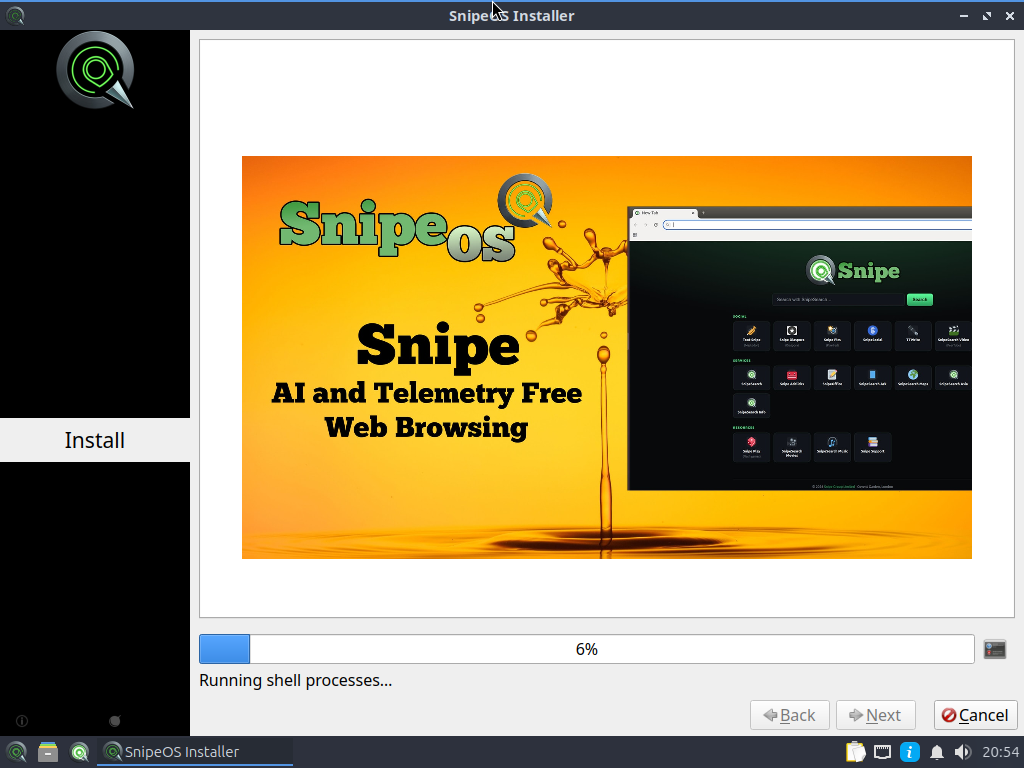
SnipeOS installer running shell processes during unpack

Whiteout-safe unpack

Overlay deltas include whiteout character devices that stock Calamares unpackfs cannot apply. SnipeOS mounts the system layers as a read-only overlay, resolves every whiteout, and rsyncs the merged tree. Installs land as coherent systems, not layer collisions.
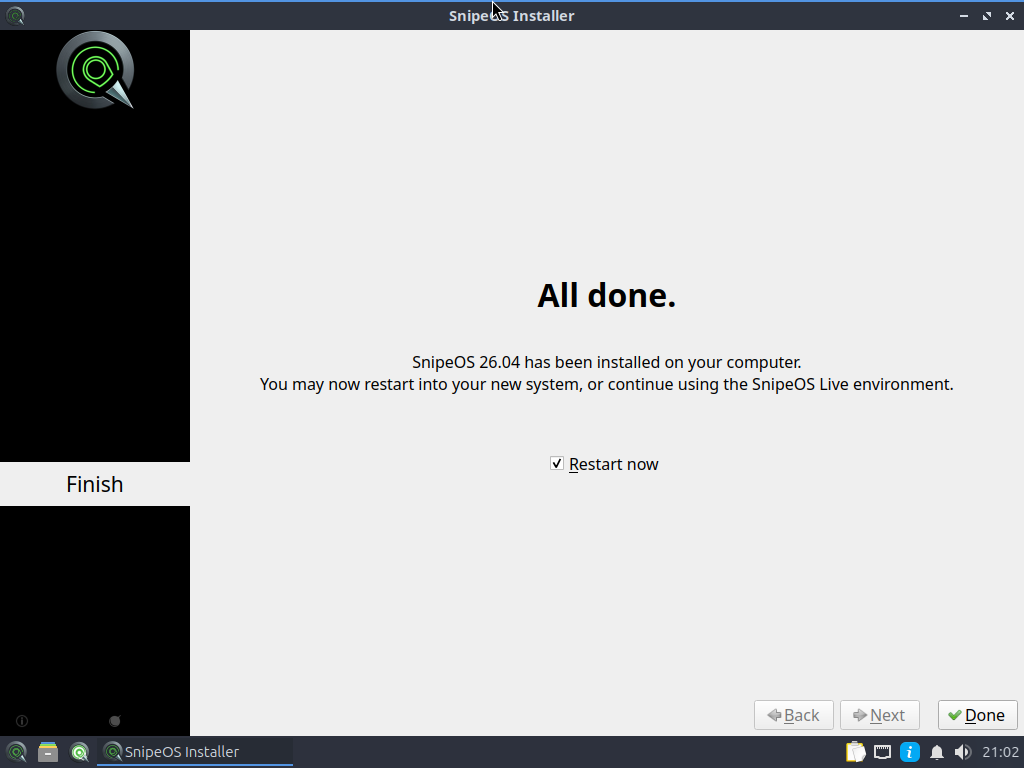
SnipeOS installer finished successfully

EFI verified, not assumed

UEFI installs used to report success with an empty ESP. SnipeOS restores the ISO apt pool for the signed GRUB and shim packages, seeds fallbacks, then runs verify_efi. If the ESP is empty, the install fails loudly before reboot.

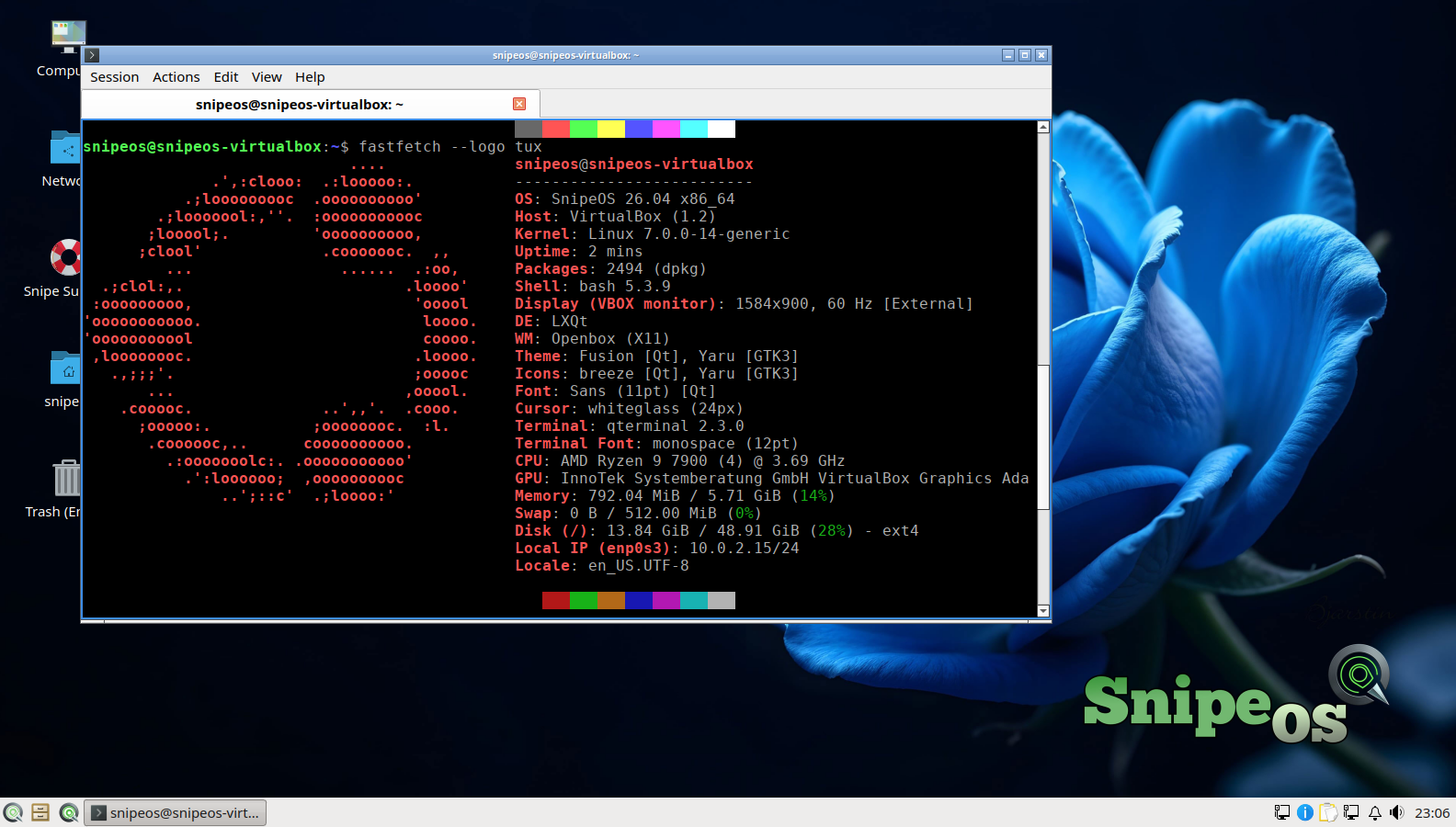
QTerminal running fastfetch on SnipeOS showing 2494 packages

2,494 packages, still light

A validated fastfetch on a clean install with the full creative stack recorded 2,494 packages and about 792 MiB idle RAM with nothing open beyond a terminal. The stack is large; the footprint is not theatrical.

vim running in QTerminal on SnipeOS

Ubuntu-family underneath

apt, bash, vim, htop, QTerminal, systemd: the same muscle memory as Lubuntu and Ubuntu. Your scripts, containers, and admin habits transfer. The remaster work is in delivery and sealing, not in inventing a parallel userspace.

Built where remasters usually cut corners

Casual remasters look finished in the live session and fail on first reboot. SnipeOS spent the beta filing sharp edges in unpack, bootloader, and post-install coherence: session defaults, branding through GRUB and Plymouth, and apps whose dependency trees were closed before you ever open them.

The gallery documents boot, live, and installed states. Read the full arc on About and the install guide when you want the operational detail.

Close-up of a rack server front panel with drive bays

Recommended minimum (dev / power desktop)

Everyday terminal, browser, and light creative work. Compiles, containers, and heavier creative tools prefer more RAM and an SSD.

ItemRequirement
RAM2 GB or more (4 GB+ preferred for builds, VMs, and video)
CPU2 cores OK; 4 cores nicer for parallel builds
StorageSSD preferred
Disk space20 GB recommended beyond the ~8 GB install
FirmwareBIOS or UEFI; offline UEFI install validated
Architectureamd64

See the full hardware tiers. Desktop and terminal detail lives under Desktop apps.

What you skip

The remaster failure modes that waste a weekend and a USB stick.

Success that boots to nothing

Empty EFI System Partitions that looked fine until reboot. SnipeOS verifies the ESP before it claims the install worked.

Half-applied overlay installs

rsync against whiteouts that leave a broken root. The custom unpack merges layers correctly so the target matches the intended system.

A snowflake userspace

You are not learning a parallel distribution. Skills from Ubuntu and Lubuntu transfer; the differentiation is installer integrity and a sealed creative stack.

Download SnipeOS

Get the ISO, write it with Rufus, try the live desktop, then install when you are ready to inspect the result yourself.