 Snipe
Snipe
SnipeOffice for the books
Calc for invoices and cashflow, Writer for quotes and letters, Impress for pitches, Base when a sheet is no longer enough. BOM-first CSV keeps customer and catalogue exports clean for websites and suppliers.

SnipeOS
For small business
A light Linux desktop for sole traders and small teams: office suite, real email, a private browser, and customer files that stay on the machine you already own.
SnipeOS is a creator-class Linux desktop on Lubuntu 26.04 LTS. For small businesses and working professionals, that means SnipeOffice, Snipe Browser, and Thunderbird ready from first login on hardware that does not need replacing.
Customer lists, product catalogues, quotes, invoices, and supplier CSVs still live in spreadsheets and documents. Banking, Companies House, and web accounting tools live in the browser. SnipeOS covers both ends: BOM-first CSV export that keeps multilingual records intact, Microsoft-format interchange for the partners who still send DOCX and XLSX, and a browser with zero telemetry and local-only passwords for the sites that touch money.
Support tracks Lubuntu 26.04 LTS through April 2029. No forced cloud account, no telemetry in the Snipe flagships. Running an accountancy practice? See also SnipeOS for accountants for the practice-specific framing.
The stack you reach for when the work is quotes, customers, mail, and getting paid.
Calc for invoices and cashflow, Writer for quotes and letters, Impress for pitches, Base when a sheet is no longer enough. BOM-first CSV keeps customer and catalogue exports clean for websites and suppliers.

Snipe Browser blocks ads and trackers by default, stores passwords locally, and opens banking, HMRC, Companies House, Xero, FreeAgent, Sage, and QuickBooks Online over normal TLS. No account required to use the browser itself.
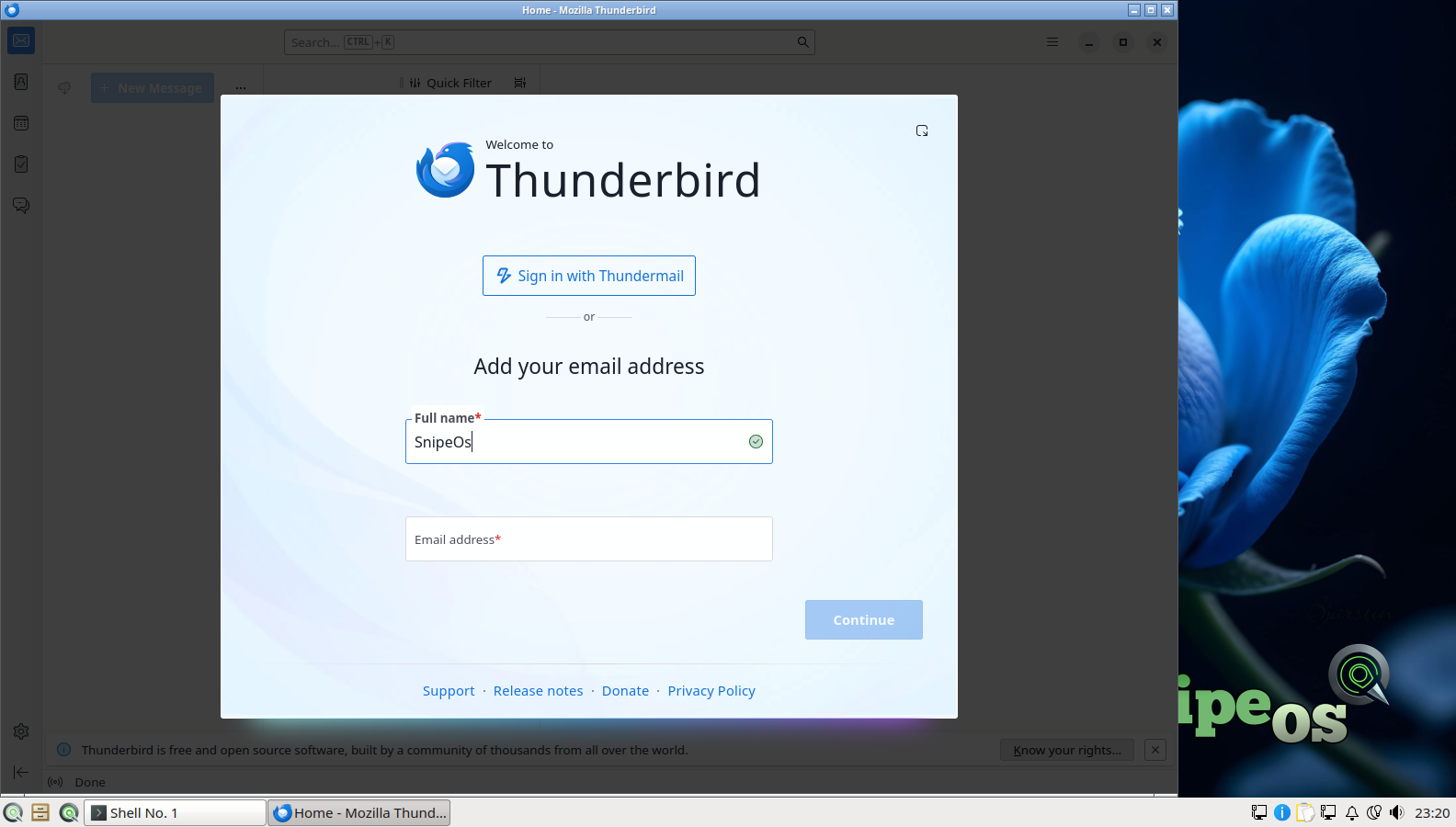
Thunderbird for real email and calendaring, qpdfview for PDFs, Skanlite for the paper that still arrives. Contracts and delivery still run on mail; SnipeOS treats that as infrastructure, not an afterthought.

No default cloud sync sweeping Documents into a vendor account. Close Calc or the browser and memory comes back. On a 2 GB office PC that is the difference between a workday and a reboot schedule.
A SnipeOS workstation does not subscribe you to anything and does not nag for an online identity. LTS security updates land through SnipeOS Update on the same Ubuntu 26.04 archive the rest of the stack uses.
Wine is preconfigured when a Windows-only supplier tool still has no Linux build. That is a bridge, not a second operating system tax.
The floor for treating SnipeOS as a daily business desktop: web, office, mail, and light image work.
| Item | Requirement |
|---|---|
| RAM | 2 GB or more |
| CPU | 2 cores OK |
| Storage | SSD preferred; HDD still works with less snap |
| Disk space | 20 GB recommended (swap and document headroom) |
| Graphics | Integrated GPU fine |
| Architecture | amd64 |
Tighter boots exist below this. See the full hardware tiers.
Customer contacts, invoices, and banking tabs are personal data and financial data. Other desktops often wire those risks into features you never asked for.
Other operating systems ship assistants and screen-capture features that can read what is on your display, in your documents, and on your clipboard. Product terms often put that material in scope for model training.
For a small business that can mean customer addresses, payment details, and draft contracts becoming someone else’s processing. Under GDPR that is an unlawful-processing problem without a clear processor agreement. SnipeOS has no integrated AI assistant, no recall-style capture layer, and no training pipeline.
Many desktops turn on cloud sync by default. Documents and Downloads quietly copy to a vendor. For a business that creates an unrecorded processor, a possible international transfer, and a remote copy that still exists after you delete the local folder.
SnipeOS does not ship a default sync service. Local files stay local unless you deliberately choose a tool and a destination.
Telemetry can include usage metrics, crash dumps, and sometimes content-adjacent data. That leaves the machine and is processed by a vendor. For a workstation that touches customer personal data, that is third-party processing with no agreement covering those customers.
Snipe flagship apps do not open that channel. What happens on the workstation stays on the workstation unless you send it.
Get the ISO, write it with Rufus, try the live desktop, then install when you are ready. After install, use the compliance steps below for customer data on the PC.
How SnipeOS helps with UK GDPR / DPA 2018 and EU GDPR Article 32 for digital processing on the PC. US sole traders handling consumer financial data should also read the FTC Safeguards Rule. Retention schedules and written security plans stay your responsibility. Accountancy practices: see For accountants for tax-work specifics.
Calamares offers full-disk encryption at install. A stolen laptop with LUKS is a non-event instead of a reportable breach. Customer files, mail, and browser profiles are protected when the machine is off.
Snipe Browser does modern TLS. Thunderbird ships OpenPGP built in. Banking, HMRC, Companies House, and web accounting ride encrypted connections by default.

No browser telemetry, local-only passwords, no cloud sync of business data by default. QtPass keeps credentials GPG-encrypted on disk. Deletion you control is real deletion.
Also out of the box: LTS security updates through April 2029 via SnipeOS Update; BOM-first CSV from SnipeOffice so multilingual customer and catalogue data survives export; Sage, Xero, FreeAgent, QuickBooks Online, HMRC, and Companies House work in Snipe Browser over TLS with no plugins.
Honest gaps against a strict reading of Article 32 (and Safeguards where it applies). Each remedy is free in the Ubuntu 26.04 archive SnipeOS already uses.
| Gap | Install | Why |
|---|---|---|
| MFA at login | libpam-u2f or libpam-google-authenticator |
Hardware key or TOTP second factor for OS login and sudo. |
| Backup and restore tests | deja-dup (or vorta / borgbackup, or restic) |
Scheduled encrypted backups; Article 32 expects tested restore. Add timeshift for system snapshots. |
| Secure destruction | bleachbit, secure-delete; nwipe for retired disks |
Secure shred and free-space wipe when retention ends. Pair with a customer / tax-year folder layout and a cron or systemd timer. |
| Access audit (multi-staff) | auditd and acl |
Watch rules and per-folder ACLs on the customer tree. AppArmor is already active from Ubuntu. |
libpam-u2f or libpam-google-authenticator).deja-dup or equivalent), point at an encrypted external drive, schedule, and test restore quarterly.bleachbit and secure-delete; keep a structured customer archive for retention sweeps.auditd and acl on the customer tree; record the stack in your written security plan.Technical capability, not legal advice. Confirm retention, breach procedures, and any sector rules with your adviser or regulator.