Wine and Winetricks arrive debugged: wineserver on PATH, quiet first run, ELF entry points where tooling expects them.
Wine
Wine is the compatibility layer that runs Windows applications directly on Linux, translating Windows system calls into their native equivalents with no virtual machine and no copy of Windows required. Decades of development have made it remarkably capable: enormous numbers of Windows programs, from productivity tools and legacy business applications to older games, run at essentially native speed. Applications live in “prefixes,” self-contained simulated Windows environments, so different programs with different needs can coexist without interfering, and both 64-bit and 32-bit Windows software are supported through the same i386 foundation that powers Steam.
The SnipeOS treatment of Wine mirrors the Steam story: the compatibility layer is preconfigured so that it simply works, because the beta proved the default state does not. Debian’s Wine 10 packaging ships the real wineserver binary buried in a library directory, and the SnipeOS remaster initially lost the alternatives link that puts it on the PATH, producing the classic “wineserver not found” failure. The shipping image recreates the wineserver alternatives and PATH links in both the tip and runtime layers, and provides real ELF entry points where tooling expects them, so Wine’s plumbing is verified at image build rather than discovered broken by the user. Running a Windows installer is as simple as opening the .exe from the file manager or through the Winetricks helper described next.
Winetricks
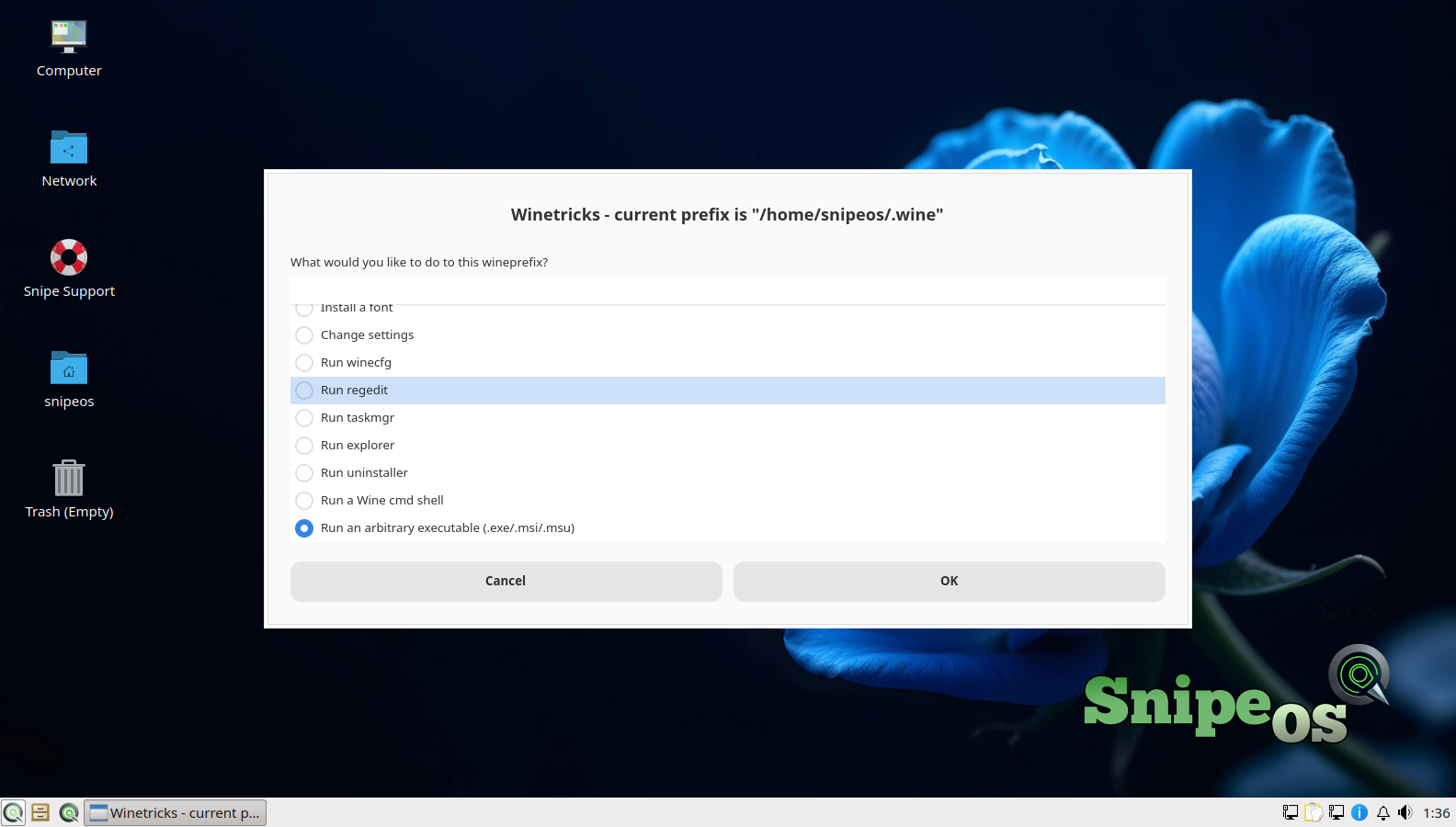
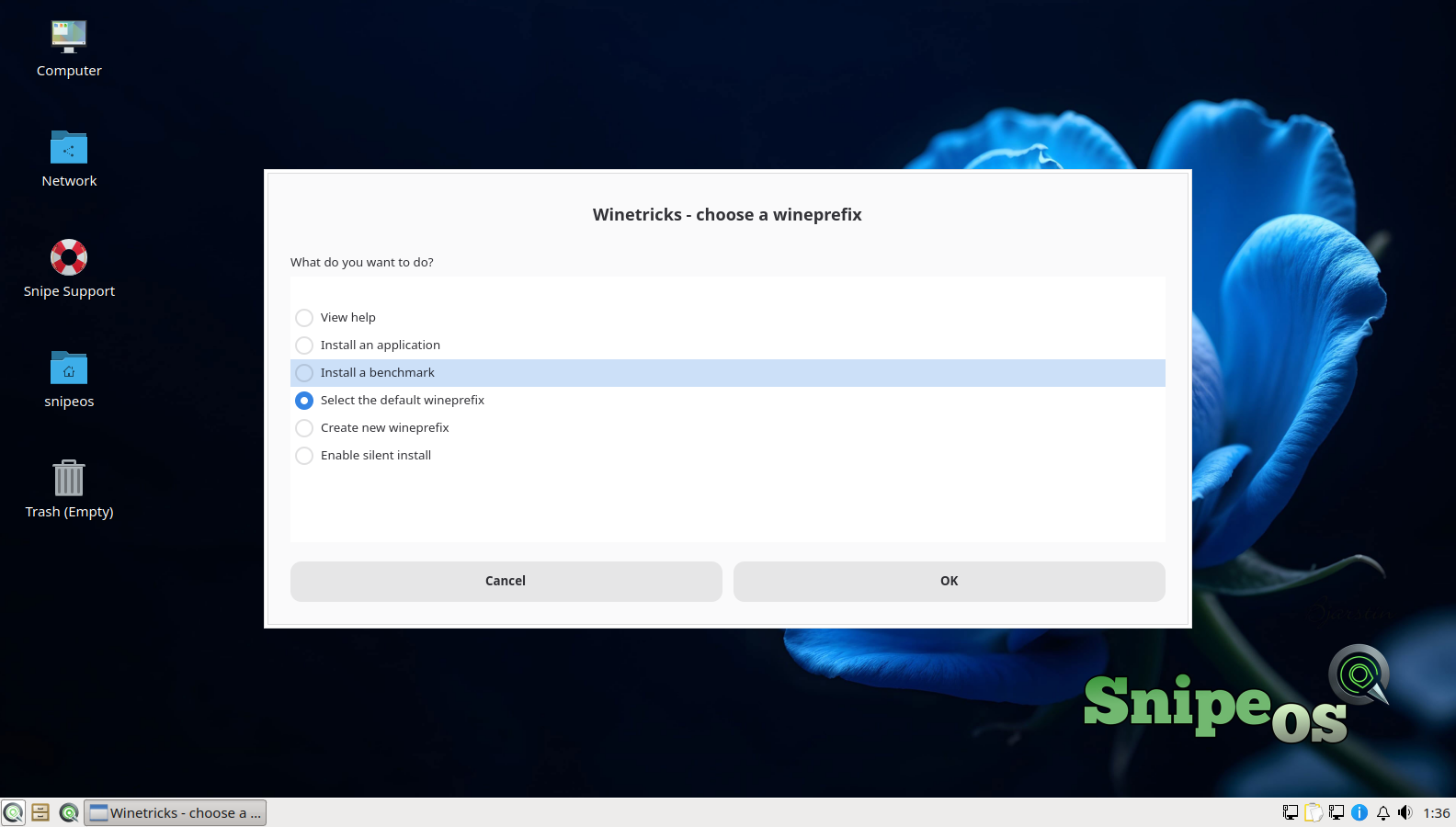
Winetricks is the essential companion to Wine: a helper that installs the Windows components many applications silently require (specific DirectX pieces, .NET and Visual C++ runtimes, core fonts), manages multiple Wine prefixes, applies common configuration tweaks, and provides conveniences like launching regedit inside a chosen prefix or running an arbitrary .exe against it. For anyone using Wine beyond the simplest cases, Winetricks is the difference between guesswork and a managed system, and the SnipeOS gallery validates its prefix selection, regedit, and run-executable flows on a fresh install.
SnipeOS also fixed the part of Winetricks nobody else bothers with: the first-run experience. Stock Debian Wine 10 uses shell wrapper scripts where Winetricks expects real ELF binaries, and modern Wine’s WoW64 changes trigger a spam of architecture warnings, 64-bit prefix nags, and confirmation dialogs before a new user has done anything at all. SnipeOS ships ELF symlinks where Winetricks sniffs for them and a quiet wrapper that suppresses the harmless WoW64 warning noise, on the explicit principle recorded during the beta that warning spam is a product bug even when it is technically harmless. The result is that opening Winetricks on SnipeOS looks like opening a finished tool, and, as the gallery notes, its usage-statistics question was answered with an opt-out on the reference systems, in keeping with the distribution’s privacy posture.
For heavy Windows software (Adobe CS6 era apps, legacy business tools, and similar), the one-command Windows subsystem install builds a dedicated prefix with VC++, .NET, DirectX, and codecs already applied. See the video walkthrough.
 Snipe
Snipe