Three editors for different skill levels, plus OBS for recording and live streams. Proxy editing makes real cuts viable on older machines.
Primary NLE
Kdenlive
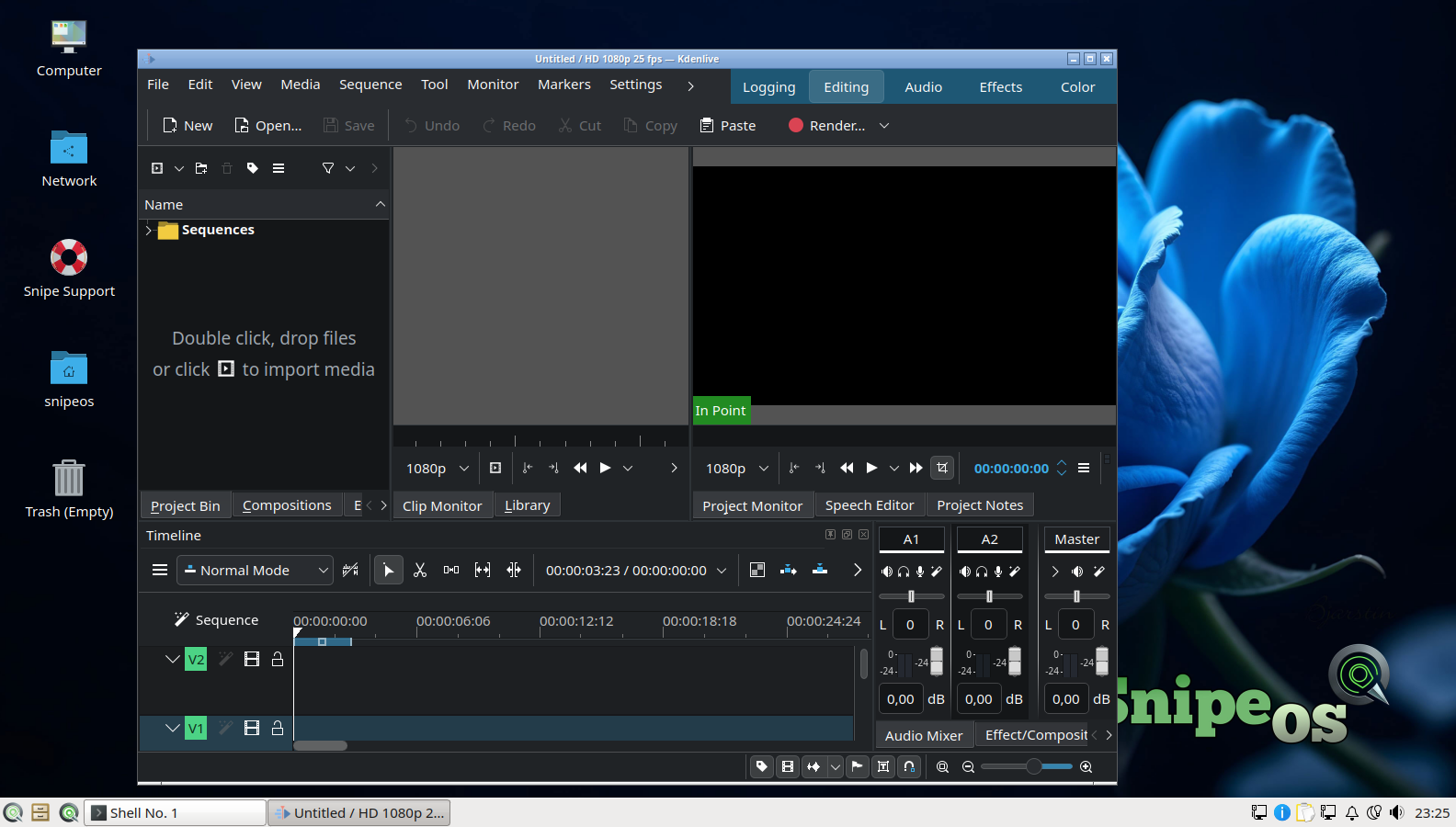
Kdenlive is the most complete of the three video editors on SnipeOS and the natural primary choice for substantial projects. It is a full non-linear editor built on the MLT framework: unlimited video and audio tracks, proxy editing so heavy footage stays responsive on modest hardware, a large effects and transitions library, keyframable parameters on nearly everything, a titler for text and credits, audio mixing with per-track effects, speed remapping, and robust rendering profiles for everything from web upload to archival masters. It handles essentially any footage FFmpeg can decode, which in practice means anything a camera or phone will hand you.
Proxy editing deserves emphasis in the SnipeOS context, because it is the feature that makes real editing viable on the distribution’s hardware range. Kdenlive can transparently generate low-resolution proxies of your clips, cut the entire project against those, and then render the final output from the originals. That workflow turns a 2012 laptop into a machine that can genuinely cut 1080p material, provided you respect the guidance to give video work 4 GB or more of RAM and an SSD. Kdenlive’s quick setup and empty project screens are part of the validated fresh-install gallery, and its slide in the Calamares slideshow reflects its status as the headline editor of the stack.
Shotcut
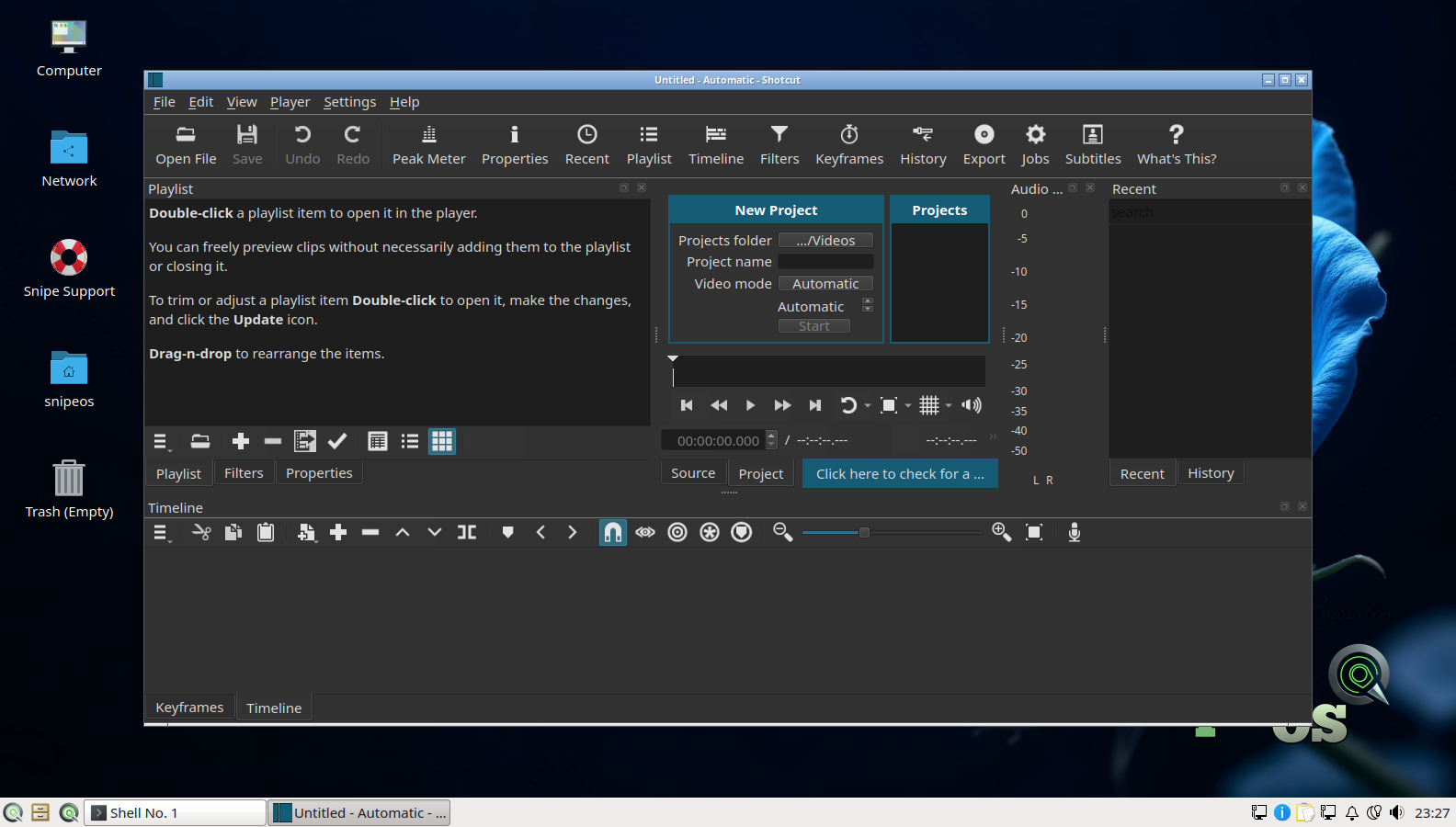
Shotcut is the second video editor, and it earns its place by being a different shape of tool rather than a redundant one. It is also FFmpeg-based with wide format support and native (no-import) timeline editing, but its interface is flatter and its learning curve gentler: dockable panels, a straightforward filter system where most effects are applied and adjusted in one place, simple keyframing, webcam and screen capture inputs, and painless export presets. Many editors find they can produce a finished cut in Shotcut within the first hour of using it.
On SnipeOS, Shotcut is the right tool for the large middle of video work: trimming screen recordings, assembling clips with music, cutting interviews, resizing and re-encoding footage, and quick-turnaround social content. It starts faster and idles lighter than Kdenlive, which matters on the low end of the hardware range. Users grow out of it into Kdenlive when a project demands deep multi-track work, and having both installed means that graduation requires no downloading, no PPAs, and no research.
OpenShot
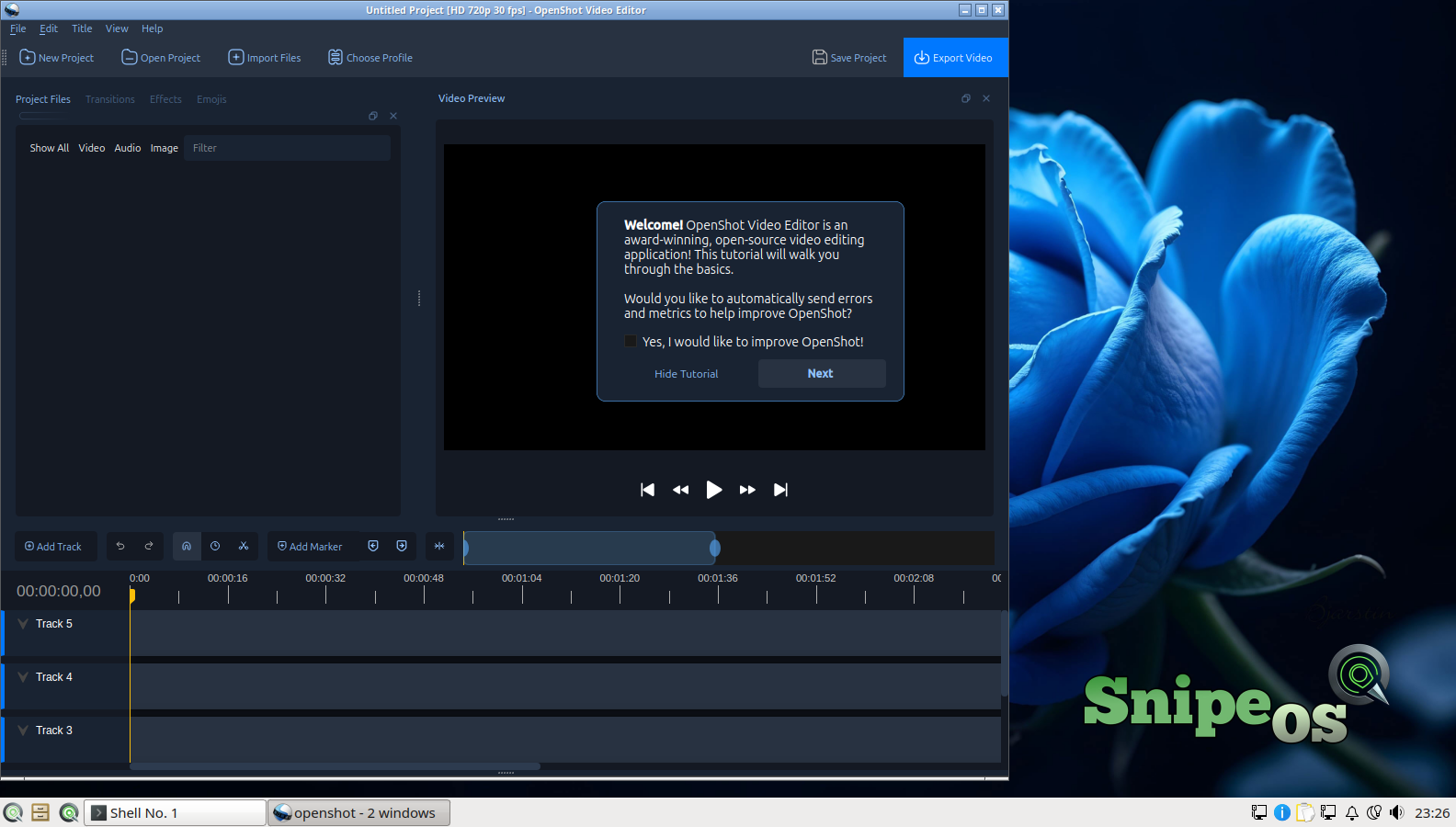
OpenShot is the third editor and the most approachable of the set. Its design goal is that someone who has never edited video can make something in minutes, and its built-in interactive tutorial (which greets you on first launch, as captured in the success gallery) walks new users through the core ideas: drag clips to the timeline, trim them, stack tracks, add a title, export. Under the simplicity there is real capability, including keyframe animation, 3D animated titles via Blender integration, speed control, and a solid effects set.
Its role on SnipeOS is the on-ramp. A household or classroom machine running SnipeOS can hand OpenShot to a complete beginner, and the same machine offers Shotcut and Kdenlive when ambition grows. Shipping all three editors costs little disk space against the value of never telling a user that their skill level has no tool on this system.
OBS Studio
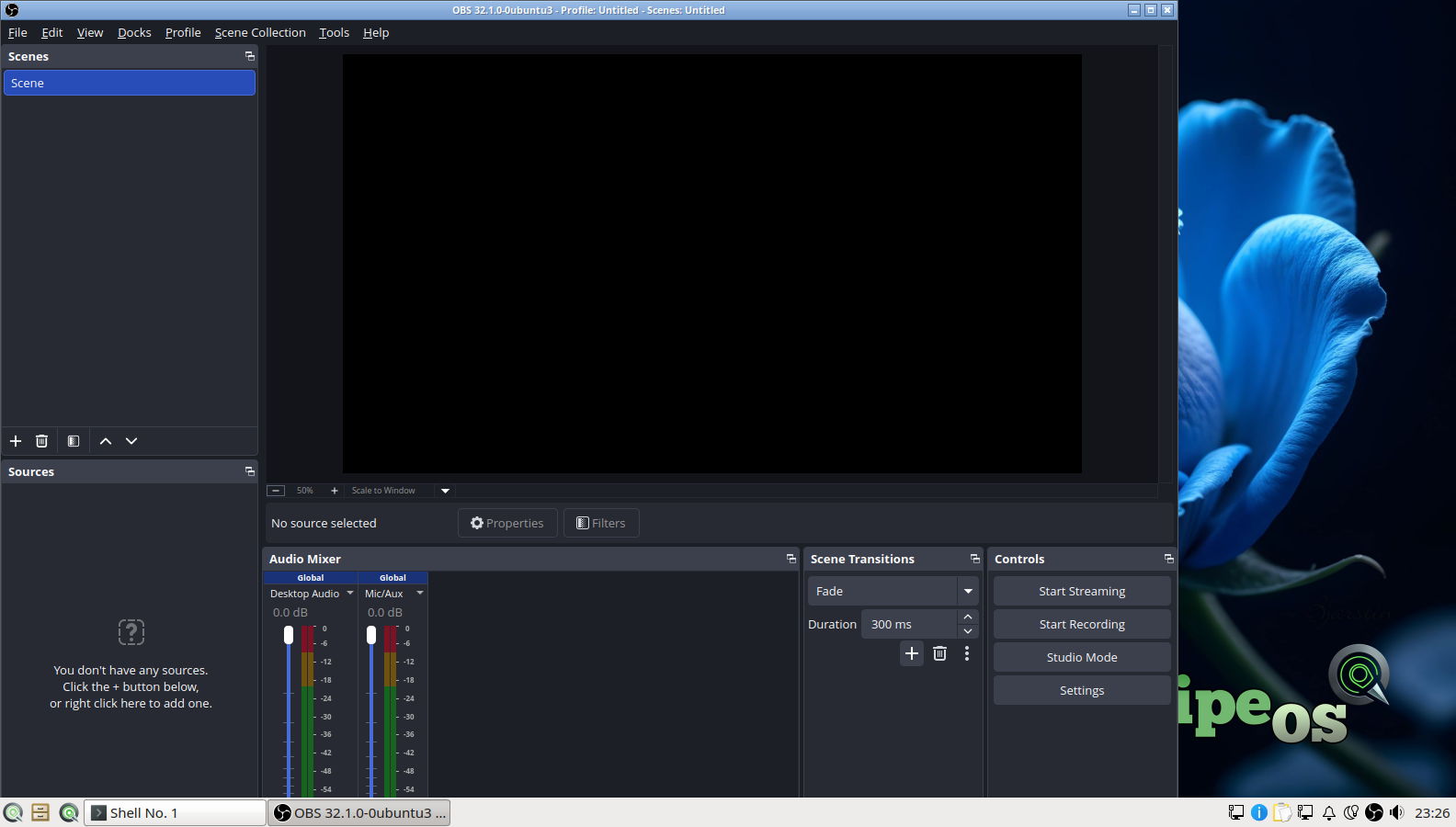
OBS Studio is the industry standard for live streaming and screen recording, on every platform, and SnipeOS ships it fully integrated. OBS composites scenes from sources (displays, windows, cameras, images, browser sources, capture cards, text), switches between scenes live, mixes audio with per-source filters like noise suppression and compression, and either records locally or streams to Twitch, YouTube, and any RTMP endpoint. Its auto-configuration wizard measures your machine and connection and proposes sensible encoder and bitrate settings, and that entire wizard flow, from usage selection through encoder testing to final results, is validated screen by screen in the SnipeOS success gallery, including the Twitch stream-info step.
For the SnipeOS audience OBS is a hub application. It records the tutorials that get cut in Kdenlive, captures gameplay from the Games section, streams Ardour sessions and Krita paint-alongs, and turns any of the desktop’s activities into shareable video. Streaming with x264 software encoding is CPU-hungry, which is why the hardware guidance recommends 4 cores for OBS work, but local recording at reasonable settings is achievable further down the hardware range, and the wizard will tell you honestly what your machine can sustain rather than letting you discover it mid-stream.
 Snipe
Snipe