Snipe
SnipeScribus
Scribus is professional desktop publishing software, the open source counterpart to InDesign. Where a word processor flows text down pages, Scribus composes pages: frames for text and images placed with print-grade precision, master pages, style systems for paragraphs and characters, colour management with CMYK and spot colour support, and export to press-ready PDF, including PDF/X standards that commercial printers require. Magazines, newsletters, books, brochures, posters, and CD artwork are its home territory, and it is one of very few free tools whose output a print shop will accept without conversation.
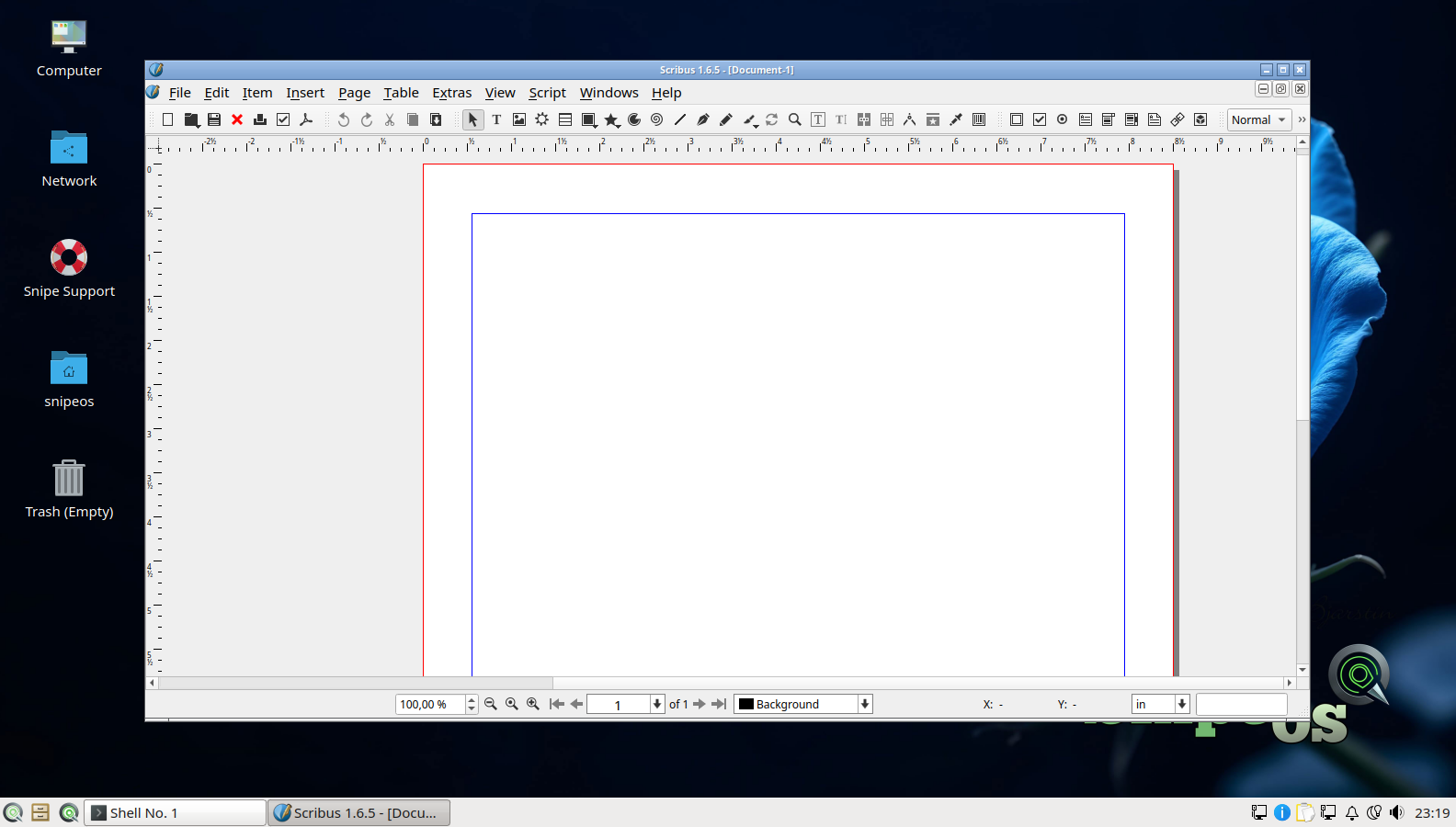
On SnipeOS, Scribus is the point where the whole creative stack converges onto paper. Copy written in Snipe Writer, illustrations from Inkscape, photographs developed in Darktable, and paintings from Krita all land in a Scribus layout on their way to print or PDF distribution. Its new-document dialog and blank-document first run are validated in the fresh-install gallery, and its presence in the Calamares slideshow reflects its status as a first-class citizen of the stack rather than an afterthought. It is comfortable within the standard recommended hardware, with large image-heavy documents benefiting from the usual RAM and SSD advice.