Vector, paint, raster edit, and RAW develop each get a tool designed for that job, plus a fast viewer, scanner front end, and screenshot tool.
Inkscape
Inkscape is the professional vector graphics editor of the free software world, and it ships on SnipeOS ready for real work. Its native format is SVG, the open web standard, which makes it the natural tool for logos, icons, illustrations, technical drawings, laser cutter and vinyl cutter paths, and any artwork that must scale from a favicon to a billboard without losing a pixel of sharpness. Its toolset is deep: Bezier and calligraphy pens, boolean path operations, node editing with precision alignment, gradient meshes, pattern fills, clones and tiled clones, text on path, trace bitmap for converting raster images to vectors, and a large extension system covering everything from barcode generation to plotter output.
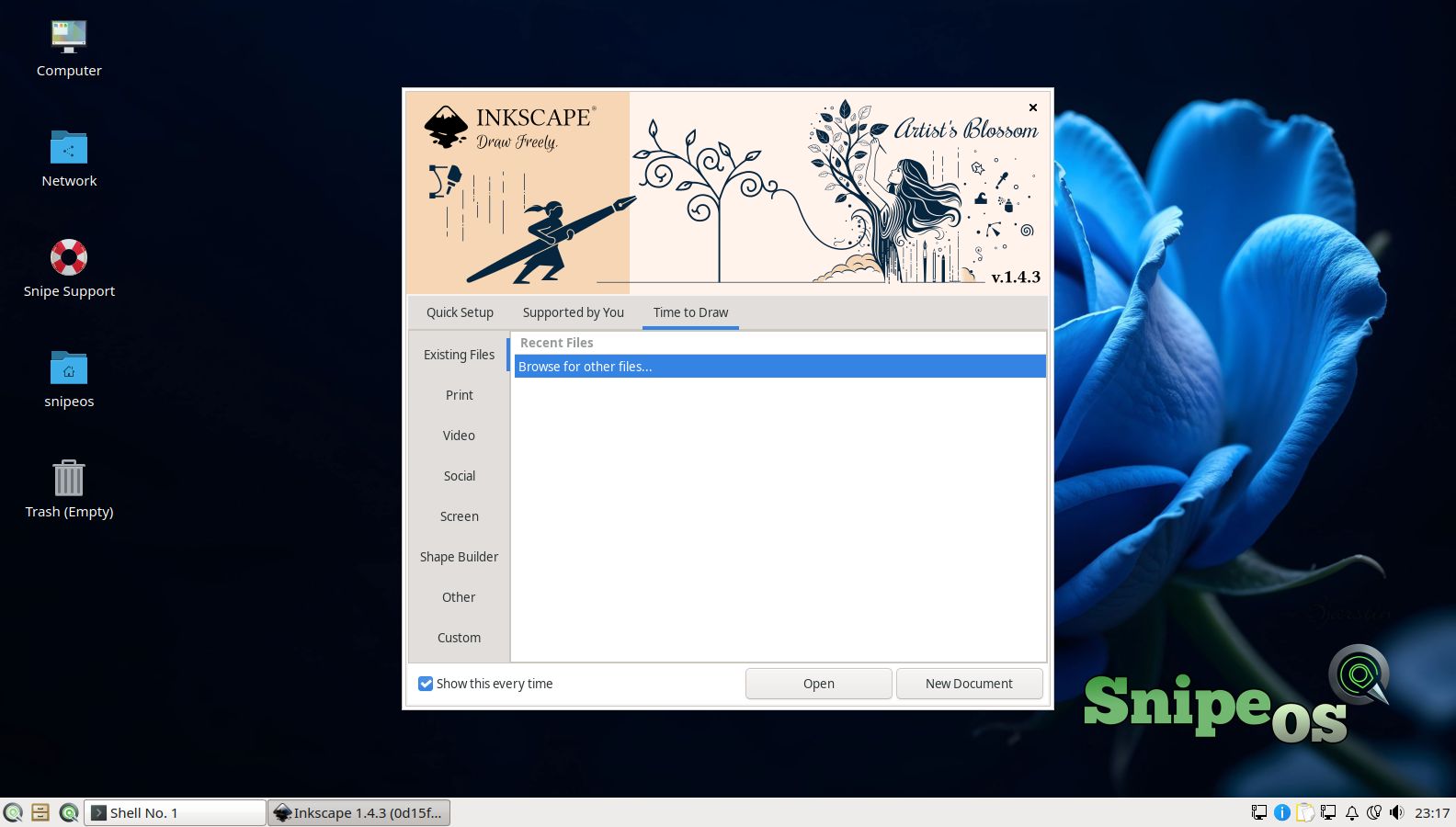
For SnipeOS’s audience, Inkscape is a cornerstone of the pipeline rather than an island. Assets drawn in Inkscape flow into Scribus layouts, GIMP compositions, Kdenlive title graphics, OBS overlays, and Snipe Impress slides. Its recent releases have made major strides in performance and in interchange with commercial formats, importing and exporting EPS and PDF and handling AI files well enough for practical studio exchange. It runs comfortably within SnipeOS’s recommended hardware envelope, and the distribution’s own branding assets are exactly the kind of work it exists for. The first-run experience, including Inkscape’s quick setup and welcome screens, is part of the validated success gallery.
Krita
Krita is a digital painting studio built by artists for artists, and it covers the ground that a vector tool cannot: expressive brushwork, concept art, illustration, comics, matte painting, and texture work. Its brush engine is widely regarded as the best in open source, with hundreds of customisable brushes, stabilisers for clean line art, wrap-around mode for seamless textures, powerful layer and mask systems, non-destructive filter layers, and full support for drawing tablets with pressure and tilt. It also includes dedicated comic and animation workflows, with onion skinning and frame-by-frame tools that make it a legitimate 2D animation package.
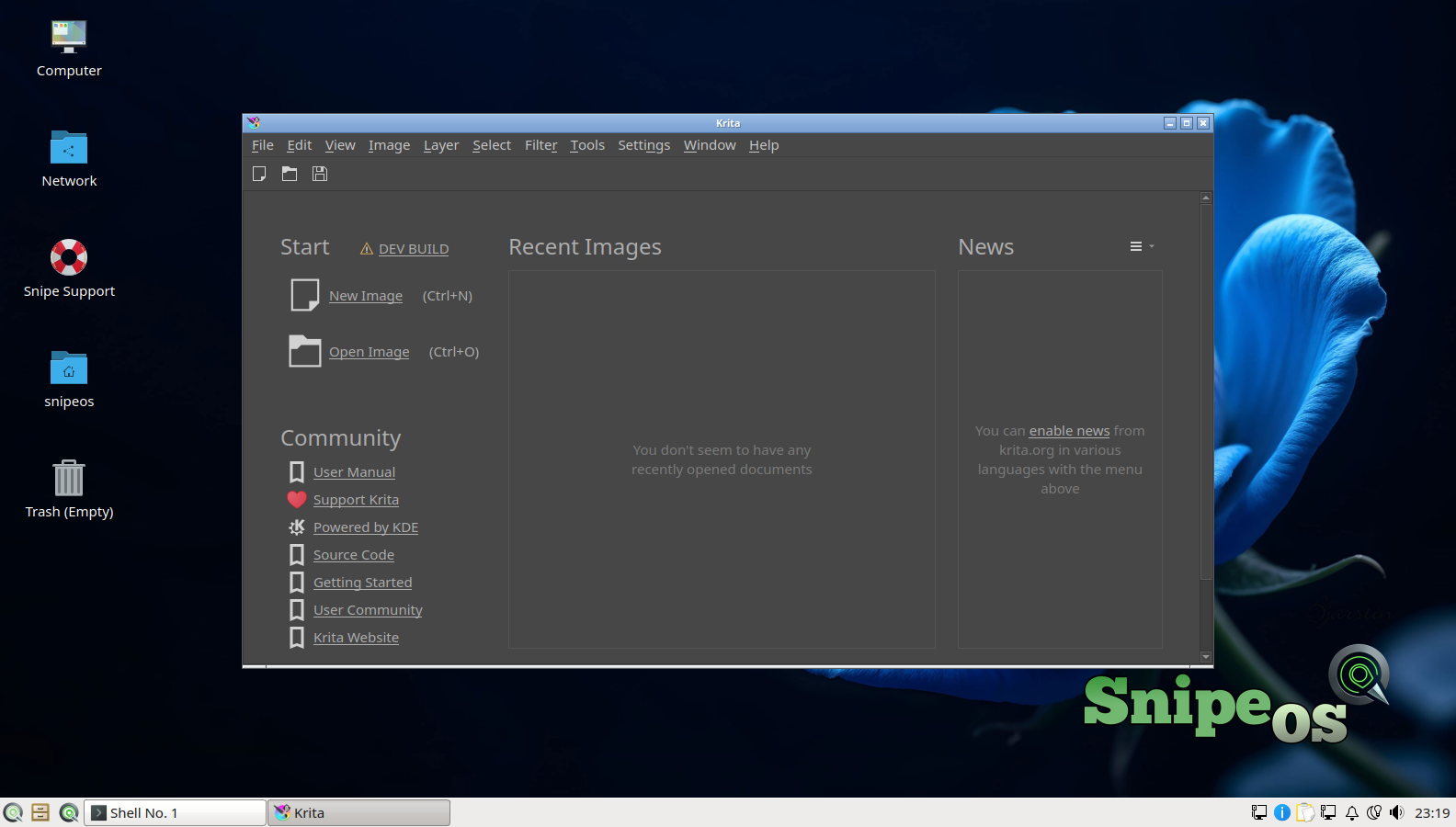
On SnipeOS, Krita rounds out a graphics section that deliberately refuses to make you choose one paradigm. Inkscape for vectors, GIMP for image manipulation, Darktable for photography, and Krita for painting means each discipline gets a tool designed for it. Krita is the heaviest of the four in memory terms, and it is a primary reason the hardware guidance recommends 4 GB or more for serious creative sessions; on such a machine with an SSD it is fluid, and its splash and start screens in the success gallery confirm it launches cleanly on a fresh install.
GIMP
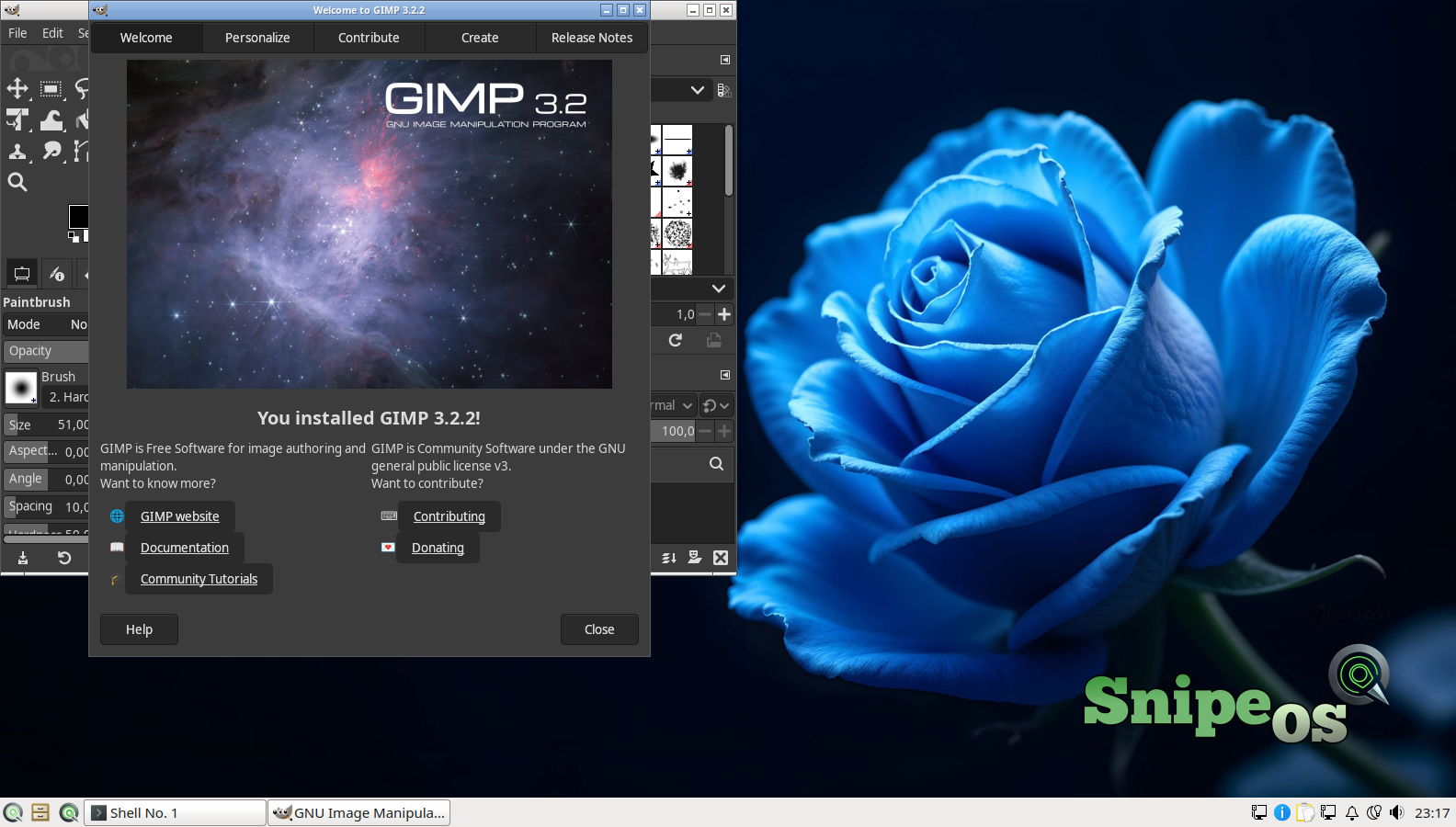
GIMP, the GNU Image Manipulation Program, is the veteran raster editor of the Linux desktop and the closest free equivalent to Photoshop’s core mission: photo retouching, image composition, and format conversion. Its capabilities span layers with masks and blend modes, selection tools from simple shapes through intelligent scissors and foreground extraction, healing and clone tools for retouching, curves and levels for tonal work, a large filter library, and scriptability through Script-Fu and Python for batch automation. It reads and writes effectively every raster format you will meet, including layered import of PSD files.
Within the SnipeOS stack, GIMP is the general-purpose workhorse between Krita’s painterly focus and Darktable’s photographic one. Screenshots get annotated in it, web images get resized and optimised, scans from Skanlite get cleaned up, and textures get prepared for Blender. It is also famously light for what it does, running well within the 2 GB everyday hardware target, which makes it one of the tools that stays useful even on the oldest machines SnipeOS supports.
Darktable
Darktable is a photography workflow application and RAW developer, filling the role Lightroom plays in commercial pipelines. It is organised around two rooms: the lighttable, where you import, cull, tag, rate, and organise shoots, and the darkroom, where individual images are developed non-destructively through a stack of processing modules covering exposure, colour calibration, tone equalisation, denoising, lens correction, sharpening, and local adjustments with drawn and parametric masks. Because every edit is a recipe stored alongside the untouched RAW file, you can revisit any decision at any time, copy a look across an entire shoot, and export finished JPEGs or TIFFs in batches.
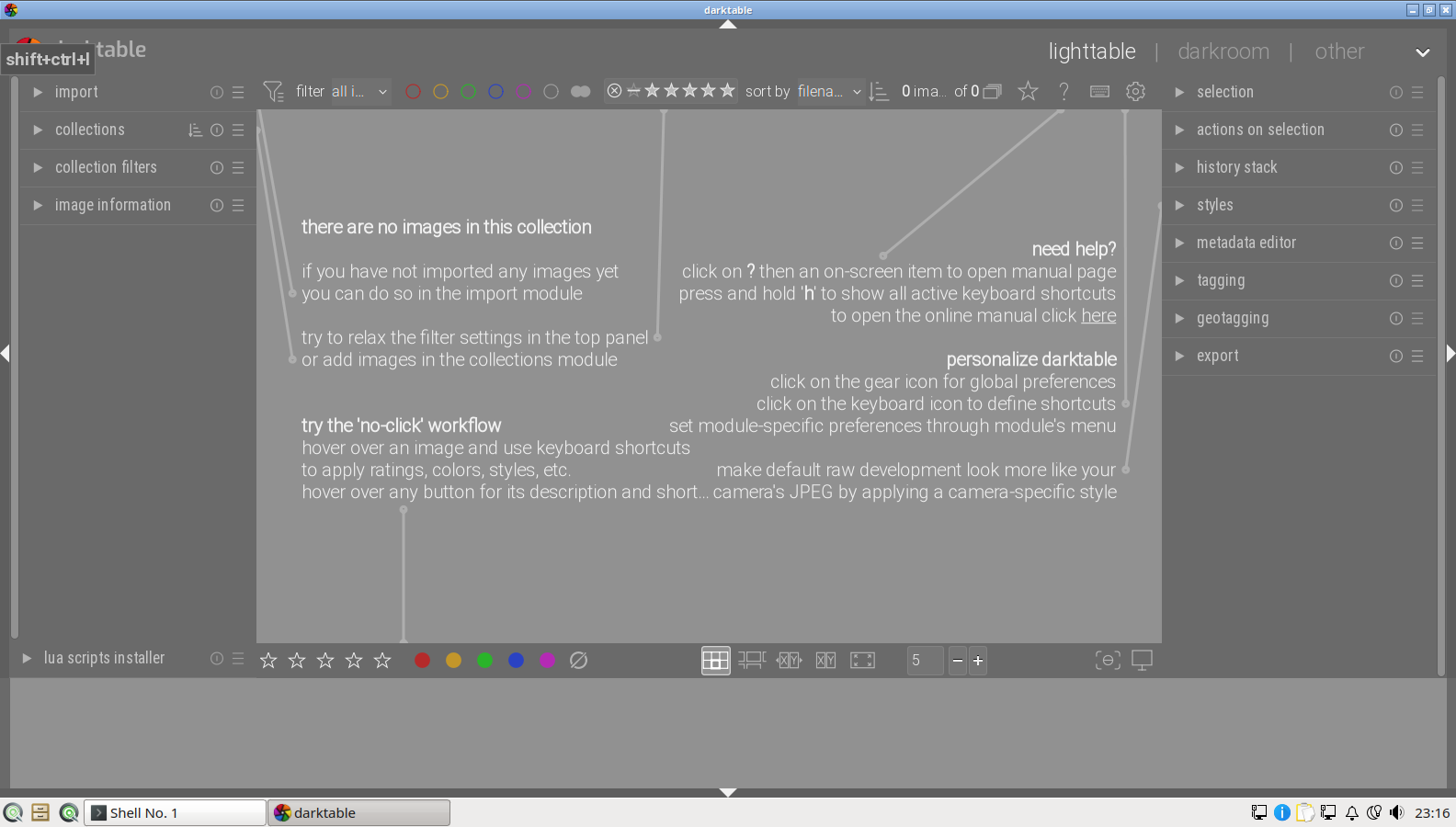
For photographers, Darktable on SnipeOS means a camera card can go from import to finished export without leaving the default install. RAW files from essentially every major camera maker are supported, tethered shooting is available for studio work, and the module system rewards learning with genuinely professional colour control. It benefits strongly from the recommended SSD (RAW libraries are large and random-access heavy) and from 4 GB or more of RAM, but its lighttable remains navigable on lower-end hardware, and the empty lighttable first launch is validated in the success gallery.
LXImage-Qt
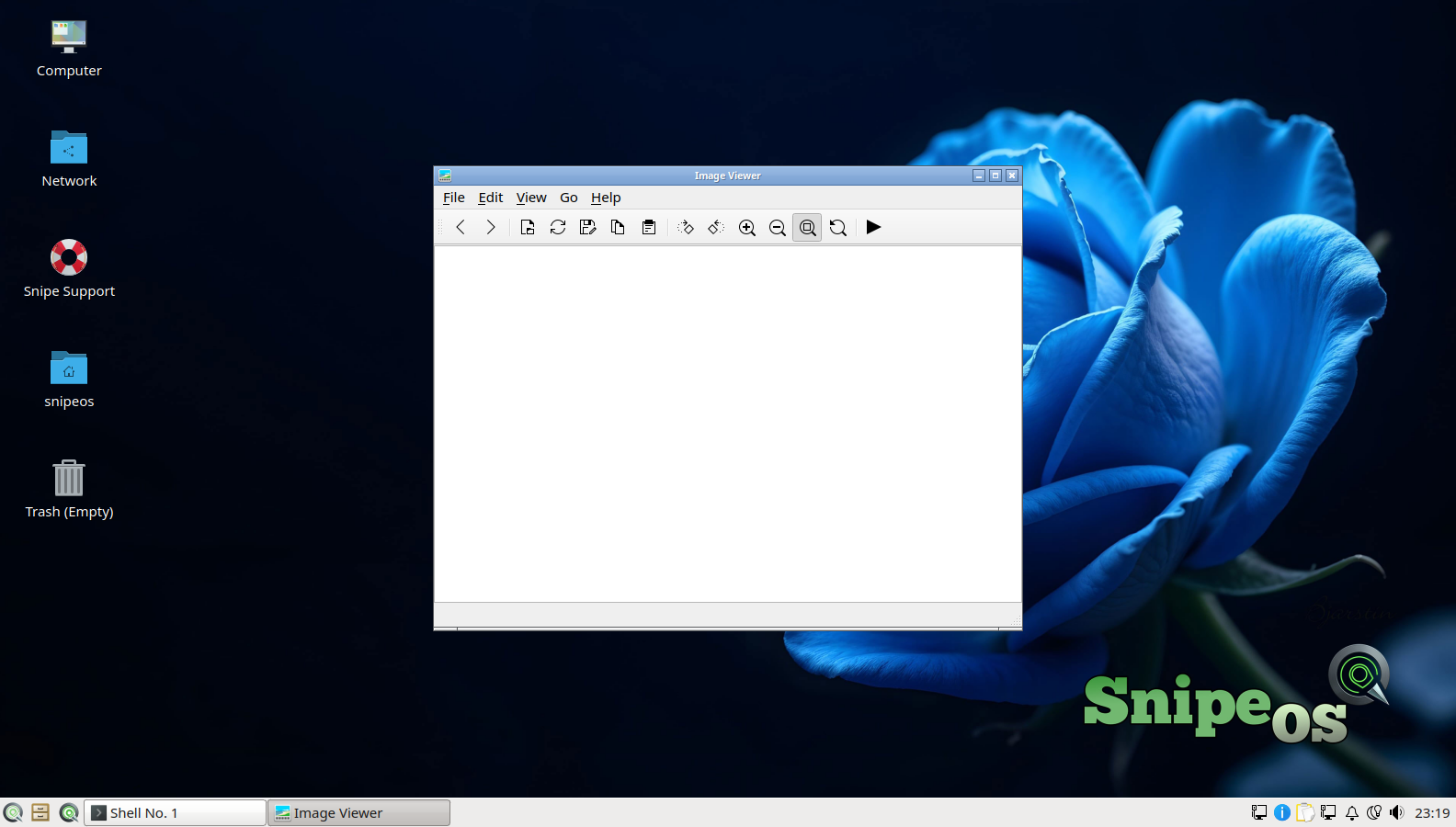
The LXQt image viewer, LXImage-Qt, is the fast default for simply looking at pictures. It opens instantly, browses a folder of images with keyboard navigation, zooms and rotates, shows slideshows, and handles the light annotations and screenshot duties the LXQt suite assigns it. It is the correct default handler for image files precisely because it does nothing heavy: double-clicking a photo should not launch an editing suite.
Its role in the SnipeOS workflow is triage. You browse a shoot or a folder of exported renders in the viewer, and only the images that need work get opened in Darktable, GIMP, or Krita. On a distribution that takes low-spec hardware seriously, having the everyday viewing path cost almost nothing is a deliberate piece of the design.
Skanlite
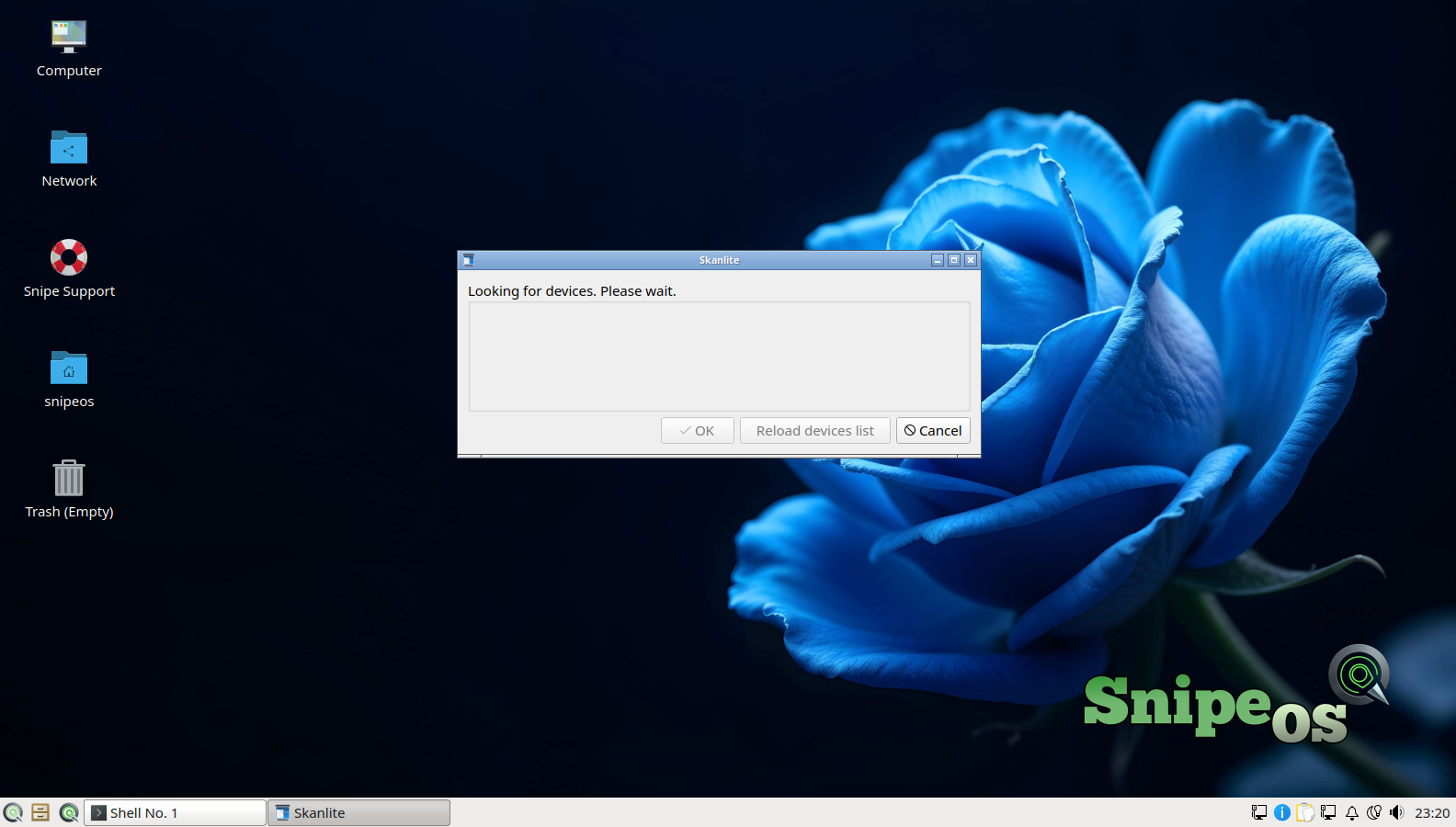
Skanlite is a simple scanning application that fronts the SANE scanner framework. It finds connected scanners, previews, lets you select scan area, resolution, and colour mode, and saves to common formats. It intentionally does nothing else, which is why it stays fast and comprehensible; scans that need correction go to GIMP, and scans destined for documents go into Writer or a PDF.
On SnipeOS it completes the paper-in path of the office story. Contracts, sketches, old photographs, and handwritten notes come in through Skanlite, join the digital workflow, and can leave again through qpdfview or SnipeOffice’s PDF export. Scanner support itself is inherited from Ubuntu’s SANE coverage, which is broad for mainstream flatbeds and multifunction devices.
ScreenGrab
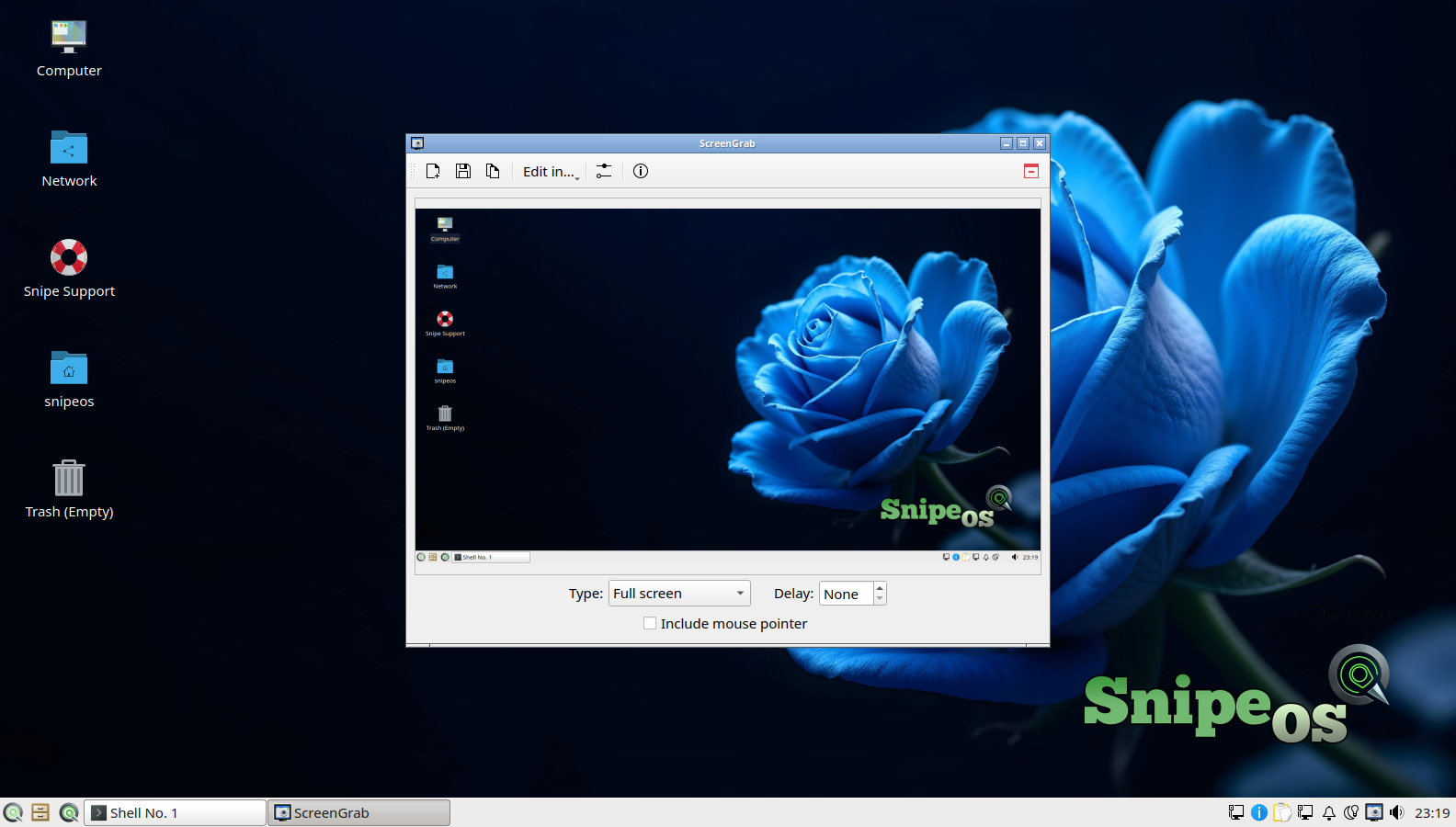
ScreenGrab is LXQt’s screenshot tool, covering full screen, active window, and selected region captures, with a delay timer for capturing menus and transient UI, quick save, copy to clipboard, and handoff to an editor. It is bound into the desktop the way a screenshot tool must be: instantly reachable, and gone again as soon as the capture is taken.
For SnipeOS’s creator audience, screenshots are production assets, not just support artifacts: tutorial makers, documentation writers, and streamers capture UI constantly. ScreenGrab feeding GIMP for annotation is one of the tightest little pipelines on the system, and it is fitting that the entire success gallery documenting SnipeOS itself, over a hundred images of the live and installed systems, is exactly this workflow in action.
 Snipe
Snipe