Snipe
SnipeBlender
Blender is the free software world’s flagship, a complete 3D creation suite whose scope is difficult to overstate: modelling, sculpting, UV unwrapping, texturing and shader creation, rigging and character animation, physics and particle simulation, two production renderers (the real-time Eevee and the path-tracing Cycles), video compositing, motion tracking, a full 2D animation and storyboarding workspace in Grease Pencil, and a video sequence editor. It is used by professional studios for feature film, television, and game production, and its learning ecosystem is the largest of any 3D package, commercial or free.
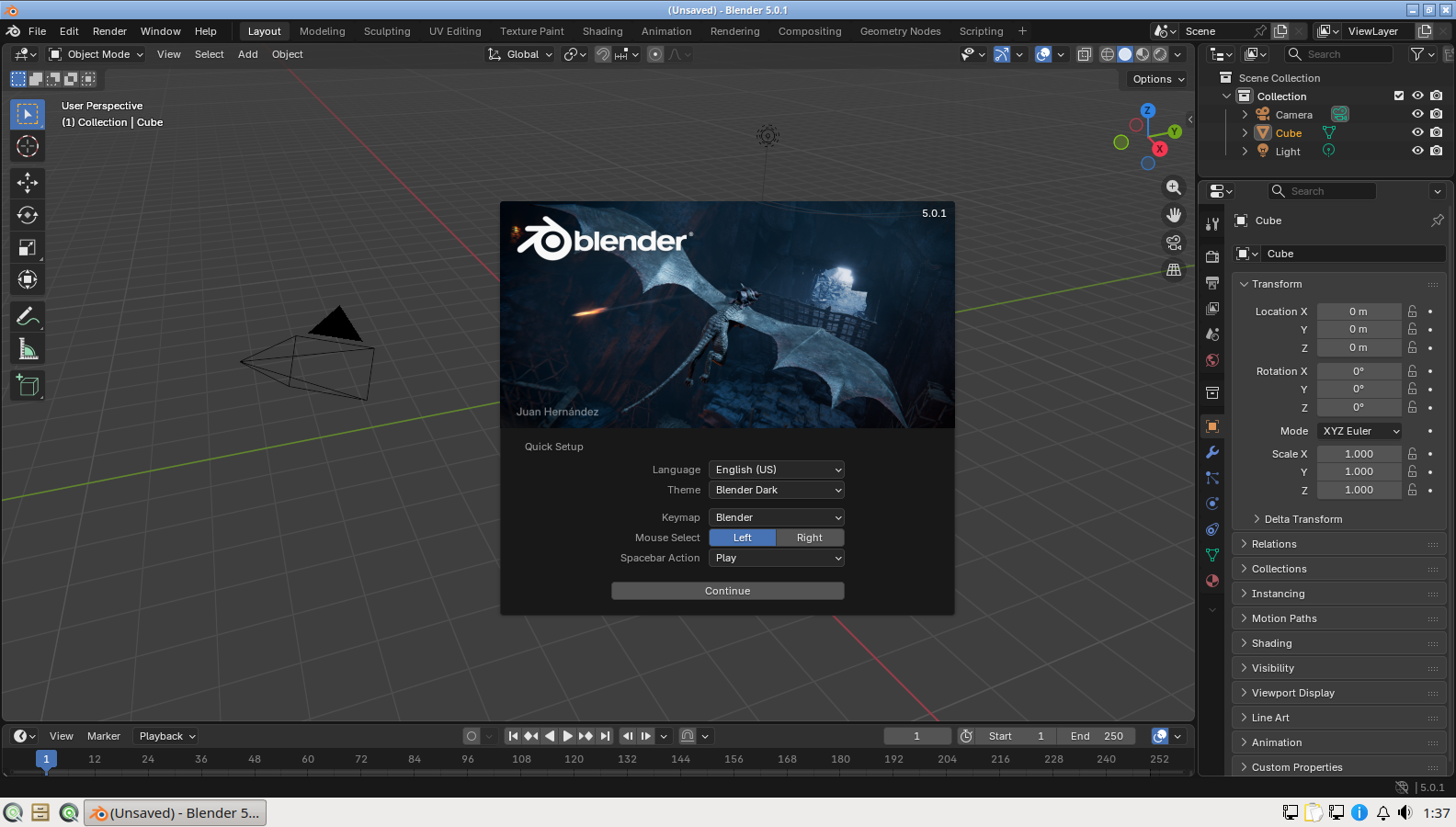
The part of the Blender story that is specific to SnipeOS is that it launches, every time, on a fresh install, and that sentence was earned rather than assumed. During the beta, Blender crashed on installed systems with a missing shared library, and the root cause was genuinely obscure: the library it needed (libyaml-cpp.so.0.8) happened to exist only inside the stock live squashfs layer, exactly the layer the SnipeOS installer deliberately skips when unpacking to disk. The fix seeds the library into the branding tip layer and adds a runtime hook that installs Blender’s dependencies and checks its linkage for gaps. In other words, Blender’s dependency chain on SnipeOS is preconfigured and verified as part of the image, not left to chance, and the quick-setup first-run screen in the success gallery is the proof.
Hardware-wise, Blender is the most demanding application on the ISO; treat 4 GB of RAM and an SSD as the practical floor, know that Eevee viewport work wants a reasonable GPU, and note that NVIDIA users may want the proprietary driver post-install for CUDA rendering. Modelling and Grease Pencil work, meanwhile, remain surprisingly feasible on the older hardware SnipeOS supports.