SnipeOffice is the flagship suite on SnipeOS 13D: LibreOffice-class editing with BOM-first multilingual export and no leftover daemons. Trelby covers screenplays on Python 3.13. FeatherPad and nobleNote handle quick text and durable notes on the Debian LXQt desktop.
FlagshipSuite
SnipeOffice
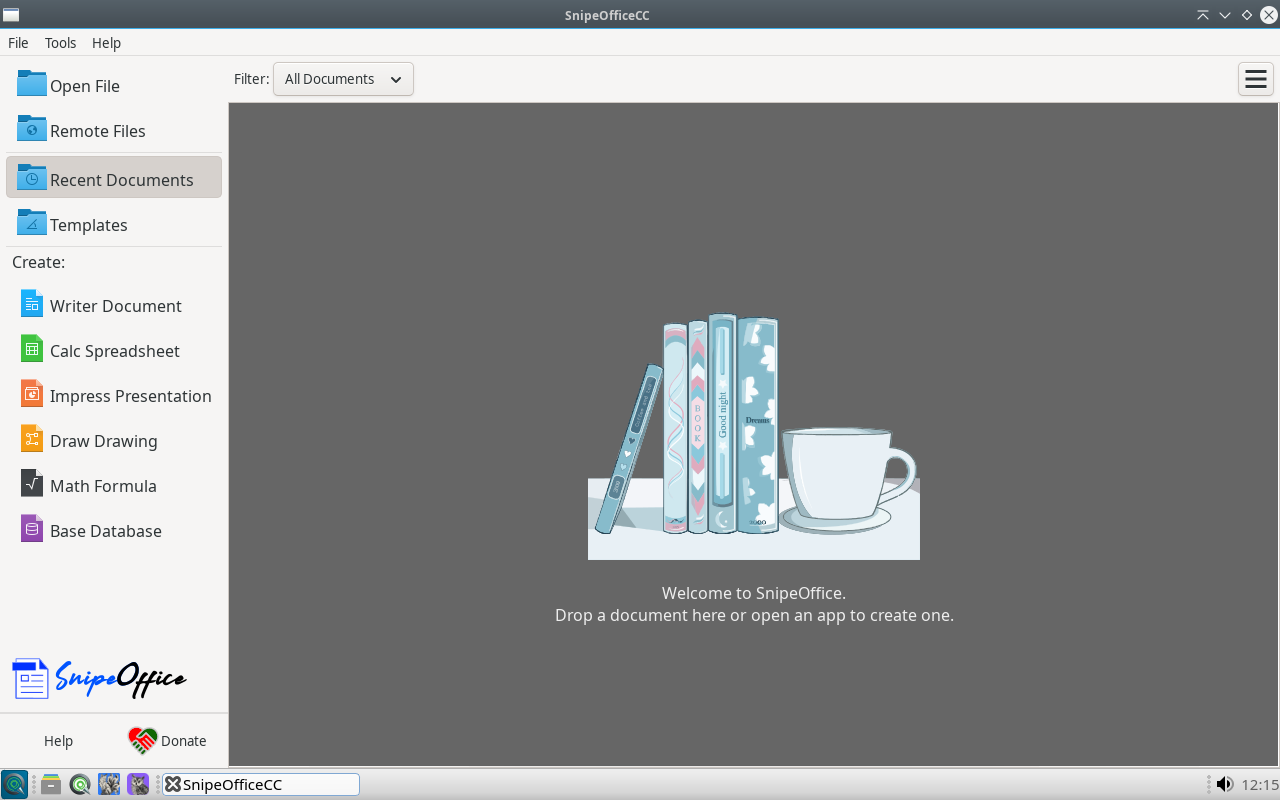
SnipeOffice is the default office suite on SnipeOS 13D and the most visible flagship on this Debian channel. It is a full-strength LibreOffice-class fork: mature word processing, spreadsheets, presentations, vector drawing, formula editing, and database tooling, with support for the major formats you will meet, including DOCX, XLSX, PPTX, ODT, and ODS. On the SnipeOS 13D image it fully replaces LibreOffice branding in the menus while keeping the runtime libraries the suite needs, so Writer through Base launch offline from first boot.
SnipeOS 13D ships the stable fork used across the Snipe family, tuned for lower resource use and for the Snipe rule that apps do not leave background helpers resident. No quickstarter daemon, no lingering processes, a clean exit that returns memory when you close a document. On the amd64 hardware this channel targets, an office suite that is truly gone when closed is a practical feature, not a slogan.
What makes SnipeOffice a fork rather than a reskin is its BOM-first export strategy. Spreadsheets full of Chinese, Japanese, or Cyrillic text often look fine on screen, then CSV export turns into question marks elsewhere. SnipeOffice defaults to a Byte Order Mark on CSV and related text exports so encoding travels with the file. That same habit helps subtitle and caption workflows that emit multilingual .srt and related formats.
Each component has its own Office menu entry on LXQt, branded Snipe Writer, Snipe Calc, and the rest. Standalone builds and deeper product detail live at snipeoffice.org.
Available in: 64-Bit
Snipe Writer
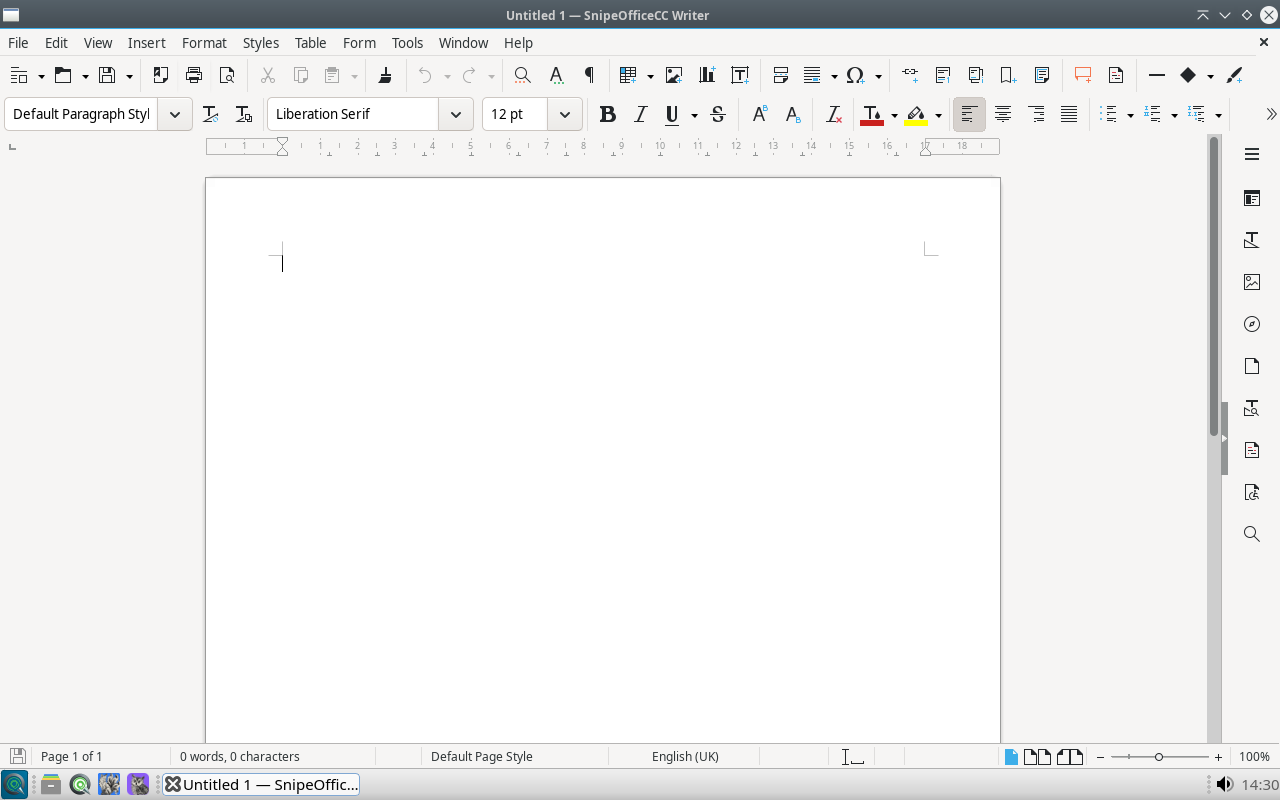
Snipe Writer is the word processor and, for most people, the front door of the suite on SnipeOS 13D. You get styles-based formatting, master documents, tables of contents, tracked changes, mail merge, footnotes, and export to PDF beside DOCX and ODT. Anyone coming from Word or LibreOffice Writer should be productive immediately, and interchange with those suites stays at the high bar the document engine is known for.
Writer earns its Snipe name in international text handling. Because fork exports are BOM-first UTF-8 by default, plain-text output stays safer for multilingual work without hunting encoding dialogs. On Debian 13 with LXQt it opens quickly on modest amd64 machines and remains a comfortable daily tool when RAM is tight.
Available in: 64-Bit
Snipe Calc
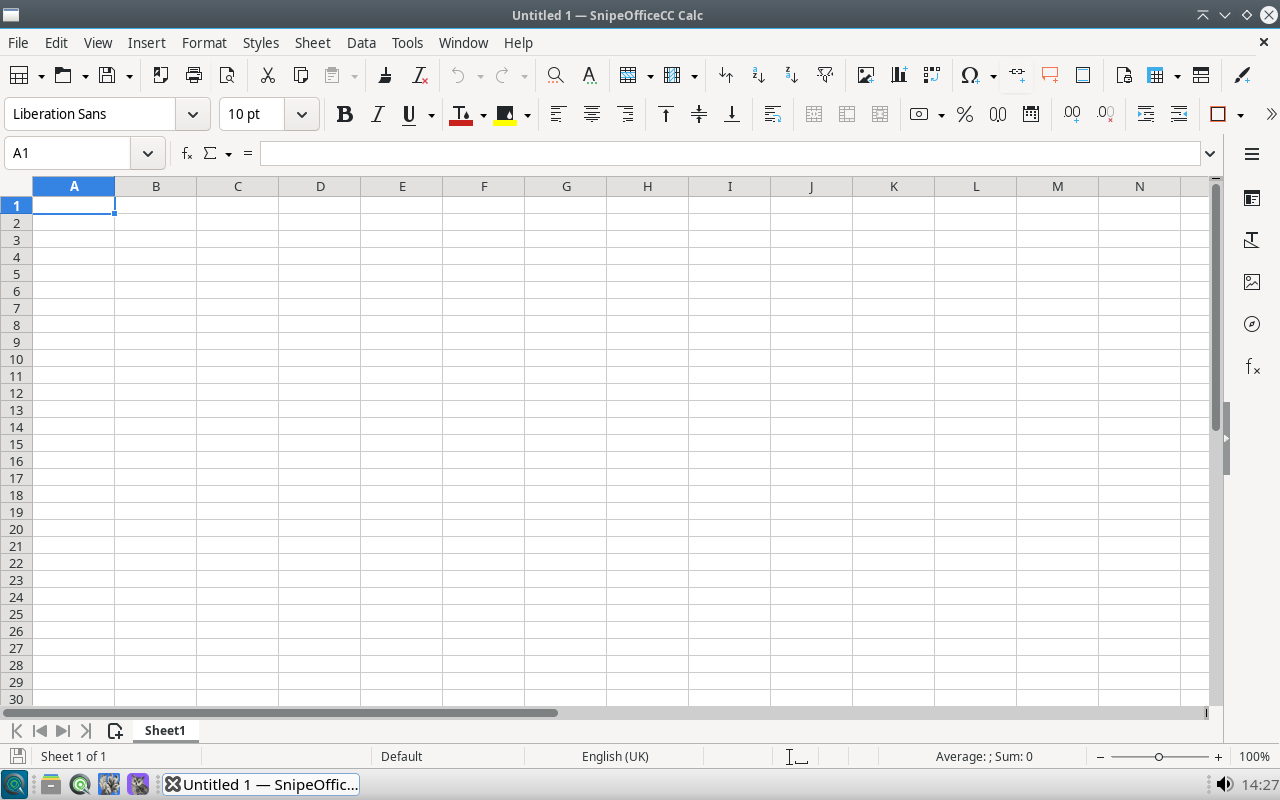
Snipe Calc is the spreadsheet on SnipeOS 13D, built on a strong open calculation engine: large sheets, pivot-style DataPilot tools, charting, wide function coverage, conditional formatting, validation, and solid XLSX interchange. Everyday budgeting, invoicing, cleanup, and analysis need no add-ons.
Calc is where the fork's founding purpose shows most clearly. Multilingual datasets that used to corrupt on CSV export keep their characters when Snipe Calc writes BOM-marked files for websites, databases, or colleagues on other platforms. Even if you never touch CJK text, you still get a first-class sheet that runs light on this desktop.
Available in: 64-Bit
Snipe Impress
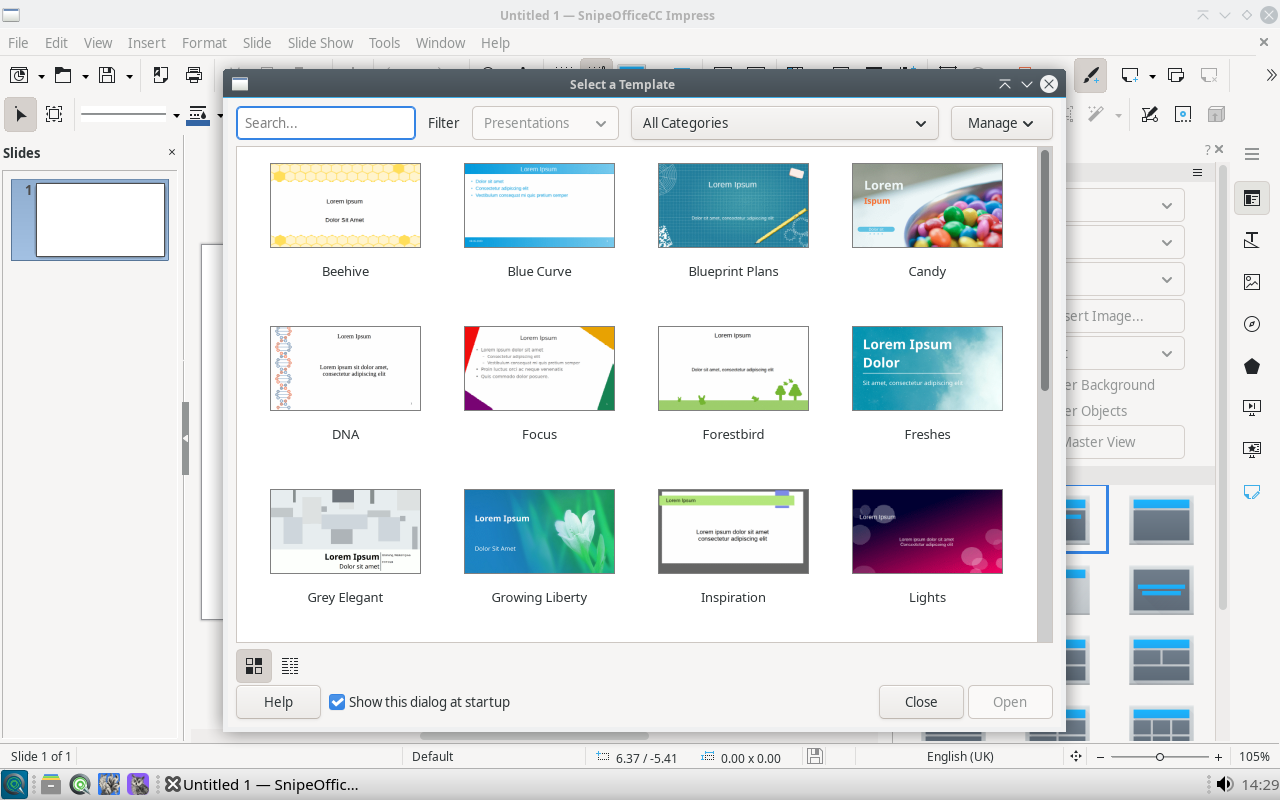
Snipe Impress covers the full slide workflow on SnipeOS 13D: layouts and masters, transitions, presenter console, embedded media, and export to PDF or PPTX. Templates ship so you can start from a designed deck rather than a blank page.
Impress pairs with the rest of the creative stack on Debian 13: Inkscape or Draw diagrams drop into slides, charts come from Calc, and OBS can capture a finished deck from the same menu. Educators and small teams on older amd64 hardware get a dependable presenter without a heavy desktop stack.
Available in: 64-Bit
Snipe Draw
Snipe Draw is the suite's vector diagramming tool for flowcharts, network maps, floor plans, posters, and multi-page drawings, with connectors, layers, and precise placement. It also helps with light PDF page edits when you need annotation more than a full press workflow.
Draw sits beside Inkscape on SnipeOS 13D on purpose. Inkscape is the SVG illustration tool; Draw is the office diagrammer that shares clipboard and style habits with Writer, Calc, and Impress so org charts and technical figures stay inside the document pipeline.
Available in: 64-Bit
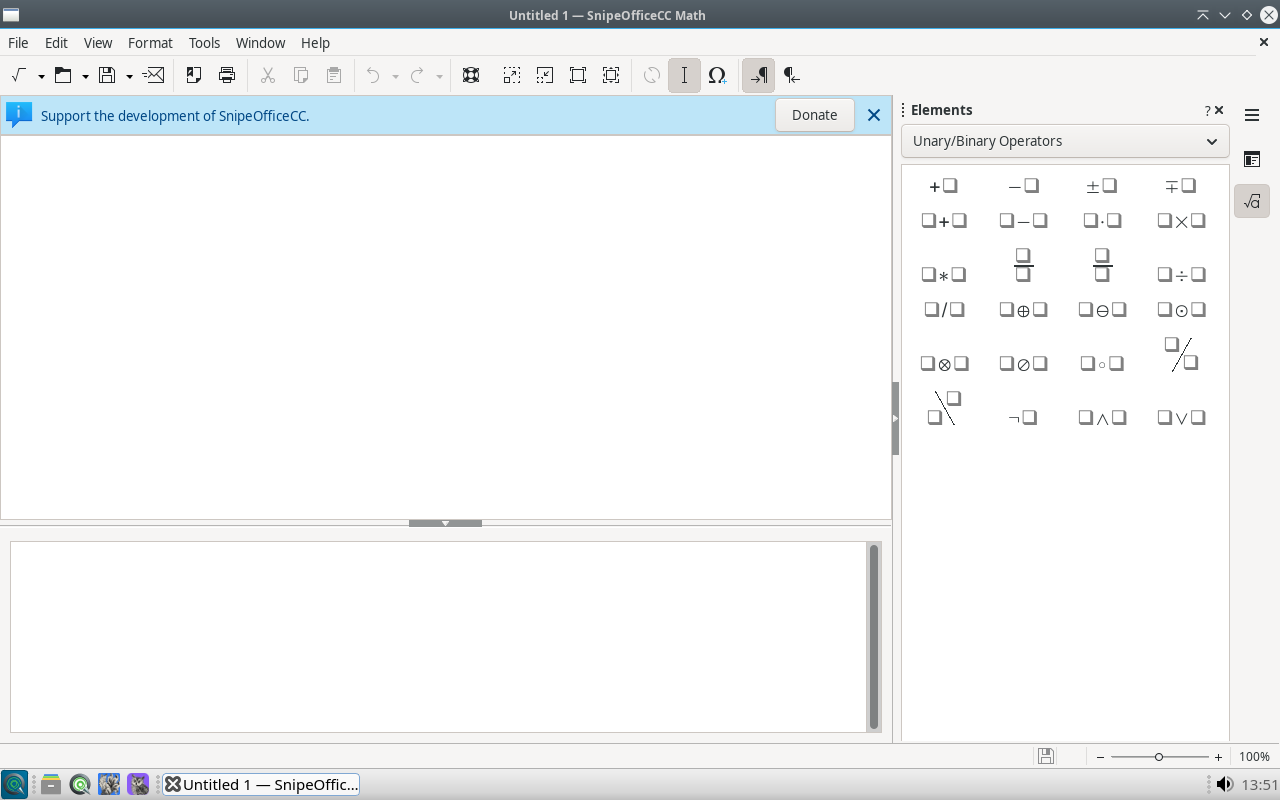
Snipe Math
Snipe Math composes mathematical and scientific notation with readable markup and clean scalable output. Fractions, integrals, matrices, Greek symbols, and layered scripts land as editable objects instead of brittle screenshots.
On SnipeOS 13D, Math usually lives inside Writer, Impress, or Draw rather than as a lone window. That makes the Office menu a complete academic writing set on Debian 13, including on laboratory and classroom machines that cannot run heavier stacks.
Available in: 64-Bit
Snipe Base
Snipe Base is the database front end: guided wizard, table design, visual or SQL queries, forms, and reports, with an embedded engine for self-contained files plus connectors for external sources. Club lists, inventory, and small customer registers fit here when a spreadsheet is no longer enough.
Registered data sources can feed mail merge in Writer and analysis in Calc, so one database drives letters and sheets without duplication. Some report and connector features need Java; Base still opens without it. See the Install Java guide when those paths matter.
Available in: 64-Bit
Craft
WordCraft
WordCraft is the Craft word processor: a familiar ribbon layout for drafting letters, scripts of moderate length, and everyday documents with styles, fonts, and page setup close at hand.
Snipe Writer remains the LibreOffice-class flagship for complex long-form and interchange; WordCraft is the Craft alternative when that interface fits your muscle memory better.
Available in: 64-Bit
Craft
GridCraft
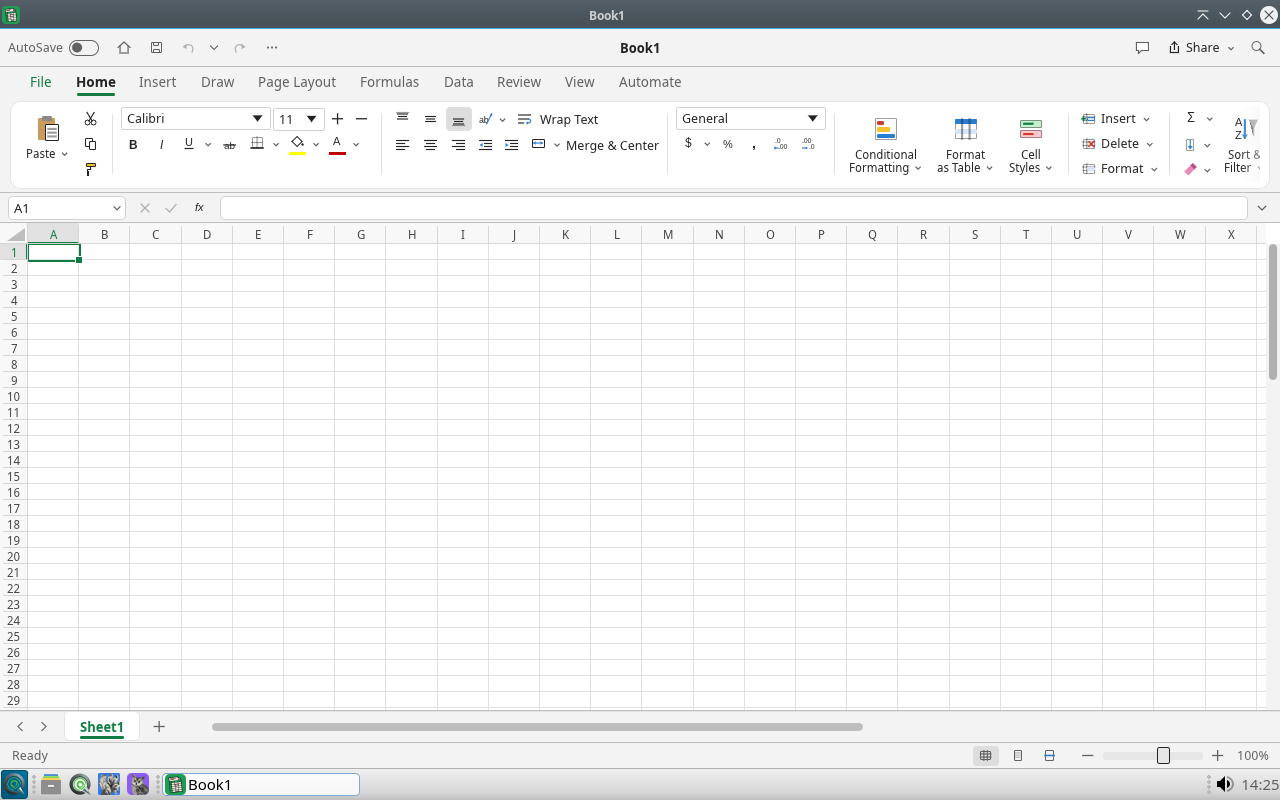
GridCraft is the Craft spreadsheet for budgets, tables, and light analysis in a ribbon-driven grid. Charts and formula work cover the jobs most people open a sheet for without needing a separate add-on pack.
Use Snipe Calc when you need DataPilot pivots and the deepest LibreOffice-class calculation features; use GridCraft for fast Craft-side number work on the same machine.
Available in: 64-Bit
Craft
DeckCraft
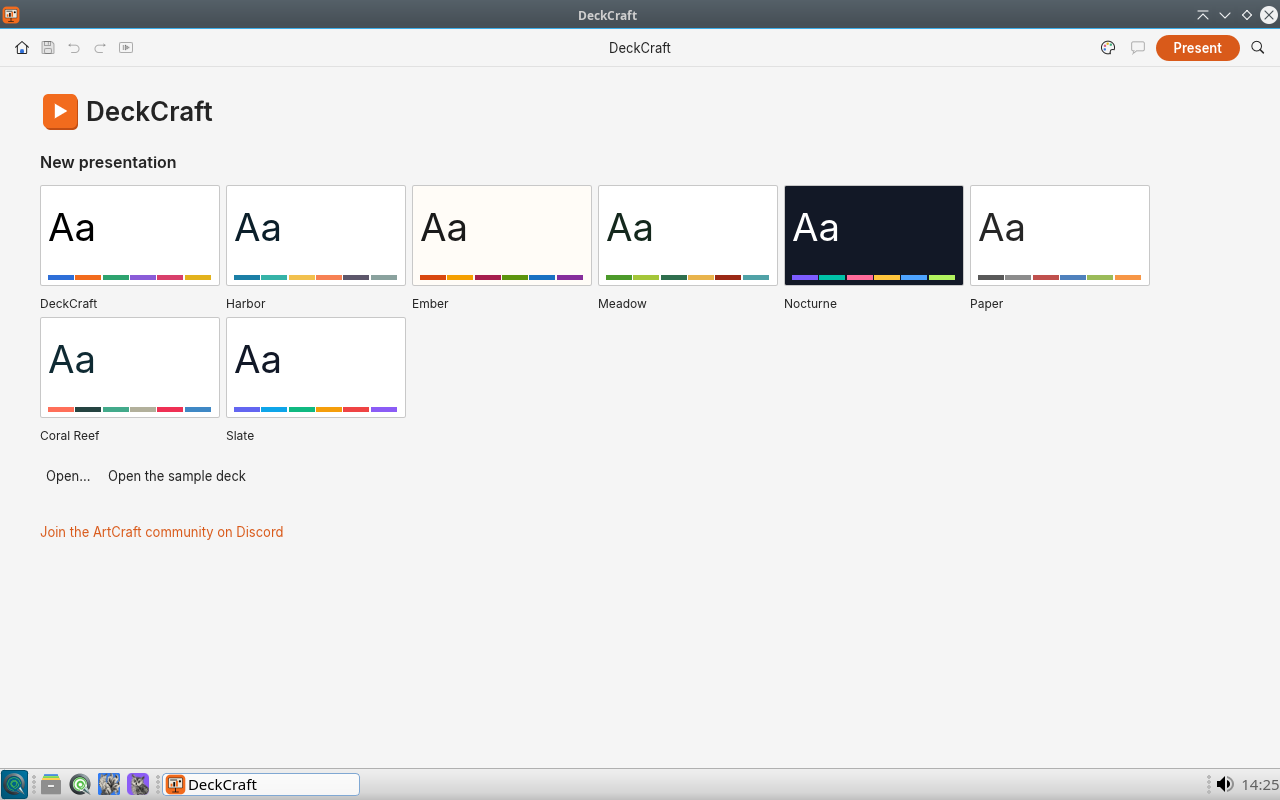
DeckCraft builds slide decks from curated Craft templates, then lets you edit layouts, text, and media for talks, lessons, and pitch presentations.
It sits beside Snipe Impress so presenters can start from Craft themes or from Impress masters, whichever matches the job.
Available in: 64-Bit
Craft
PdfCraft
PdfCraft is a PDF workbench for merge, split, annotate, and everyday document repair without opening a full desktop-publishing suite. Recommended tools on the welcome screen point you at the common jobs first.
Keep Scribus for designed print layouts and qpdfview for quick reading; open PdfCraft when the file itself needs structural PDF edits.
Available in: 64-Bit
Vendored
Trelby
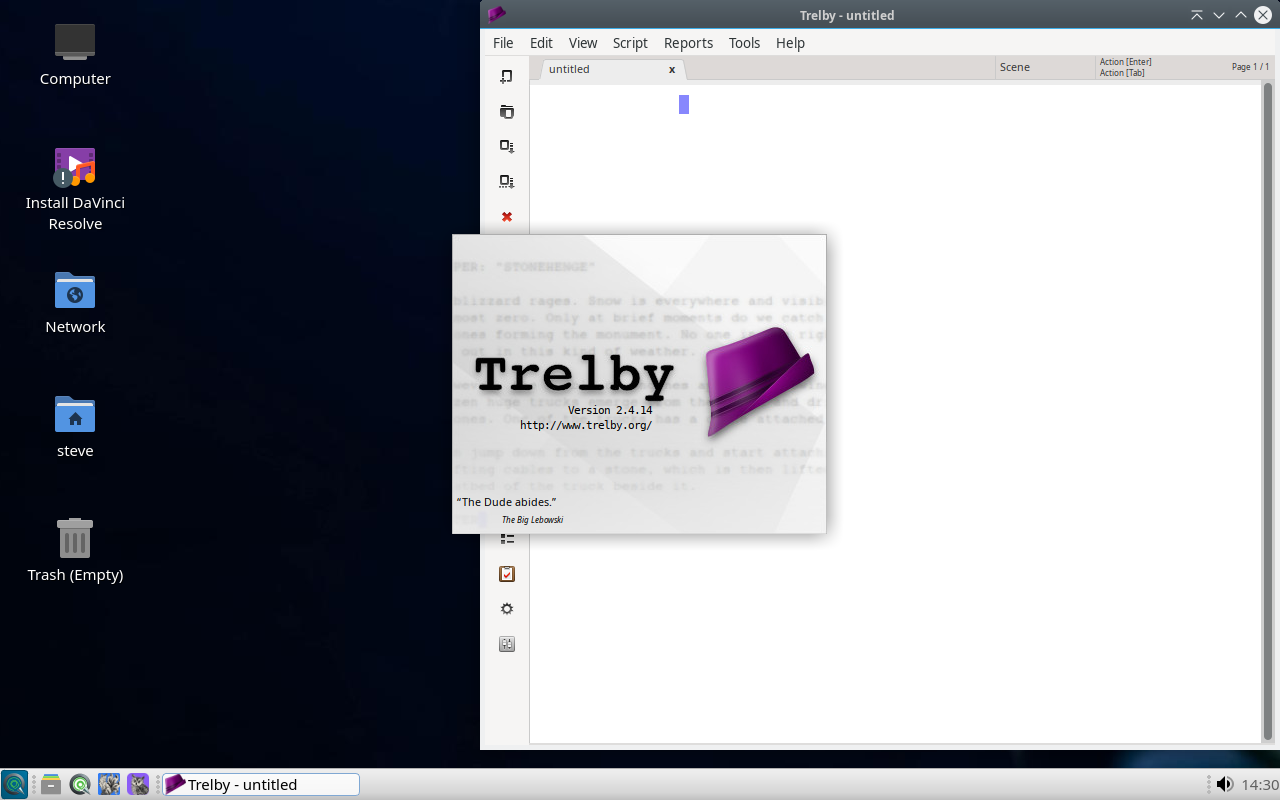
Trelby is a dedicated screenwriting app on the default SnipeOS 13D install. It enforces industry formatting for scene headings, action, character, dialogue, and transitions while you type, with navigation, reports, name helpers, and exchange formats such as Final Draft XML, Fountain, and production PDF.
On this Debian channel Trelby is vendored and wired for Python 3.13 with its wxWidgets and reportlab stack sealed into the image. Earlier 13d builds had to fix launch-path issues; the shipping suite is meant to open on live and installed sessions without pip archaeology.
Available in: 64-Bit
FeatherPad
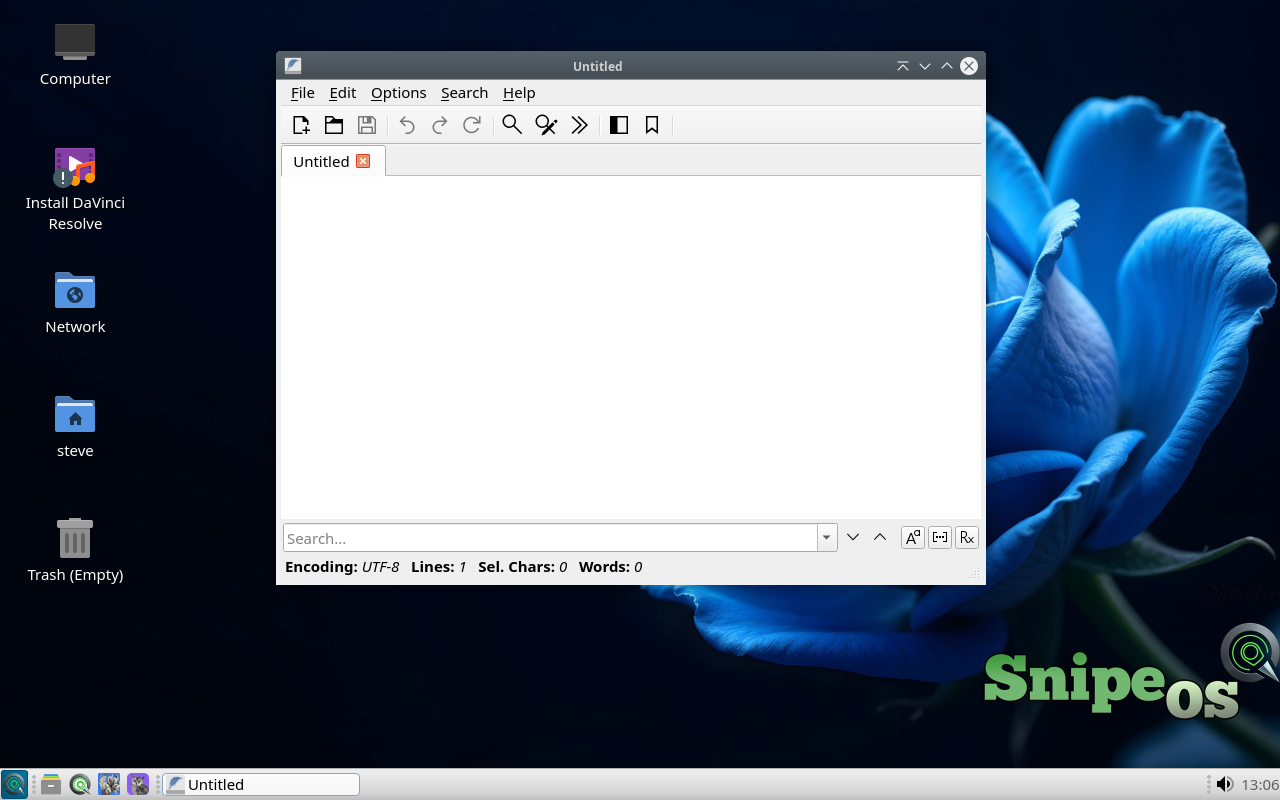
FeatherPad is the fast LXQt text editor for notes, configs, scripts, and quick edits. Tabs, syntax highlighting, regex search, sessions, and spell checking stay available without the weight of a full IDE.
On SnipeOS 13D it complements Writer and vim rather than competing with them. Peek at a log, tweak a config, clean a paste: FeatherPad is the snappy default handler for plain text from the file manager on amd64.
Available in: 64-Bit
nobleNote
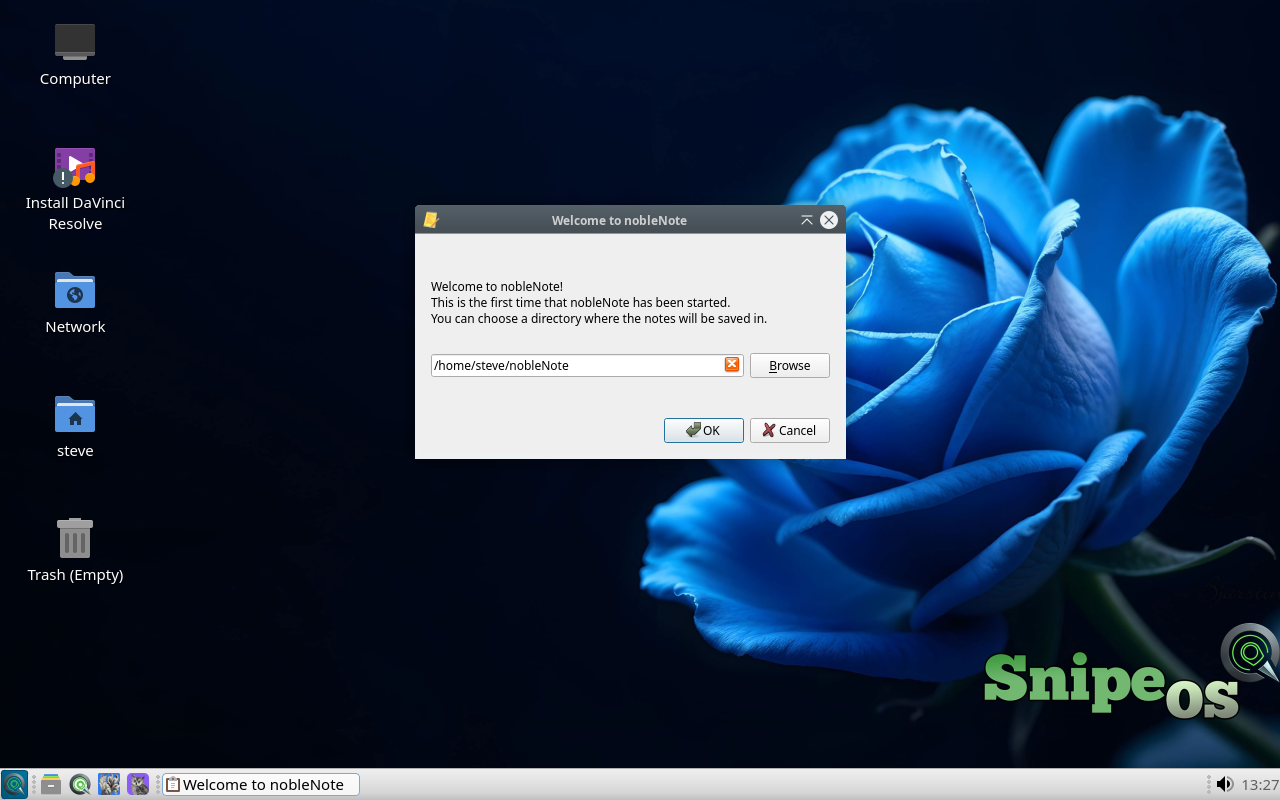
nobleNote keeps notebooks and rich-text notes as ordinary files on disk, so content stays greppable, backup-friendly, and free of account lock-in. Search is built in; the UI stays calm.
Between a FeatherPad scratch file and a Writer document, nobleNote is the durable home for meeting notes, research snippets, and story ideas on SnipeOS 13D. Local-first storage matches the channel's preference for data that stays on your machine.
 Snipe
Snipe