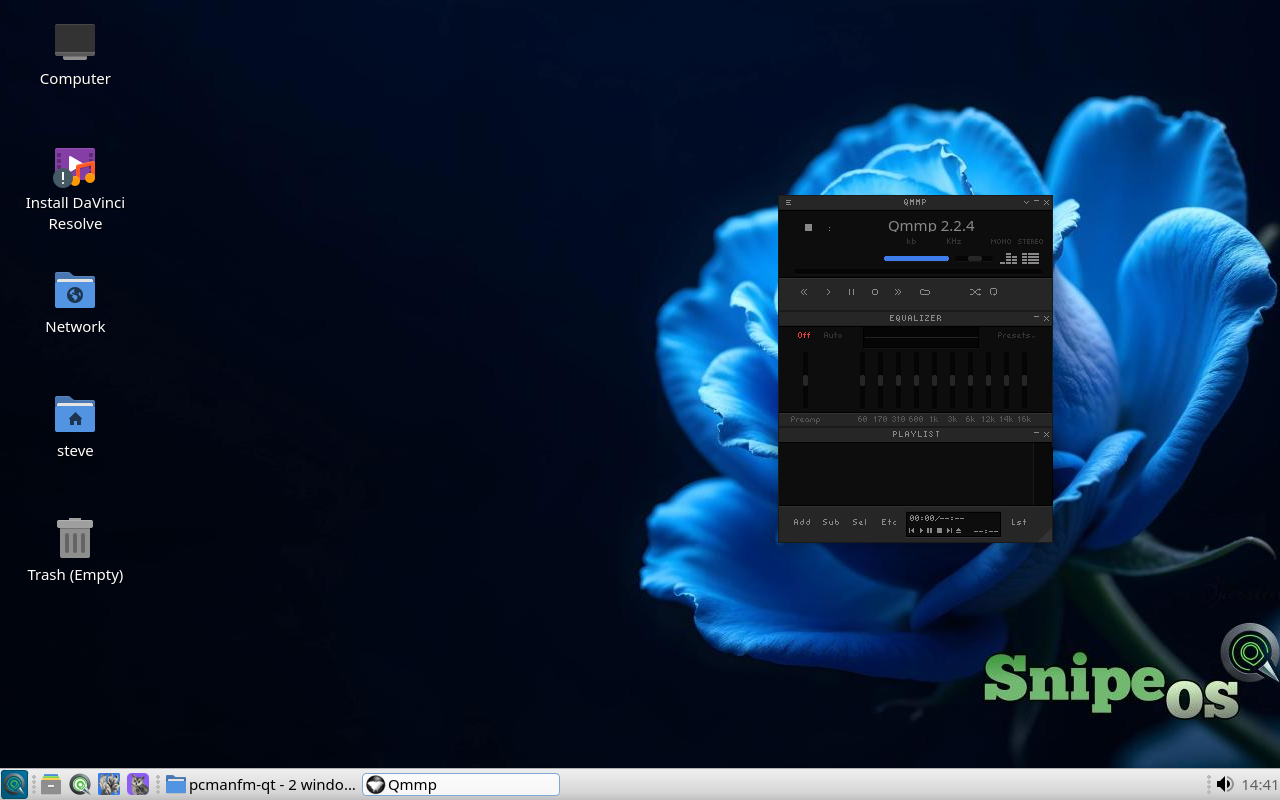
Living-room libraries and everyday playback share the default image: Kodi as an app, VLC as the default player, plus mpv, SMPlayer, and Qmmp for focused listening and lean decode.
Kodi
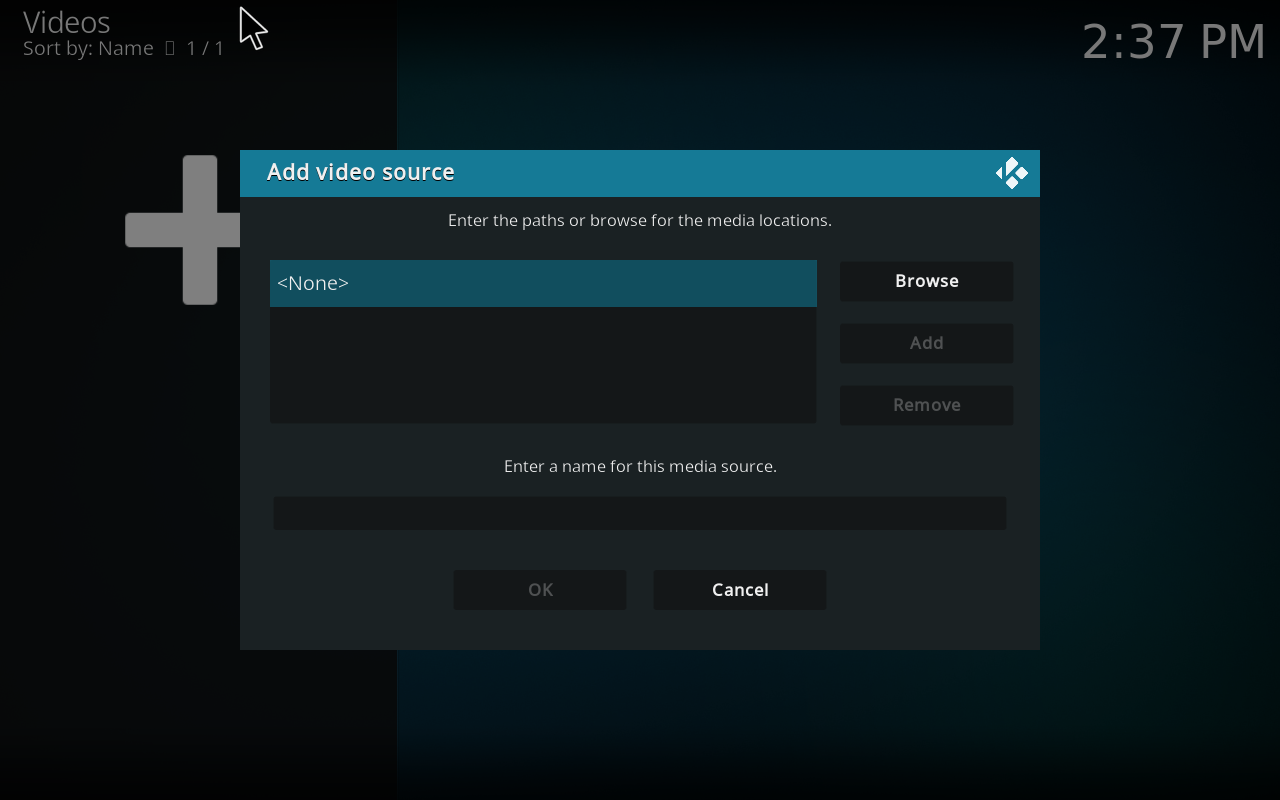
Kodi is available as an application on SnipeOS 13D for living-room style libraries and playback, without taking over the login screen as a competing session.
Use it when you want organised media shelves; keep VLC as the quick double-click player for single files on the LXQt desktop.
Available in: 64-Bit
VLC
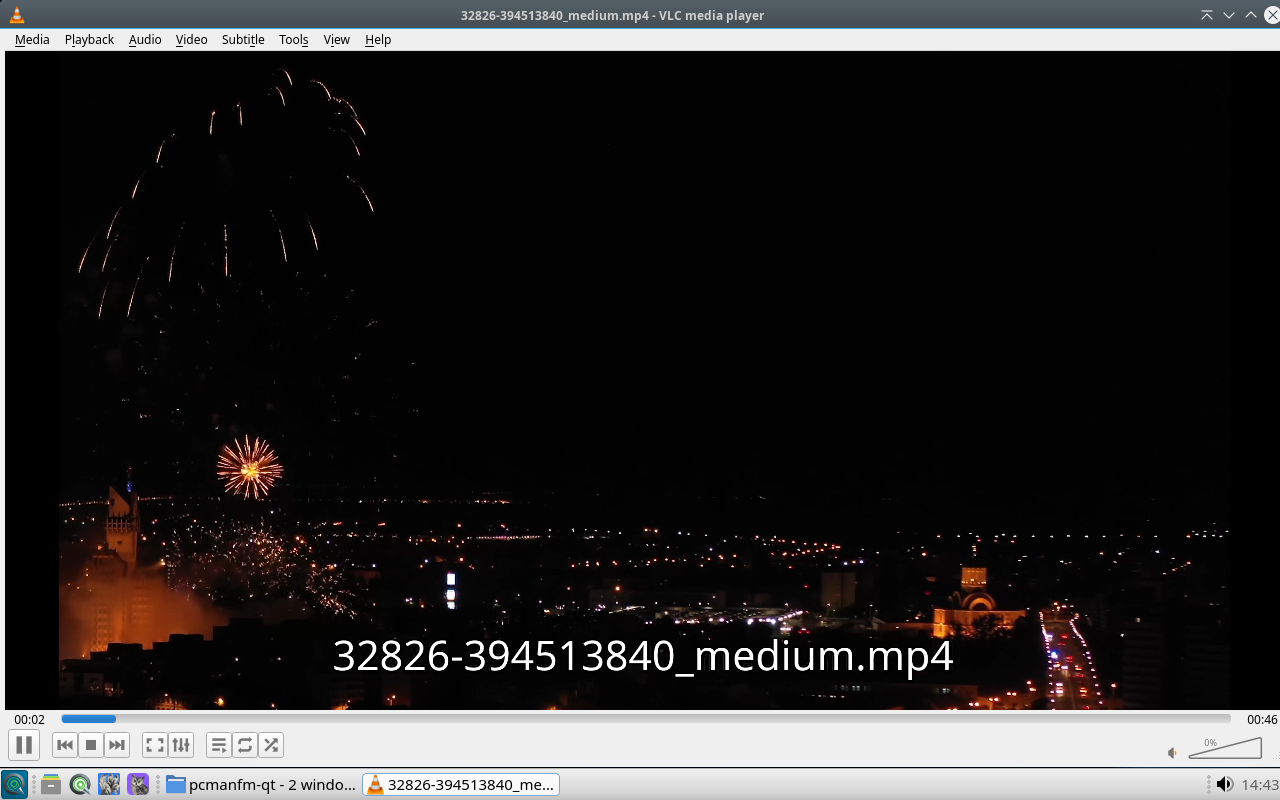
VLC is the default media player on SnipeOS 13D: vast codec coverage, subtitle handling, network streams, and a small footprint for everyday video and audio.
It is the right click target for MP4 and friends on the Debian image, leaving editors and Kodi for structured work rather than simple playback.
Available in: 64-Bit
mpv
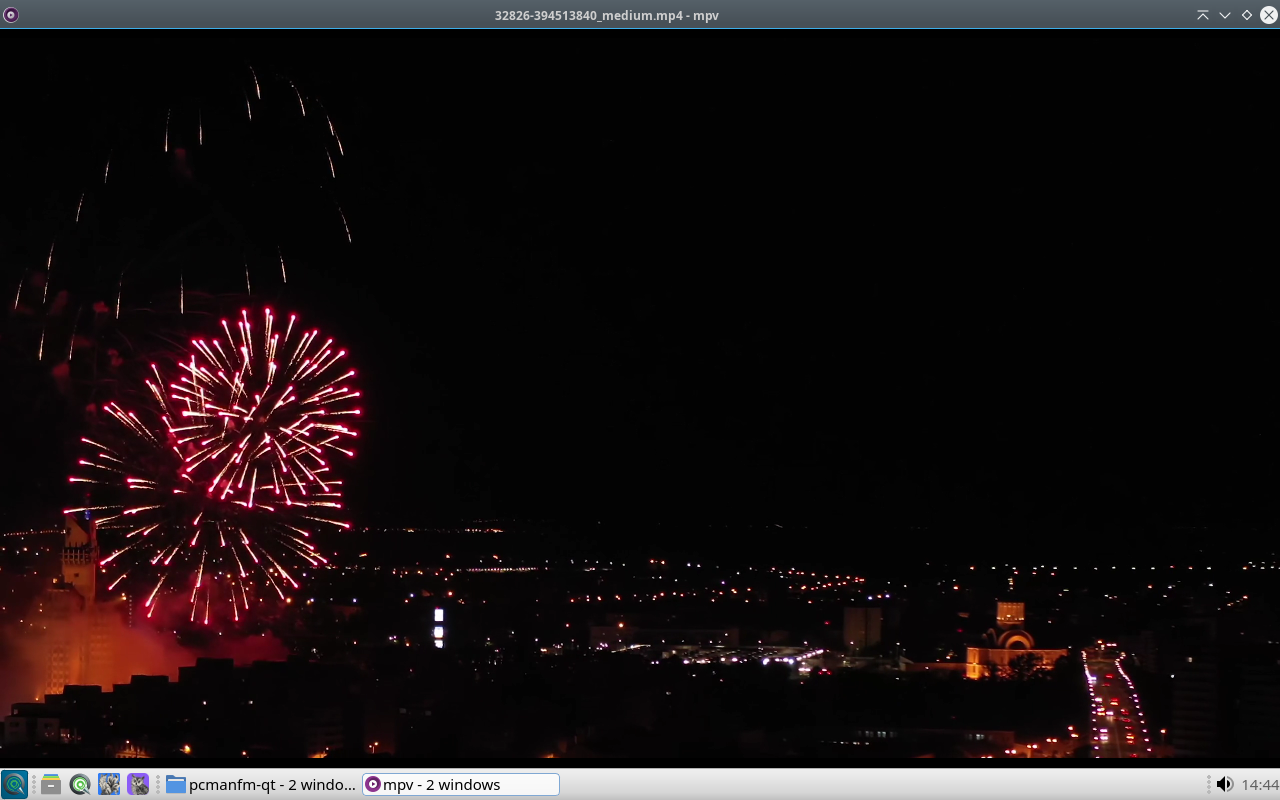
mpv is a minimal, high-quality media player built for accurate playback and scripting rather than chrome. It handles a vast range of containers and codecs, on-screen controls stay out of the way, and power users can drive it from the command line or embed it behind other front ends.
On SnipeOS 13D it is both a direct player and the engine behind tools such as SMPlayer, so demanding files get a clean decode path without a heavy media-centre UI.
Available in: 64-Bit
SMPlayer
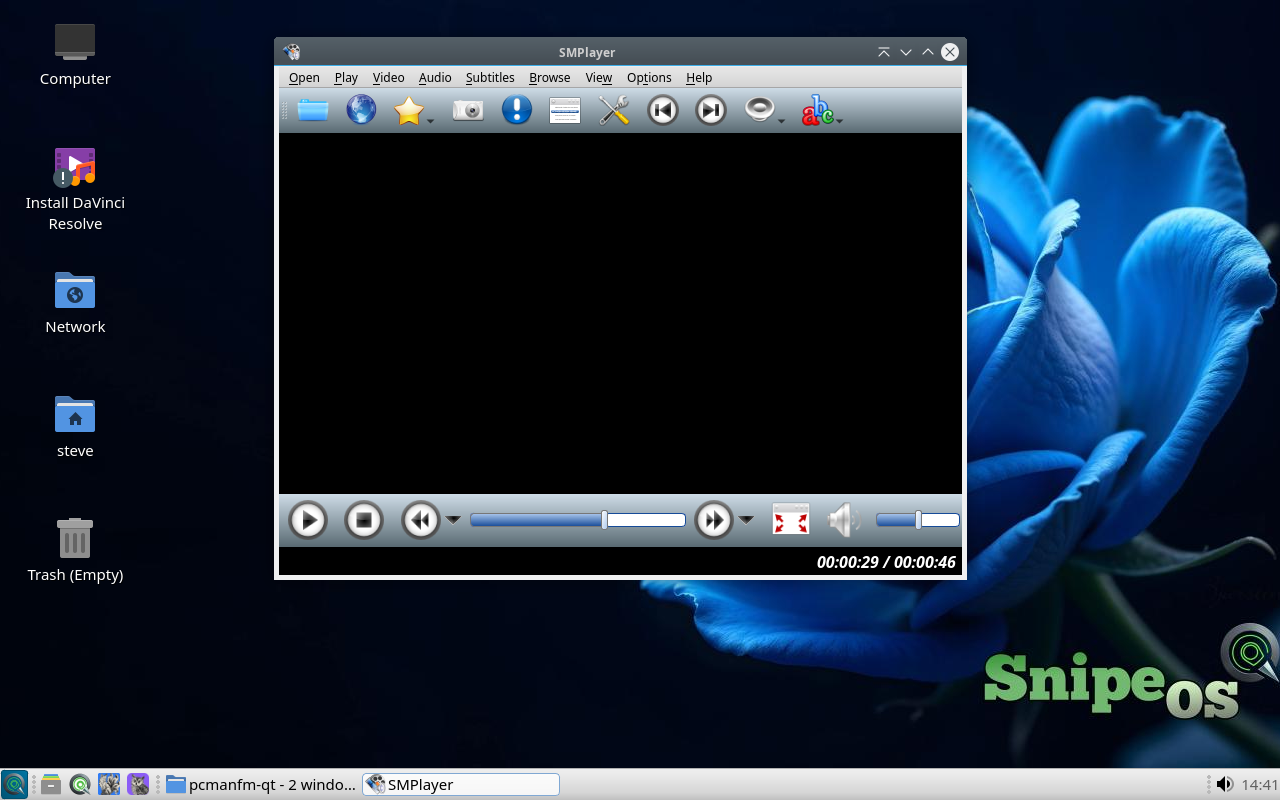
SMPlayer is a full-featured graphical front end around mpv (or MPlayer), adding playlists, subtitle and audio-track pickers, playback memory, and comfortable controls for films and episodic libraries.
Choose it when you want buttons and menus around the same strong decode stack that mpv provides alone; keep VLC as the system default for one-click opens from the file manager.
Available in: 64-Bit
Qmmp
Qmmp is a music player in the classic Winamp tradition: main window, equalizer, and playlist, with skins and plugin support for listening sessions rather than video work.
It fills the audio-listening gap between VLC and a full DAW, so albums and mixes have a dedicated player on the Sound and Video menu.
 Snipe
Snipe