Vector, paint, raster edit, and RAW develop each get a tool designed for that job on Debian 13, plus a fast viewer, scanner front end, and screenshot tool. Storytold Craft apps sit beside the classic stack when you want the Snipe creative launcher.
Inkscape
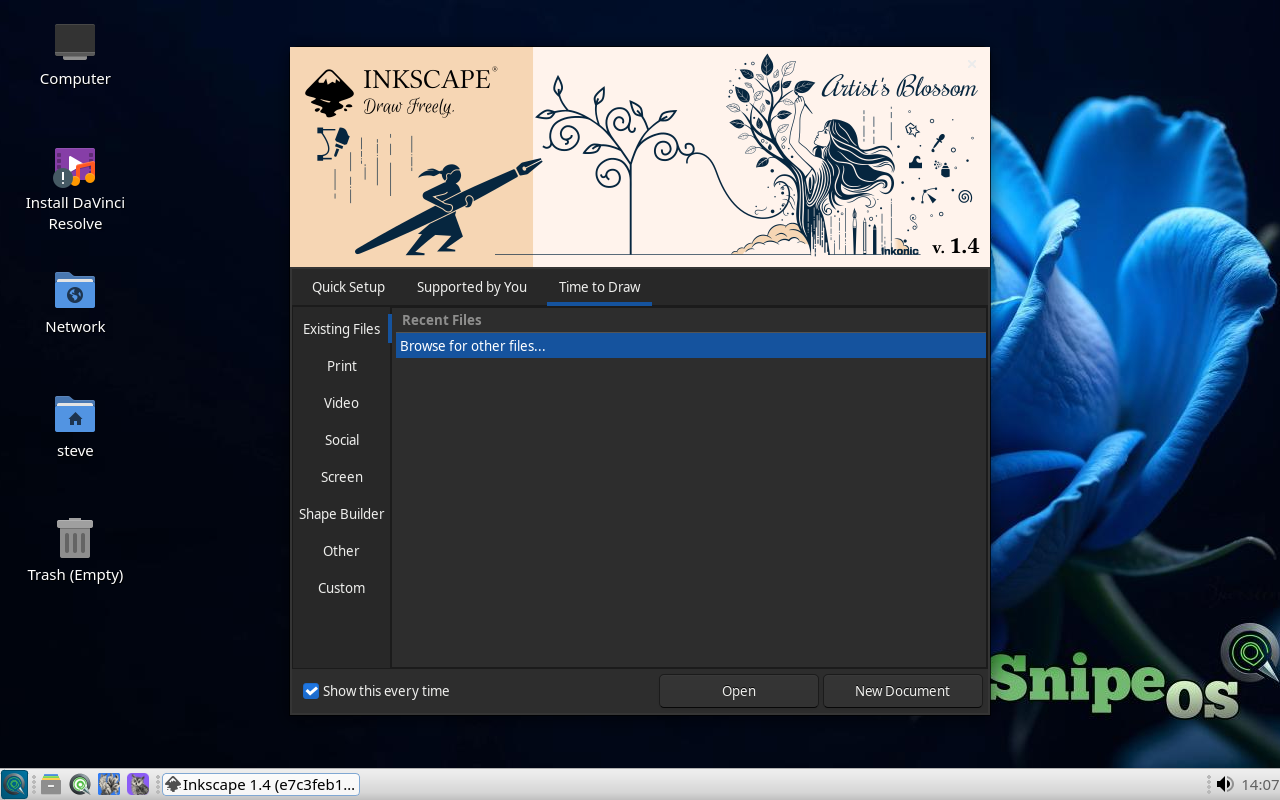
Inkscape is the SVG-centred vector editor on SnipeOS 13D for logos, icons, illustration, technical paths, and cutter output. Bezier tools, boolean operations, node editing, meshes, text on path, bitmap tracing, and extensions cover studio exchange including PDF and EPS practicalities.
Assets flow into Scribus, GIMP, Kdenlive titles, OBS overlays, and Impress slides on the same Debian image, so vector work stays part of one creative pipeline instead of an isolated silo.
Available in: 64-Bit
Krita
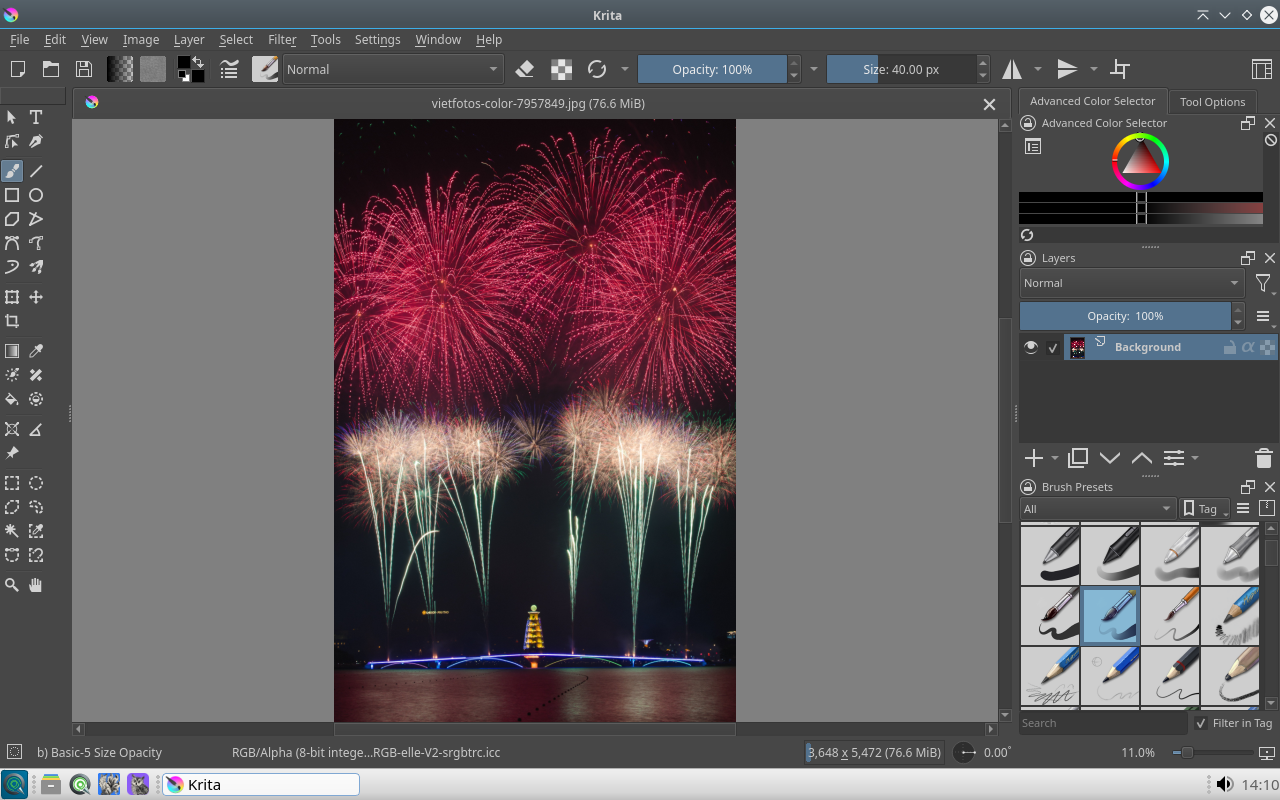
Krita is the digital painting studio for brushwork, concept art, comics, and texture work, with a deep brush engine, tablet support, layers, and animation aids such as onion skinning.
On SnipeOS 13D it sits beside Inkscape, GIMP, and Darktable so each discipline keeps a purpose-built tool. It is one of the heavier apps in RAM; plan headroom for long painting sessions on 64-bit hardware.
Available in: 64-Bit
GIMP
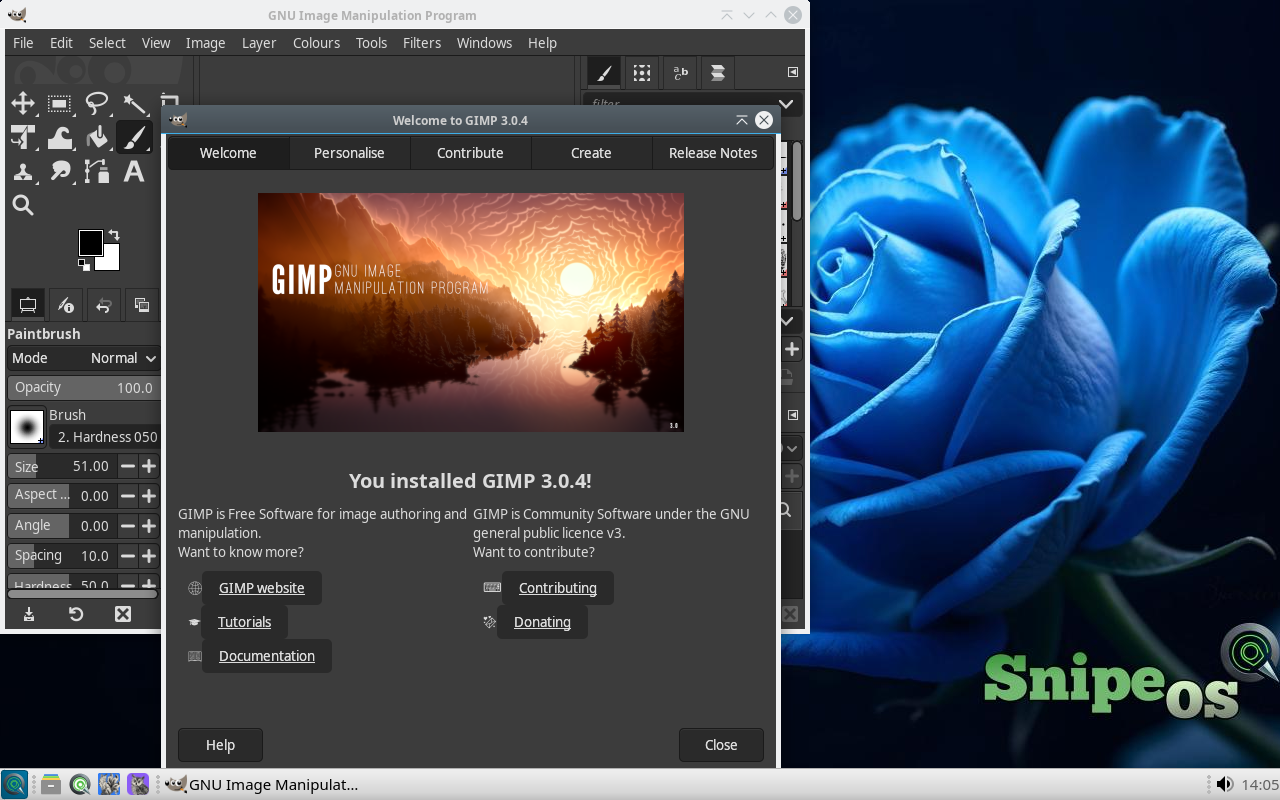
GIMP handles photo retouching, composition, and format conversion with layers, masks, selection tools, curves, filters, and scripting for batch jobs. PSD interchange and everyday web image prep remain core strengths.
Between Krita's painting focus and Darktable's RAW workflow, GIMP is the general raster workhorse on SnipeOS 13D: annotate screenshots, resize exports, clean scans, prepare Blender textures, all within a lean everyday envelope.
Available in: 64-Bit
Darktable
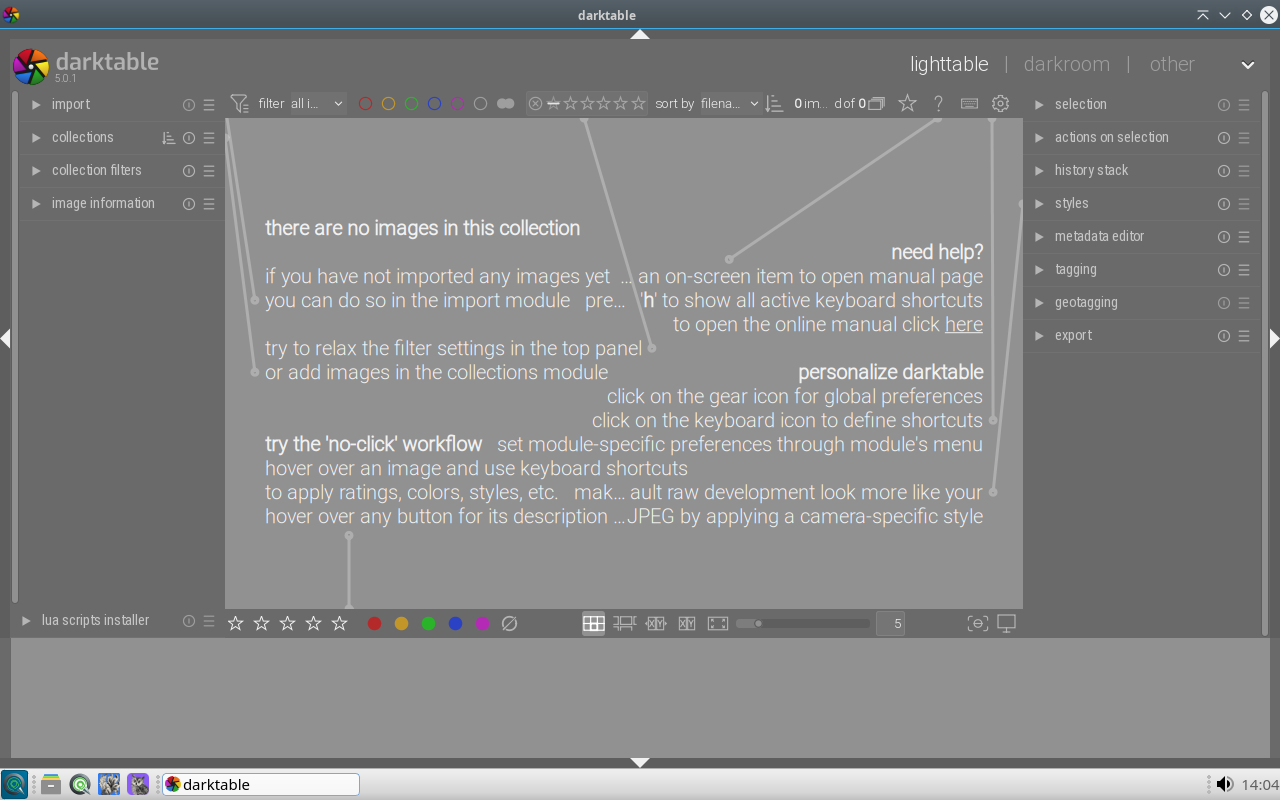
Darktable covers Lightroom-class photography workflow: lighttable culling and tagging, darkroom modules for exposure, colour, denoising, lens correction, and masked local edits, all non-destructive beside untouched RAW files.
Camera cards can go from import to export on the default SnipeOS 13D install. An SSD and extra RAM help large libraries, while the lighttable stays usable on smaller amd64 boxes for review work.
Available in: 64-Bit
LXImage-Qt
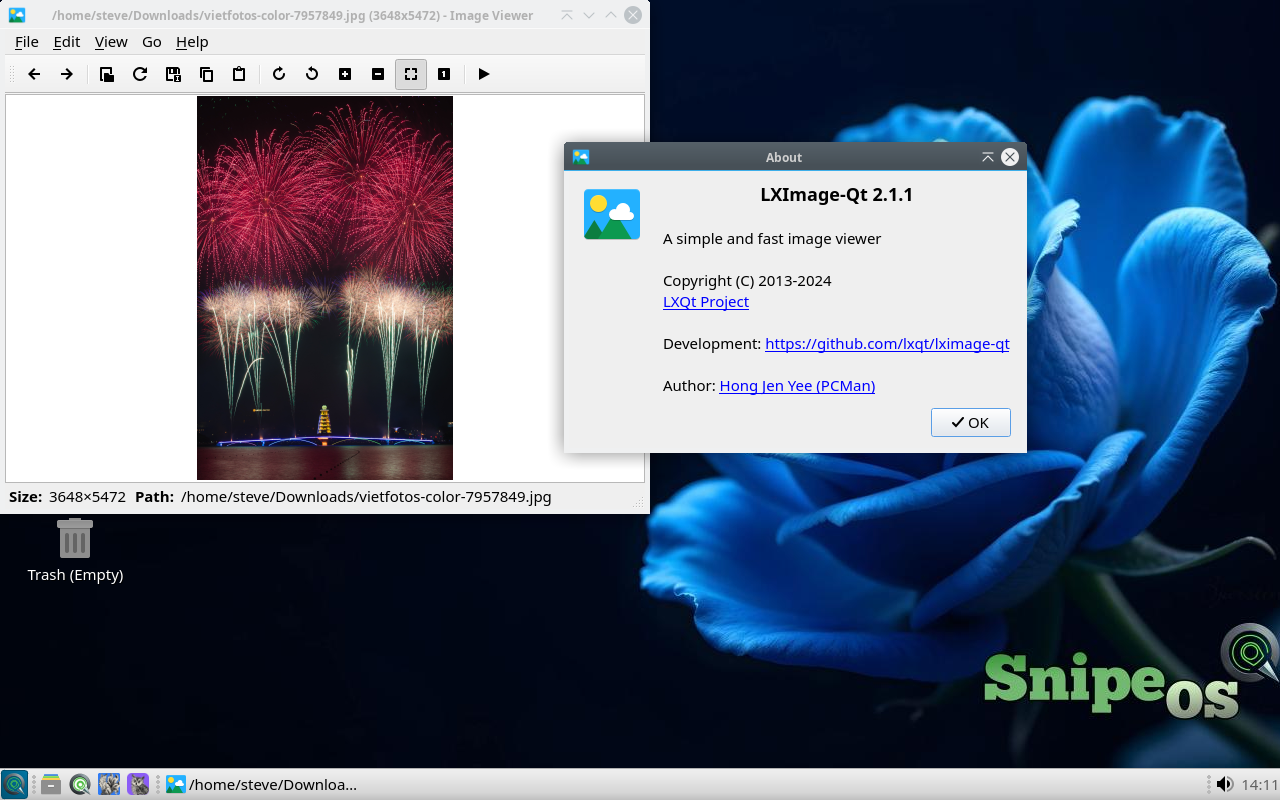
LXImage-Qt is the light image viewer and simple editor for everyday photos and screenshots on SnipeOS 13D. Flip through folders, rotate, and annotate without opening GIMP.
It is the sensible double-click target for JPEG and PNG on Debian LXQt, leaving Krita and Darktable for deeper work on 64-bit hardware.
Available in: 64-Bit
Skanlite
Skanlite is the scanning front end for SANE-compatible devices. Preview, crop, and save scans into your project folders with minimal UI noise.
On SnipeOS 13D it feeds GIMP cleanup and Scribus or Writer documents directly from the amd64 desktop without a vendor Windows utility.
Available in: 64-Bit
ScreenGrab
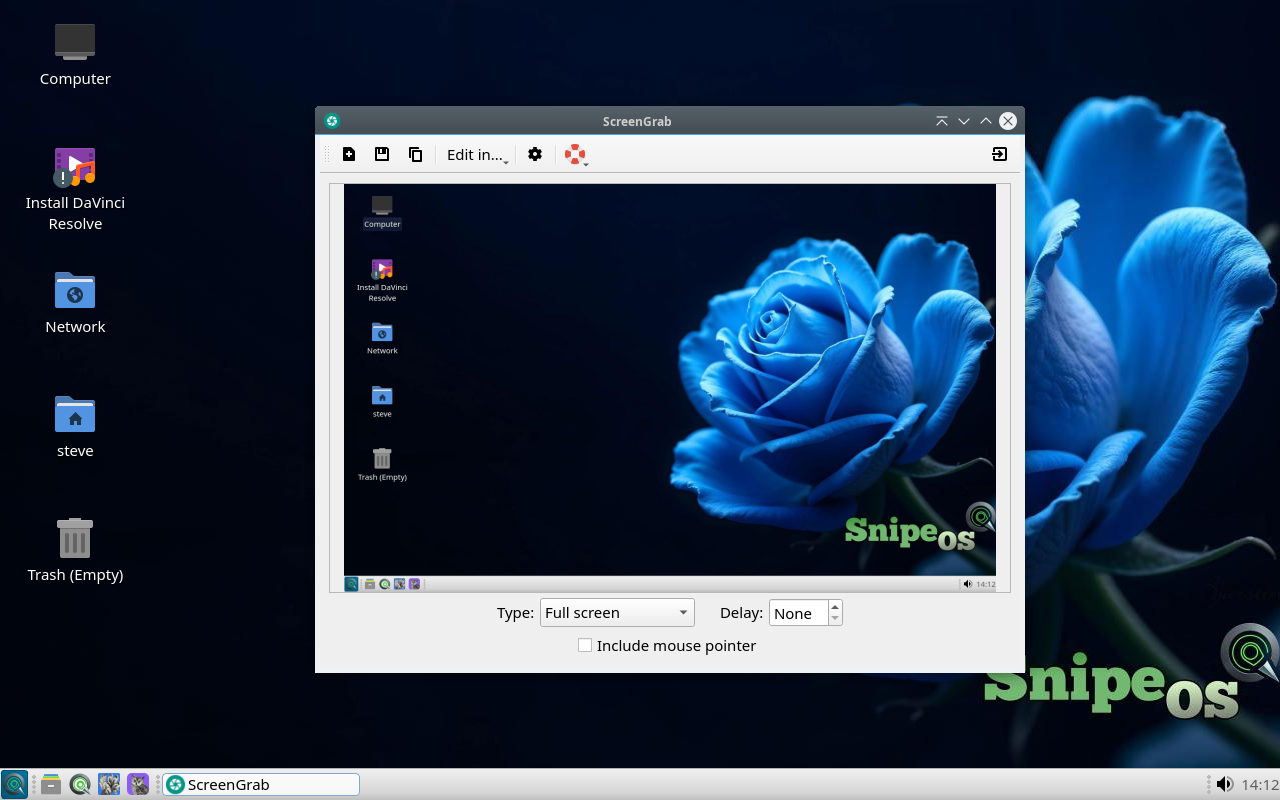
ScreenGrab captures the full screen, a window, or a region and saves quickly for documentation and bug reports. Delay and decorations options cover most howto needs.
Creators on SnipeOS 13D use it for manual pages and support threads when a full OBS recording would be overkill.
Available in: 64-Bit
13dCraft
ArtCraft Launcher
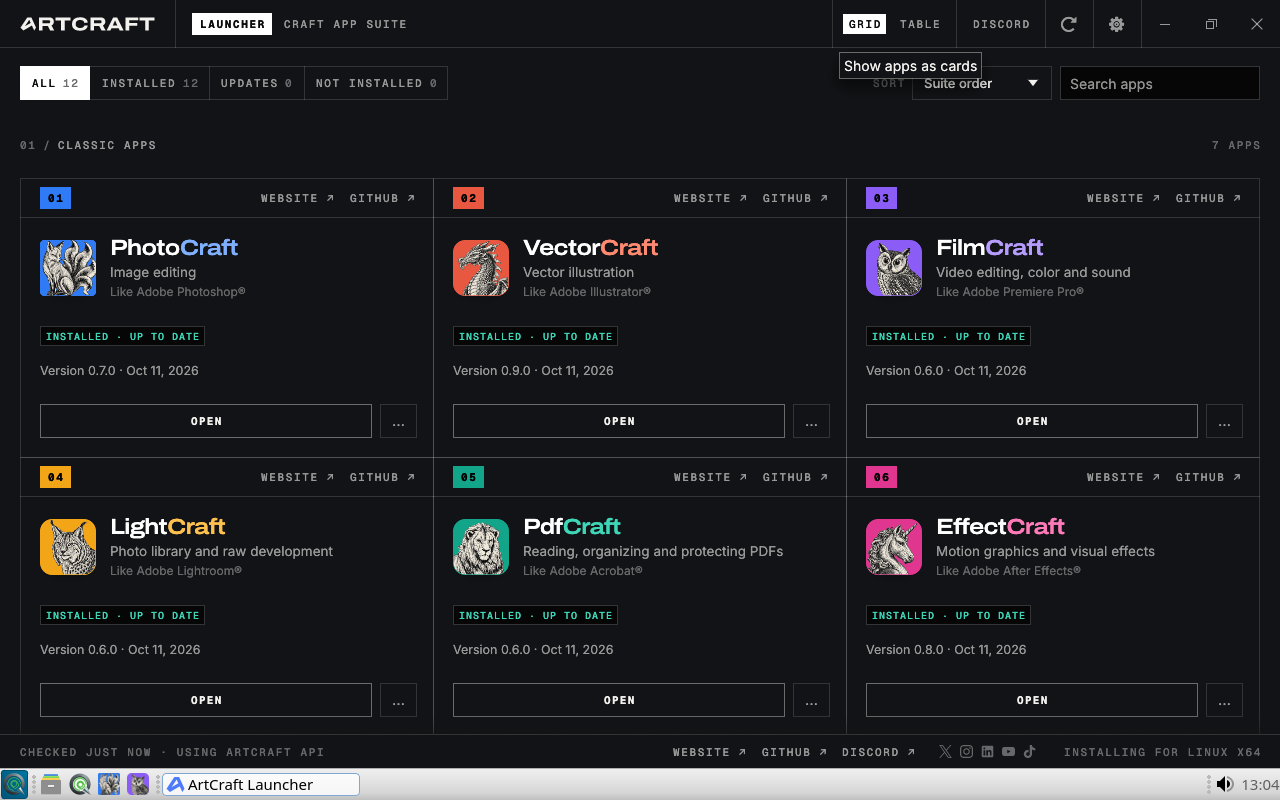
ArtCraft Launcher is the home screen for the Storytold Craft suite on SnipeOS 13D. It presents Photo, Vector, Film, Light, Effect, Design, CAD, and the related Craft tools in one grid so you can open the right creative app without hunting through nested menus.
It is the Snipe entry point for the Craft stack that ships beside Inkscape, Krita, and GIMP: same desktop, branded launchers, no separate storefront required to start work.
Available in: 64-Bit
Craft
PhotoCraft
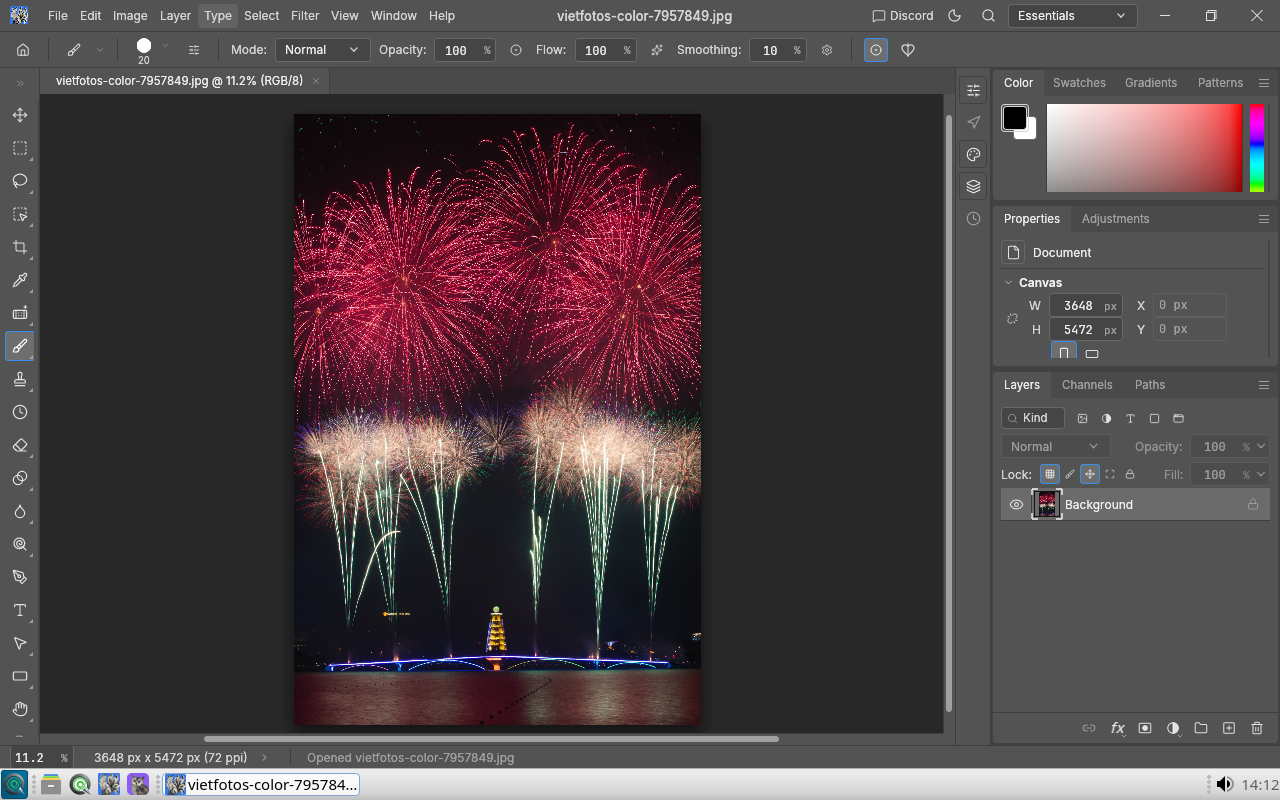
PhotoCraft is a full photo editor for retouching, compositing, and pixel-level work. Expect layers, selection tools, tonal adjustments, and a workspace aimed at still photography and illustration rather than RAW library management.
On SnipeOS 13D it sits next to GIMP and Darktable so you can pick a Craft-native editor for day-to-day photo jobs, or drop into Darktable when a shoot needs a dedicated develop pipeline.
Available in: 64-Bit
Craft
VectorCraft
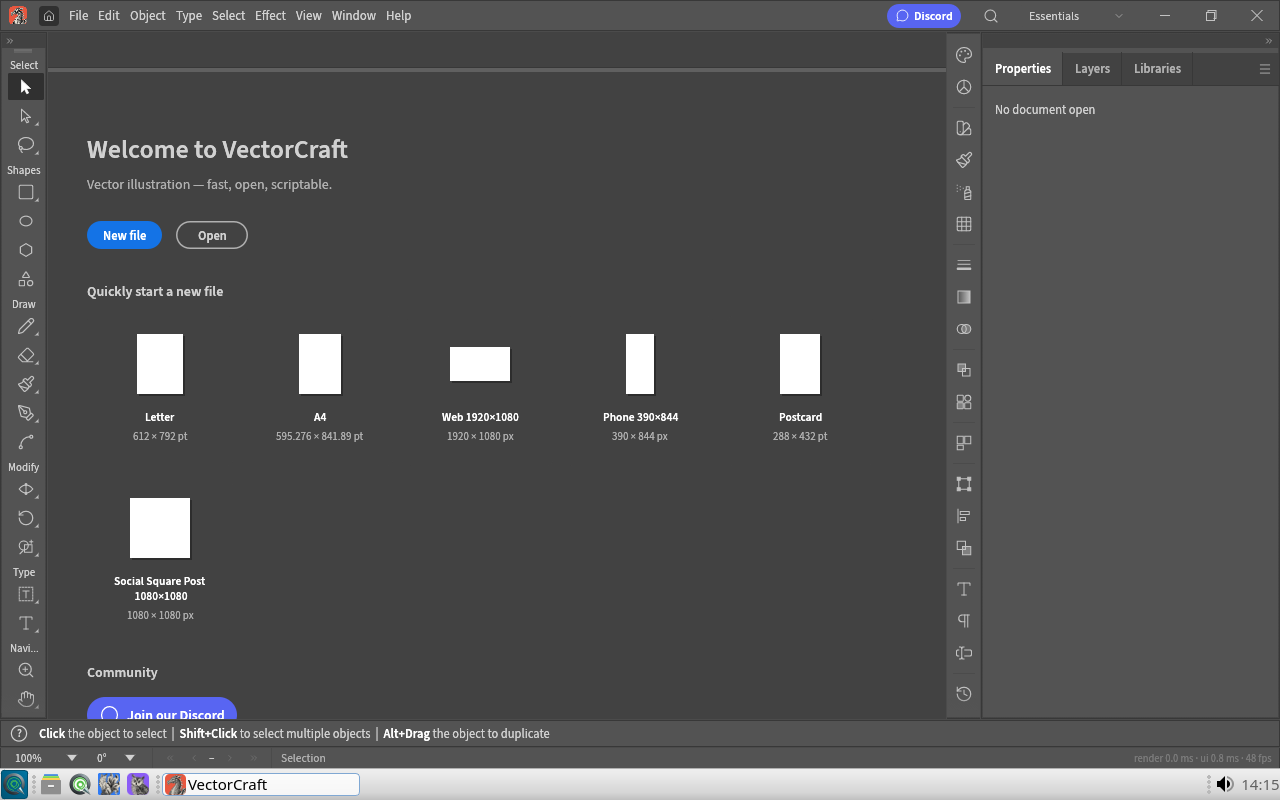
VectorCraft is the Craft illustration and vector design app for logos, icons, layout shapes, and scalable artwork. Template presets for print and web sizes get a new file started quickly, then Bezier-style drawing and object editing take over.
Use it when you want a Craft-branded SVG workflow alongside Inkscape: exchange assets with Scribus, Impress, and the rest of the creative menu without leaving the LXQt desktop.
Available in: 64-Bit
Craft
FilmCraft
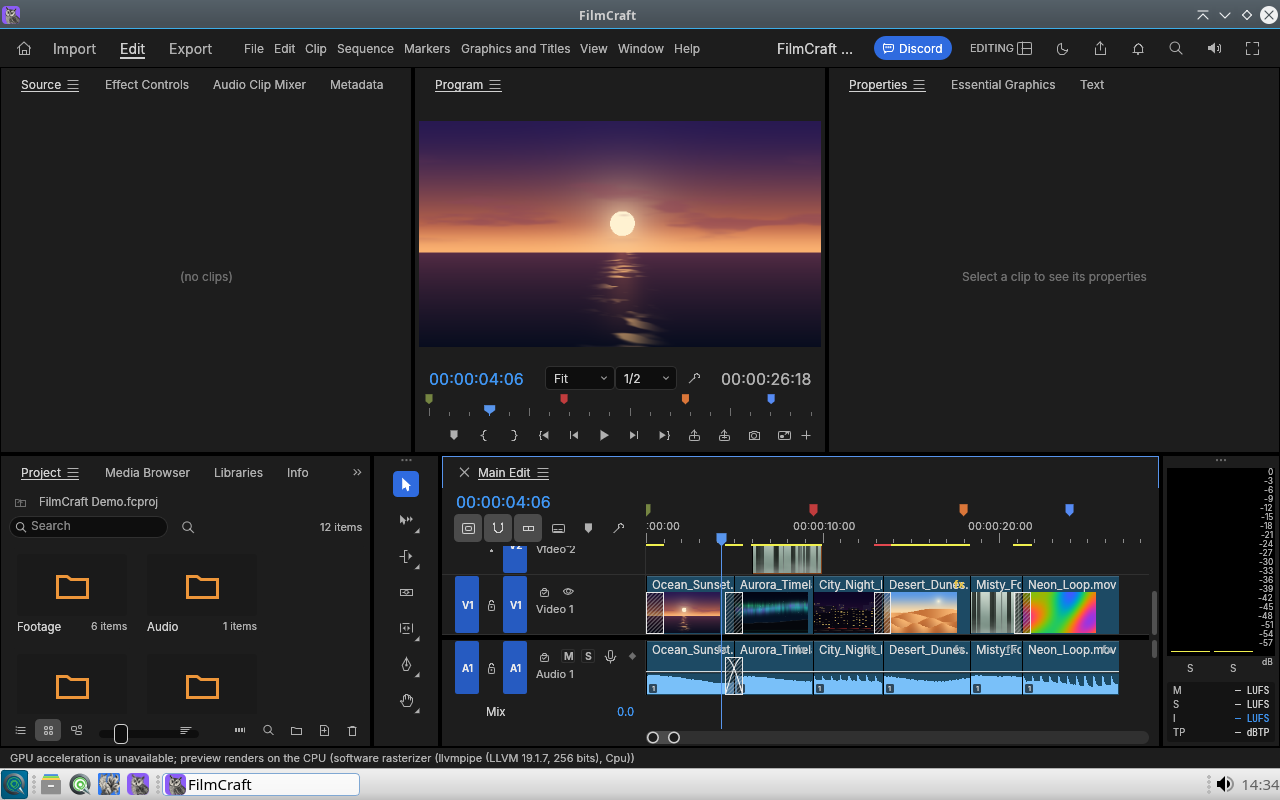
FilmCraft is a non-linear video editor in the Craft family: multi-track timeline, clip trimming, transitions, and preview monitors for cutting footage into finished sequences.
It complements Kdenlive, Shotcut, and OpenShot on SnipeOS 13D. Choose FilmCraft when you prefer the Craft UI; reach for Kdenlive when you need the deeper effects and title tooling of the KDE editor.
Available in: 64-Bit
Craft
LightCraft
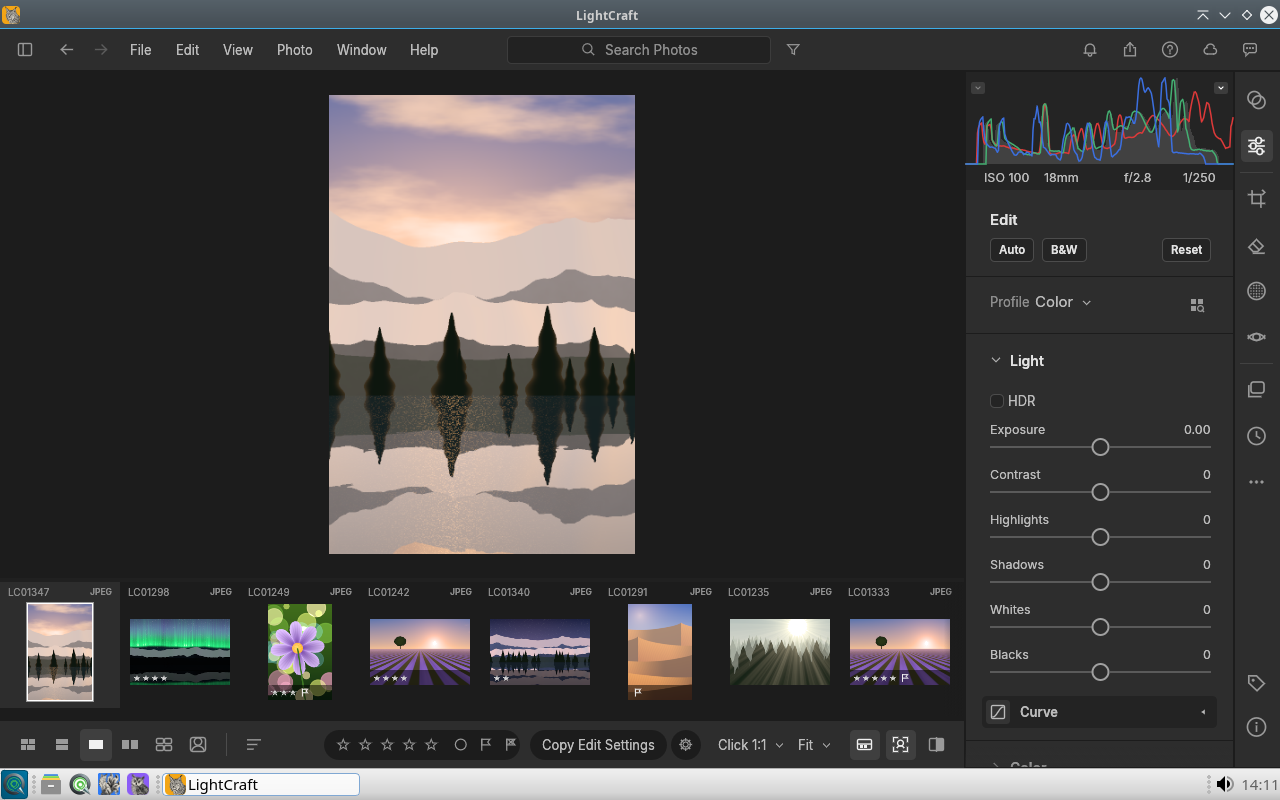
LightCraft is a photographic develop tool focused on exposure, tone, and colour refinement for individual images. Histograms and adjustment sliders support landscape and studio stills without forcing a heavy catalogue workflow.
Pair it with PhotoCraft for pixel edits and with Darktable when you need a full lighttable of RAW files across a long shoot.
Available in: 64-Bit
Craft
EffectCraft
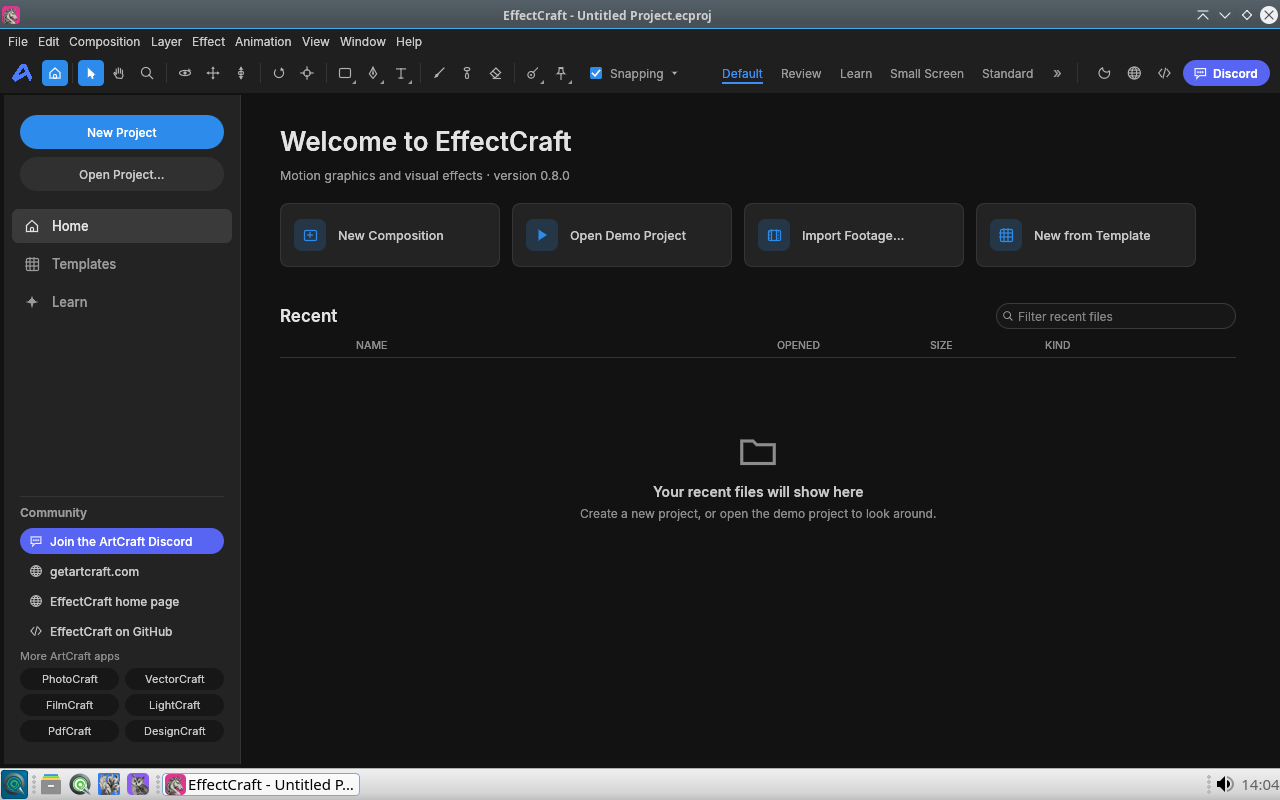
EffectCraft is built for motion graphics and composition: new compositions, layered effects, and project organisation aimed at titles, lower-thirds, and animated overlays.
Export finished motion pieces into FilmCraft, Kdenlive, or OBS scenes so broadcast-style graphics stay inside the same SnipeOS 13D creative set.
Available in: 64-Bit
Craft
DesignCraft
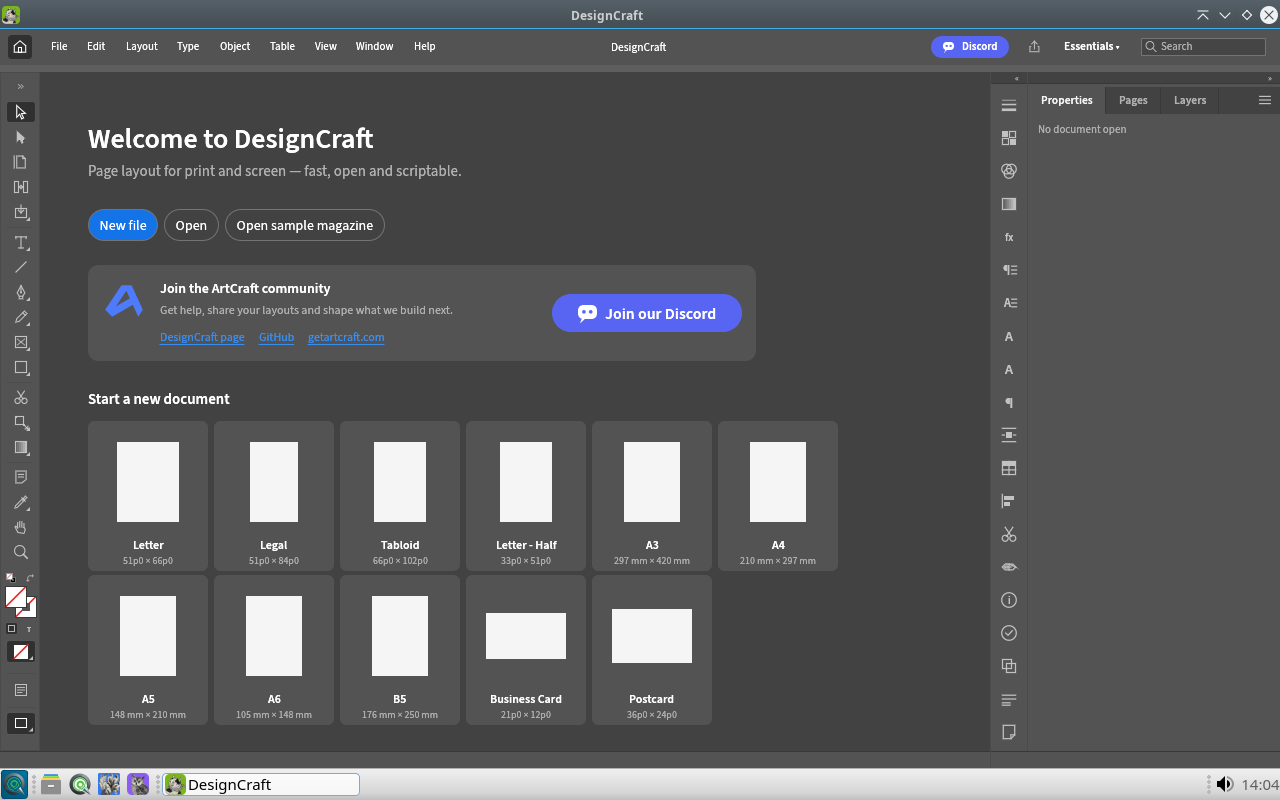
DesignCraft targets document-oriented visual design: presets for common page sizes, structured layouts, and a Craft workspace for posters, one-sheets, and marketing pieces that are heavier than a Writer page but lighter than a full press job.
When you need bleed, colour separations, and prepress PDF, move the artwork into Scribus; keep DesignCraft for fast creative layouts on the desktop.
Available in: 64-Bit
Craft
CADCraft
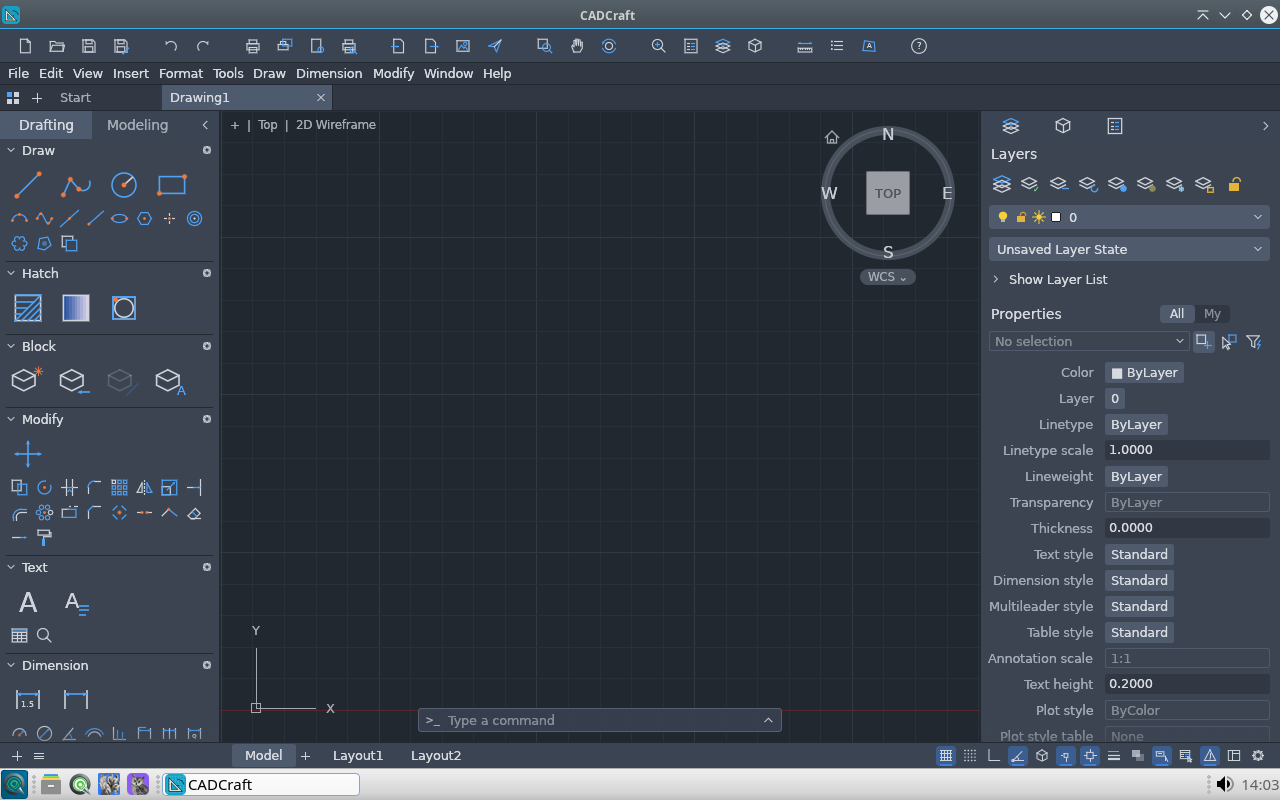
CADCraft provides technical drawing tools with layers, object properties, and a drafting-oriented canvas for plans, diagrams, and measured illustrations.
It fills the gap between freehand vector art in Inkscape and office diagrams in Snipe Draw, giving SnipeOS 13D a Craft-native path for structured CAD-style work.
Available in: 64-Bit
ImageMagick
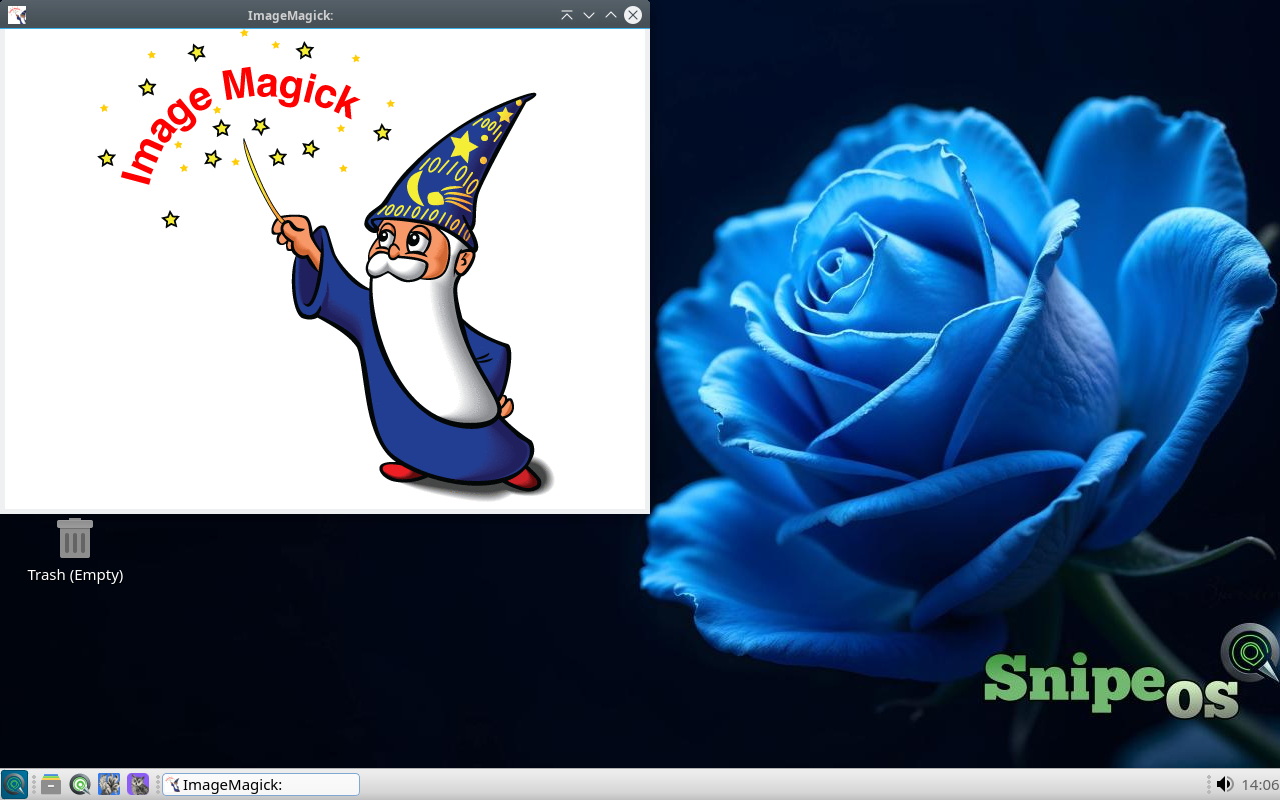
ImageMagick is a toolkit for converting, resizing, compositing, and inspecting images from a GUI display window or from scripts. It understands a huge set of formats and is the backbone of countless batch photo and asset pipelines.
Creators use it to normalise exports, generate thumbnails, and automate format translation when opening every file by hand in GIMP would be wasteful.
Available in: 64-Bit
XSane
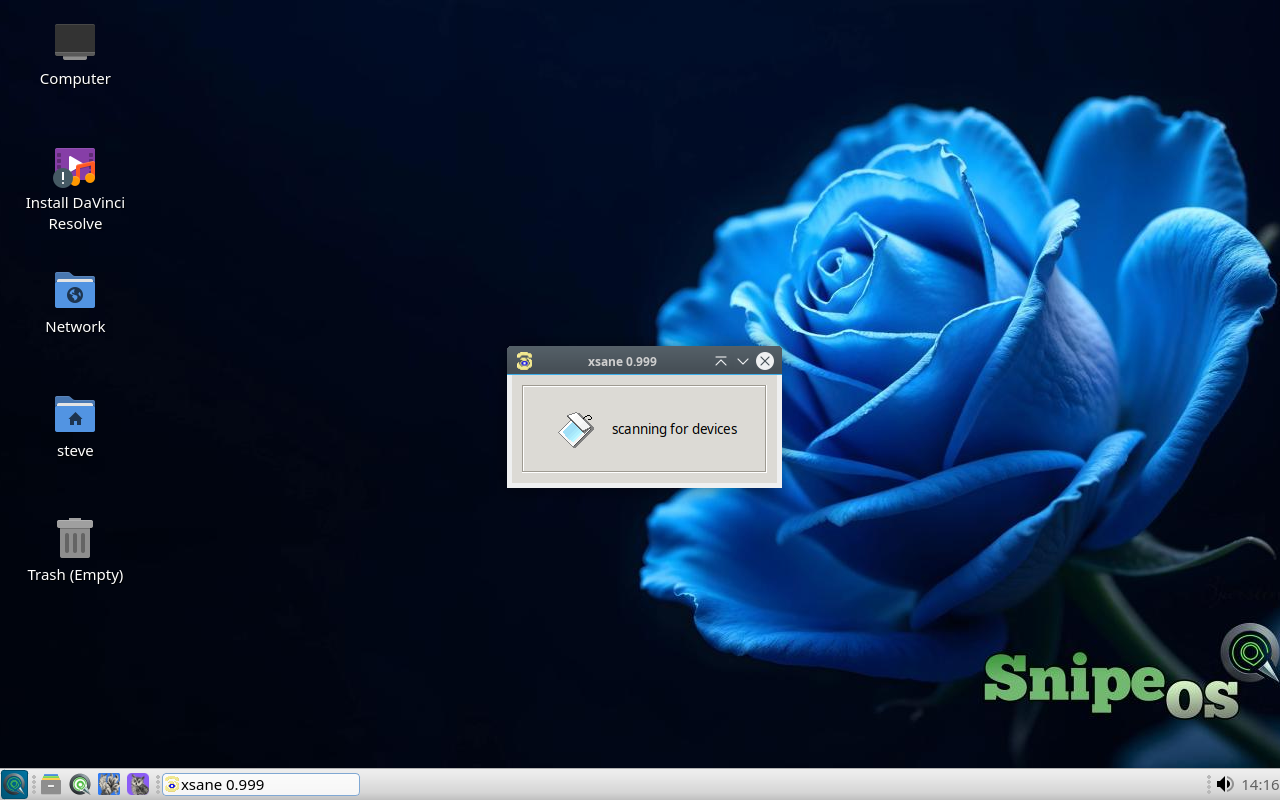
XSane is an advanced scanning front end for SANE-compatible scanners, with device search, preview, gamma and histogram controls, and save options aimed at archival and OCR prep.
Skanlite covers simple scans; XSane is the deeper tool when a job needs fine control over resolution, colour, and multi-page capture.
 Snipe
Snipe