SnipeOS 13D builds on LXQt instead of gutting it. The connective tissue of daily use stays small and fast on Debian 13. FeatherPad and nobleNote also appear with the office and writing tools.
PCManFM-Qt
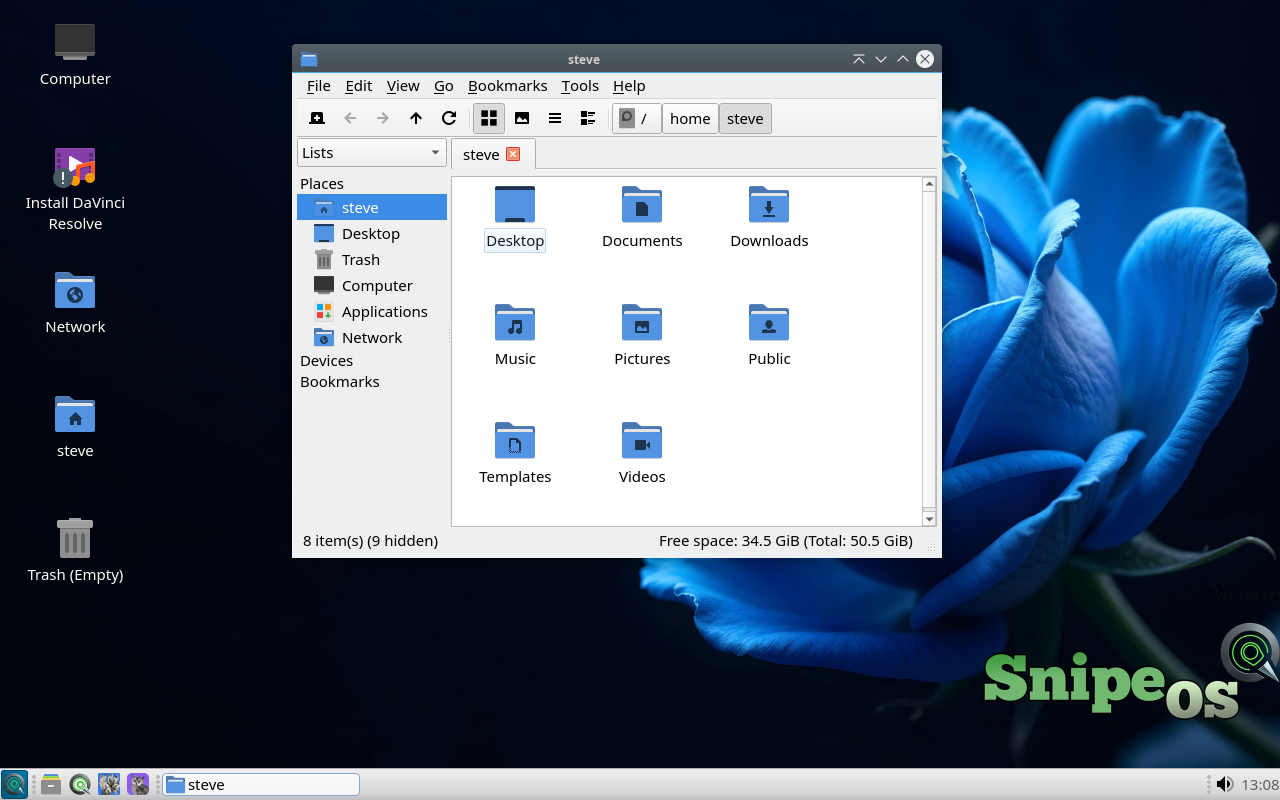
PCManFM-Qt is the LXQt file manager and desktop drawer on SnipeOS 13D: tabs, mounts, trash, archives, and open-with behaviour that ties the menu together. It stays fast without indexing daemons.
Correct wallpaper profiles ship so first login shows the blue rose desktop on Debian 13. Downloads, camera cards, and render outputs all pass through this window in daily use.
Available in: 64-Bit
QTerminal
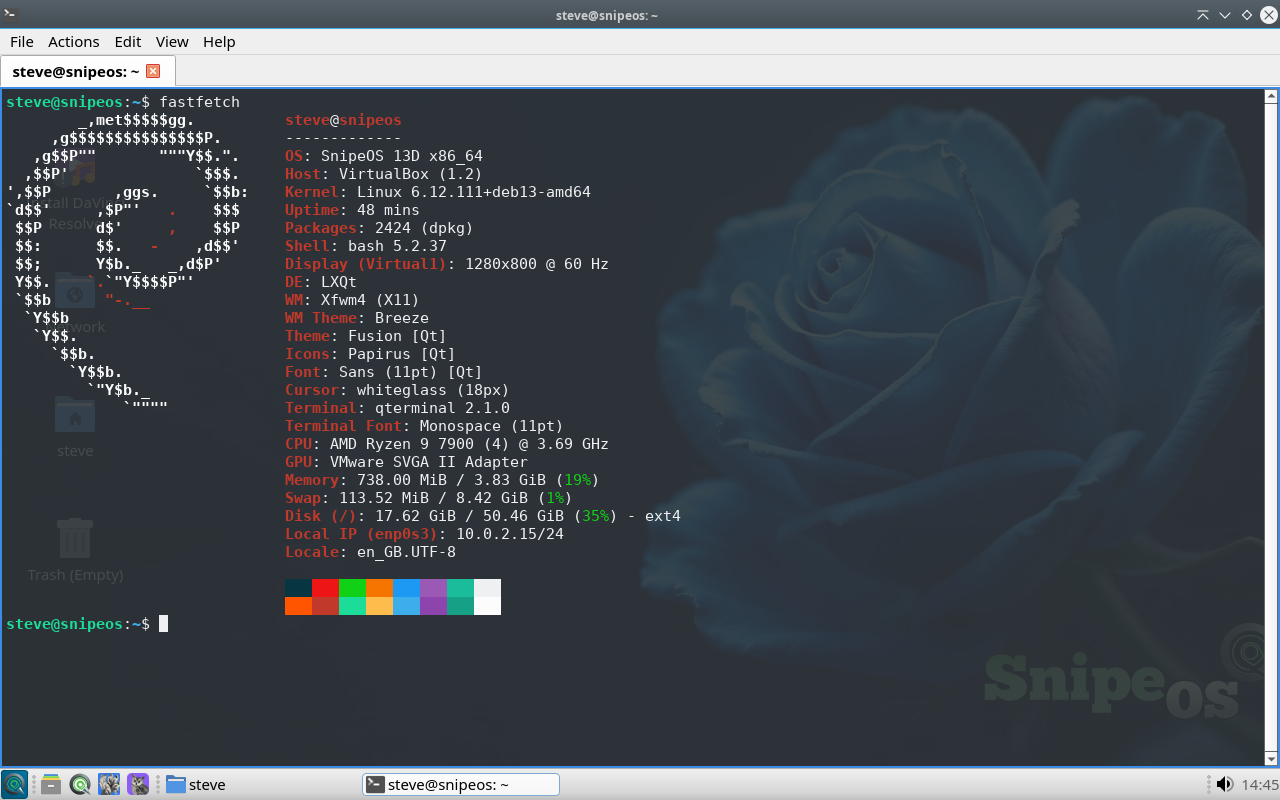
QTerminal offers tabs, splits, drop-down mode, and clear font control for shell work on SnipeOS 13D. It opens instantly and covers apt, ffmpeg, and htop without replacing your GUI tools.
Batch image conversion, ffmpeg jobs, package work with apt, and watching resources during a render are all faster here than through layered GUI wizards.
Available in: 64-Bit
LXQt Archiver
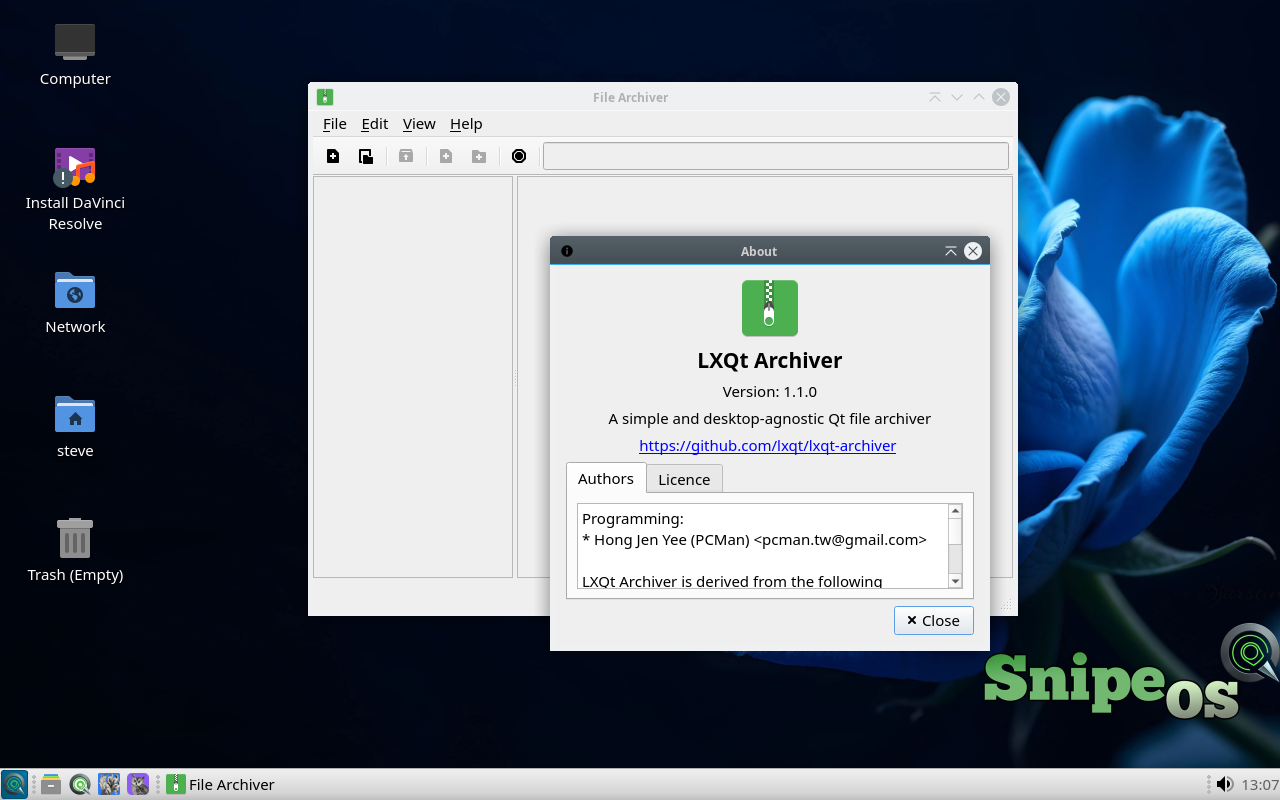
LXQt Archiver creates and extracts zip, tar variants, 7z, and related formats through context menus in PCManFM-Qt. Compress and extract stay right-click operations.
Font packs, brush sets, templates, and client zips are constant traffic on a creator desktop; the archiver clears that friction on Debian 13 and steps aside.
Available in: 64-Bit
Qalculate
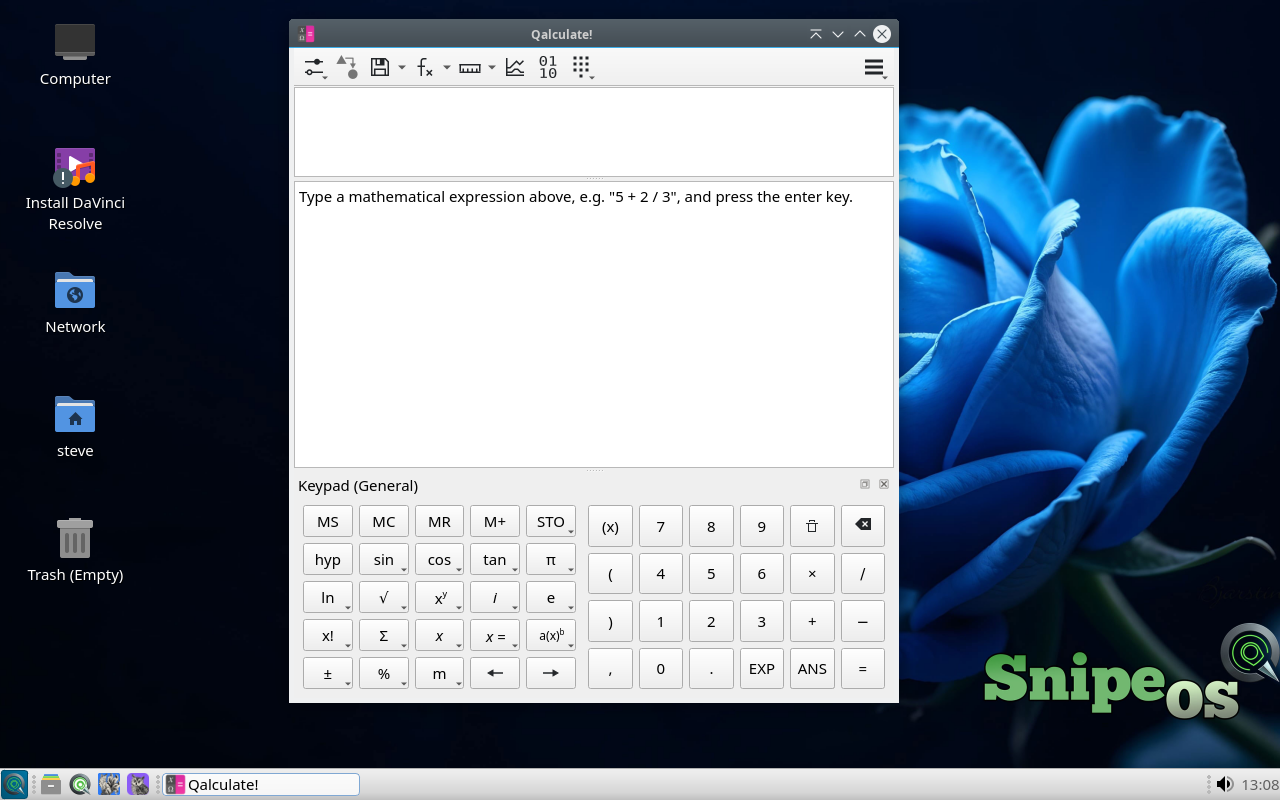
Qalculate parses real expressions, converts units and currencies, and handles symbolic and statistical work from a single input line. It replaces a spreadsheet for a large class of quick questions.
Frame math, bitrate estimates, print sizes, and invoice arithmetic show up constantly beside Kdenlive and OBS on SnipeOS 13D.
Available in: 64-Bit
Qlipper
Qlipper keeps a short clipboard history in the tray so an accidental copy does not erase the path or paragraph you still needed.
Writers, editors, and researchers moving text between Snipe Browser and Writer on amd64 feel the absence immediately when it is missing.
Available in: 64-Bit
Redshift
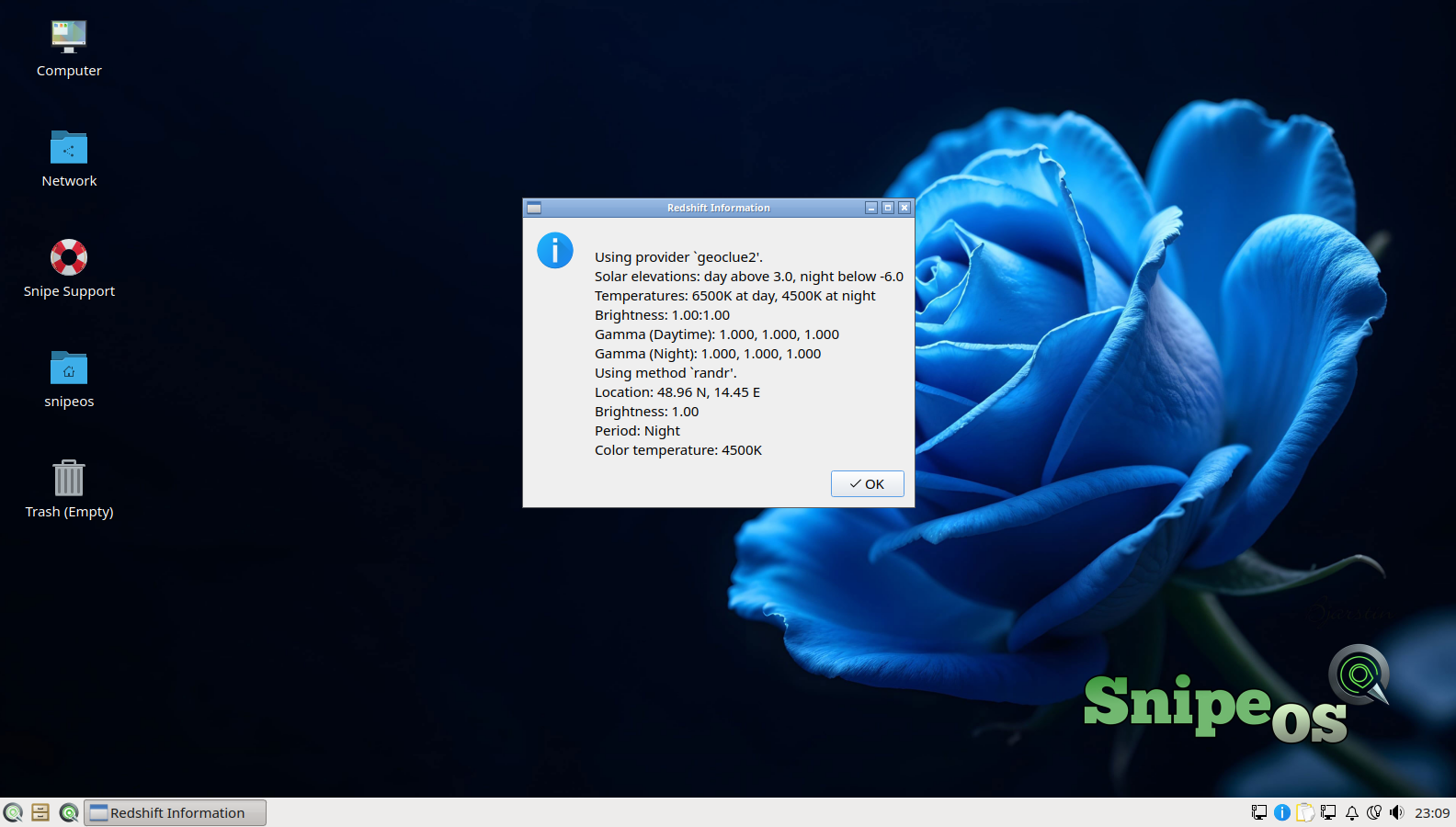
Redshift warms the display after sunset to ease night strain. Schedule and location drive automatic shifts with manual override when required.
Disable it for colour-critical work in Darktable, Kdenlive, or Scribus on SnipeOS 13D. For writing and browsing after dark, leave it on.
Available in: 64-Bit
QtPass
QtPass is a graphical front end for the standard pass password store, keeping secrets in local encrypted files you control rather than a hosted vault.
It fits the SnipeOS 13D preference for local-first tools on Debian 13: sync the store yourself if you want, no mandatory account.
Available in: 64-Bit
Kvantum Manager
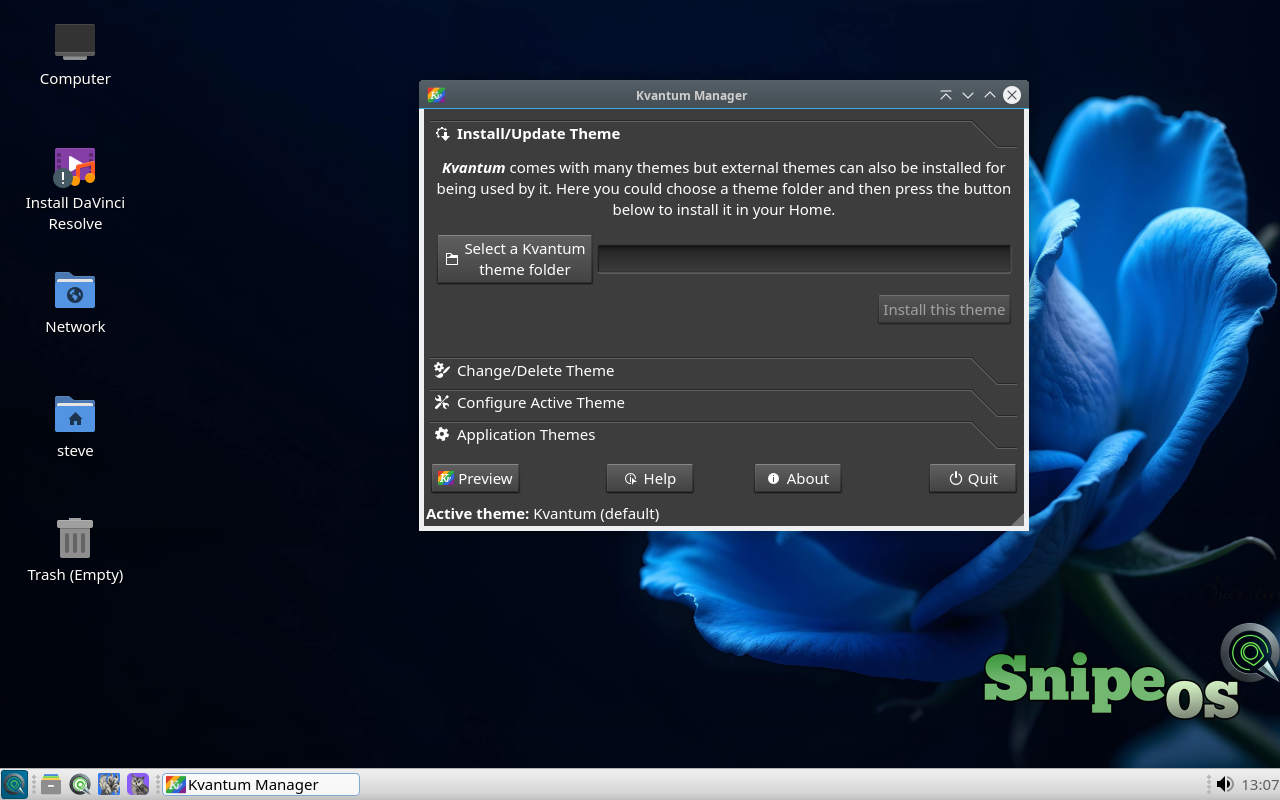
Kvantum Manager tunes Qt application theming so widgets stay coherent with the light SnipeOS 13D look. Themes and extras apply without fighting LXQt settings.
Use it when a Qt app ignores the default Fusion-inspired styling and you want the amd64 desktop to feel consistent again.
Available in: 64-Bit
SDDM and the SnipeOS session
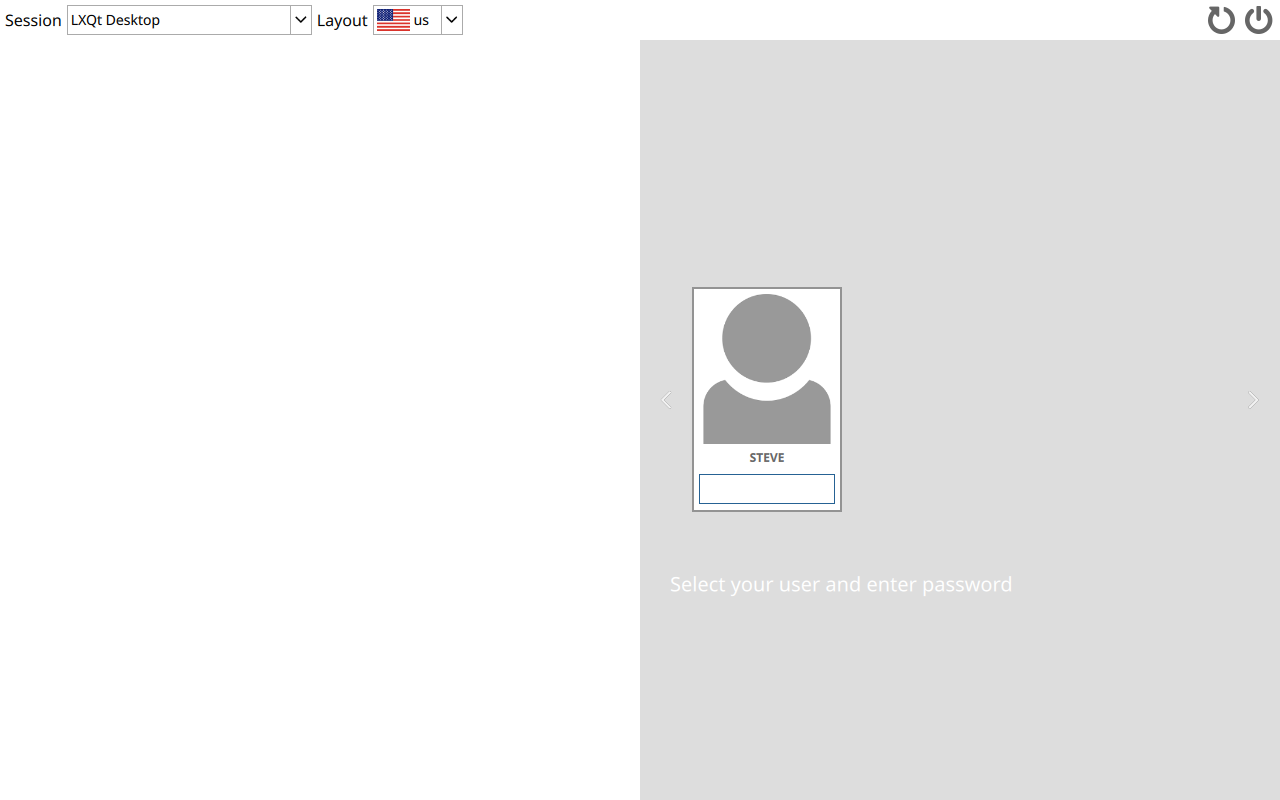
SDDM presents the branded login screen and starts the SnipeOS LXQt session on Debian 13. Themes and greeter config ship with the 13d branding package.
Branding packages keep the greeter and session aligned with SnipeOS 13D after upgrades, so login stays on-brand instead of falling back to generic Debian artwork.
Available in: 64-Bit
SnipeOS Update
On classic SnipeOS 26, SnipeOS Update wrapped apt and branding restore for the Ubuntu-line image. On SnipeOS 13D, prefer the 13D-update scripts published under snipebrowser.com/os so CD-ROM sources and Debian live markers are handled correctly.
The goal is the same: refresh packages, then put identity, Plymouth, SDDM, and MIME defaults back after upgrades without breaking the amd64 desktop.
Available in: 64-Bit
htop
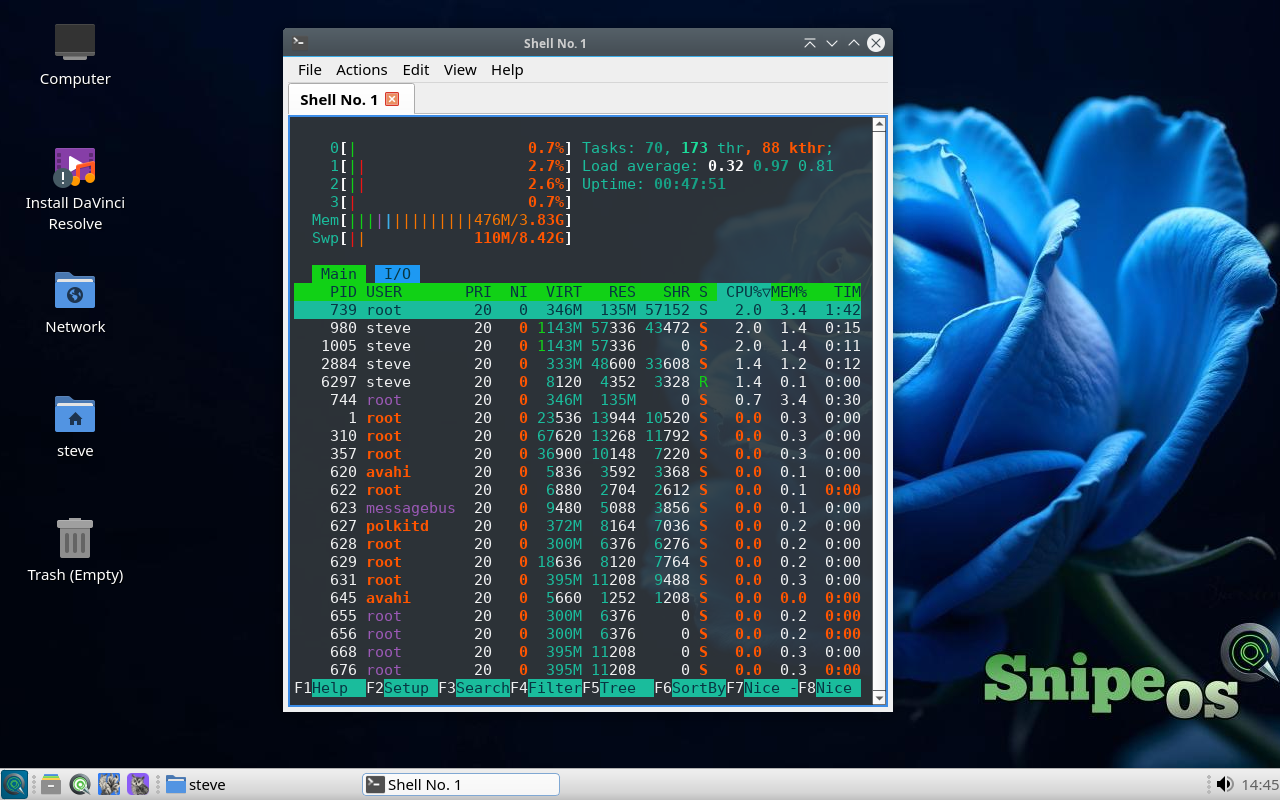
htop is the interactive process viewer for CPU, memory, and process trees when something feels heavy. It is clearer than a static top dump for live diagnosis.
On SnipeOS 13D it pairs with QTerminal during renders and browser sessions so you can see whether RAM or CPU is the real limit on 64-bit hardware.
Available in: 64-Bit
vim, GNU info, and fastfetch
vim covers serious terminal editing, GNU info opens structured manuals, and fastfetch prints a compact hardware and desktop summary for QA and support.
Together they are the small CLI kit for when you need facts and edits faster than a settings panel: support reports, config tweaks, and honest hardware readouts.
Available in: 64-Bit
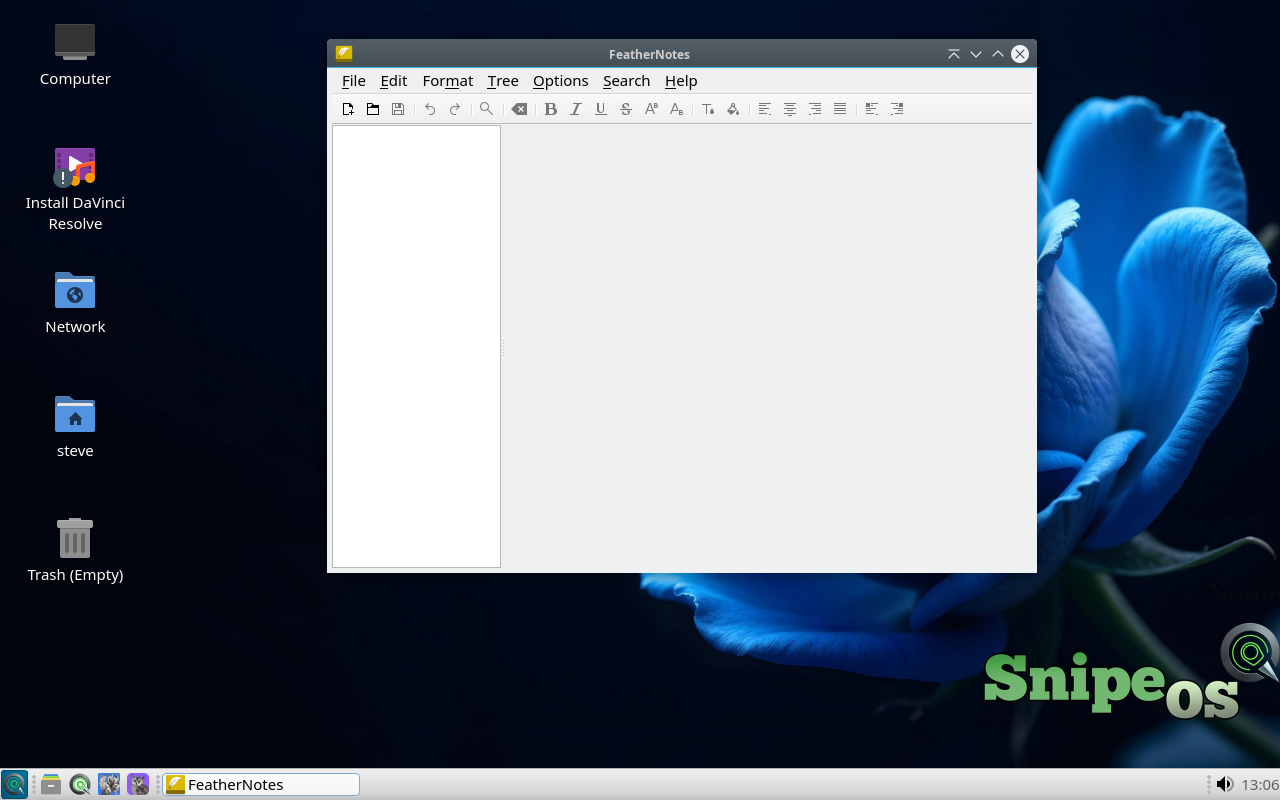
FeatherNotes
FeatherNotes is a hierarchical notes manager with a tree of nodes, rich text, embedded images and tables, tags, hyperlinks, search, and optional password protection. Notes can export to HTML or PDF, and a tray icon keeps the notebook close.
It sits between a single FeatherPad file and a full Writer document: structured research, meeting logs, and project notes that stay local and searchable.
Available in: 64-Bit
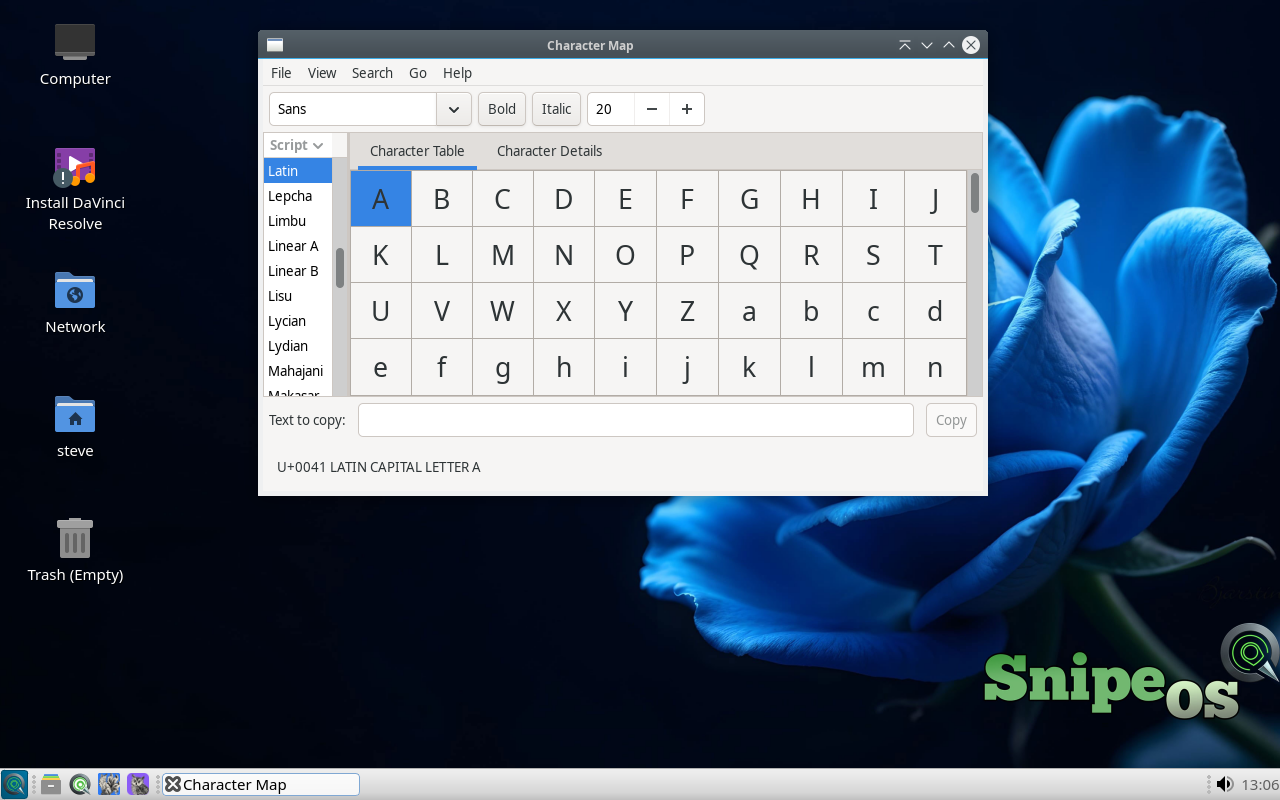
Character Map
Character Map browses Unicode scripts and lets you copy letters, symbols, and emoji into any text field. It is the reliable way to insert characters that are awkward to type on a standard keyboard.
Writers, localisers, and designers on SnipeOS 13D use it for accents, mathematical symbols, and currency marks without memorising code points.
Available in: 64-Bit
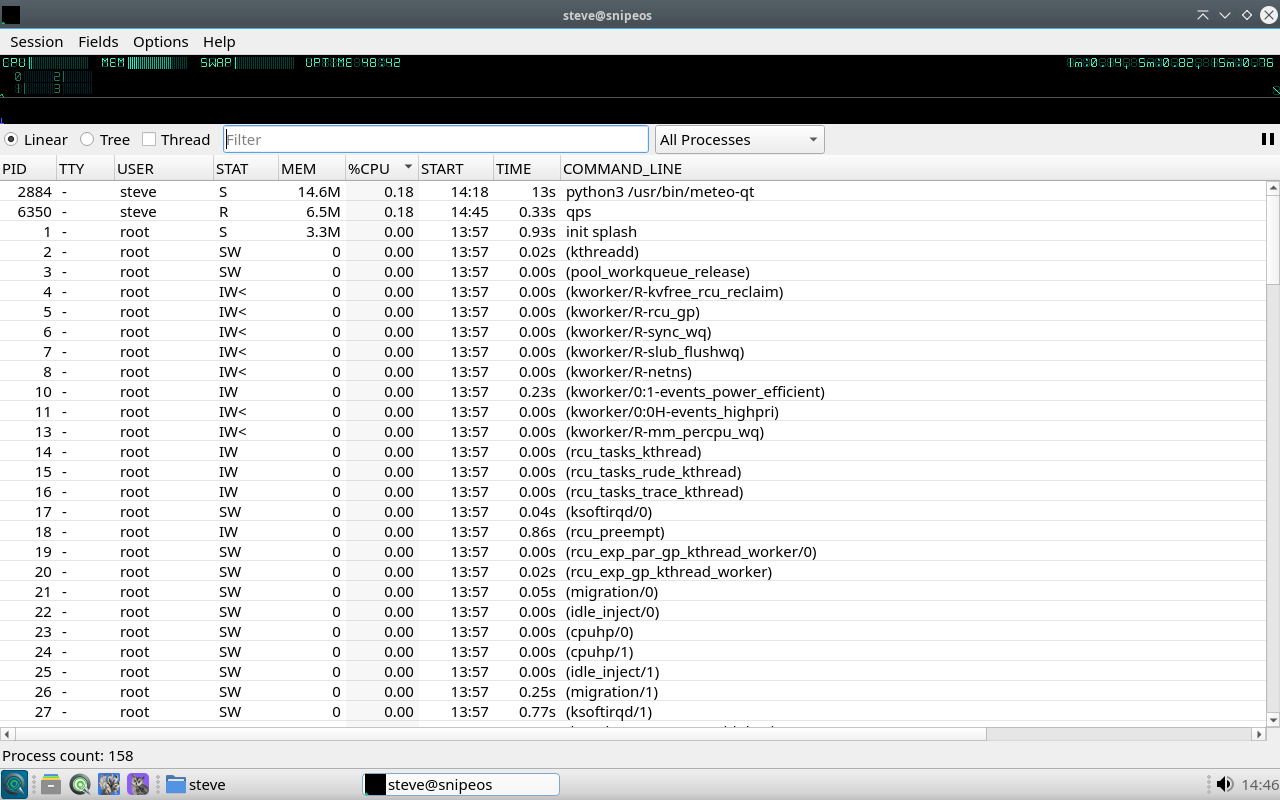
qps
qps is a graphical process manager for LXQt: CPU and memory overview, sortable process lists, and the ability to inspect or end runaway tasks without dropping to a terminal.
Keep htop for deep CLI diagnosis; open qps when you want a quick visual read on what is consuming the machine during a render or browser storm.
 Snipe
Snipe